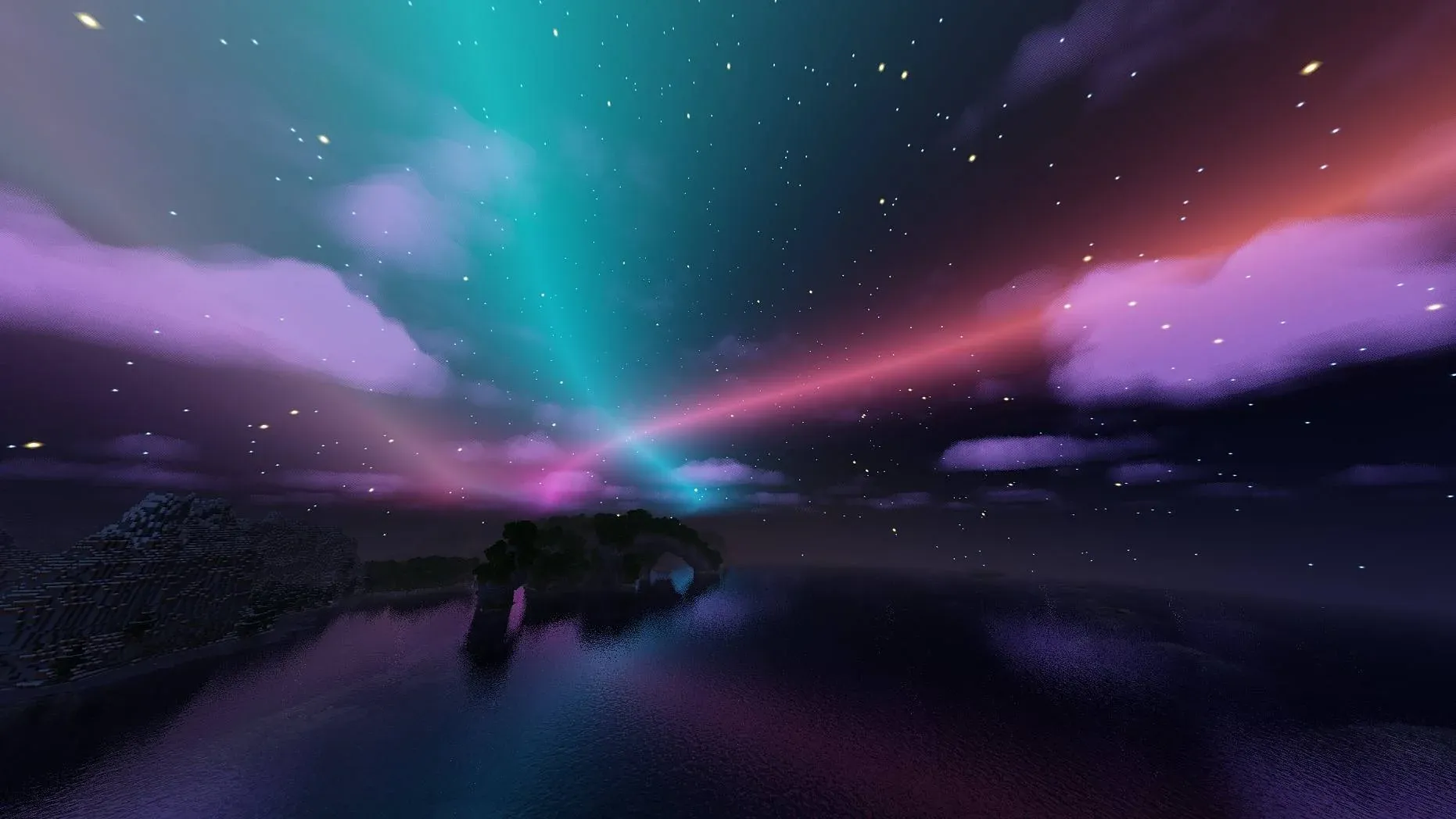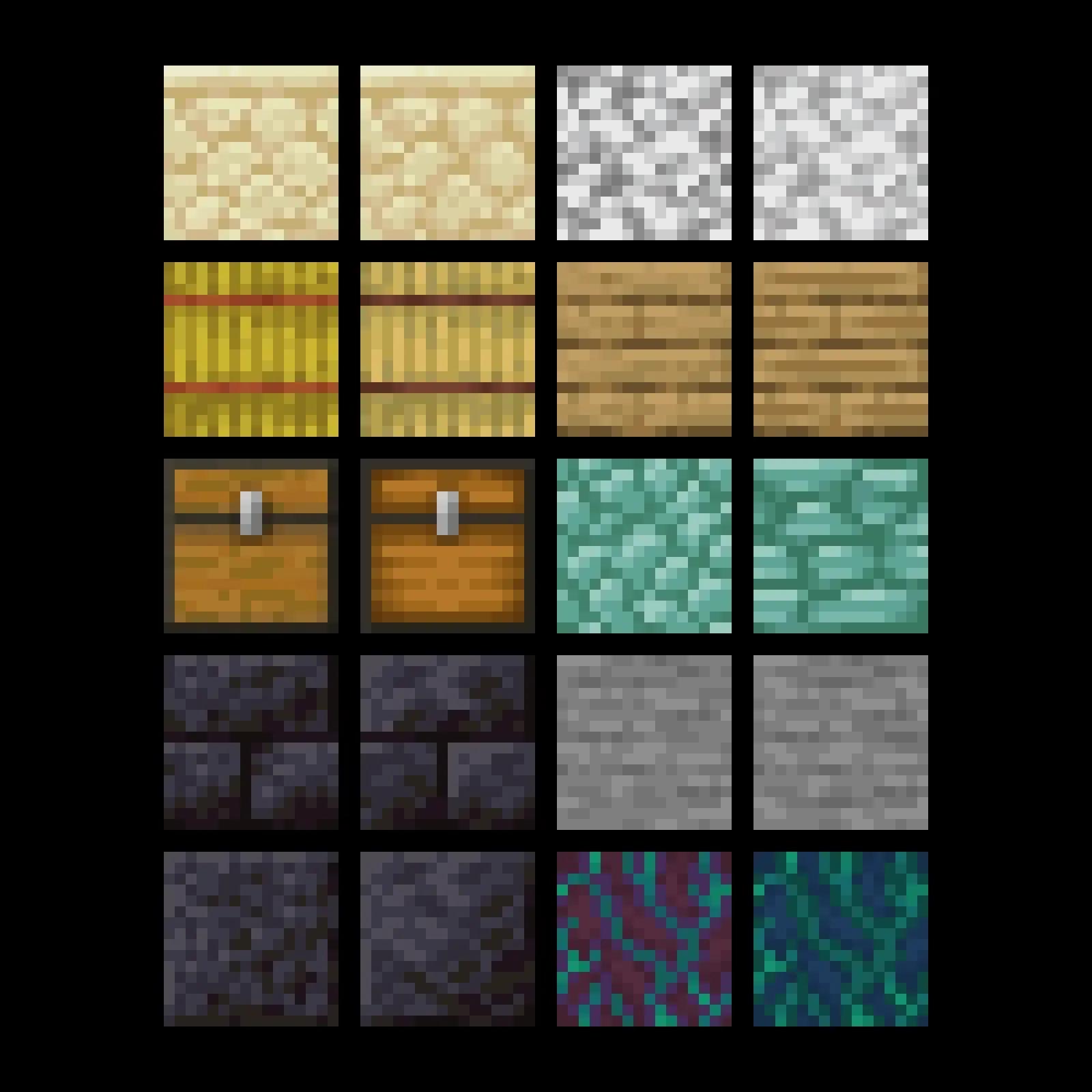

Picture this: you boot up the same world you've been building in for months, and suddenly every stone brick has depth, every torch casts a warm glow, and the oak planks in your base actually look like wood. That's what a good texture pack does. And in 2026, the options available for Minecraft players across both Java and Bedrock editions have never been more varied or more polished.
Texture packs sit at the intersection of accessibility and ambition. You don't need mods, you don't need a high-end rig for most of them, and the installation process on both editions has gotten simpler over the years. The result is a massive, active creator ecosystem that keeps producing genuinely impressive work.
Why the Java and Bedrock split still matters
Here's the thing: Java and Bedrock handle resource packs differently, and that gap shapes what creators can actually build. Java Edition supports OptiFine and its successor Iris Shaders, which unlock connected textures, custom entity models, and PBR (physically-based rendering) material support. Bedrock Edition, meanwhile, uses the Render Dragon engine, which has its own shader pipeline and supports packs distributed through the official Marketplace alongside community-made .mcpack files.
For players on Java, the community-driven scene is where the real depth lives. Packs like Faithful 64x and Faithful 32x remain perennial favourites because they preserve the vanilla art direction while doubling or quadrupling the resolution. They're the safe choice for players who want cleaner visuals without losing the recognisable Minecraft feel. Faithful 32x in particular has maintained active updates through every major version, which matters when a new game drop reshuffles the block list.
On the photorealistic end, SEUS Renewed and BSL Shaders combined with high-resolution PBR packs like Realistico push Java Edition into territory that barely resembles its blocky origins. These setups demand a capable GPU, but on mid-to-high-end hardware the results are hard to argue with.
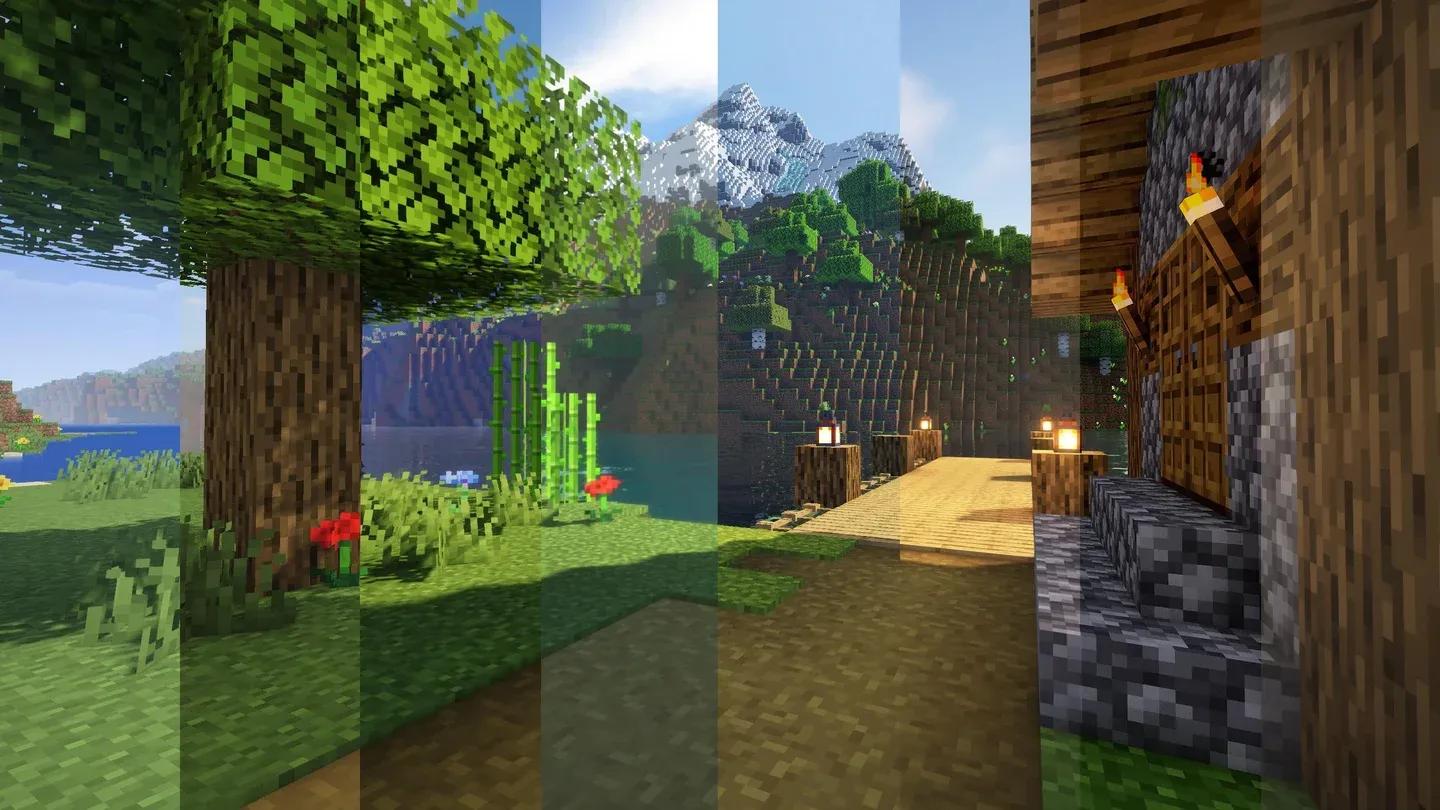
PBR shaders on Java Edition

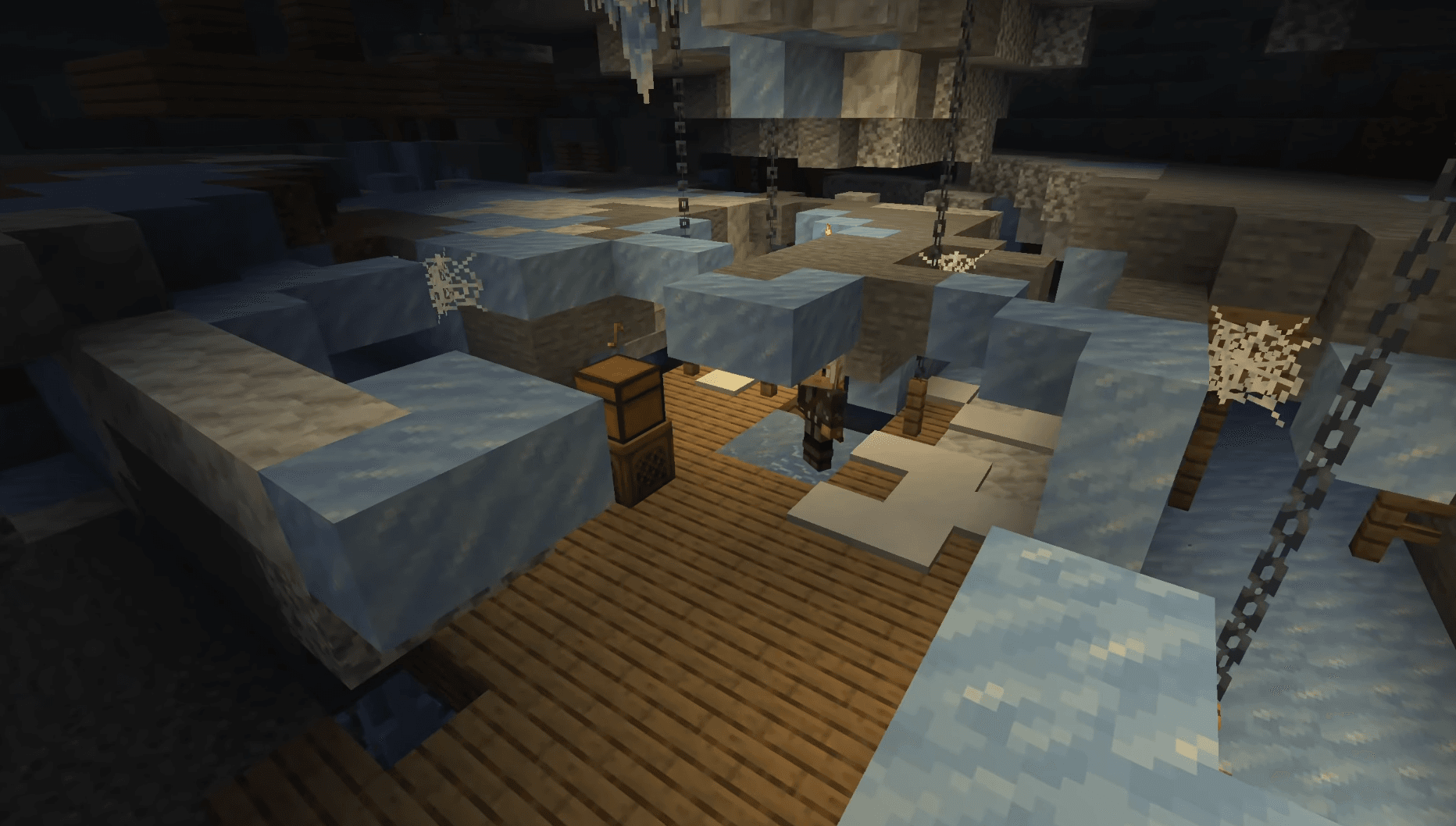
What Bedrock players are working with
Bedrock's texture pack scene has matured significantly. The Minecraft Marketplace now carries a wide catalogue of paid packs from official creator partners, ranging from cartoon-style overhauls to medieval and sci-fi themes. These are polished, version-safe, and work across all Bedrock platforms including console, mobile, and PC.
For free options, the community has rallied around packs distributed as .mcpack files. Bare Bones is arguably the most discussed free pack right now, taking the opposite approach to realism by stripping textures back to clean, minimal shapes. It's become a favourite for content creators because it reads clearly on camera. Kelly's RTX targets players with RTX-capable hardware, using Bedrock's ray tracing support to deliver global illumination and reflective surfaces that genuinely change how the game looks at night.
The key here is matching the pack to your platform and hardware. A 512x PBR pack on a mid-range laptop will tank your frame rate. A 16x pack on a desktop with an RTX card is leaving performance on the table. Knowing your setup before downloading saves a lot of frustration.
The packs players are actually using right now
Across both editions, a handful of packs dominate community discussion in mid-2026:
- Faithful 32x / 64x (Java and Bedrock): The go-to vanilla-faithful upgrade, updated for every current version
- Bare Bones (Java and Bedrock): Minimalist style, creator-friendly, extremely lightweight
- Compliance 64x (Java): A community fork of Faithful with stricter art guidelines and broader block coverage
- Kelly's RTX (Bedrock): Purpose-built for ray tracing on RTX hardware
- Realistico (Java): Full PBR material support, works best with SEUS PTGI or Continuum shaders
- Default Dark Mode (Java and Bedrock): Exactly what it sounds like, darker palette across UI and blocks, popular with players who find vanilla too bright
What most players miss is that UI packs count as resource packs too. Swapping the default HUD for something cleaner, or changing the inventory font to a more readable typeface, has a bigger quality-of-life impact than most block texture changes.
If you want to go further than visual changes, our best Minecraft mods guide covers 52 picks that pair well with texture overhauls, from performance tools to full gameplay overhauls. For everything else Minecraft-related, the full Minecraft guides collection has you covered.