

For years, picking a gaming monitor meant committing to a side. Either you wanted the crisp detail of 4K and accepted a refresh rate ceiling, or you chased triple-digit frame counts and lived with a softer image. The LG UltraGear 32GS95UE-B made that choice feel outdated when it landed, and the broader category of dual-mode monitors is now making a genuine case for being the smartest single display purchase a PC gamer can make.
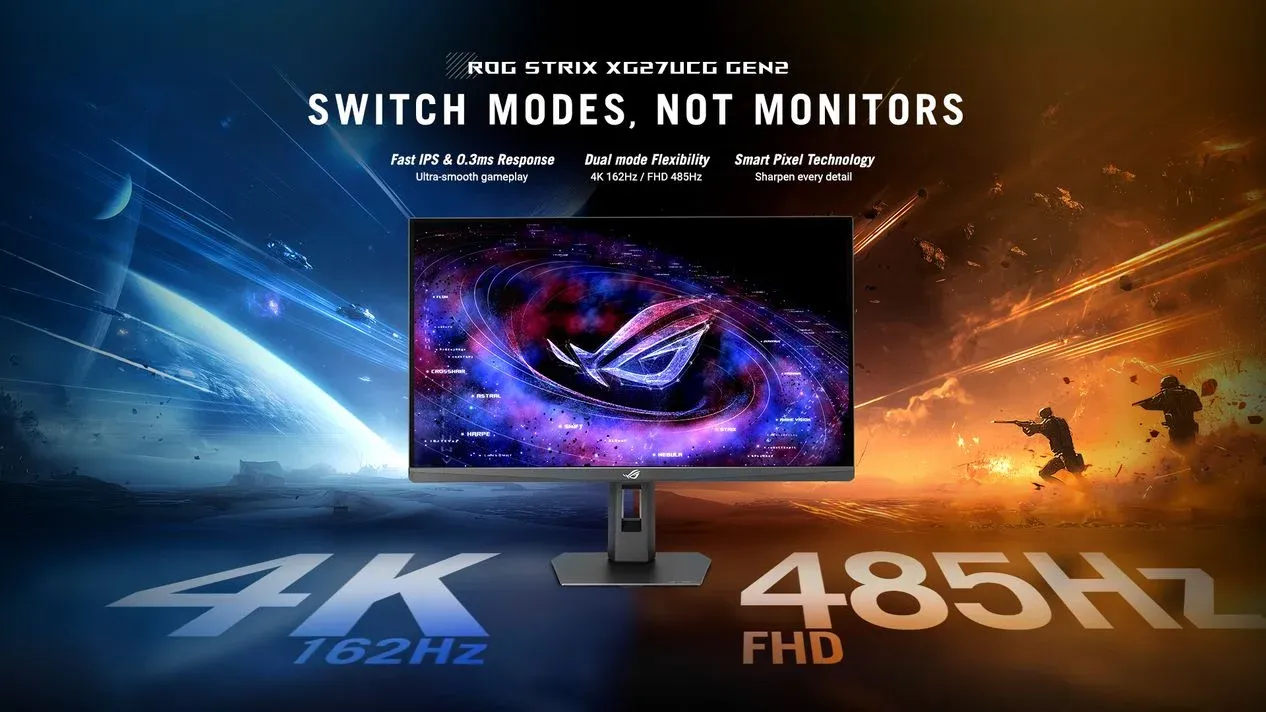
Here's the thing: a dual-mode panel does not split the difference. It gives you both ends of the spectrum on demand. The LG UltraGear 32GS95UE-B, for example, runs native 4K at 240Hz in one mode and drops to 1080p at 540Hz in another. You are not compromising. You are switching contexts entirely.

Use code TRYHARD33 at checkout to redeem this offer before code expires again.
Get 33% Off GAMES+ Subscription
What the resolution switch actually means in practice
The practical split is straightforward. Load up something like Crimson Desert, where every texture and lighting detail deserves the full 4K treatment, and you stay in fidelity mode. Then jump into a fast-paced shooter where hitting 400 or 500 frames per second is the actual competitive edge, and you flip to the high refresh mode. The same screen handles both without any hardware changes.
For anyone who wants to squeeze every frame out of their PC in shooters, check out the Helldivers 2 PC settings guide to see how much of a difference dialing in the right settings makes alongside a capable display.
The switch itself is typically handled through the monitor's OSD or a dedicated button on the unit. There is no restart required, no driver reinstall, no fuss. The display just becomes a different screen.
The current market across price points
The category has grown quickly. Here is a snapshot of what is currently available:
The budget end still delivers the core dual-mode benefit. The premium OLED options add panel quality that makes the 4K mode genuinely pop, but the switching functionality works regardless of where you land on that spectrum.
Sony's upcoming Inzone M10S II pushes the concept further
Sony is preparing to release the Inzone M10S II, a follow-up to the well-regarded M10S. The new model shifts the goalposts by switching between 1440p at 540Hz and 1080p at a staggering 720Hz. Whether most players will actually benefit from the jump to 720Hz is debatable. Seasoned FPS players who have spent years optimizing every variable in their setup might find a use for it, but for the majority, 540Hz at 1440p is already beyond what any current hardware can sustain consistently.
What the M10S II does confirm is that manufacturers are treating dual-mode as a genuine product pillar rather than a gimmick. The feature is showing up across multiple brands and price tiers, which tends to signal staying power.
The case against buying two separate monitors
The obvious counter-argument is the multi-monitor setup: one 4K panel for single-player games, one 1080p high-refresh display for competitive play. That works, but it costs more, takes up more desk space, and means managing two sets of display settings. For anyone who just wants one screen that does the job well across every genre, the dual-mode approach is cleaner.
The key here is that there are essentially no usage caveats on the specs side. You are not degrading the 4K performance to enable the 1080p mode, and vice versa. Both modes operate as their own native configurations.
For PC players who want to make sure their settings are dialed in regardless of display choice, the best PC settings guide for Crimson Desert covers how to get the most out of both high-fidelity and performance-focused configurations.
Why this category is worth watching right now
The dual-mode monitor market has moved from a single flagship option to a full product stack in a relatively short window. Prices at the entry level have dropped to a point where the technology is accessible without a premium build. Panel options have diversified. And with Sony entering the space with the M10S II, the competition between manufacturers is only going to push specs and pricing further.
If a monitor upgrade is on the horizon, the gaming guides hub has everything you need to make sure your full setup is optimized once the new display arrives.