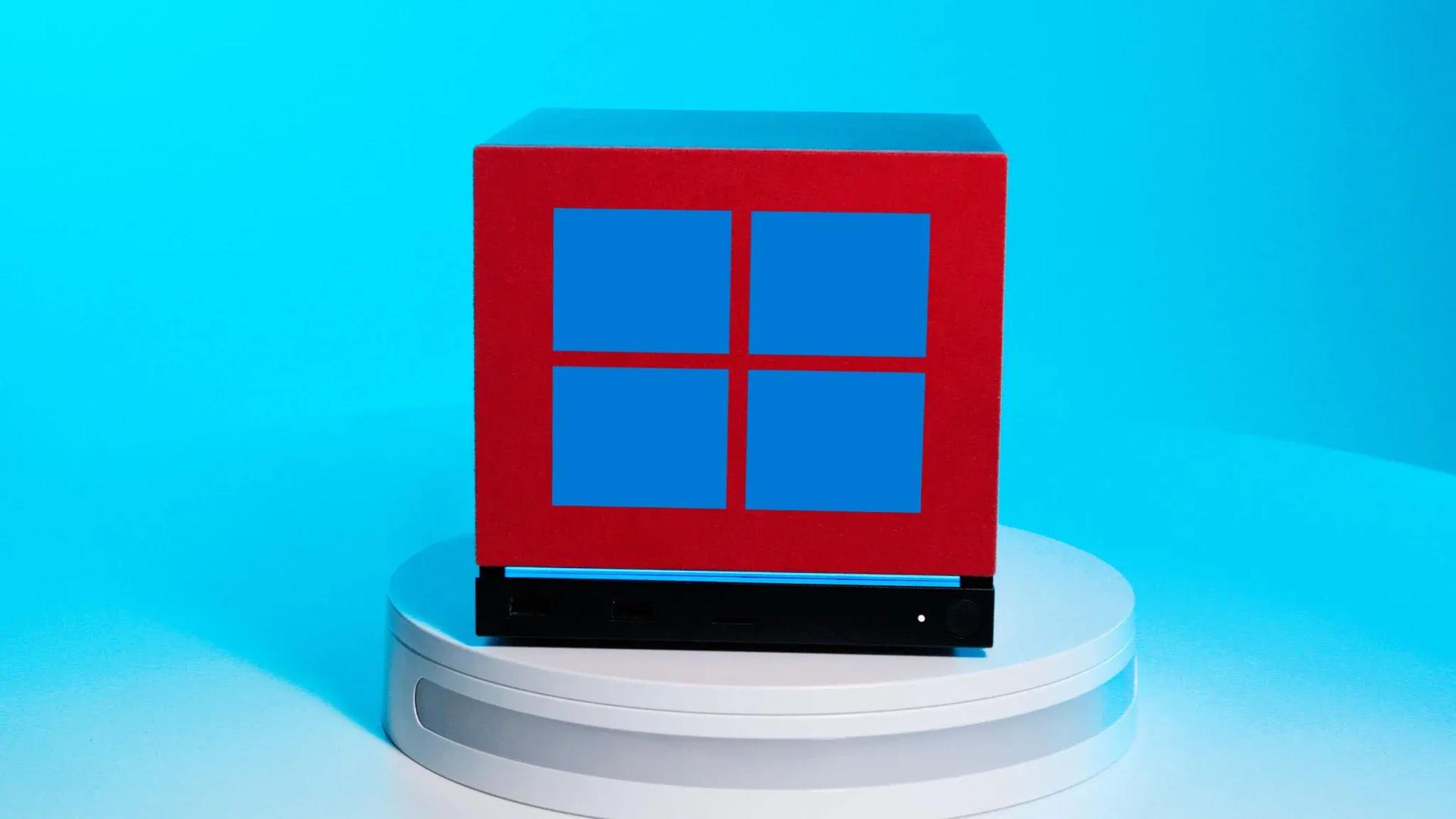

Picture this: you somehow secured one of the very few Steam Machines that Valve managed to ship, you've set it up next to your TV in all its compact, beautifully designed glory, and now you're thinking, "You know what this Linux-based living room PC really needs? Windows." If that describes you, congratulations on being a statistical anomaly, and also, Valve has your back.
Valve has officially published Windows drivers for the Steam Machine on its Steam Hardware support pages, sitting right underneath the driver listings for the various Steam Deck SKUs. The move gives owners a documented, supported path to swap out SteamOS for Microsoft's operating system, should they want one.
Why this is simultaneously useful and a bit absurd
Here's the thing: the Steam Machine is a genuinely appealing piece of hardware. Small form factor, clean design, and it slots under a TV without looking like a server rack. The problem is that it launched in extremely limited numbers, carries a price that's difficult to justify given its last-gen GPU and single-channel memory configuration, and most people who wanted one are still sitting in a reservation queue.
For the owners who do have one, SteamOS is arguably the whole point. It's a living room-optimized Linux environment built around the Steam experience, and it handles couch gaming better than Windows ever has out of the box. Swapping it for Windows means giving up that tight integration in exchange for broader game compatibility, which is a real trade-off worth thinking through.
The elephant in the room is anti-cheat. A significant number of online multiplayer games, particularly competitive shooters, block Linux-based operating systems at the kernel level. SteamOS users on Steam Deck have dealt with this for years. Windows removes that barrier entirely, which is a legitimate reason some owners might want to make the switch.
What the actual installation looks like
The process isn't entirely frictionless. A few things to be aware of before committing:
- All Windows drivers are listed on Valve's Steam Hardware support pages
- You'll need a wired Ethernet connection to enter a Windows product key during setup, because Wi-Fi drivers don't install until later in the process
- There's no dual-boot path available right now, so switching to Windows means leaving SteamOS behind
- Valve has said a dual-boot wizard is coming "once it's complete," which is about as specific as Valve ever gets on timelines
The Wi-Fi limitation is a minor annoyance rather than a dealbreaker. Anyone comfortable enough to install a fresh OS can work around it. The bigger consideration is the binary choice between operating systems, which removes one of the Steam Machine's core selling points the moment you pull the trigger on Windows.
For players who want to keep gaming on PC without the OS headache, our Road to Vostok PC performance guide covers how to squeeze stable framerates out of demanding titles regardless of your setup.
What this actually signals about Valve's approach
Valve continuing to support the Steam Machine with Windows drivers, despite the device's limited availability and niche install base, says something about how the company operates. They built the hardware, they'll support the hardware, even when the audience fits comfortably in a small room.
It also fits a broader pattern. Valve has consistently treated its hardware as open platforms rather than walled gardens. The Steam Deck ships with SteamOS but has always supported Windows. The Steam Machine follows the same philosophy: here's our preferred experience, but you own the device, so do what you want with it.
The practical upside for the tiny Steam Machine owner community is real. Full Windows compatibility means access to every game in your library without worrying about Proton compatibility layers or anti-cheat blocks. The Steam Controller's couch-friendly input handling also softens the blow of running Windows in a living room context, since navigating a desktop OS from a sofa is considerably less painful with it than with a standard gamepad.
If you're exploring other PC gaming options in the meantime, check out whether Windrose is available on console or browse our full gaming guides for hardware and game-specific help across platforms.