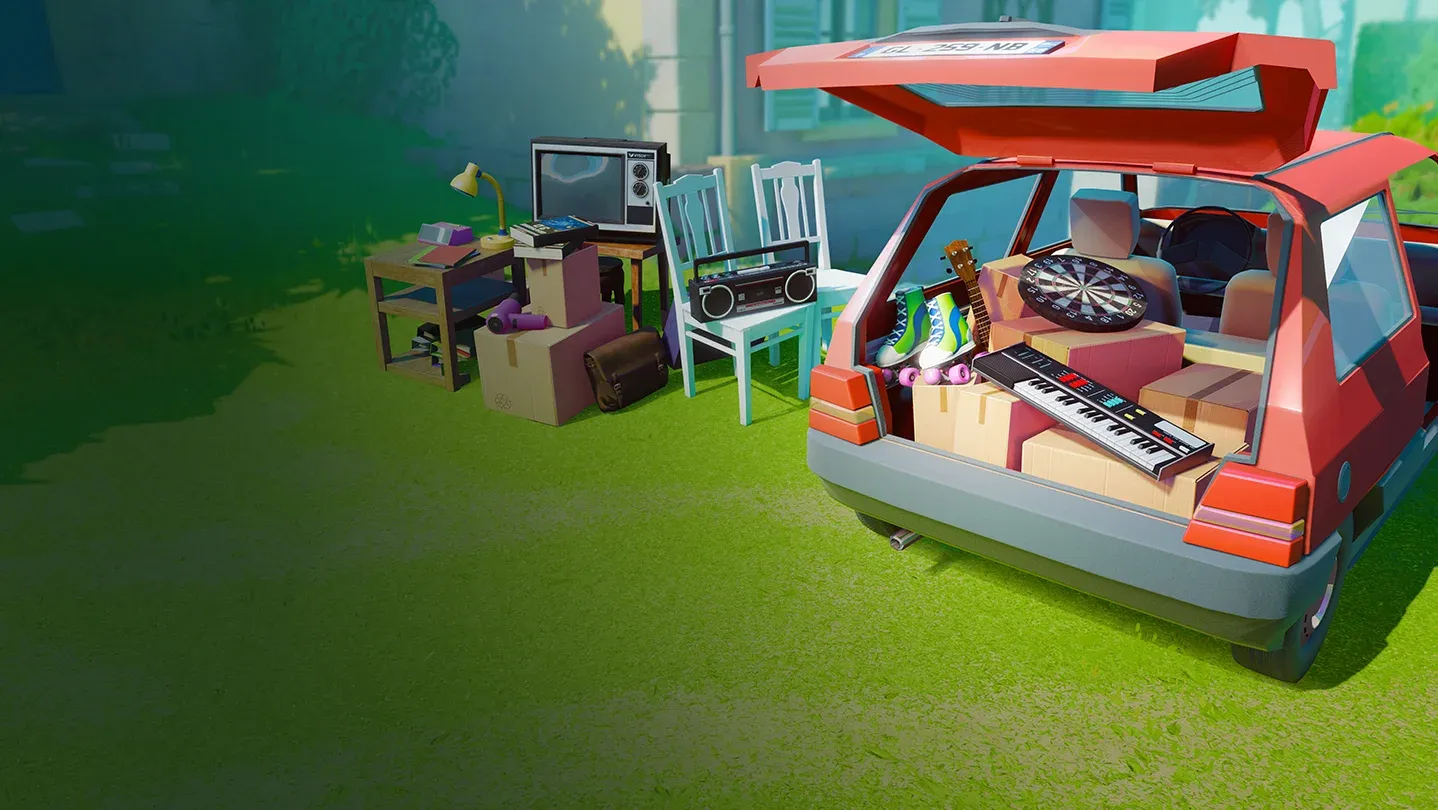
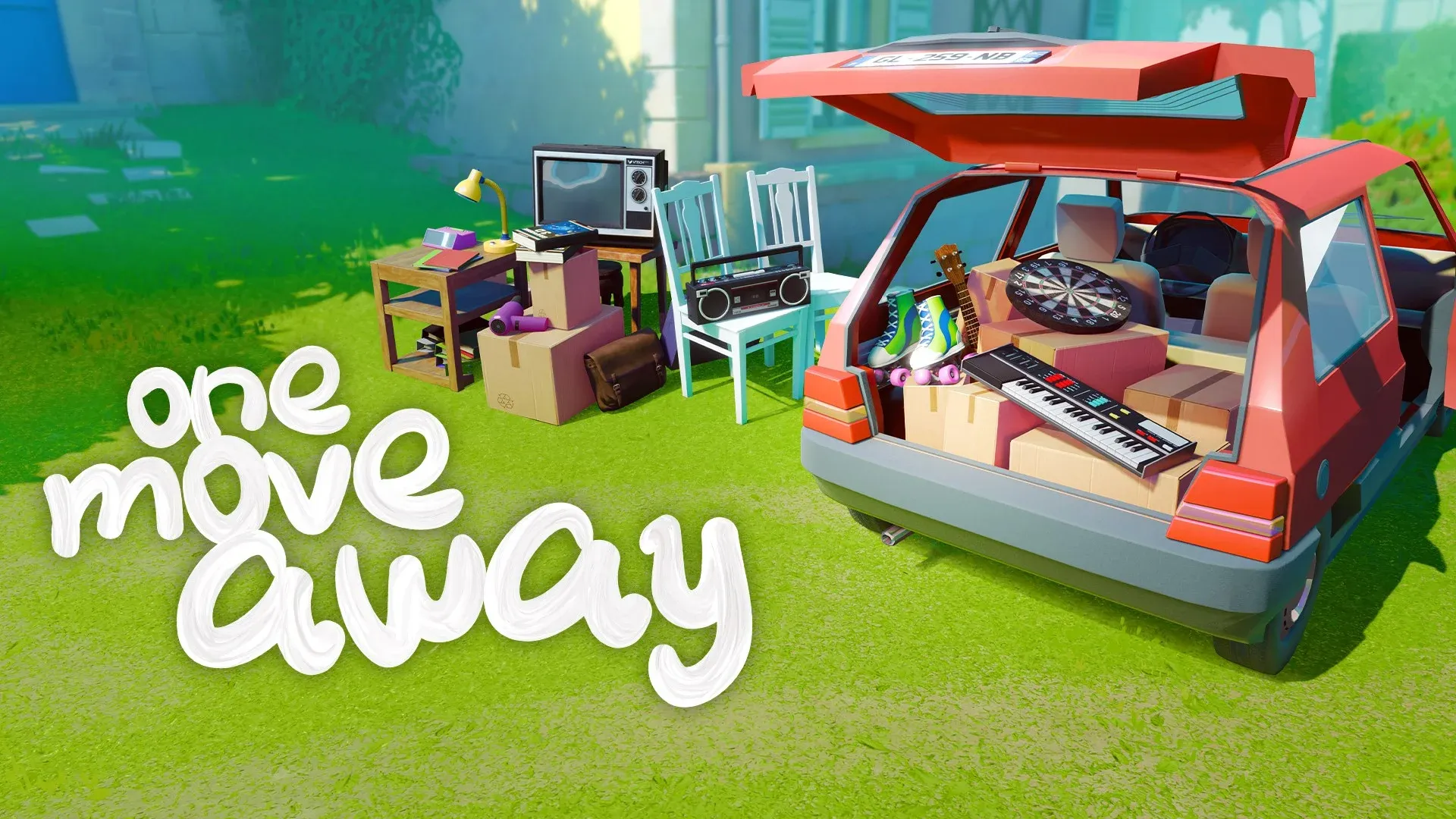
Dreamed Away fans who enjoy cozy, brain-teasing experiences will feel right at home with One Move Away, a first-person puzzle game built around packing vehicles, organizing shelves, and fitting objects into spaces that always look too small at first glance. The concept is simple enough, but the levels ramp up quickly, and a few early habits can save you a lot of frustration before the difficulty spikes.
How do you get started with the controls?
The first chapter serves as a full tutorial, casting you as a baby stacking toys in a playground. By the end of it, you'll understand how to rotate objects, pick them up, and move them into position. Most of those mechanics carry through the entire game, so pay attention.
Two controls the tutorial skips over are worth knowing immediately. Crouching gives you a much better angle when placing items in low areas like bottom shelves or under furniture. On a gamepad, that's X (PlayStation) or Square; on keyboard, it's CTRL. The Poke button (LMB on keyboard, RT/R2 on gamepad) lets you nudge an already-placed item in a specific direction, which is exactly what you need when something is almost in position but not quite.
The Highlight button (R on keyboard, Y/Triangle on gamepad) is your best organizational tool. Press it at any time to see every item you still need to pack. Main objectives appear with a simple outline, while extra objects carry a plus sign above them. Using this regularly stops you from losing track of items scattered around the level.
Why does planning before you move anything matter?
The hardest moment in any level is the opening seconds, when you're staring at a pile of furniture, books, and random objects next to a space that looks impossibly small. That feeling fades fast once you have a plan.
Before touching a single item, scan everything available. Group similar objects mentally, identify which ones are the largest, and figure out where those big pieces need to go first. Large items anchor your layout. Once they're placed, smaller objects fill the gaps around them rather than competing for the same space.
Also check which objects can be made smaller before you commit to a placement strategy. A desk lamp, a folding table, or a patio chair that gets folded down takes up significantly less room than the same item left in its default state. Knowing which items have that option changes how you budget your available space.
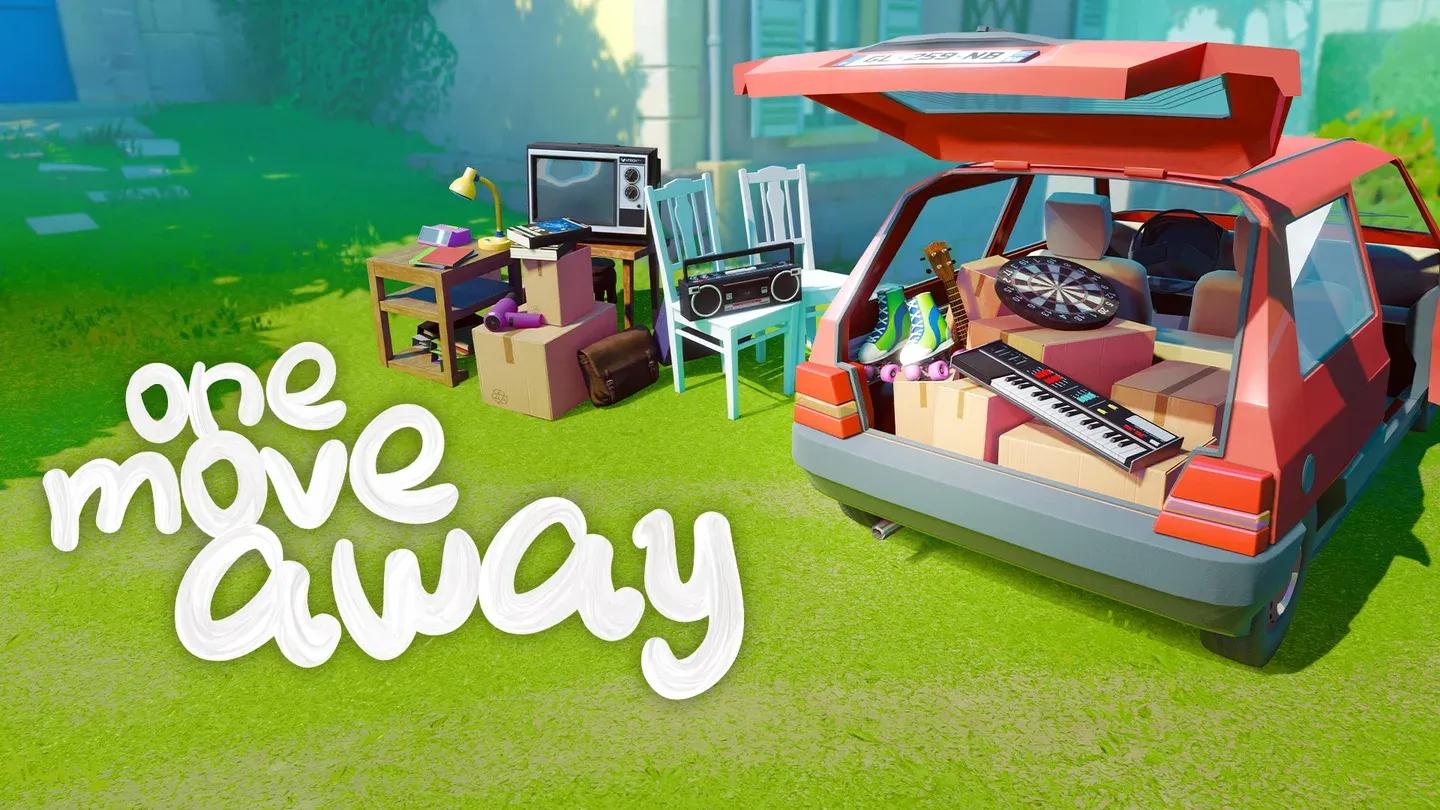
Plan your layout before packing
What are the side objectives and should you bother with them?
Every level has two optional side objectives that award bonus stars on completion. They're separate from the main goal, which only requires you to pack the highlighted items.
The first side objective typically asks you to pack additional objects marked with a plus sign. The number of extras changes between levels, so check with the Highlight button to see what you're dealing with.
The second side objective is usually more specific and often adds a real constraint. In the chapter right after the tutorial, for example, one objective requires packing a desk lamp without folding it. Since the unfolded lamp takes up more space, your entire packing strategy for that level has to account for it.
| Objective Type | What It Asks | Effect on Story |
|---|---|---|
| Main objective | Pack all highlighted items | Required to finish level |
| Side objective 1 | Pack extra plus-sign items | Bonus stars only |
| Side objective 2 | Specific constraint (e.g., no folding) | Bonus stars only |
For a full breakdown of every level's requirements, the Dreamed Away guides collection has additional resources worth checking if you get stuck.
How do you stack and manipulate objects effectively?
Object manipulation is where One Move Away separates players who breeze through levels from those who restart repeatedly. The game gives you more control than it initially appears to.
Folding is the most useful tool. Items like desk lamps, tables, and patio chairs can all be collapsed into a smaller form. Doing this before placing them frees up space for everything else. The trade-off is that some side objectives specifically prevent you from folding certain items, so always check before you commit.
Stacking works well for uniform objects: books, files, and boxed board games pile neatly and keep your space organized. The catch is that a full stack needs enough clear floor space to land as a unit. If space is tight, breaking the stack and distributing items individually into separate gaps is often more efficient.
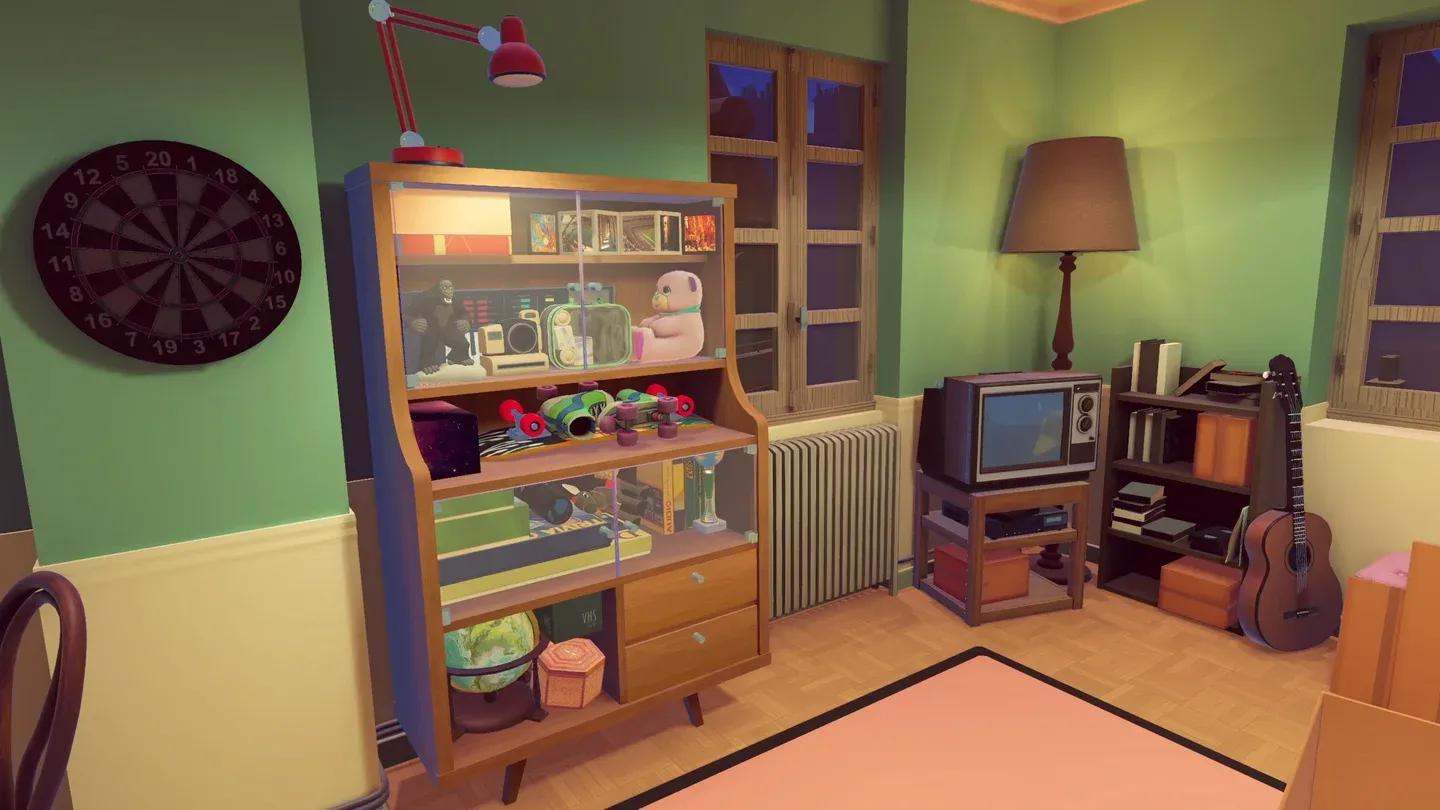
Fold items to reclaim space
Does everything have to look neat to count as a win?
No, and this is worth repeating. The game only checks that every required item fits within the designated space and stays put. The arrangement does not need to look realistic or tidy.
The trailer level in chapter four is a good example. Placing the wardrobe first and stacking chairs and other items on top of it clears the floor for bulkier objects that can't go vertical. The result looks chaotic, but it works, and the game accepts it.
Once you let go of trying to make everything look like a moving company brochure, the puzzles get easier. You start seeing the space as a three-dimensional volume to fill rather than a shelf to display.
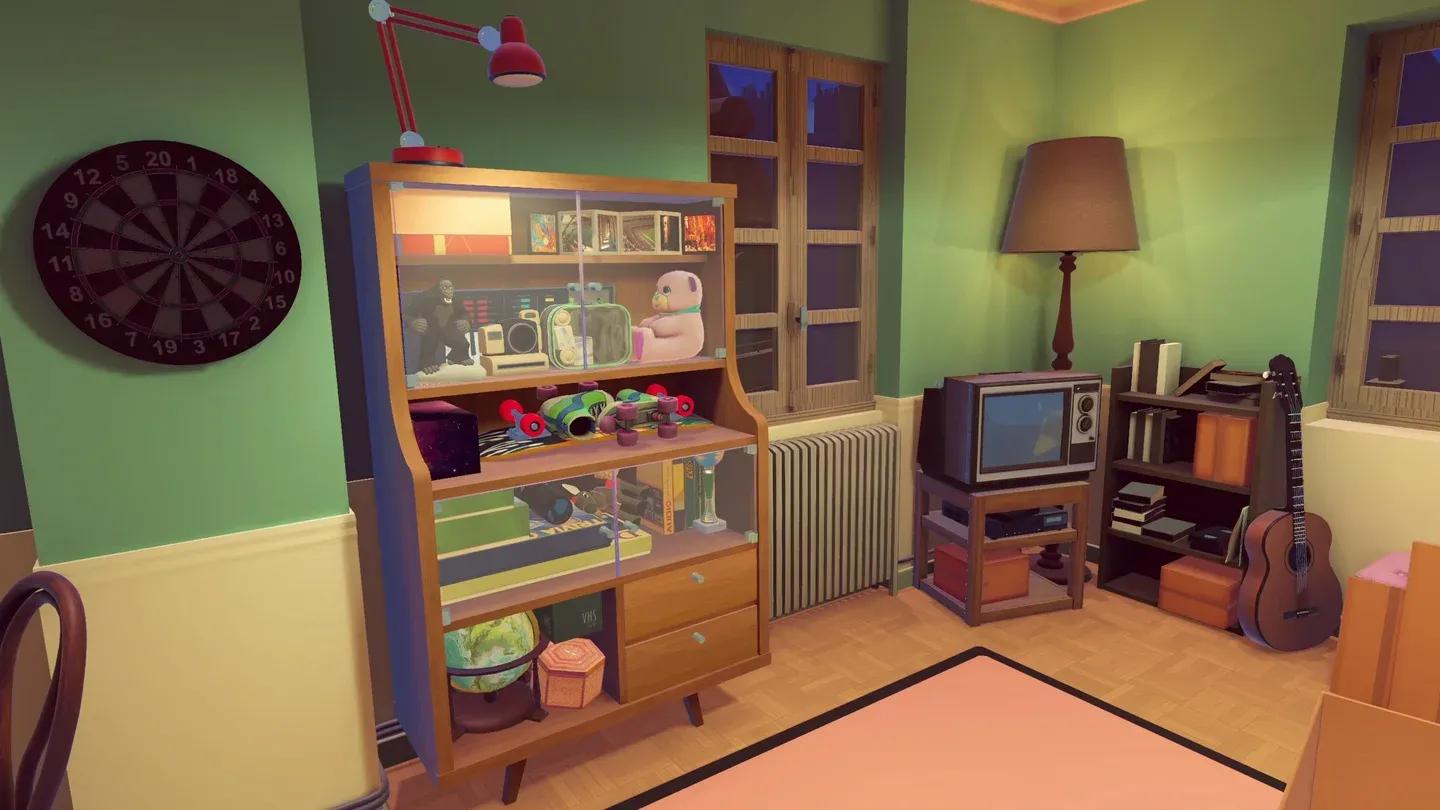
Messy but complete is still a win
One Move Away sits comfortably alongside other cozy adventure games that reward patience and lateral thinking over quick reflexes. The satisfaction of watching that final snapshot after a perfectly (or chaotically) packed level is genuinely earned.
For more tips and walkthroughs across the game's chapters, the full strategy guides collection has you covered as the levels get tougher.