Search games, articles, guides...CtrlK
Sign InGet Started

Master Outbound's first hour with the right van, core loop, Signal Towers, and resource tips to build a functional mobile base fast.

Written by Larc
Content Writer
See more GAMES.GG guides on Google
Add us as a preferred source and our guides show up first in your results.
Outbound Axe Guide: How to Get, Craft, and Use It
Learn how to unlock, craft, and use the Axe in Outbound to chop logs and dead trees for wood materials.
Outbound Scrap Metal Guide: Where to Find It and What It Builds
Find Scrap Metal fast in Outbound by hitting Signal Towers, managing supply caches, and keeping a reserve for key workstations.
Outbound Resources Guide: Every Material and How to Get It
Every resource in Outbound, where to find it, and how to collect it across all four biomes and power systems.
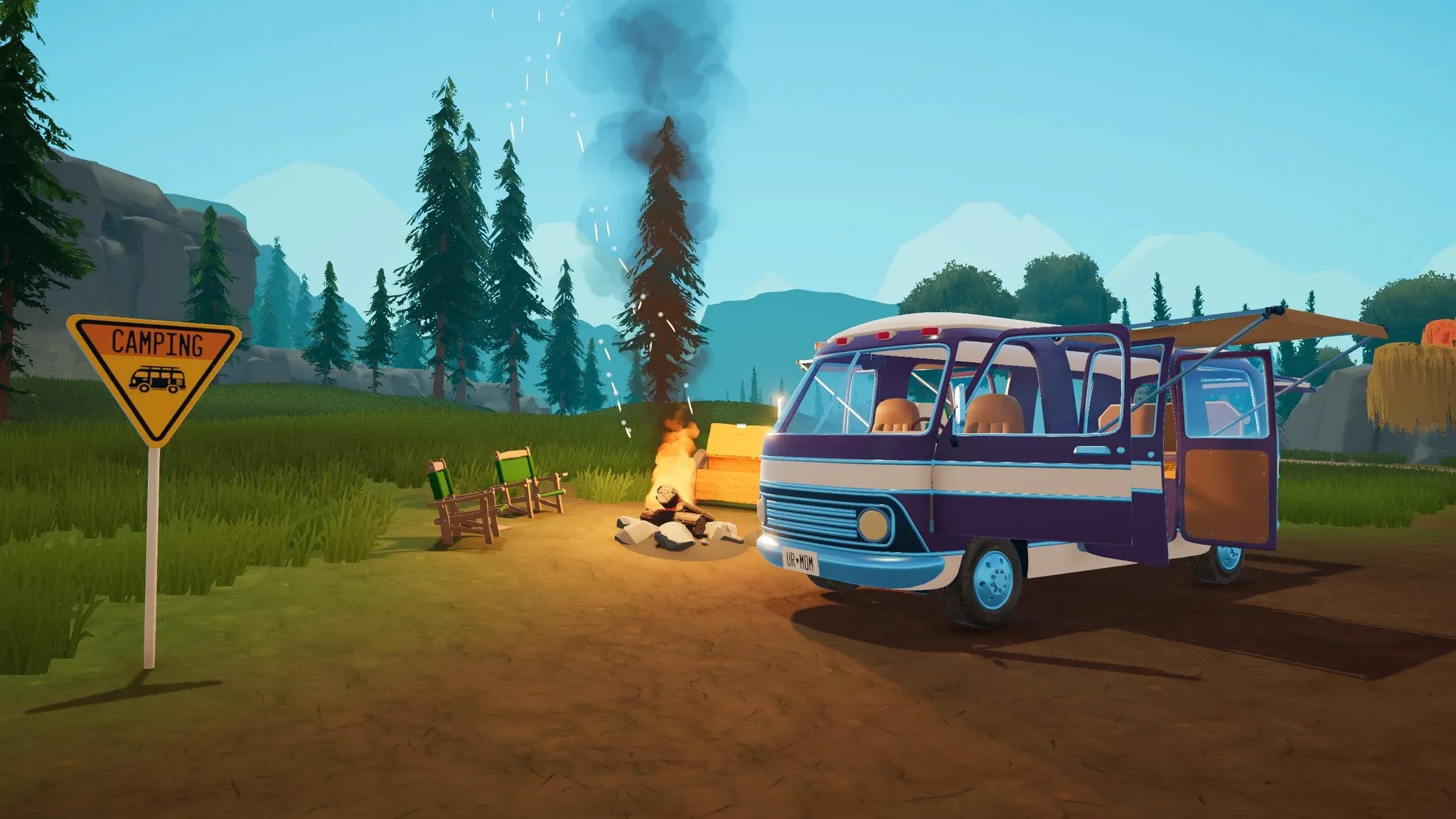
Outbound drops you into a cozy open-world road trip where your van is your home, your workshop, and your lifeline. Square Glade Games built the early game around a chain of small systems that all depend on each other, and the first hour is where most players either click with that loop or spend 45 minutes confused and running low on battery. This guide covers exactly what to do, in what order, so you can skip the trial-and-error phase entirely.
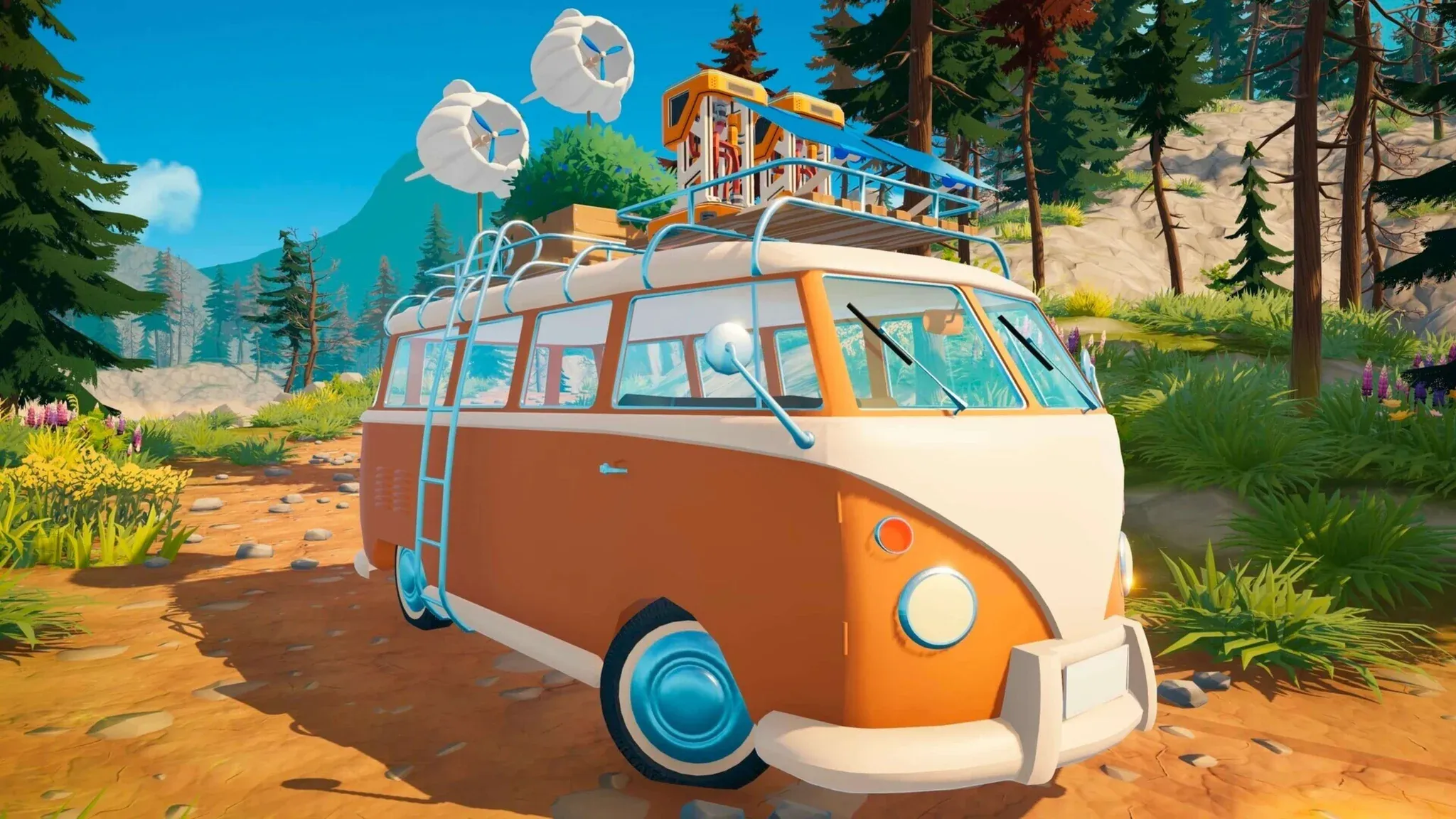
Before the tutorial gets going, Outbound asks you to choose a starting vehicle. This decision matters more than it looks. Interior space fills up fast once you start adding a Recycler, Sawmill, Sewing Table, Bolt Press, storage units, and power systems.
For a first playthrough, the roomiest option available, such as Big One, is the safer pick over something like Pathmaker. Pathmaker handles better on the road, but once workstations start stacking up, the cramped interior becomes a real problem. Space lets you make mistakes while learning. Handling can be compensated for; a van with no room for a Sawmill cannot.
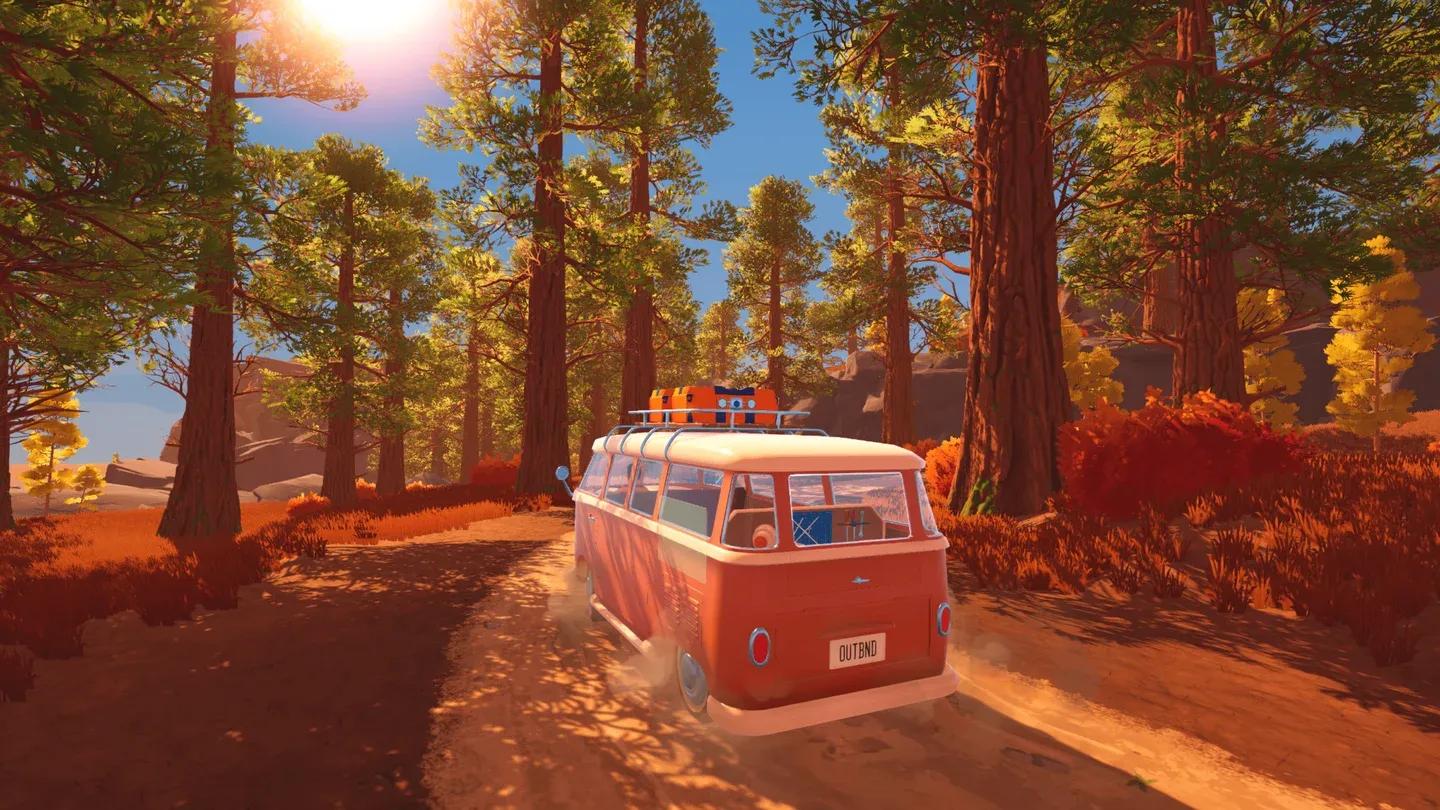
Van layout: space is everything
The entire early game runs on one repeating cycle:
Your van is not just transportation. It is your base, your workbench, your power system, your bed, and your storage hub. Every upgrade you make to it multiplies the value of every future gathering run.
When you feel stuck, the answer is almost always a missing link in this chain: a blueprint you have not downloaded, a workstation you have not built, a material you have not processed, or a tool tier you have not reached yet.
Here is the practical route through the opening session, based on the core systems Outbound introduces:
| Step | Action | Why it matters |
|---|---|---|
| 1 | Choose a roomy starting van | Interior space becomes critical once workstations start stacking |
| 2 | Finish the tutorial area, light the first campfire, loot the supply box | Teaches the real loop before you are on your own |
| 3 | Reach the first Signal Tower, download Basic Tools, craft the Wrench, repair the first gate | Opens the early map and unlocks co-op access |
| 4 | Gather Scrap Metal, Everwood, Fiber, Roadberries, Ginger, Water, and Litter near your route | Early progression is limited by missing materials, not by danger |
| 5 | Deposit into the van often; lock Download Vouchers before depositing | The van is your real inventory; your backpack is only for short trips |
| 6 | Build the Recycler, feed it Litter, collect Download Vouchers | Vouchers unlock blueprints at later Signal Towers |
| 7 | Prioritize utility over decoration: storage, Recycler, Sawmill, power, tools first | A pretty van that cannot climb a slope or hold battery charge will slow everything down |
| 8 | Work toward bridge repairs, Motor I, Pickaxe II, and the Mossrocks blocking the tunnel exit | Leaving the first biome is a chain of unlocks, not a single quest marker |
Signal Towers are your main progression engine. The blueprint chain looks like this:
Litter → Recycler → Download Vouchers → Signal Towers → Blueprints
The first Signal Tower is free. Later towers need Download Vouchers, which come from recycling Litter you find at campsites, towers, and abandoned stops. Towers can also cycle new options after you have visited them, so do not stress over one early choice.
Blueprints unlock the tools, workstations, building parts, power systems, and vehicle upgrades that drive every other system forward. If you are not sure what to unlock next, ask what recipe or action is currently blocked and trace it back to the blueprint that enables it.
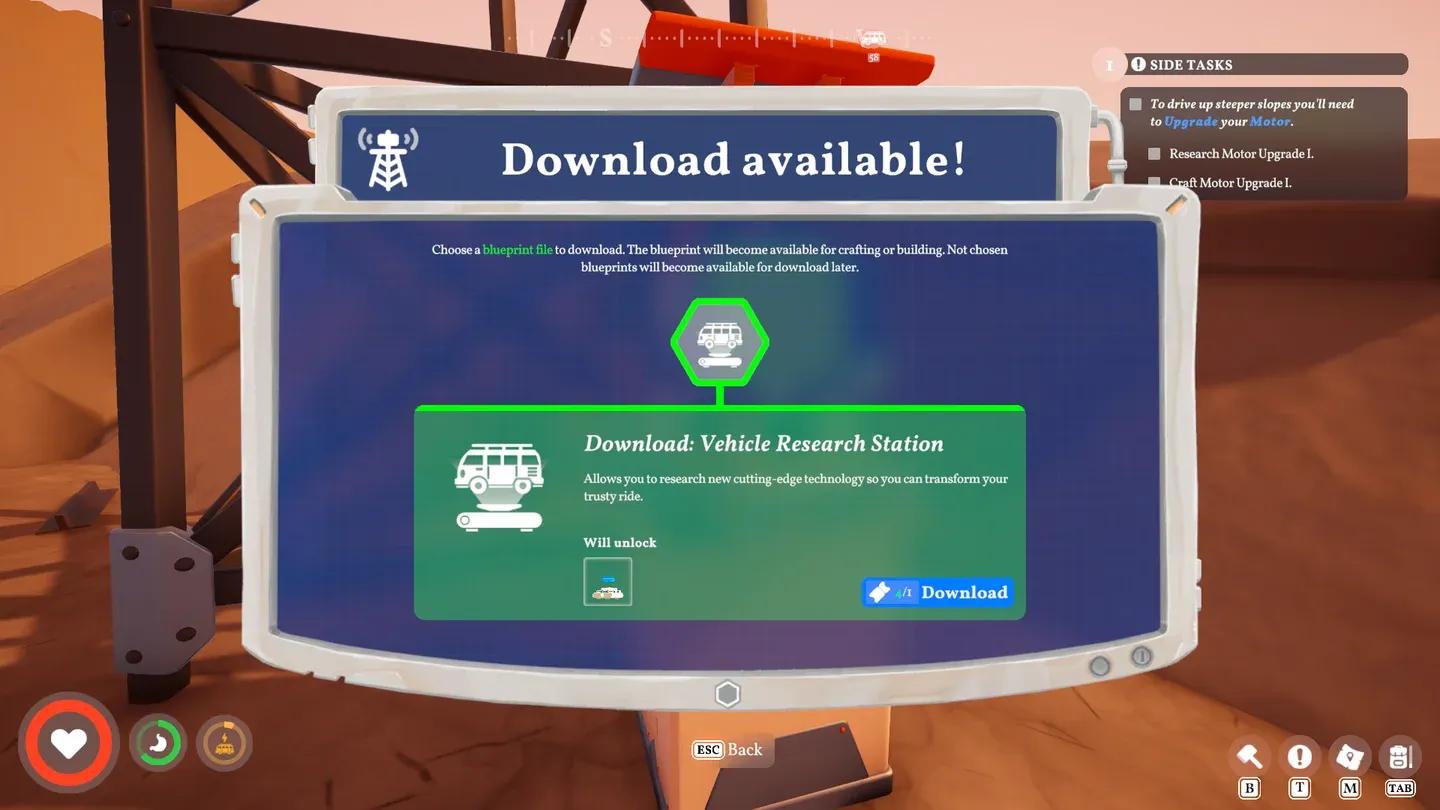
Signal Towers drive all progression
Outbound rewards players who pick up a little of everything, but some materials carry more weight than others in the first biome.
| Resource | Where to find it | Why you need it |
|---|---|---|
| Scrap Metal | Signal Towers, roadside junk, supply boxes, mining-style POIs | Tools, Bolts, Metal, workstations, Vehicle Research, upgrade chains |
| Everwood | Loose logs, campsites, wooded paths, larger trees after Axe upgrades | Sawmill Planks, bridges, building, early crafting, emergency fuel |
| Fiber | Small bushes early; larger bushes after Sickle upgrade | Sewing Table, backpack upgrades, gear paths, emergency fuel |
| Litter | Campsites, towers, abandoned stops, points of interest | Recycler input for Download Vouchers and blueprint unlocks |
| Food and water | Roadberry bushes, Ginger pickups, wells, buckets, farms, food POIs | Hunger, healing, farming, cooking, longer trips away from the van |
Scrap Metal deserves extra attention because it feeds almost every upgrade chain in the early game: tools, Bolts, Metal, workstations, and vehicle research all pull from it. Collect it whenever it is near your route.
For a deep dive into farming Fiber efficiently, check out the Outbound Fiber farming guide for the best lake spots and Sickle upgrade advice.
Think of storage in two layers: the van holds everything you own, and your backpack holds only what the current trip needs.
Deposit materials into the van often. Lock Download Vouchers before you hit the deposit panel, or they will get swept in with everything else. Some world interactions require items to be in your backpack specifically, so do not assume van storage covers every situation.
For the full walkthrough on finding the hidden deposit panel and accessing stored items, the Outbound van deposit guide covers exactly where to look and how to dump your backpack fast.
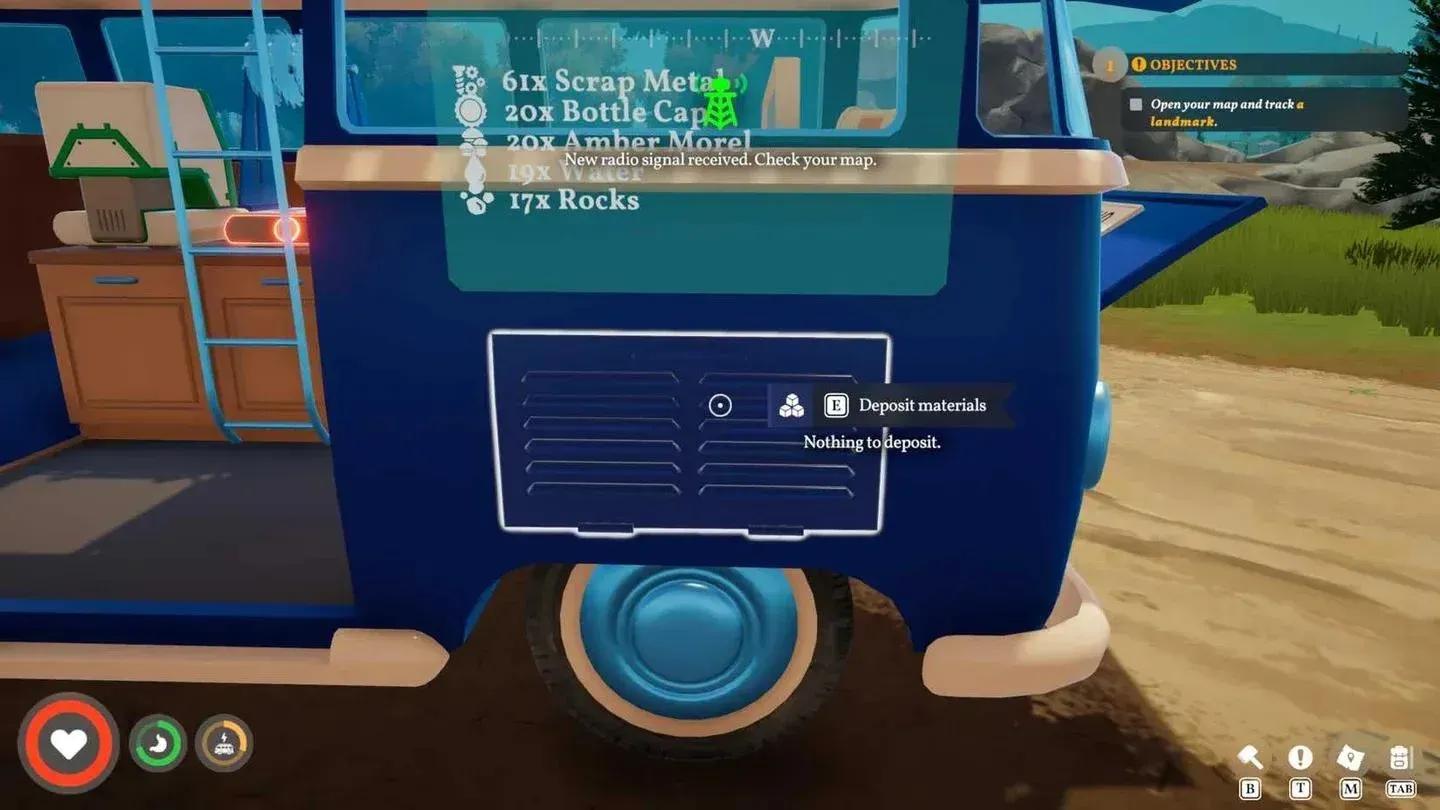
Deposit panel: your inventory lifeline
The first map exit is not a door with a quest marker. It is a chain of progression blockers you clear one at a time.
| Blocker | What it means | How to handle it |
|---|---|---|
| Broken bridges | Needs processed materials, specifically Everwood Planks, not raw logs | Unlock the Sawmill, craft Planks, bring the exact count |
| Raised drawbridge | You are approaching from the wrong side | Find the route around, reach the far side, use the control room switch |
| Steep slope | Van motor is not strong enough | Unlock Vehicle Research, craft Bolts, upgrade to Motor I |
| Mossrocks | The actual first-map exit gate | Upgrade to Pickaxe II, break the rocks, drive through the tunnel |
| Large bushes or rock nodes | Wrong tool tier | Unlock and craft Axe, Pickaxe, or Sickle upgrades before returning |
Mossrocks are the clearest sign that you need a Pickaxe upgrade before anything else. Once they are cleared, the tunnel opens and the second biome becomes accessible.
A few things Outbound introduces quietly that can hurt you if you ignore them:
Outbound supports online co-op for up to 4 players, but you have to clear the starting section first. Once you repair the first gate with the Wrench, co-op becomes available. Treat progress as host-world progress unless your group has confirmed otherwise.
If you are playing with friends, splitting roles makes the early game much faster: one player drives and monitors battery, one handles gathering, one manages towers and blueprints, and one tracks crafting queues.
Crossplay and platform availability can change post-launch, so check the current store page before planning a long cross-platform session.
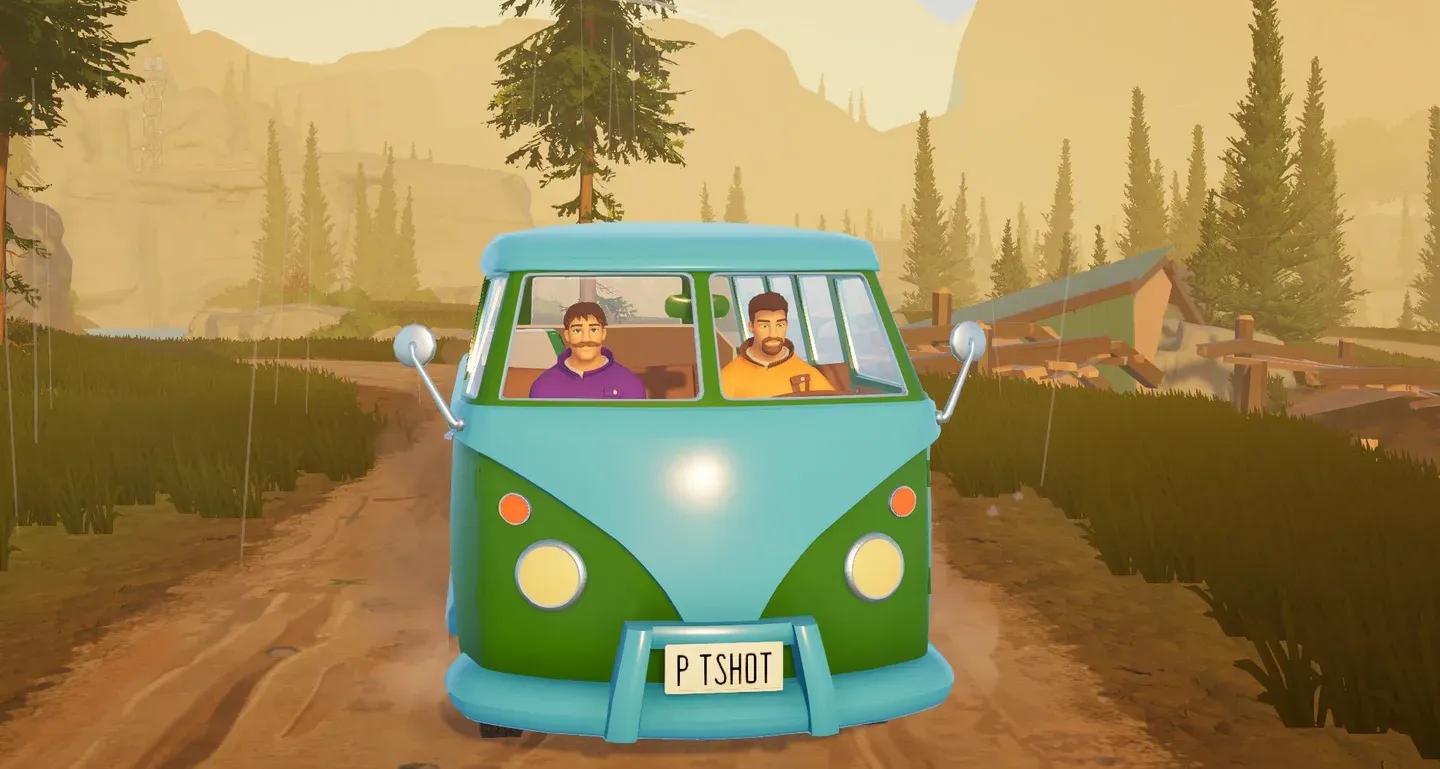
Co-op unlocks after the first gate
Outbound is not hard because of enemies or punishing death mechanics. It is hard because small systems depend on each other in ways that are not always obvious. Hunger, battery drain, missing blueprints, and wrong tool tiers all compound quietly until you feel stuck with no clear reason why.
The fix is almost always the same: trace the problem back to its source. What recipe is blocked? What material is missing? What tool tier do you need? Answer that question and the path forward opens up.
For more guides covering every system from storage to fiber farming, the full Outbound guide collection has you covered as you move into later biomes.