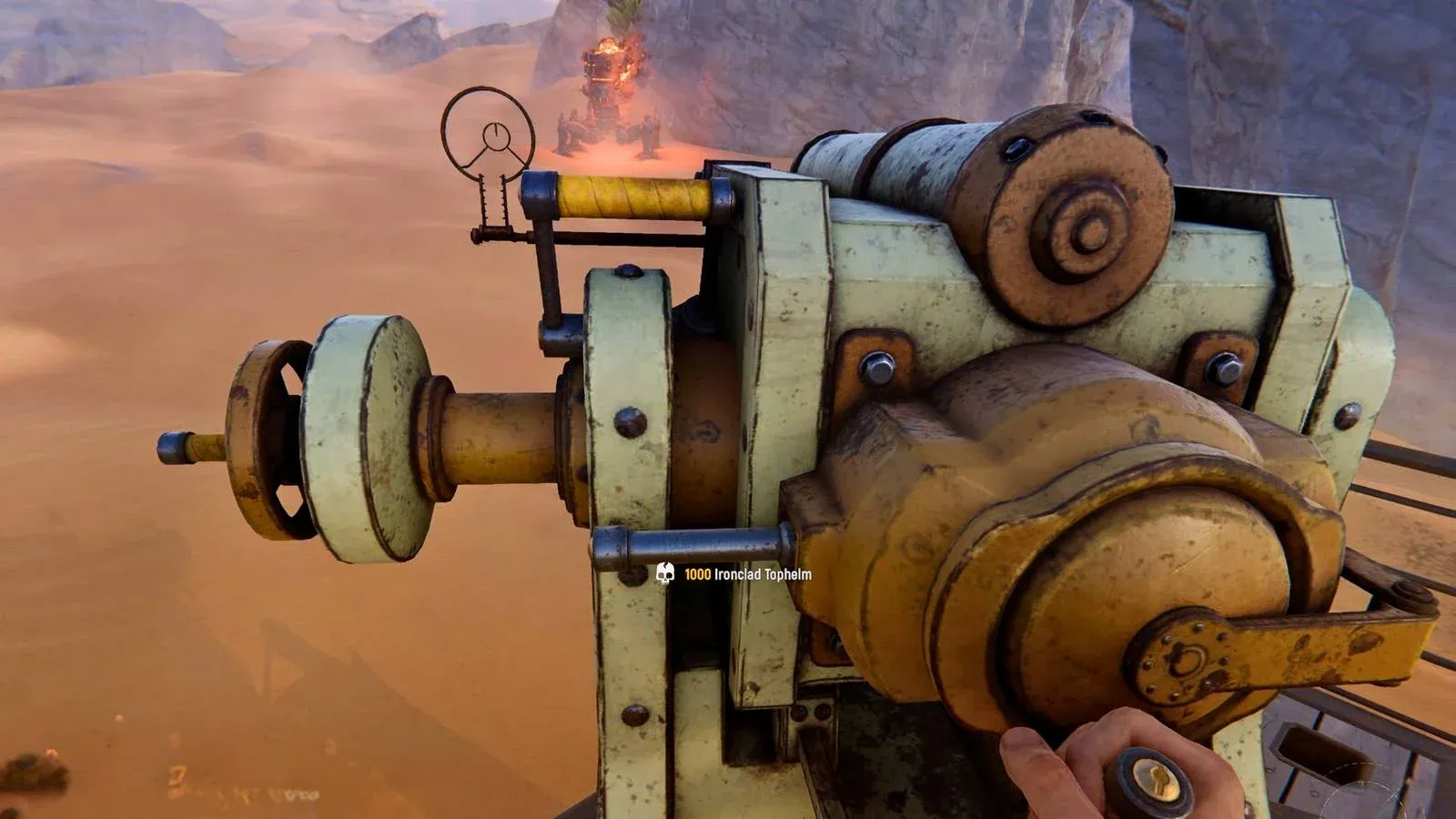


Leaving your Trampler unarmed in SAND: Raiders of Sophie is a fast way to lose everything you've extracted. Cannons are the primary offensive weapon on your ship, and they double as your best line of defense when a hostile player decides your loot looks better in their cargo hold. Getting them properly installed takes a few steps across the loadout screen and the ship itself, but once you know the process it becomes second nature before every run.
How do you add cannons to your Trampler loadout?
Cannons do not appear on your Trampler automatically. You have to manually assign them during the pre-expedition loadout phase, after you have finished equipping your character with weapons and supplies.
Your Trampler has three cannon slots in total. The practical recommendation for solo players is to fill two of those slots with cannons and reserve the third for shells and other supplies. Running all three cannon slots without ammo means you will have nothing to fire after the first exchange.
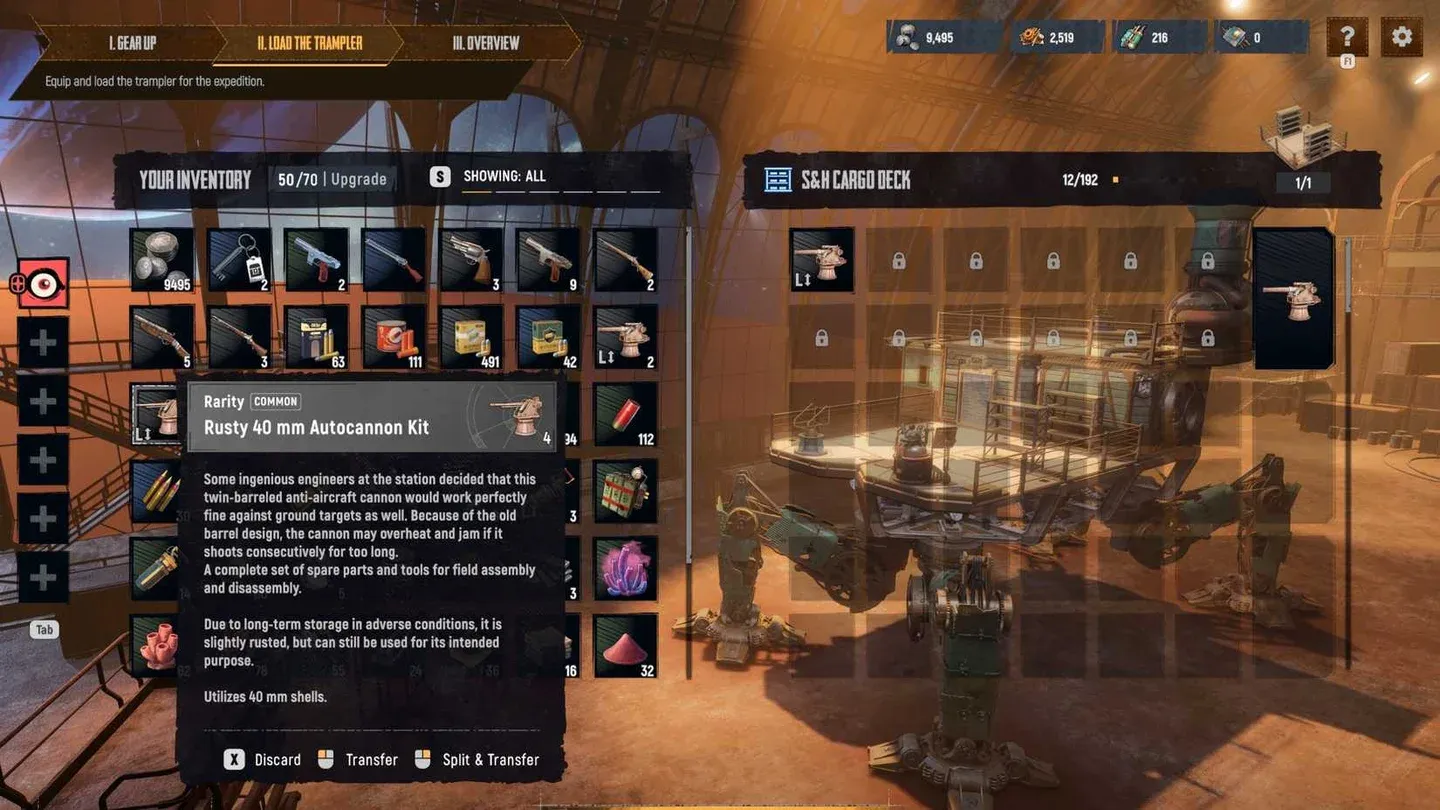
Trampler cannon loadout screen
Drag your chosen cannons from inventory into the Trampler loadout slots before confirming your expedition. The cannons will then appear as packed boxes on the item shelf once you board.
What cannon types are available in SAND: Raiders of Sophie?
There are currently three cannon types in the game, each built around a different combat philosophy. Knowing the trade-offs before you load out will save you from picking the wrong tool for your playstyle.
The 40mm Autocannon rewards aggressive players who want sustained pressure without stopping to reload. The 70mm Shotgun Cannon is a close-range specialist that punishes opponents who let you get alongside them. The 80mm Naval Cannon is the heaviest hitter in the current build, but the ammo cost means you need to make every shot count. Check out the full weapons and ammo crafting recipes guide if you want to know exactly what resources each shell requires.
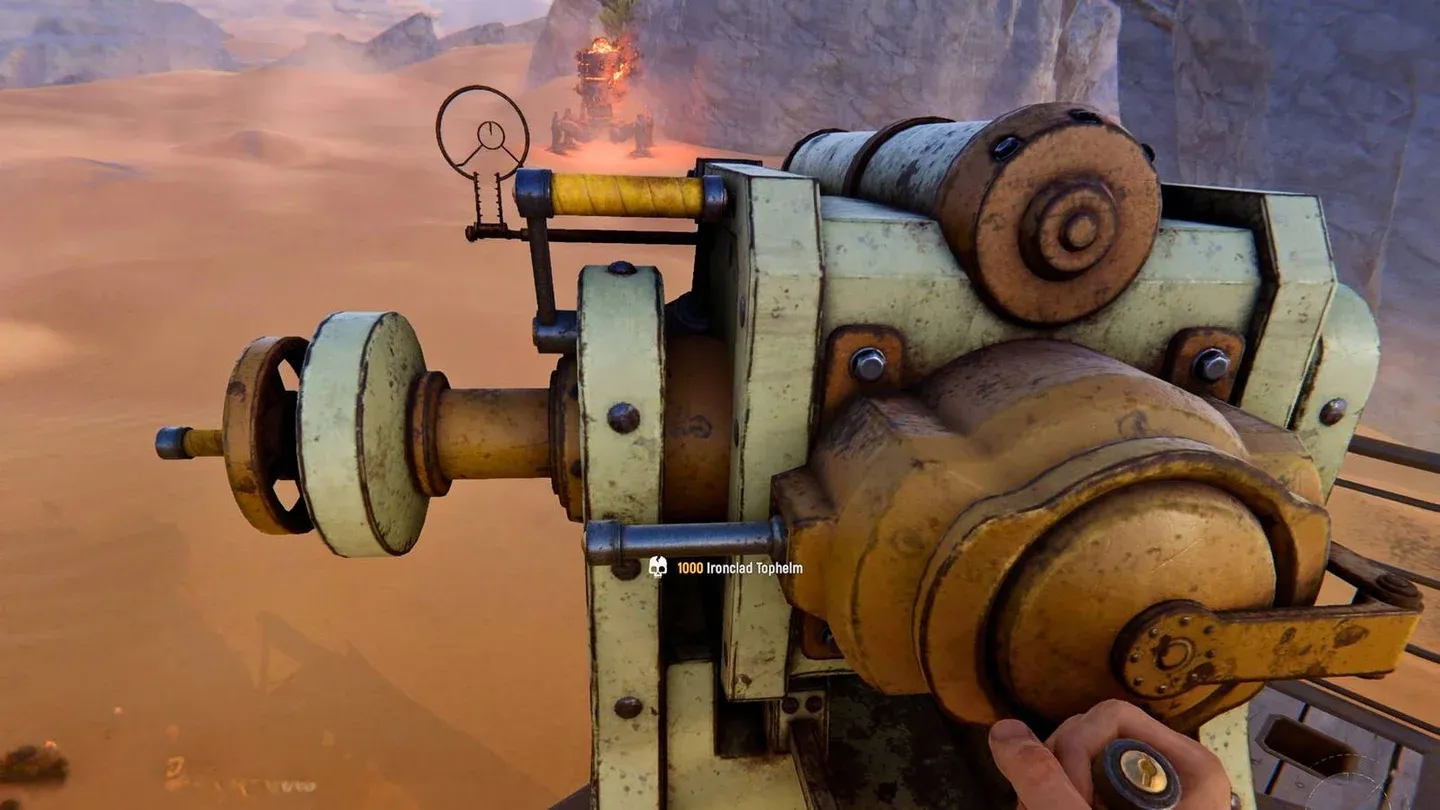
80mm Naval Cannon on mount
How do you physically install cannons on the Trampler?
Once you are in the match and aboard your Trampler, walk to the item shelf. Each cannon you loaded during the pre-expedition phase will be sitting there as a labeled box, so you can identify which cannon is which without guessing.
Pick up a cannon box, then carry it to one of the cannon mounts on the ship. Default Trampler blueprints place one mount at the front of the vessel near the steering wheel and one at the rear. Press F when the button prompt appears to lock the cannon into the mount.
Repeat the process for any additional cannons you brought.
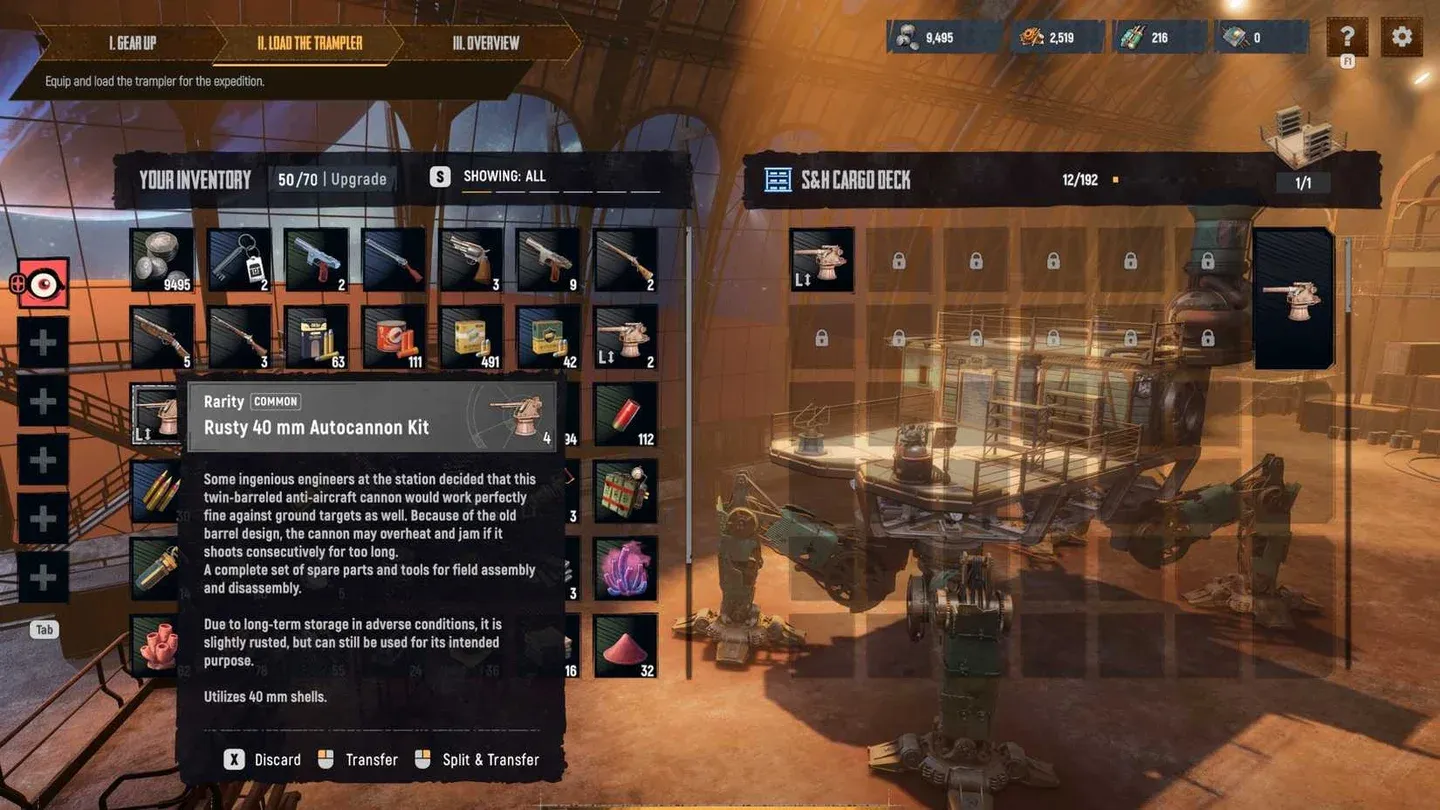
Installing cannon on deck mount
How do you reload cannons after mounting them?
Mounting the cannon is only half the job. An unmounted cannon with no shells is useless in a fight, and the reload process trips up a lot of new players.
After installing all your cannons, return to the item shelf and pick up the regular supply box that holds your shells. Carry it close to one of the mounted cannons. Face the cannon directly until you can see its button prompts, then press Tab to open the inventory interface. From there, click the appropriate shells to load them into the cannon. Repeat for each cannon on the ship.
This method fills a complete shell slot in one action, which is far more efficient than carrying individual shells in your backpack one at a time. Always use the supply box method.
Trampler combat tips for cannon users
Having cannons installed is one thing. Using them effectively in a Trampler-vs-Trampler fight is another.
- Target enemy legs first to immobilize the opposing ship before shifting fire to their cannons.
- Manage heat on the Autocannon by firing in controlled bursts rather than holding down the trigger until it locks up.
- Stay close for the Shotgun Cannon since its damage falls off hard at range and it needs a reload between every shot.
- Lead your shots with the Naval Cannon when the enemy Trampler is moving sideways, as the round will miss if you aim directly at a strafing target.
- If your Trampler takes damage and gets disabled, leave the helm and repair legs and pressure pipes before getting back to the controls. Abandoning the ship entirely is rarely the right call.
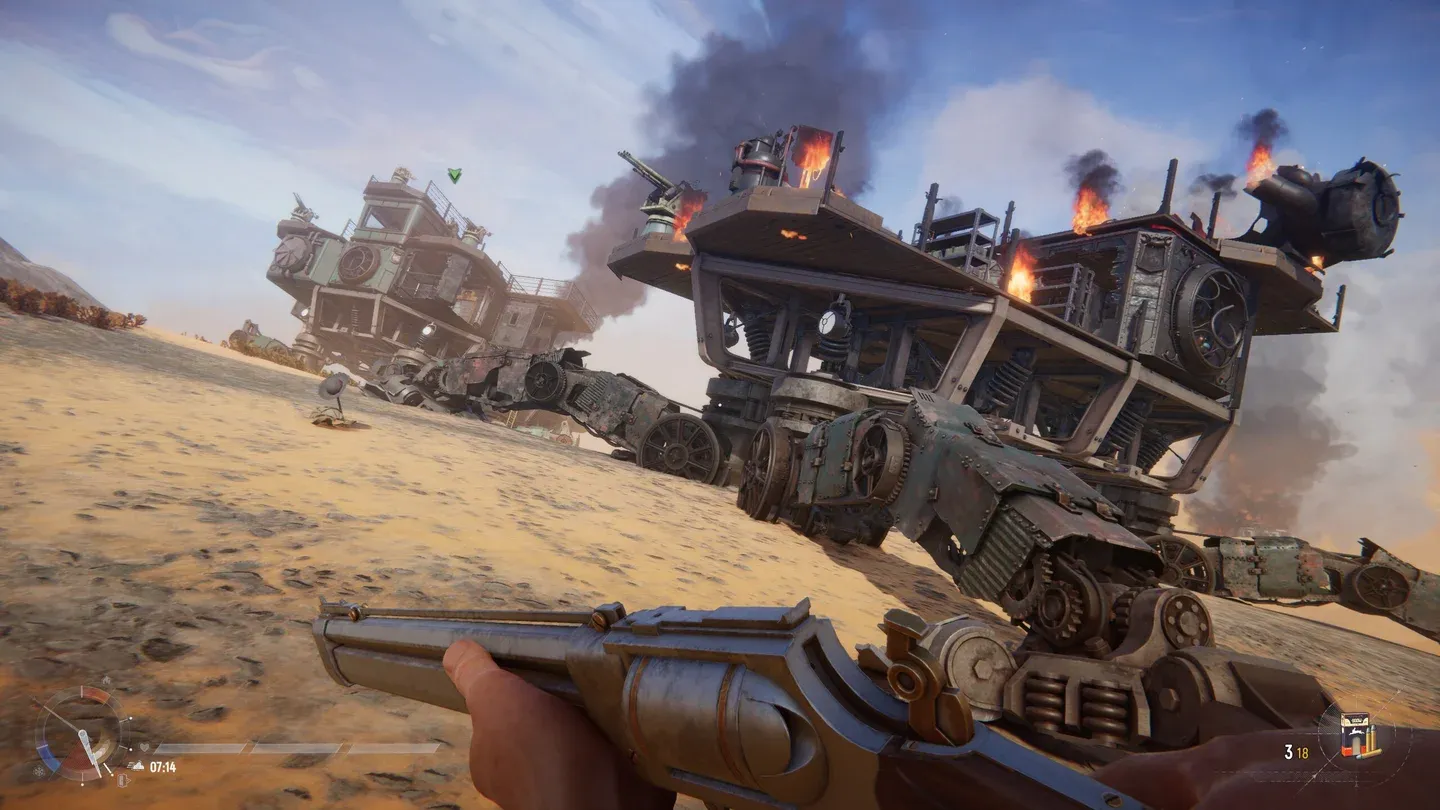
Autocannon in active combat
For players who want to get more out of their ship beyond just cannons, the Red Box items guide covers the full range of deployable and experimental equipment you can bring into a run.
Building the right Trampler configuration matters just as much as picking the right cannons. If you are still working out your ship layout and progression, the full SAND: Raiders of Sophie strategy guides collection has everything from Tech Tree upgrades to graphics optimization covered.