

SAND: Raiders of Sophie drops you into a hostile desert world where you build and pilot a massive mobile fortress called a trampler, scavenge for resources, and fight off other players to escape with your loot intact. The early hours can feel overwhelming, between managing ammo, picking the right mode, and figuring out how extraction actually works. These tips cover everything a new raider needs to stop dying on their first run and start coming home with something worth keeping.
What mode should you play first?
Two modes are available right now: Storm Dive and Voyage. Storm Dive is a battle royale format where a shrinking ring steadily cuts off the map, putting constant pressure on your position and resources. Voyage, on the other hand, lets you explore the map freely with no ring closing in.
For new players, Voyage is the clear choice. The open exploration format gives you time to gather the resources you need to properly outfit your trampler without the threat of a collapsing zone forcing bad decisions. Use Voyage runs to build up your stock before stepping into Storm Dive.
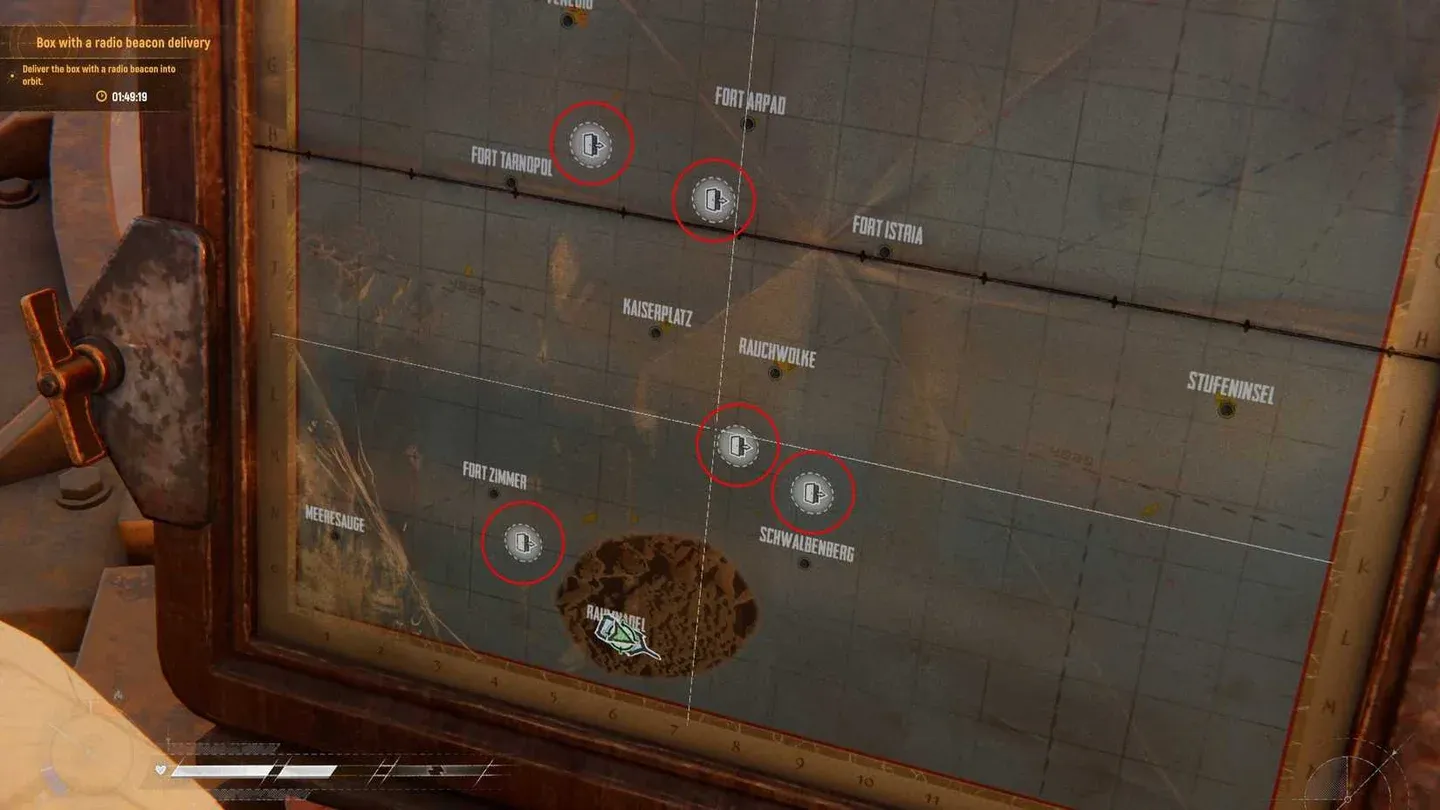
Voyage mode map layout
What is the best early trampler setup?
Before you have enough resources to build a custom trampler, the Grumpy Walker preset is your best option. It strikes a solid balance across stats and, more practically, it does not cost many resources to reconstruct after a loss. That second point matters more than any stat line early on. Losing a trampler you spent hours building is demoralizing; losing a Grumpy Walker is a minor setback.
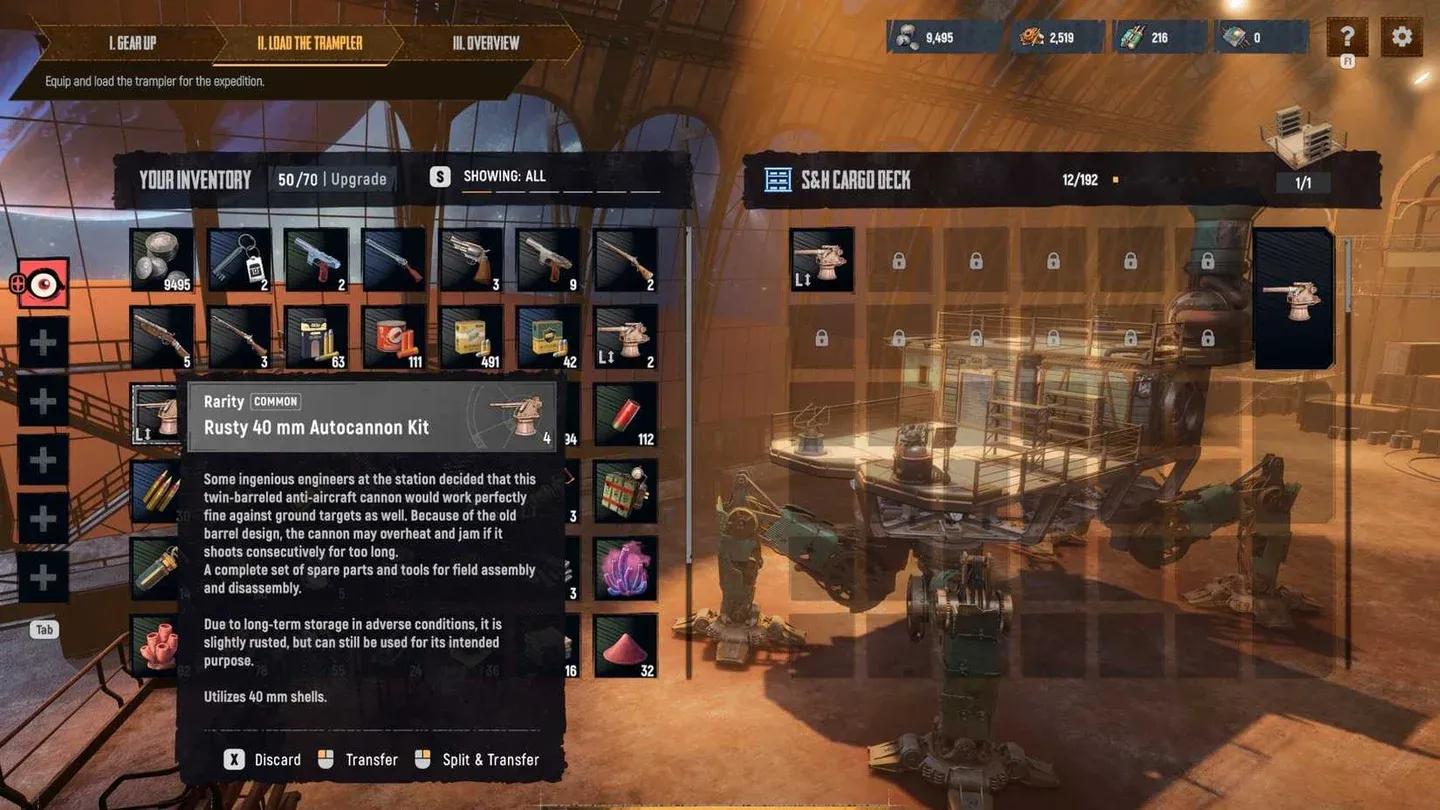
For weapons mounted on the trampler itself, put the 40-mm cannon on the front for rapid bursts against enemy tramplers and the 80-mm cannon on the rear to deliver heavy single hits. This split gives you both sustained pressure and a hard-hitting fallback depending on how an engagement develops.
For your personal weapons, the revolver handles short to medium range reliably, while the rifle is built for long-range shots from trampler to trampler. Running both covers every engagement distance you will realistically encounter.
How do ammo and food actually work?
Neither your personal weapons nor your trampler cannons spawn loaded. After you add ammo to your loadout, it appears inside the green box on the rack near the trampler weapon boxes. You need to physically pick it up and load your weapons before heading out.
Food works differently. Place food inside the refrigerator when you spawn in, and it will allow you to respawn if you go down. Skipping this step means a single bad encounter ends your run permanently. Fuel for the trampler is also stored in the same box as your ammo and food, provided you brought some in your loadout.
For a deeper look at what you can craft to keep your loadout stocked, the weapons and ammo crafting recipes guide covers every recipe and workbench requirement.
Why do empty boxes matter so much?
Your character's personal inventory fills up fast. Carrying a green empty box whenever you leave the trampler to loot a destroyed enemy or explore a new location lets you haul back far more than your pockets allow. Empty boxes are stored inside your trampler's refrigerator, so check there before heading out on foot.
Making this a habit separates efficient scavengers from players who leave half their loot behind on every run.
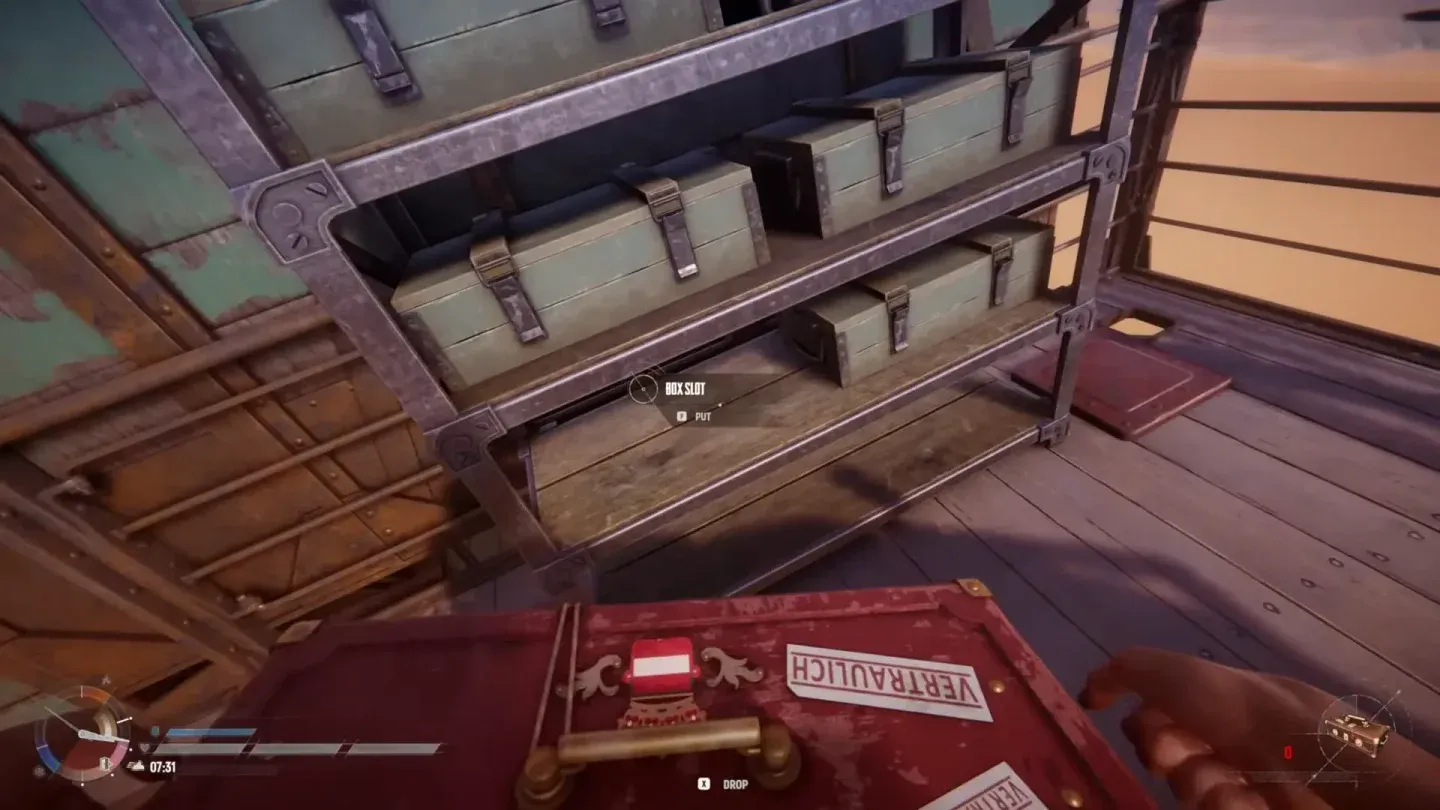
Empty boxes in trampler fridge
How to extract in SAND: Raiders of Sophie
Extraction is the most dangerous part of any run. You cannot simply log off to keep your loot. You need to physically bring your trampler and yourself to a designated extraction zone.
Finding the extraction zone
Extraction zones appear on both your personal map and the map next to your cockpit as door icons. In Storm Dive, zones become inaccessible once the shrinking ring passes over them, so act before the ring closes in. In Voyage mode, zones are always active and their positions are randomized each session.
Look for a tall radio tower typically positioned on a pile of boulders. As you approach, it will mark itself on your HUD.
Step-by-step extraction process
- Bring your trampler close to the radio tower and either halt it or switch it off.
- Exit the trampler and climb the two tall ladders to reach the tower's top.
- Interact with the radio to start a 90-second timer. A bright green smoke flare will begin rising from your mech, visible to every player nearby.
- When the timer expires, a large ship flies over and picks up your trampler.
- A new, shorter timer begins and a zipline drops from the ship. Find it on your HUD, interact with it, and your character extracts safely.
How do you survive the 90-second wait?
The green smoke flare is essentially a broadcast to every nearby player that you are vulnerable and stationary. Preparation before triggering the timer is what keeps you alive.
Scan the area with your binoculars before approaching. Circle the extraction site at least once looking for parked tramplers with no smoke, which is a common ambush setup. Once the countdown starts, use the height of the tower itself to watch for approaching enemies.
Keep your trampler in Halt mode rather than fully powered down. Black exhaust smoke is irrelevant once your green flare is up, and having the mech ready to move if someone rushes you is far more valuable than the minor stealth benefit of shutting down.
If you are playing with a crew, send one player to the tower while the other stays in the trampler, manned and scanning for threats.
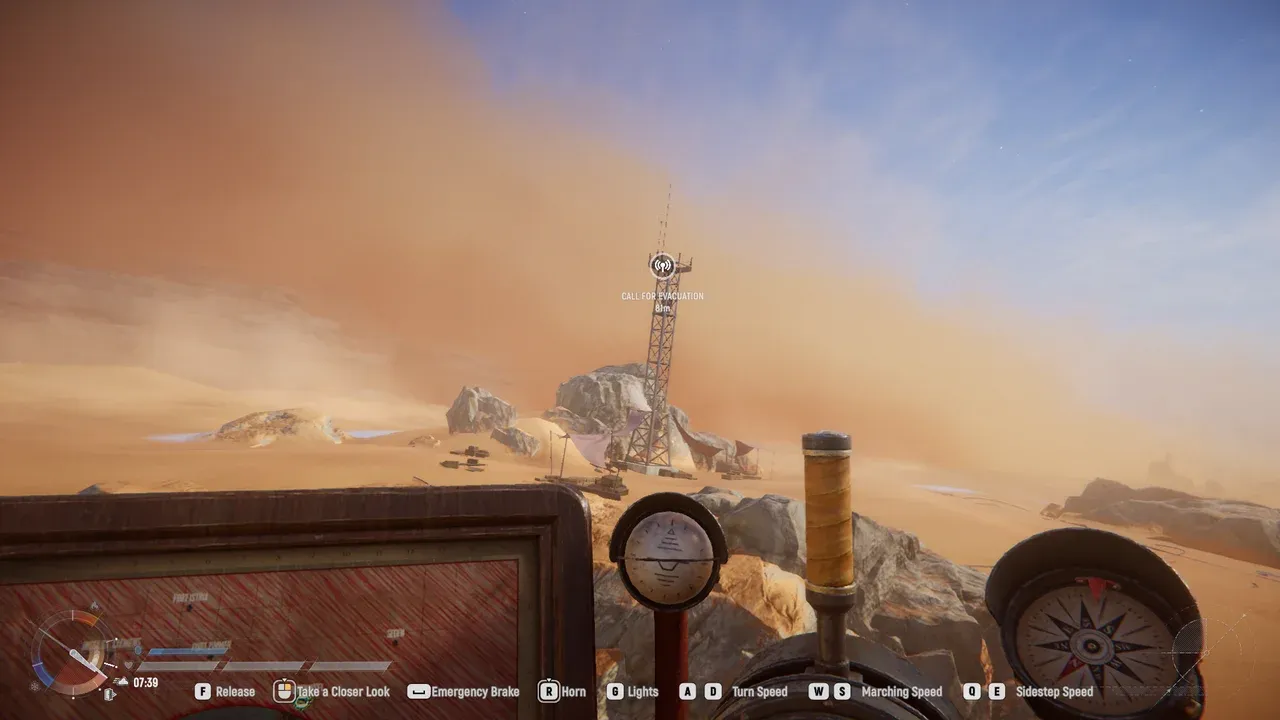
Extraction tower HUD marker
How to win trampler fights
When an enemy trampler engages you, target the legs first. Destroying the legs immobilizes the enemy, which lets you reposition freely and attack from any angle. It also keeps the captain's crew room intact, which matters if you want to seize control of the enemy trampler rather than destroy it entirely.
Always face the enemy head-on. Presenting your side profile opens you up to a broadside that deals severe damage in a single exchange. If an enemy is rushing your extraction, aim for their guns or pilot's wheel to reduce their offensive capability without necessarily needing to destroy the whole machine.
Your trampler can also serve as a decoy. Even without a pilot, it keeps moving on its own, which can draw attention while you flank or reposition on foot.
Target enemy trampler legs first
Building for the long run
Once you have a few successful Voyage runs under your belt, the progression systems open up considerably. Understanding what you can unlock through the Tech Tree and which special items come from Red Boxes will shape how your trampler evolves. The full SAND: Raiders of Sophie strategy guides collection covers those systems in detail, including Tech Tree upgrades across all three factions and every Red Box item explained.