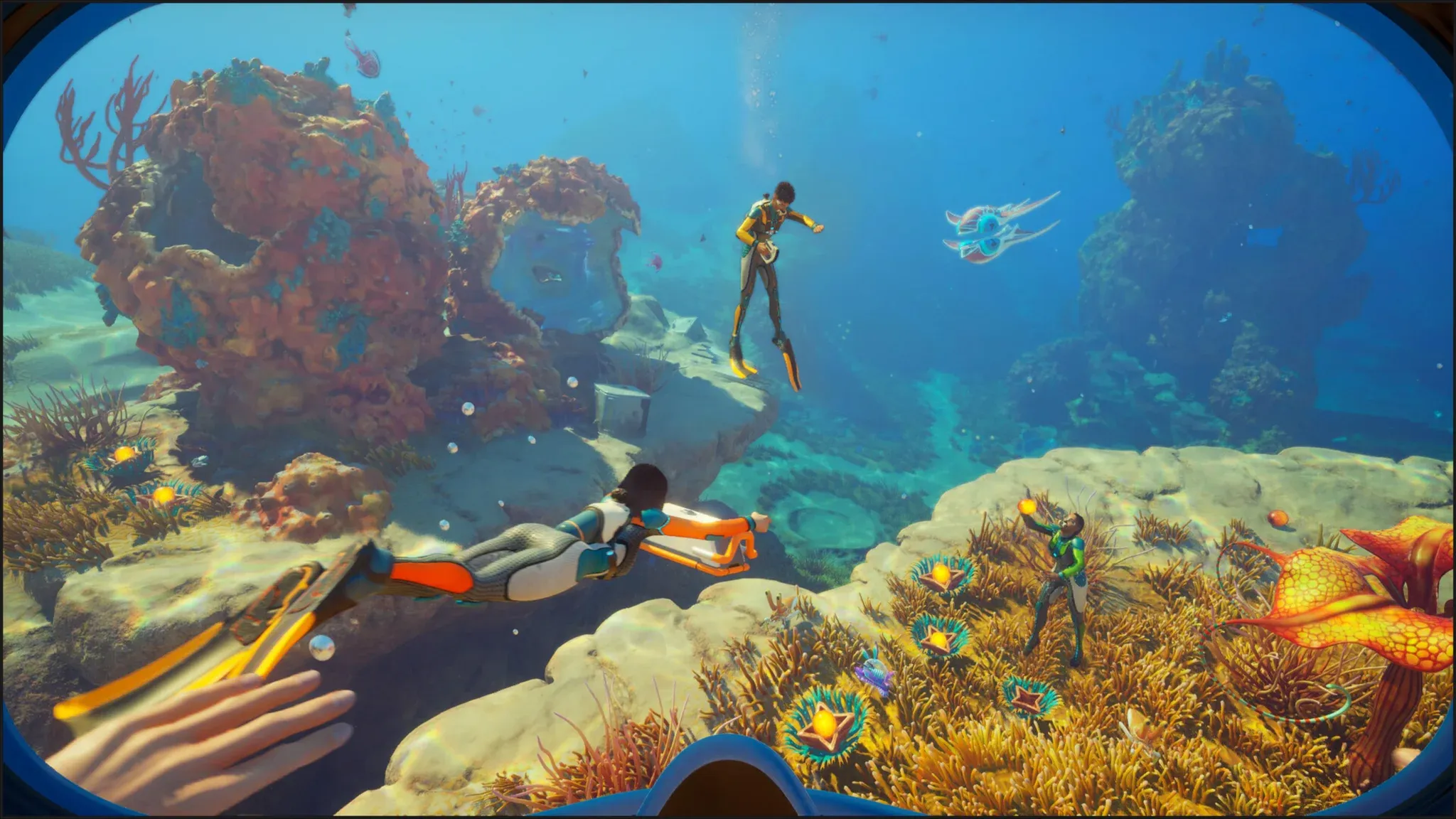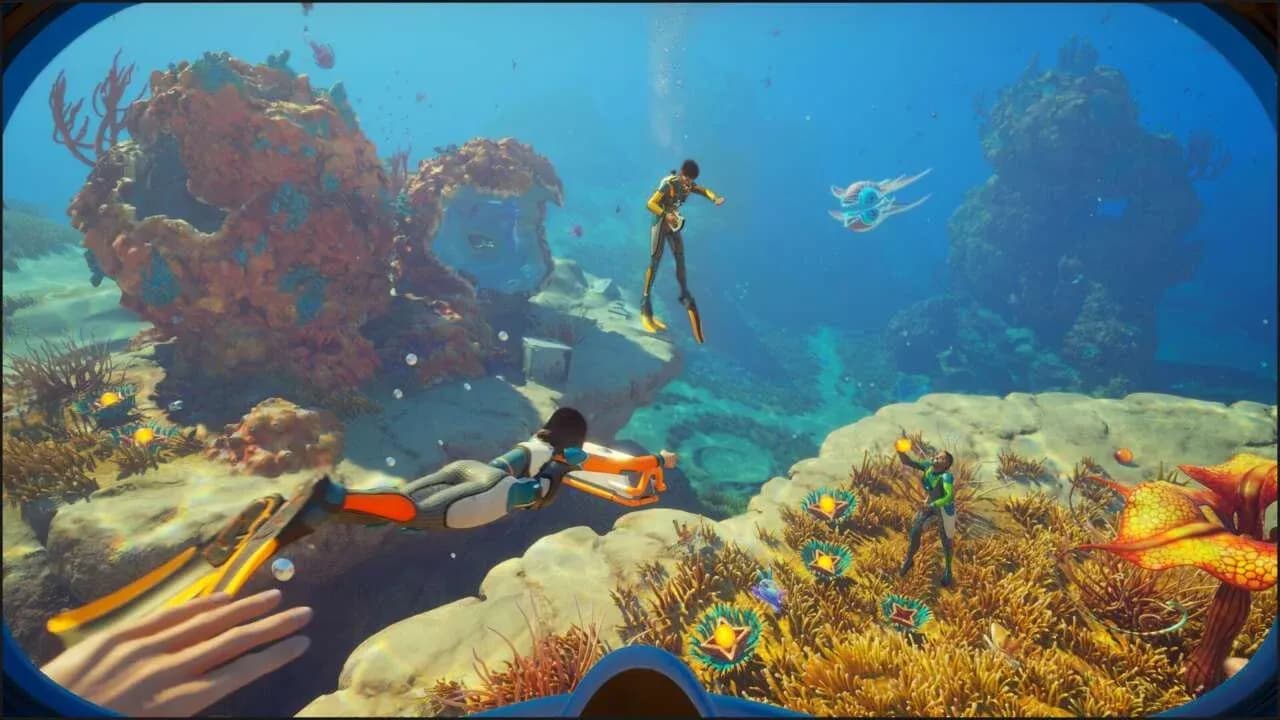

Subnautica 2 launched into early access on May 14, 2026, and one of its headline additions over the original game is fully functional multiplayer with crossplay support. Up to 4 players can now explore the alien ocean together, build shared bases, and collectively panic when something enormous swims out of the dark. The setup process is straightforward, but there are a few things worth knowing before you dive in with your crew.
How does multiplayer work in Subnautica 2?
The system revolves around one player acting as the host. That person creates an online save file, which other players then join. If you already started a solo playthrough, you can convert that single-player save to a multiplayer one from within the game, so nothing is lost if you decided to go it alone first and changed your mind.
Everyone in a session progresses through the same world. You gather resources, build out a shared base, and explore the ocean floor together. The game mode you pick at the start (Survival or Creative) applies to the whole lobby.
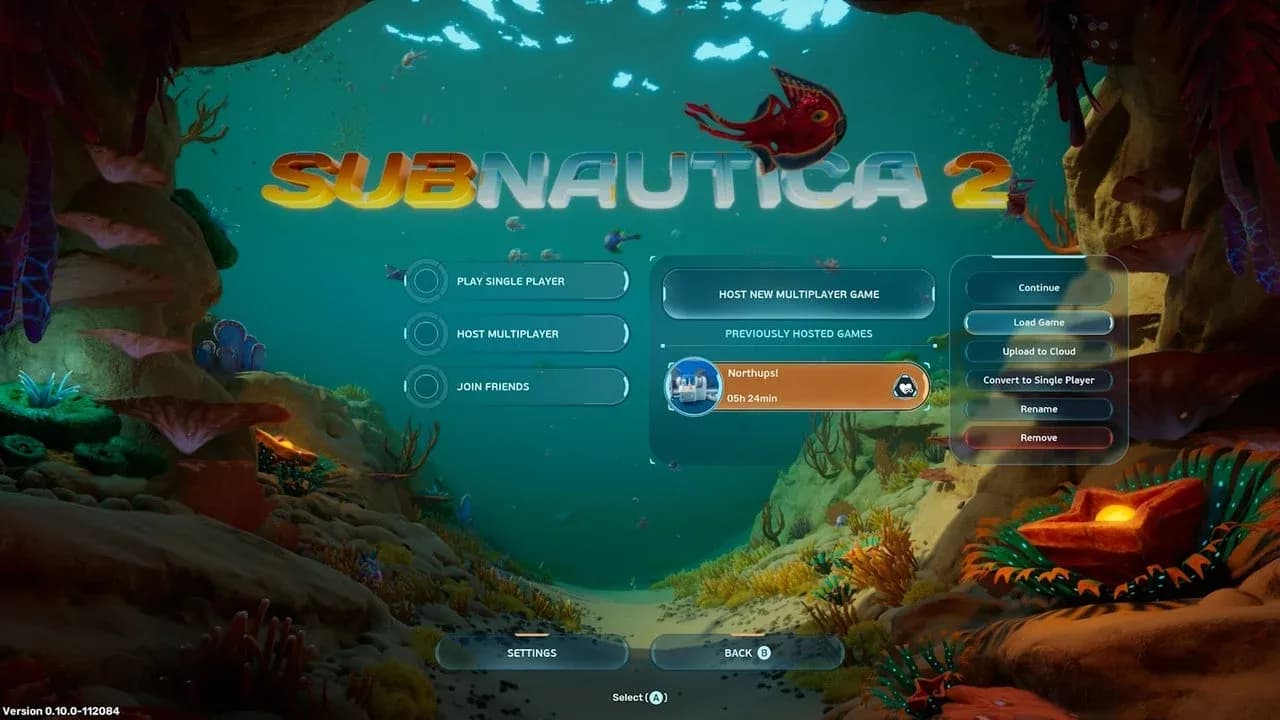
Hosting a session from main menu

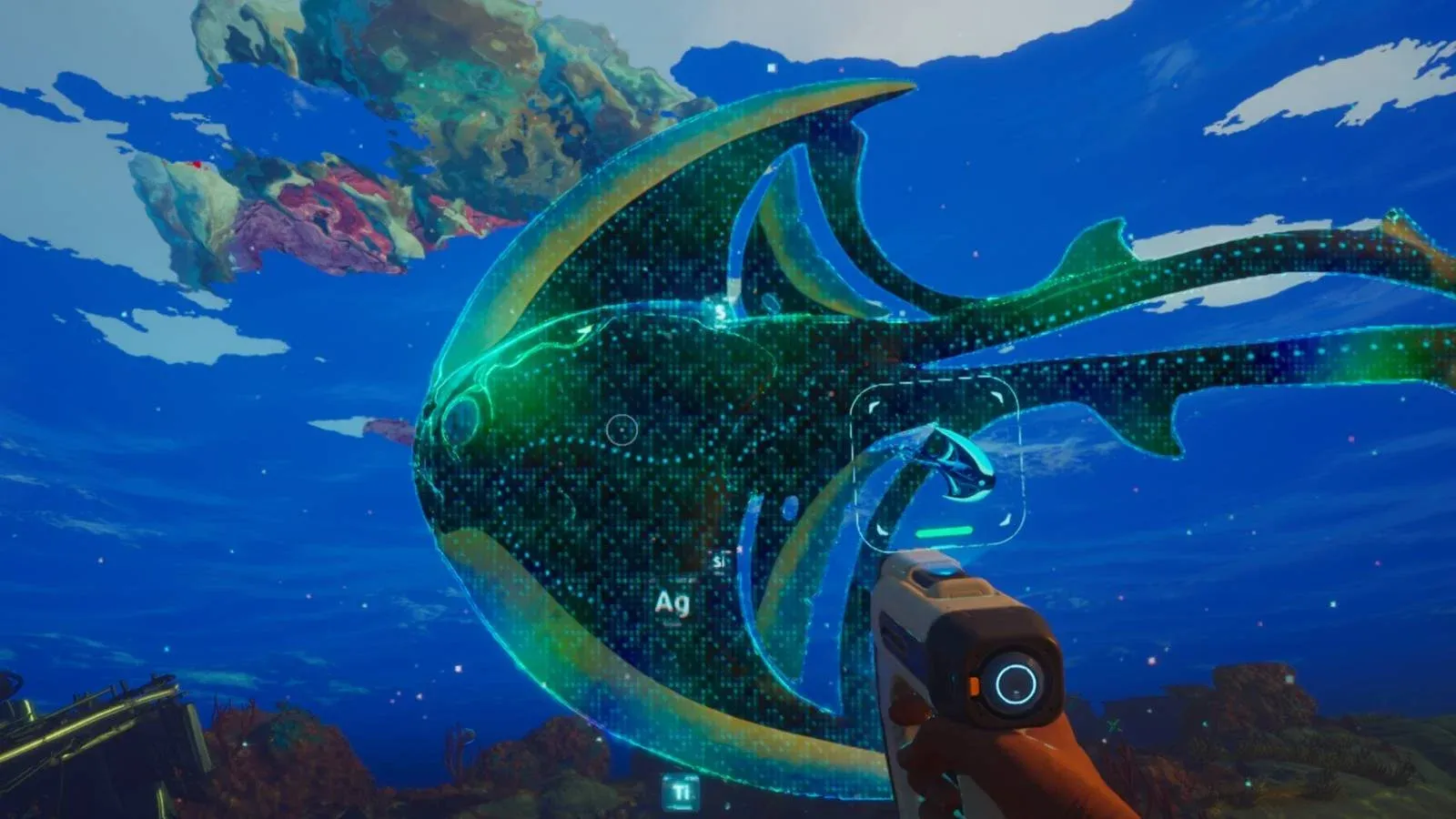
Survival vs. Creative mode
Choosing your game mode at session creation is the first real decision you and your friends need to make together.
| Mode | Resources | Oxygen & Hunger | Best For |
|---|---|---|---|
| Survival | Must be gathered | Actively managed | Players who want challenge |
| Creative | Unlimited | No management | Building and exploration focus |
Survival is the full experience. You track oxygen, manage hunger, and scavenge every material you need. Creative strips all of that out and hands you unlimited resources, which is useful if your group wants to focus on base construction or just see the world without the pressure.
How to host a multiplayer session
From the main menu, select Host Multiplayer, then choose Host New Multiplayer Game. Pick your game mode, click Host, and the world loads in.
Once you're inside, inviting people works two ways:
- Open the Friends List from the main menu and send direct invites to friends on the same platform.
- Select Generate Code to produce an 8-digit code you can share outside the game.
The code method is what you'll use for crossplay, since players on different platforms can't see each other's native friends lists automatically.
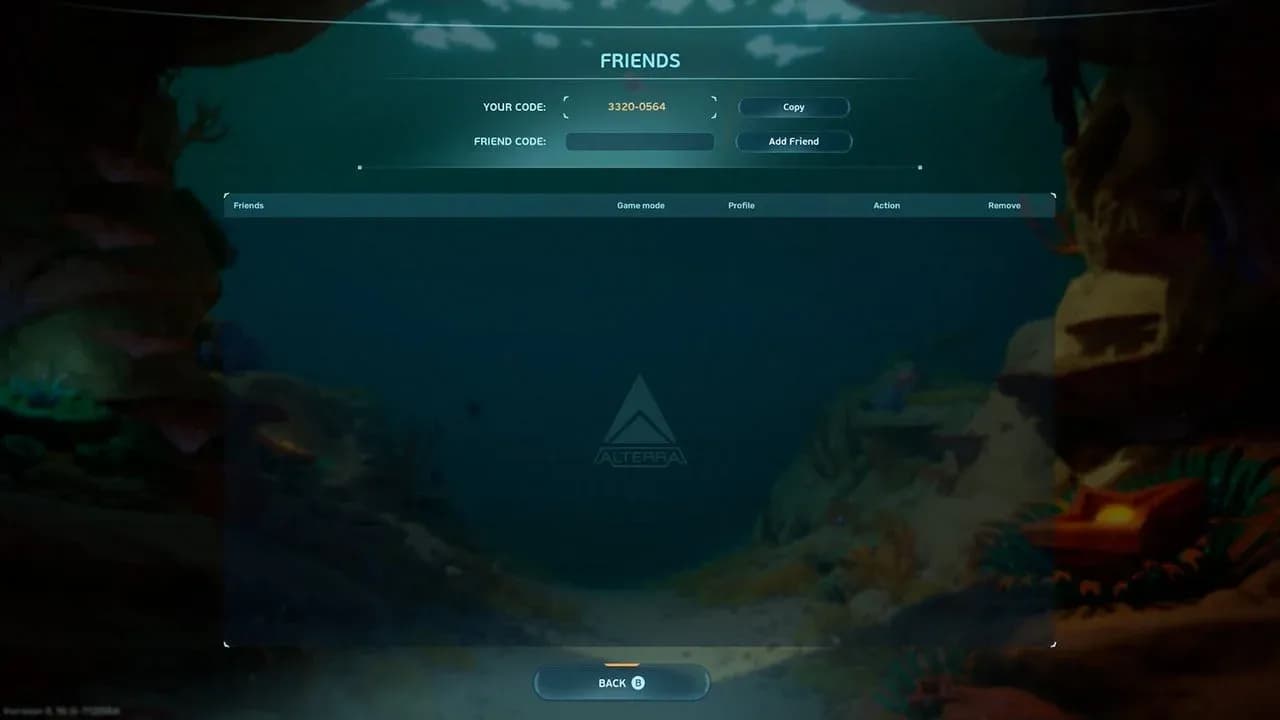
Friends list invite panel
How to join a friend's session
From the main menu, click Join Friends. Any active multiplayer games on your friends list appear here. If a friend's game doesn't show up, check two things: confirm they're hosting an online save (not a single-player file), and make sure they haven't set their game status to hidden on Steam.
How does crossplay work in Subnautica 2?
Crossplay is supported between PC and Xbox Series X/S, but it requires a bit of setup. The game maintains its own internal friends list separate from Steam or Xbox networks. To add someone on a different platform:
- Have one player click Generate Code to create an 8-digit code.
- The other player enters that code in the Add Friend field.
- Accept the incoming friend request.
- That player now appears at the top of your Subnautica 2 friends list and can be invited directly.
What should you know before playing co-op?
The multiplayer implementation is largely transparent. Players can roam as far apart as they want without any tether or proximity restriction. If you want to flag something for your teammates, press V on PC to ping a location and mark it for everyone in the lobby.
Respawning is handled cleanly too. Multiple players can share the same bio pod as their respawn point, so your group doesn't need to worry about setting up individual spawn infrastructure early on.
Resources are plentiful enough that competition between players isn't really a concern. The game distributes materials generously, so four people gathering simultaneously won't strip an area bare.
The one thing to coordinate: Scanner Stations
The only genuine friction point in co-op is the Scanner Station. It's a shared resource across the entire lobby, meaning only one search query can be active at a time. If one player is using it to track down a specific material, every other player sees that same resource highlighted in their HUD, and nobody can run a different search simultaneously.
This can actually work in your favor. If you're back at base and a teammate calls out that they need a specific material, you can queue it up on the Scanner Station and send them the node location without them needing to return. The limitation only bites when two players want to search for different things at the same time.
For a deeper look at what's new in this early access release beyond multiplayer, the guide covering all confirmed new features for early access breaks down the new planet Zazura, the Tadpole vehicle, dynamic currents, and the overhauled base building system.
Can you convert between single-player and multiplayer saves?
Yes. The game lets you switch a save file between solo and online modes at any point. If you started exploring alone and want to bring friends in later, or if your group session needs to continue as a solo run, neither scenario requires starting over. The option is available directly from the save file management screen.
For everything else you'll need to get your co-op session running smoothly, the full Subnautica 2 guides collection covers base building, resources, tools, and survival tips to keep your whole crew alive in the depths.