
The very first obstacle Subnautica 2 throws at you is also one of the most disorienting. You need to release two clamps holding the lifepod in place before you can launch to the surface, but the game gives you almost no direction on where those clamps actually are or how tight your oxygen window is. Mess it up and you respawn right back at the start. Here's exactly what to do.
What do you need to do before releasing the clamps?
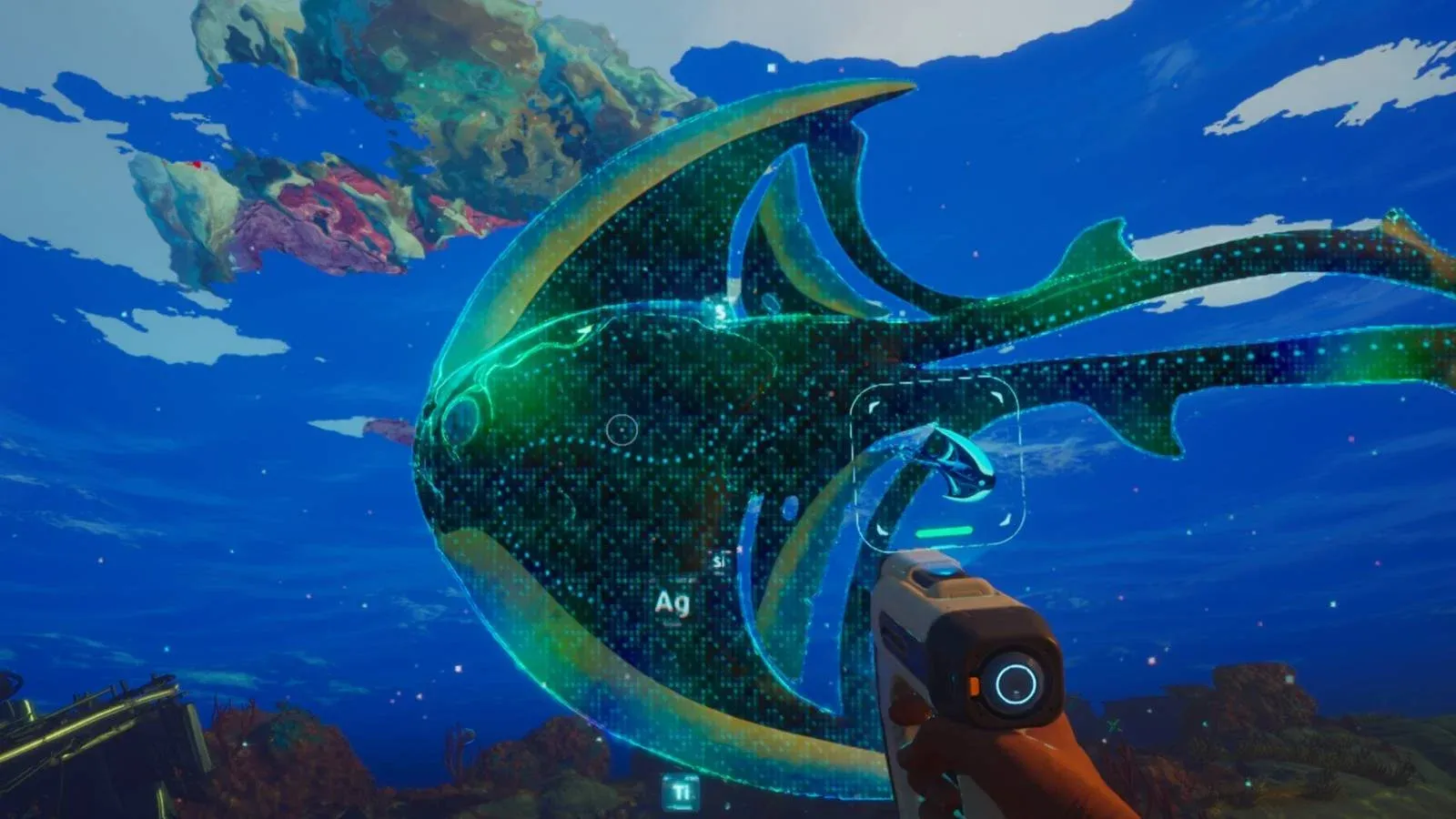
Before you ever touch a clamp, make sure you've already completed the opening sequence inside the wrecked ship. You need to wake up, sample the Alien DNA, and locate the Black Box first. Only after that will you reach the lifepod itself.
Once inside the lifepod, you'll try to activate the launch terminal and get an error message. That message tells you the clamps are locked. That's your cue to head back outside.

Where are the lifepod clamps located?
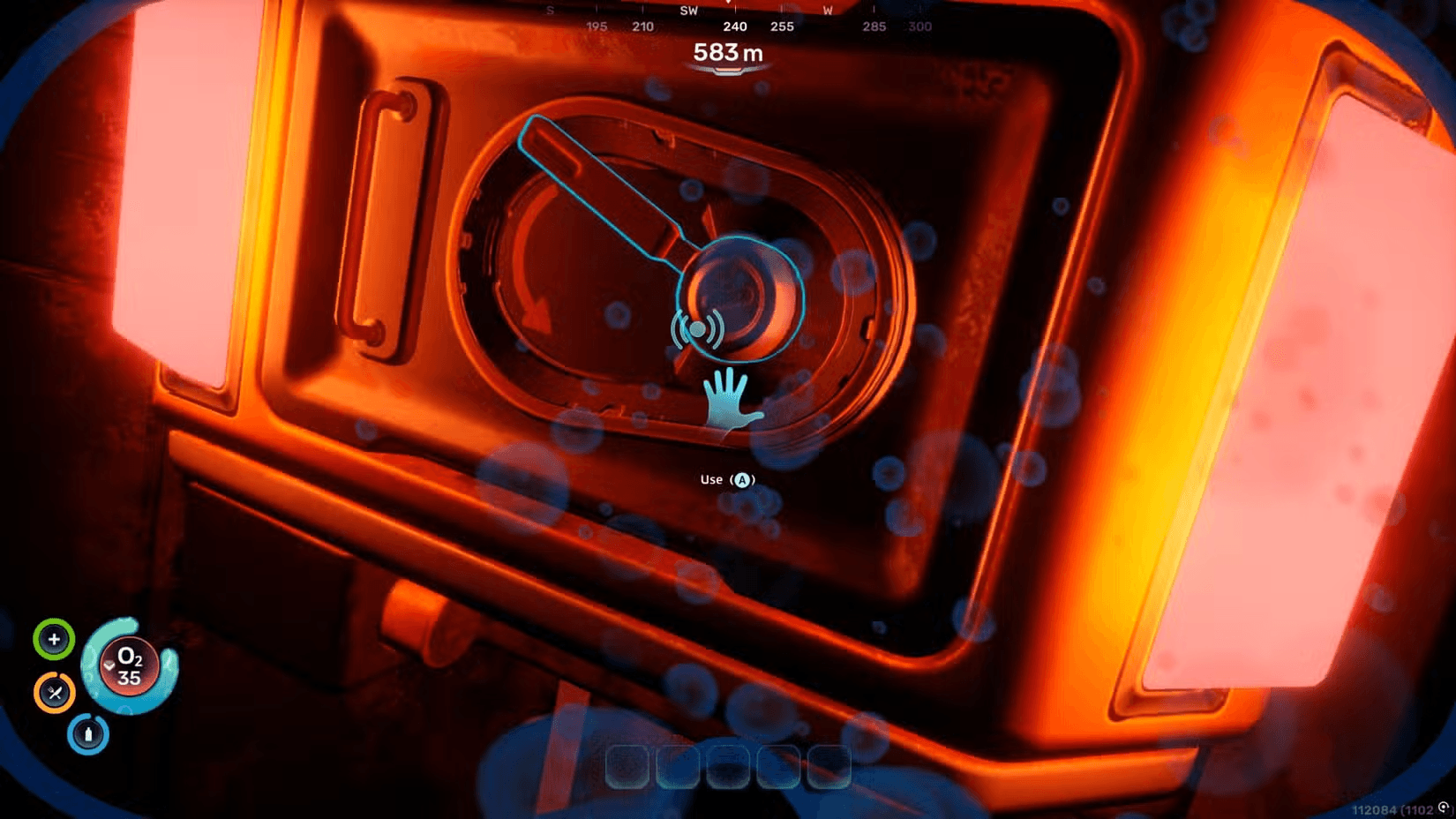
Both clamps are at the back of the lifepod. Exit through the main entrance, then swim around to the rear of the pod. You're looking for two levers, each lit up with an amber or orange-red light. They sit on either side of the pod's back section. They're not hidden, but in the dark water it's easy to swim past them if you don't know what you're looking for.
Subnautica 2 Guide: How to Release the Lifepod
Once you spot them, the interaction is straightforward:
- On Xbox, press A to interact with each lever
- On PlayStation, press X
- On PC, use your standard interact key
After releasing a clamp, the indicator light next to it switches from amber to blue. When both clamps are released, a hatch opens on the pod revealing a window inside, and all the lights around the pod turn blue.
Should you release both clamps in one trip?
This is where most new players get into trouble. Your oxygen supply is extremely limited at this stage of the game, and your swim speed is slow. Trying to release both clamps back-to-back in a single trip is risky.
The safer approach is to release one clamp at a time, return to the lifepod to refill oxygen, then go back for the second. The pod interior fully restores your air, so there's no penalty for making two trips.
If you get distracted exploring the surrounding area expecting to find resources, your oxygen will run dangerously low. There's nothing worth picking up out there at this stage. Stay focused.
| Approach | Risk Level | Recommended? |
|---|---|---|
| Both clamps in one trip | High (oxygen may run out) | No |
| One clamp per trip | Low (pod refills oxygen) | Yes |
| Exploring area between clamps | Very High (nothing to find) | No |
How do you actually launch the lifepod?
With both clamps released and lights turned blue, swim back inside the pod. Speak with the AI orb to confirm you've completed the task, then interact with the launch terminal. The pod will surge upward to the ocean surface, and your actual adventure begins from there.
What comes right after the lifepod launches?
Once you hit the surface, the early game opens up considerably. You'll need to start gathering resources, managing hunger and hydration, and figuring out what to craft first. A few things that will come up fast:
- Inventory space fills up quickly once you start collecting materials. Expanding it early makes a real difference, and our inventory size guide covers every Biobed location you need.
- Digestive incompatibility is an early survival mechanic that catches players off guard. If you're struggling with it, the Digestion Adaptation guide explains how to fix it using the Angel Comb north of your Lifepod.
- Crafting requires specific ores, and silver is one of the first you'll need. Our silver farming guide points you to two reliable cave locations near the Lifepod.
For more walkthroughs covering everything from biomods to base building, the full Subnautica 2 guide collection has you covered as the game continues to expand through early access.