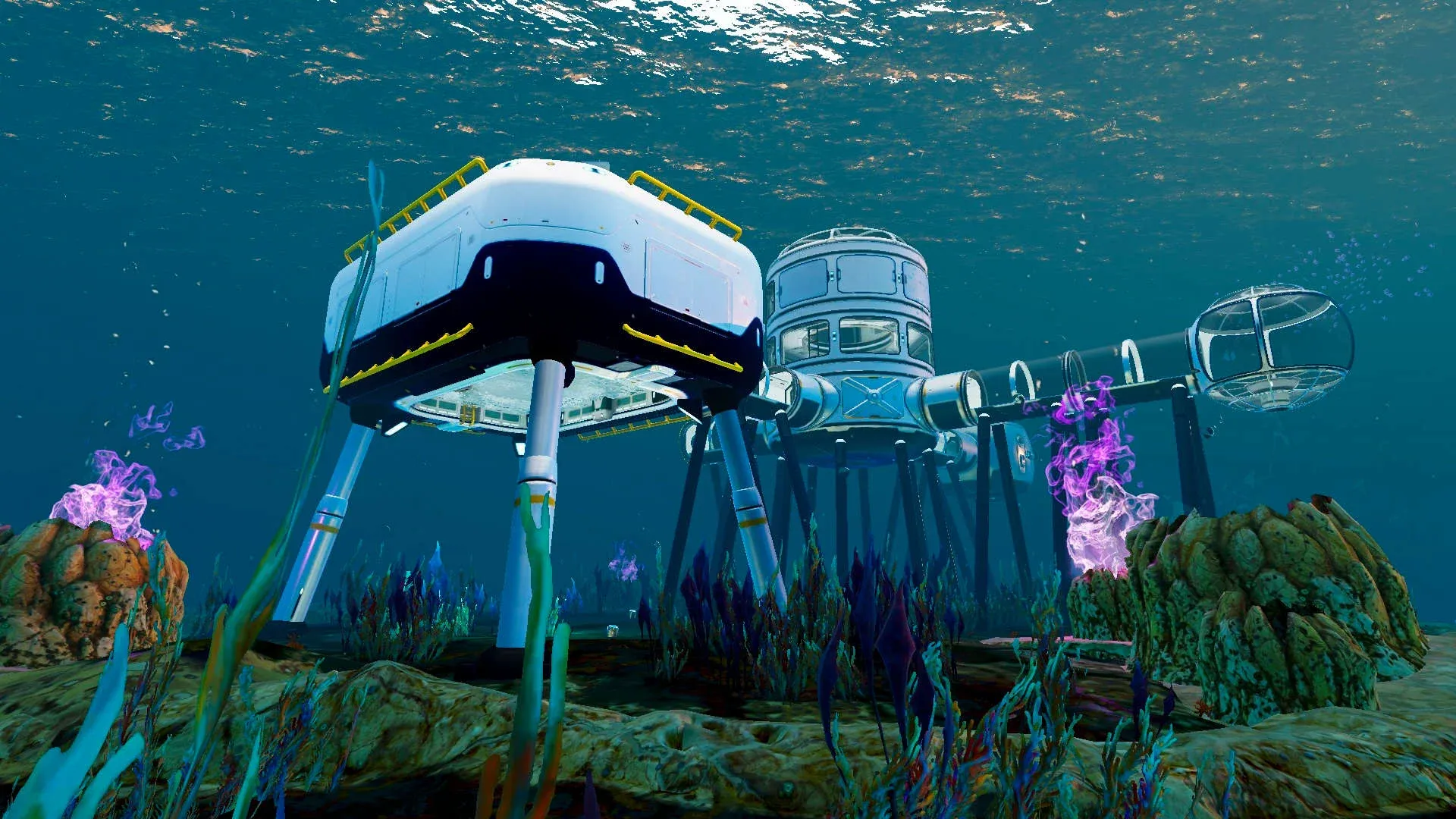

Subnautica 2 drops you into an alien ocean with nothing but a lifepod and your wits. That starting pod keeps you breathing for the first few minutes, but the moment you start pushing into deeper biomes, you need a real base. Base building in Subnautica 2 follows the same core logic as the original game but adds new pieces, a new early vehicle in the Tadpole, and a map large enough that one base simply won't cut it for long. This guide covers everything: finding and crafting the Habitat Builder, laying your first foundations, powering up, and planning for multiple outposts.
How do you get the Habitat Builder in Subnautica 2?
The Habitat Builder is the tool that makes all base construction possible, and you can't build a single wall without it. You won't find one sitting in a crate ready to grab, though. You need to scan two degraded Habitat Builders with your Scanner to unlock the crafting recipe.
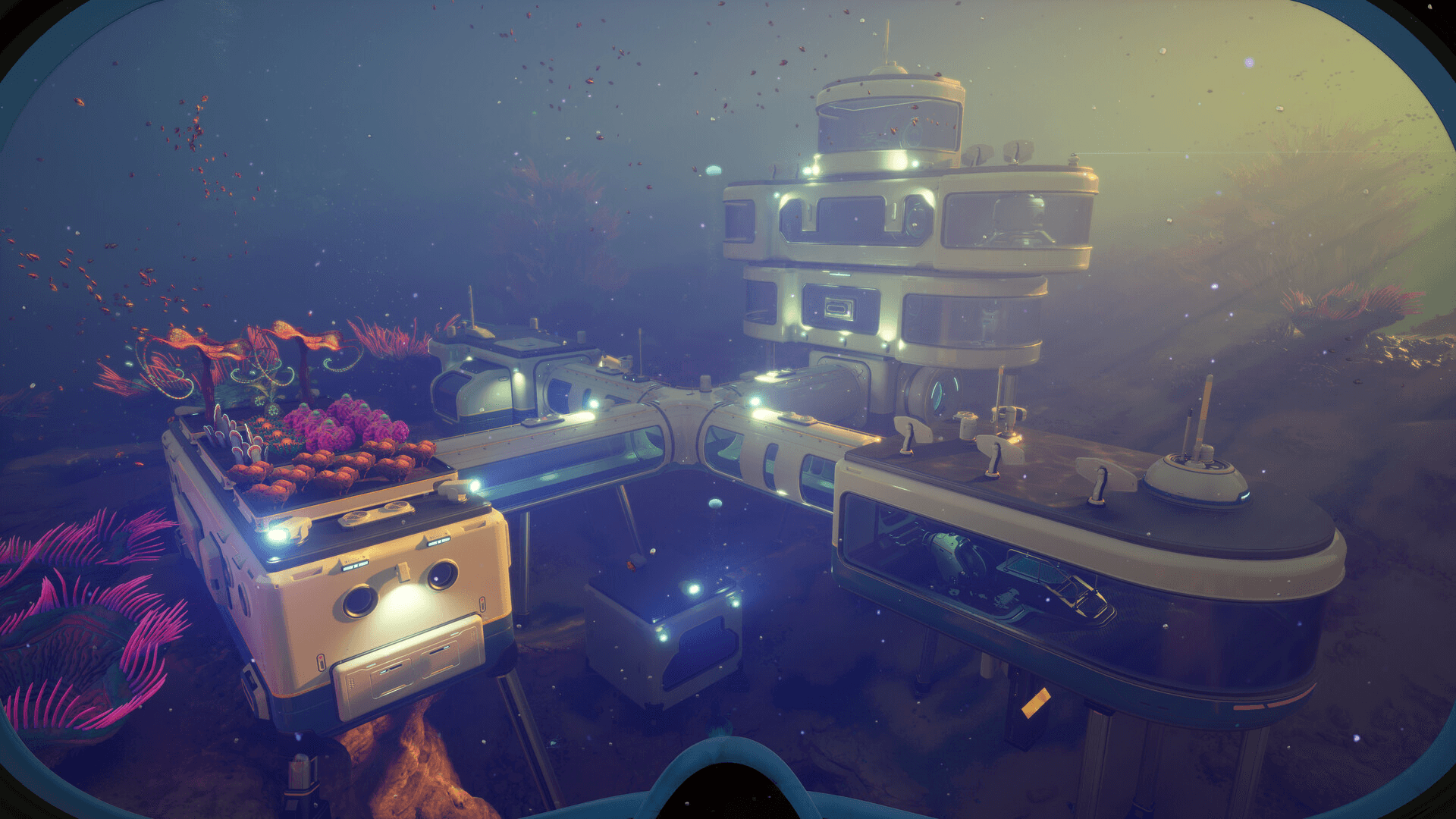
Subnautica 2 Base Building Guide: Where to Find Habitat Builder
There are more than two degraded versions scattered around the starting area, so natural exploration will turn them up. If you want them fast, here are two confirmed locations:
- Location 1: Head into the cave directly below your escape pod. The degraded Habitat Builder sits at the bottom, underneath a piece of metal scrap. Watch for poison spores on the way down.
- Location 2: Find the first Angel Comb you encounter. The second degraded Habitat Builder is on a box underneath it. Interacting with the Angel Comb also grants an Adaptation.
Once both are scanned, the crafting recipe unlocks automatically.
What materials do you need to craft the Habitat Builder?
The recipe is cheap enough to put together early in your run. Crafting a Habitat Builder requires:
- 2x Titanium
- 1x Glass
- 1x Basic Battery
- 1x Copper Wire
All four of these are available in the shallow starting biomes, so there's no reason to delay crafting it.
How to build your first base
With the Habitat Builder in hand, equip it and open its menu. You'll see every buildable element alongside its material cost. The menu only shows what you've already unlocked, so early on your options are limited. Exploring ruined bases scattered around the ocean unlocks additional blueprints, which is one more reason to keep moving.
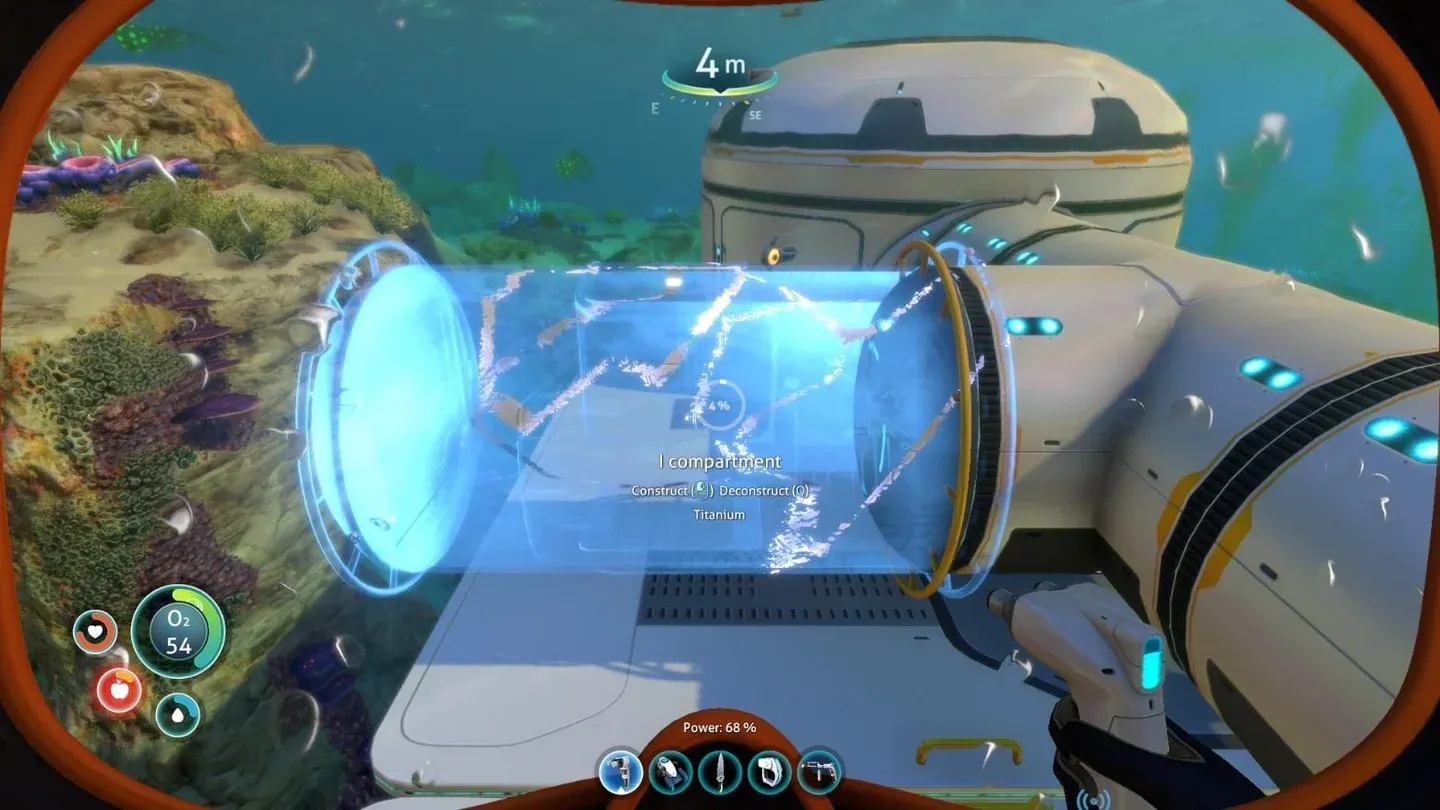
Habitat Builder build menu
Here's the recommended build order for a functional starter base:
Step 1: Stockpile Titanium before you place anything
Nearly every base component costs Titanium. It's abundant in the shallow starting zones, found by breaking outcrops and salvaging debris, but you burn through it faster than you'd expect once rooms, corridors, and windows start going up. Collect far more than you think you need before committing to a build.
Step 2: Lay Standard Foundations first
Skip the foundation and your base will have structural problems as it grows. The Standard Foundation costs 8x Titanium per tile and dramatically improves hull integrity. Place at least a small grid of them on a flat section of seafloor close to the starting biome. Leave room to expand, because you will expand.
Step 3: Build a Room
The Room is your main living and crafting space. Place one on the foundation. Nothing useful can be placed inside a Corridor, so the Room needs to come first before you start thinking about layout.
Step 4: Add a Hatch
Without a Hatch, you can't enter the base from outside. Place one on any accessible wall section. Later, the Moonpool gives you a second entry point through the water, but the Hatch is non-negotiable for the initial build.
Step 5: Install power
Your base needs electricity to charge batteries and run internal equipment. Solar Panels are the practical early choice in shallow water. Electricity also makes lights and other facilities functional inside your base.
Step 6: Place a Fabricator inside
The Fabricator transforms the base from a shelter into a proper operations hub. Craft tools, upgrades, food, and advanced recipes safely without burning oxygen outside.
Step 7: Dock the Tadpole with a Moonpool
The Moonpool costs 5x Titanium and connects your base directly to open water. Pilot the Tadpole straight in and exit into your base without surfacing. It's also where you maintain and upgrade the vehicle, making it a priority once you start ranging further from your starting area.
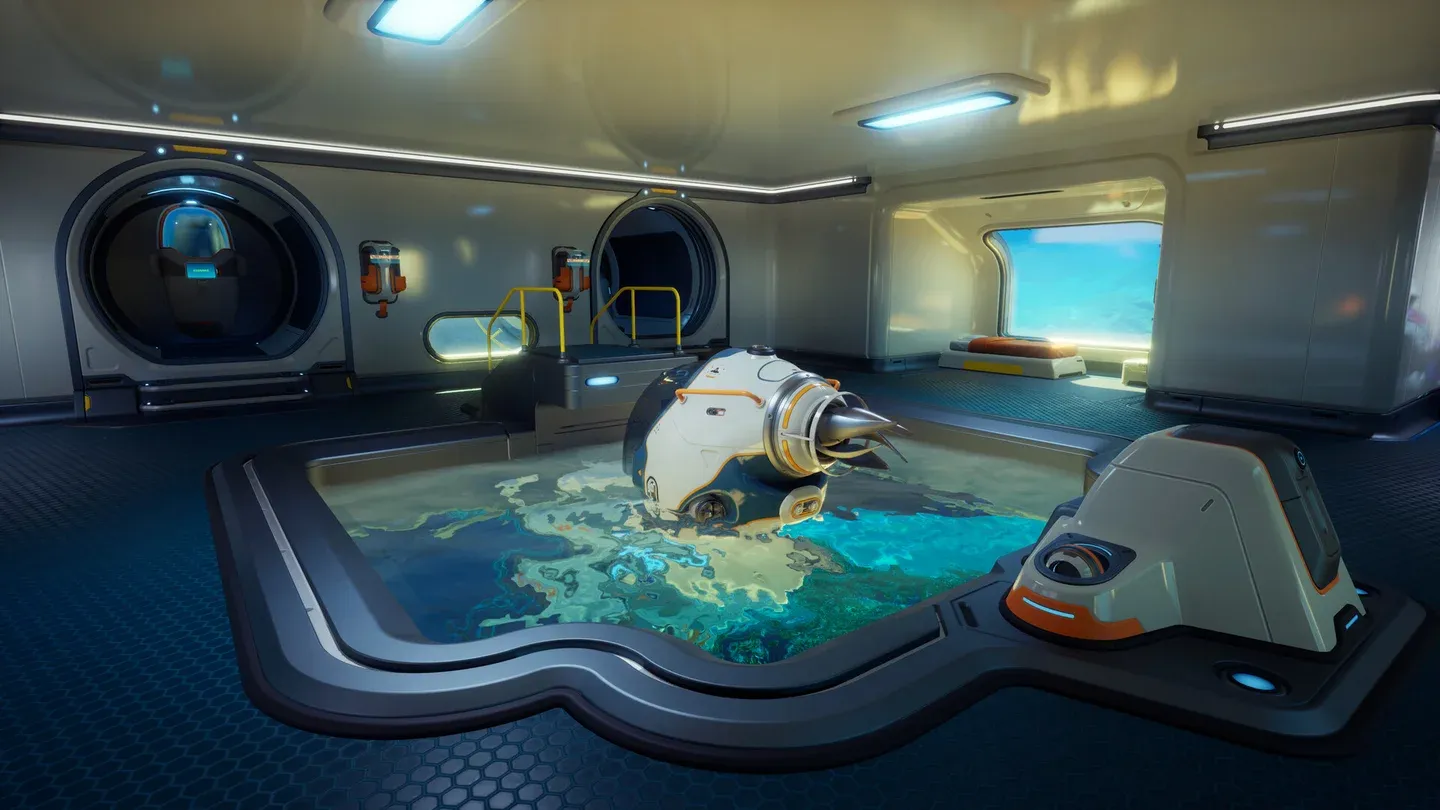
Tadpole docked in Moonpool
How many bases can you build?
There's no cap. You can construct as many bases as you want across the map. Given the size of Subnautica 2's ocean, this isn't just a nice option, it's practically a requirement. Setting up outposts near different biomes means shorter supply runs, safer charging stops for your Tadpole, and a fallback point if something goes wrong deep in a hostile zone.
Don't get too attached to your first base location. It'll serve you well through the early and mid-game, but you'll eventually want satellite bases positioned near the resources and story areas that matter later.
What's the best location for your first base?
The priority for your first base location is material density. Early progression depends heavily on crafting the Seaglide, Scanner, Repair Tool, and Laser Cutter, along with Flashlight and tank upgrades. You want those materials within swimming distance of your base, not a Tadpole ride away.
Stay close to the starting biome for your first build. Once you have the Tadpole operational and the Moonpool installed, you can range out to find better spots for secondary outposts. The map is large enough that committing to a single base early and expanding intelligently beats trying to find the "perfect" spot before you've explored enough to know what perfect looks like.
For more on surviving the early hours, the Subnautica 2 beginner's guide covering oxygen, scanning, and navigation is worth reading before you commit to a build location.
For more guides across every system in the game, the full Subnautica 2 guide collection has you covered.