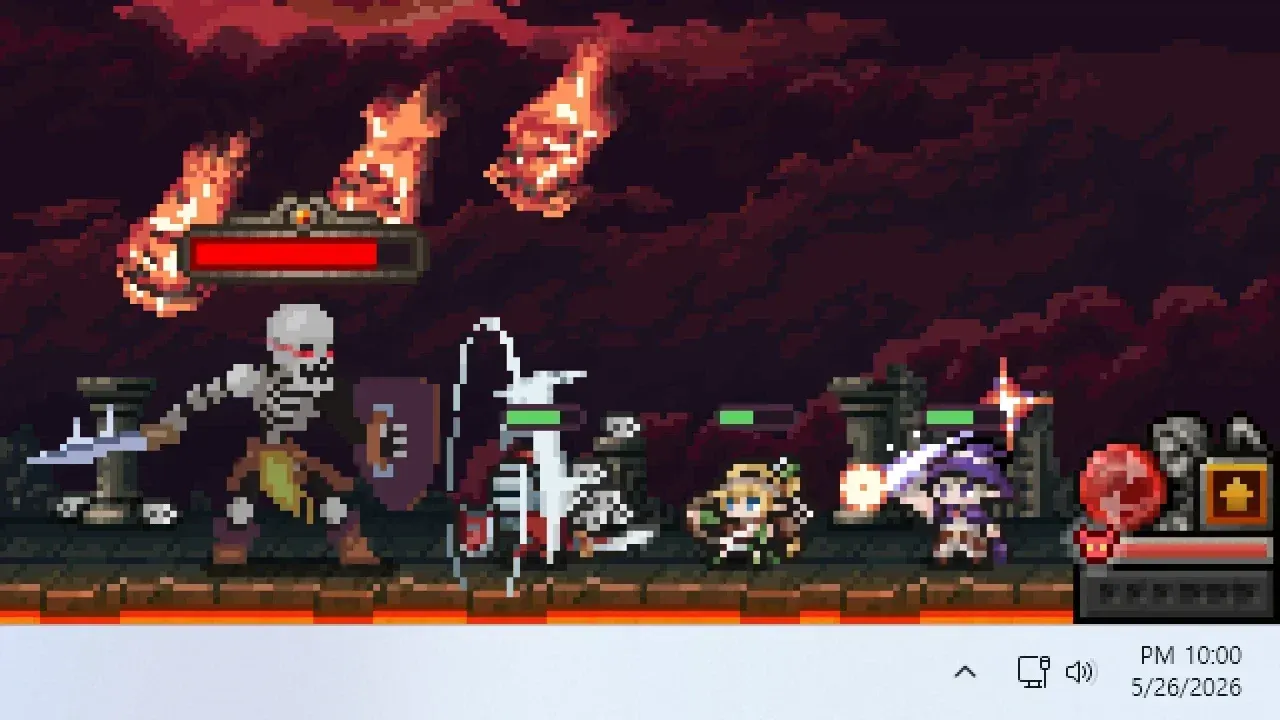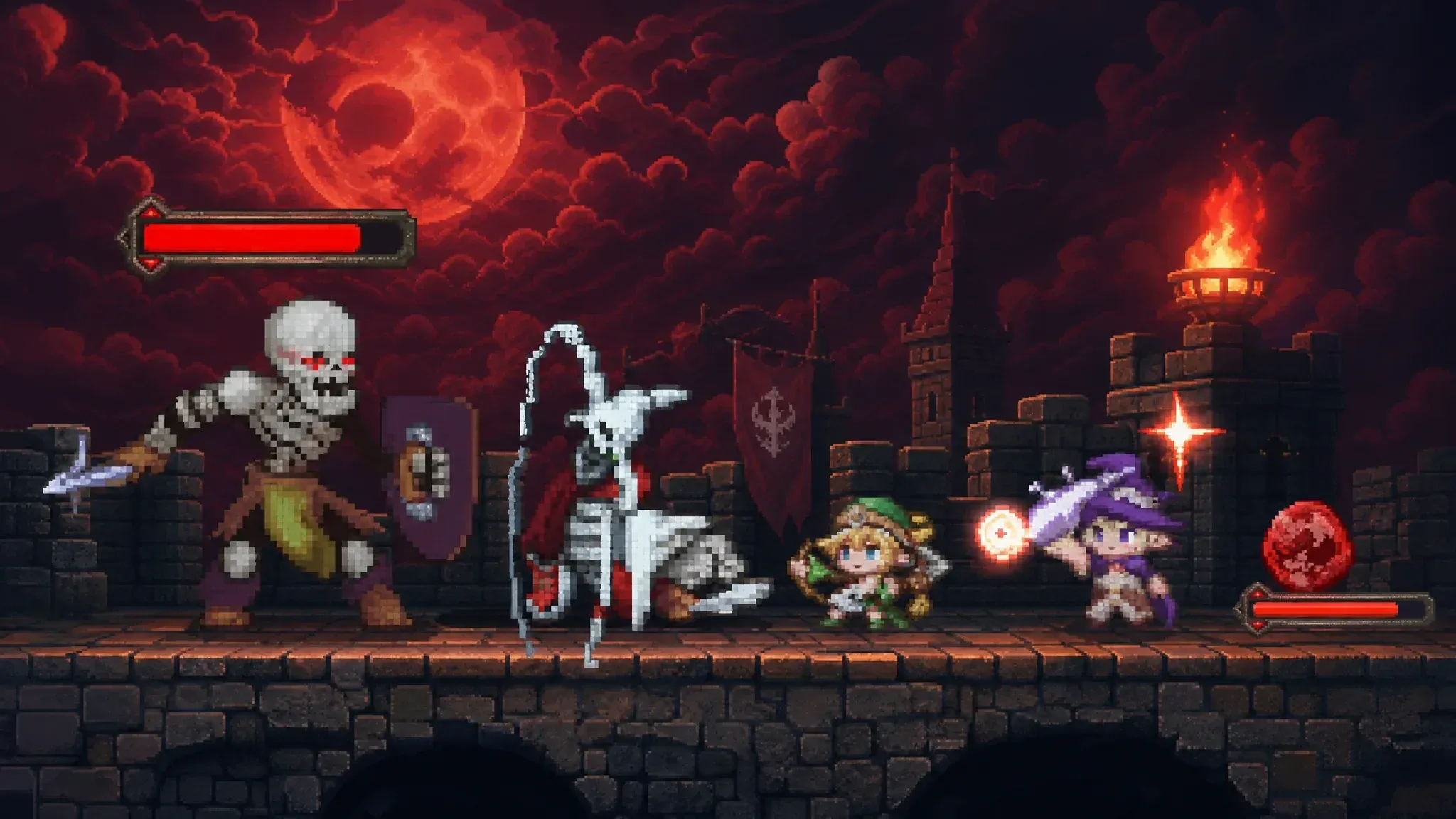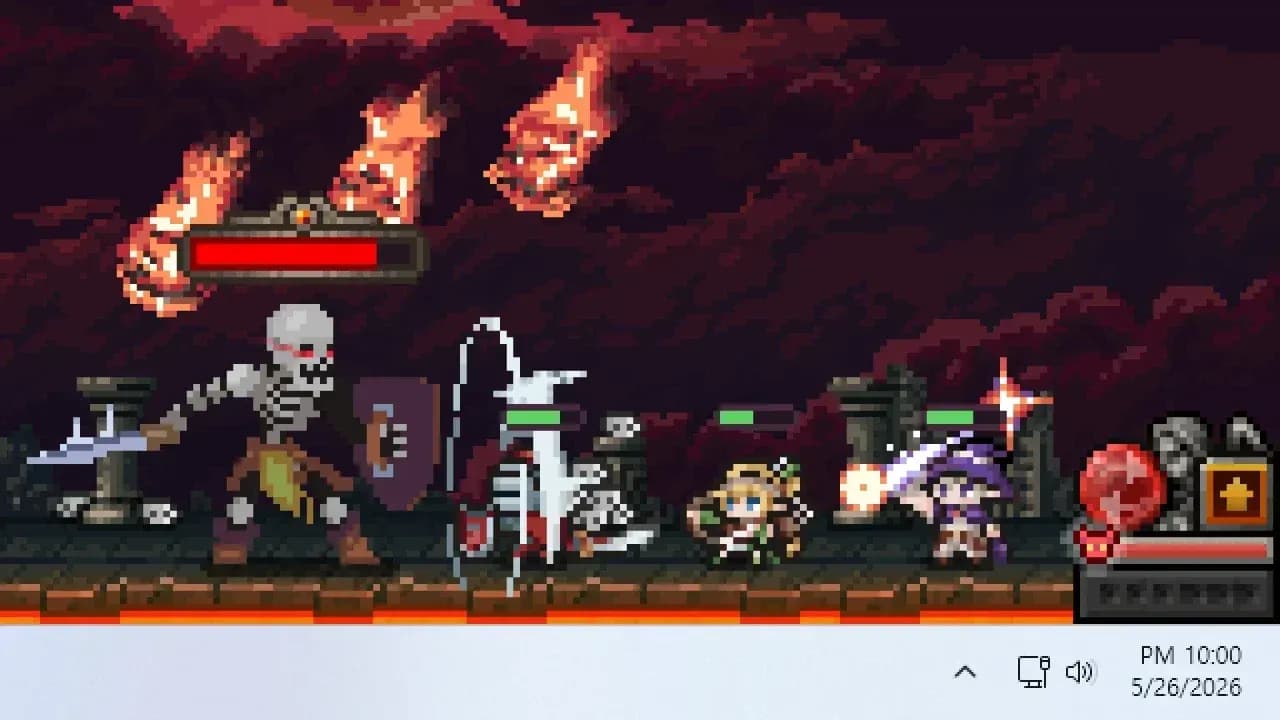

TBH: Task Bar Hero is a free-to-play idle RPG that sits quietly at the bottom of your screen while your pixel heroes grind enemies, collect loot, and grow stronger on their own. The setup sounds simple, but the game hides a surprisingly strict economy underneath all that automation. Spend your gold wrong in the first few hours and your progression stalls hard. This guide covers every early decision that actually matters, so you can skip the frustrating part and get straight to building a party that clears acts.
What class should you start with?
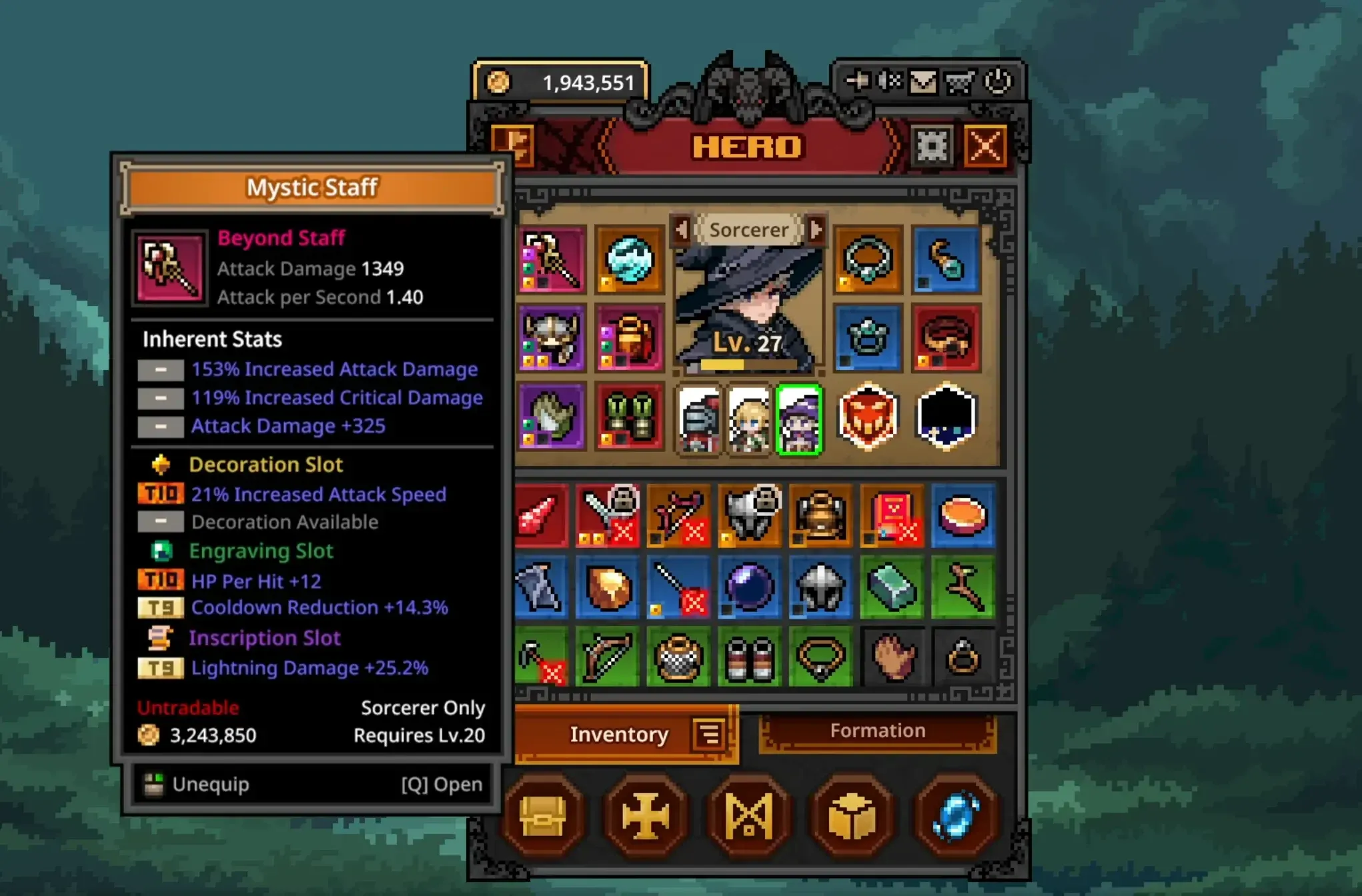
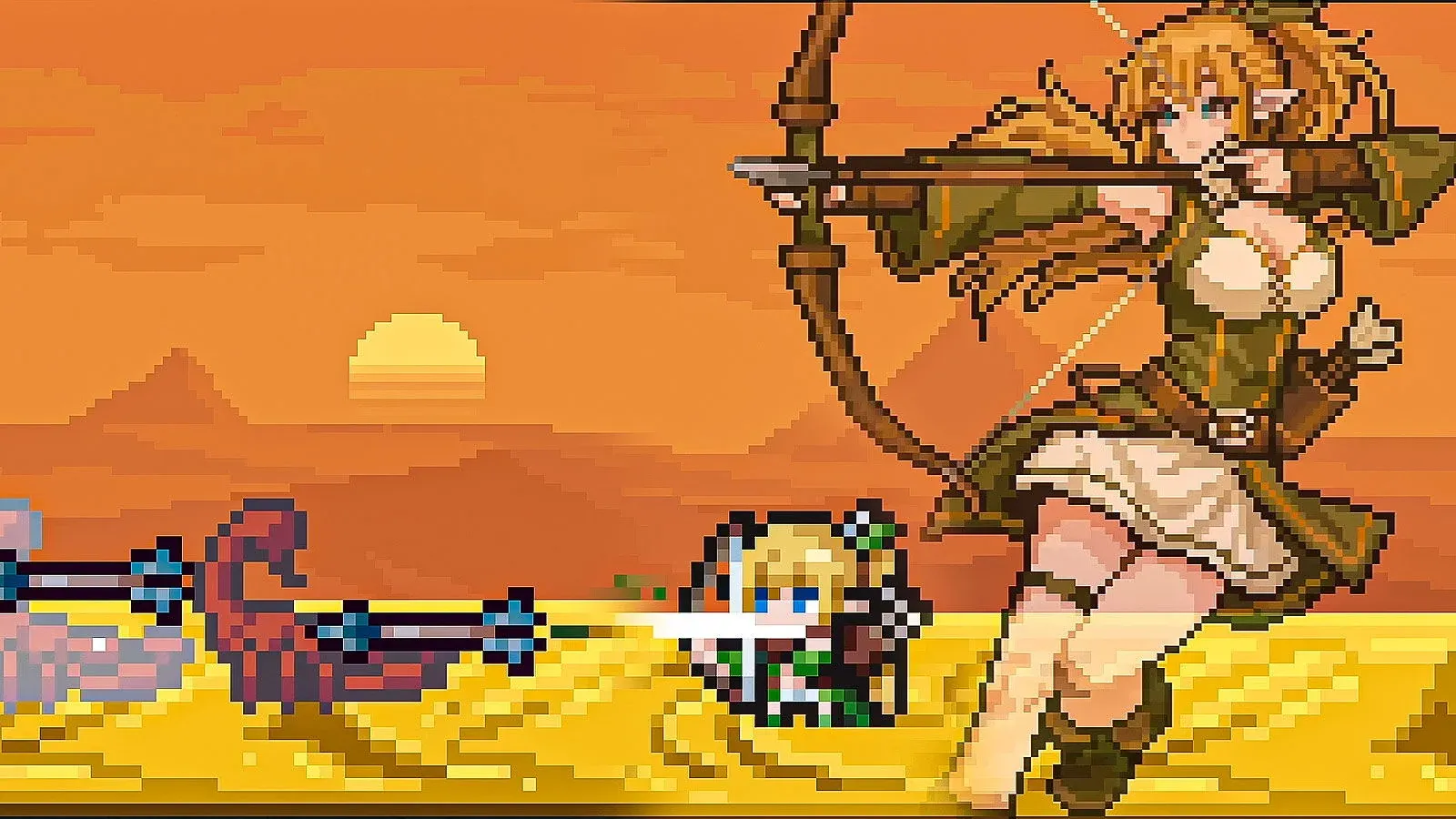
You begin with three free classes to choose from: the Knight, the Ranger, and the Sorcerer. Skip the Sorcerer for your first run. The Knight is the most forgiving pick because he absorbs punishment at the front of your formation, keeping your squishier units alive while you figure out the systems. The Ranger is the other strong option, attacking fast enough to clear early stages before enemies become a threat.
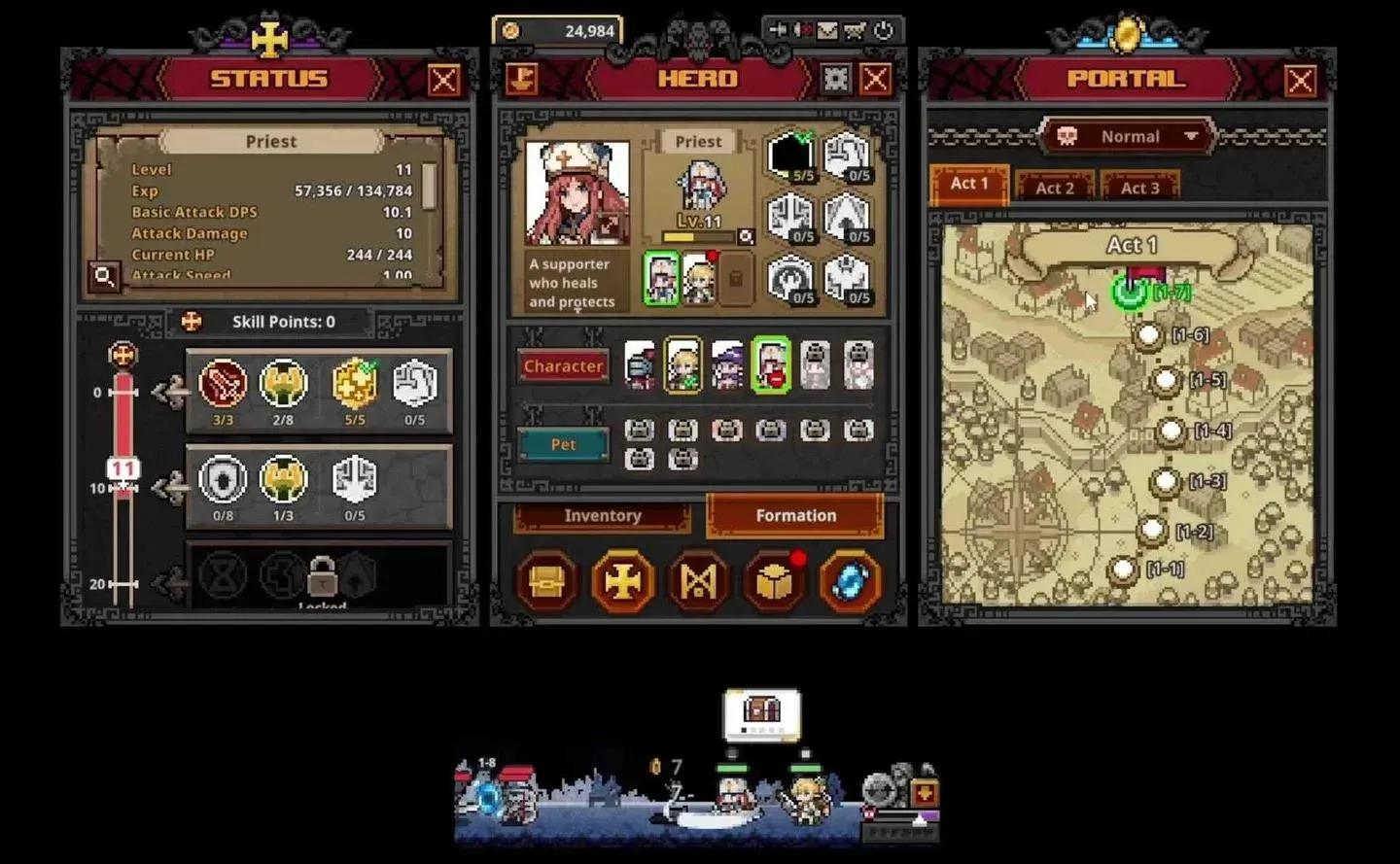
Before you touch anything else, open the store page and claim the free Priest DLC. This is the single most important action in the entire early game. The Priest is the best support class available, providing heals and damage buffs that carry your whole party. She charges into melee range despite being a healer, so plan to gear her toward health regeneration and armor as you progress.
For a full breakdown of how every class stacks up beyond the starter picks, the TBH: Task Bar Hero class tier list covers the entire roster including paid DLC options.

How to unlock your third hero slot fast
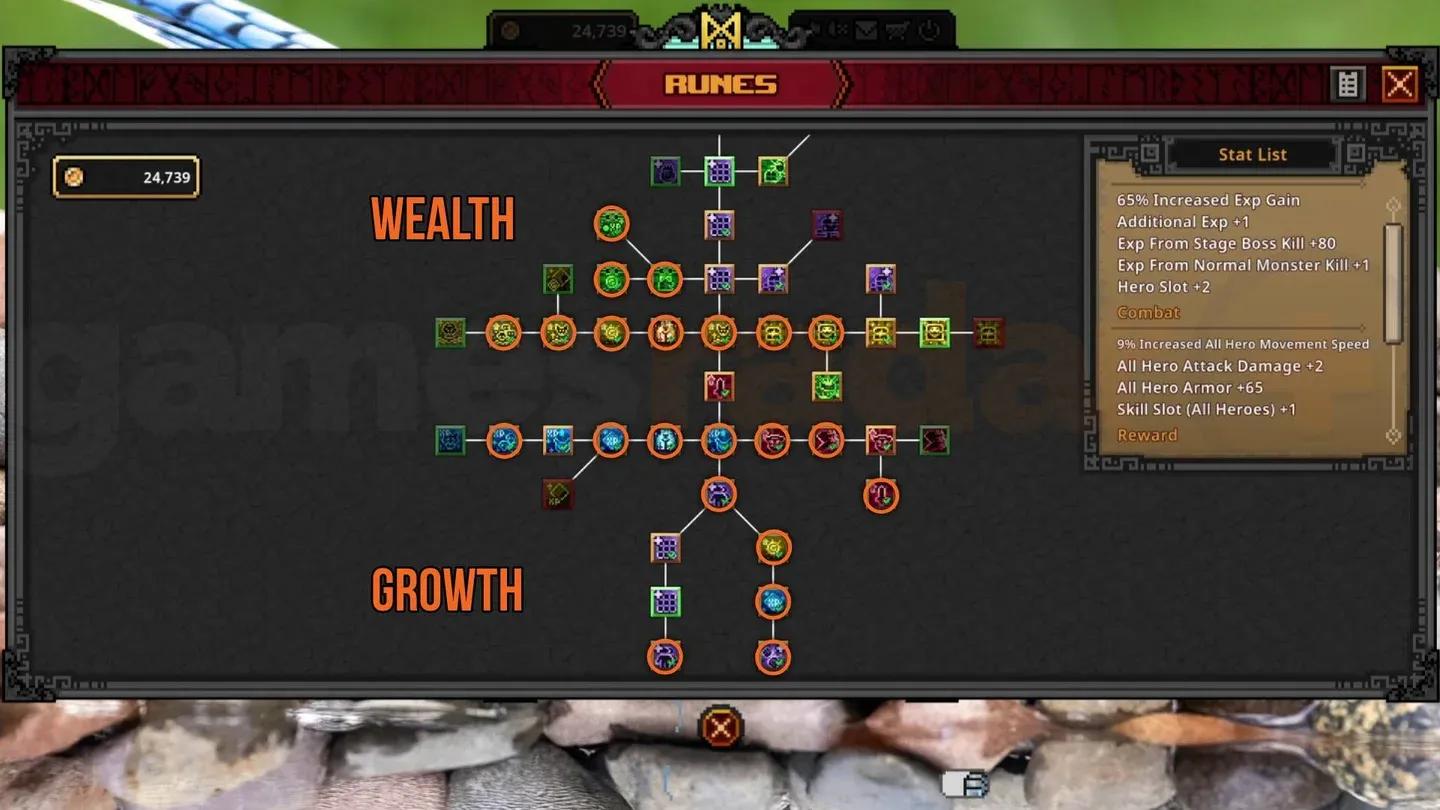
Your biggest early priority is expanding your party beyond one hero. Running a solo character is slow in every way: lower damage output, fewer loot drops, and less experience per run. The Rune tree is where you buy permanent upgrades, and the party slot expansions sit along the south path.
The second slot is cheap and easy to grab. Put your Priest there immediately. The third slot costs 150,000 gold, which sounds like a lot when you are scraping through Act 1, but it is the most important investment in the game. Everything accelerates once you have three heroes running together.
To reach that 150,000 threshold without wasting resources, follow two rules. First, do not spend gold synthesizing low-level gear in the Cube during this phase. Second, run the Alchemy tab to convert unwanted item drops into gold consistently. Sell everything you do not need and stockpile until you hit the target.
For the exact Rune path and costs, the guide on how to unlock more hero slots walks through every step.
Rune tree party slot path
Best early party composition
Once you have all three slots filled, the following setup covers both survival and damage output through the early and mid-game:
| Class | Position | Role |
|---|---|---|
| Knight | Front | Primary tank, absorbs damage, AoE shield keeps the party alive |
| Priest | Middle | Melee healer, buffs total party damage output |
| Ranger | Back | Fast attacker, consistent wave clear from a safe position |
The Knight's AoE shield reduces pressure on the Priest, letting her focus on damage buffs rather than constant healing. The Ranger's attack speed more than compensates for the Knight's lower damage output. This trio handles most content without gear optimization until you reach the later acts.
For more advanced party setups including premium roster combinations, the best team combinations guide covers pairings that scale into the endgame.
Why offline farming will hurt your account
This is the trap that catches almost every new player. Since TBH is an idle game, the obvious move is to close it overnight and come back to a pile of resources. The problem: the game drops zero chests while you are offline.
Chests are your primary source of gear and crafting materials. Your heroes will still earn gold and experience offline, but their equipment will fall behind their level, leaving you technically leveled but practically too weak to clear the acts you should be in. Even 20 minutes of active play where you can click open chests is worth more than several hours of offline accumulation.
The fix is to leave the game running in the background while you use your computer normally. Later in the Rune tree, you can unlock auto-open features for common and boss chests, which makes keeping the game open while you work genuinely rewarding.
How does the Cube work?
The Cube handles all item progression and is less complicated than it looks once you understand its four main functions.
Synthesis lets you combine nine items of the same rarity into one item of the next rarity tier. This is your main path to stronger gear once drops start flowing at a reasonable rate. Hold off on synthesis in the very early game since you need gold first.
Alchemy converts unwanted items into gold. Use Alt + Left Click to lock items you want to keep before running the auto-fill feature. If you skip this step, the auto-fill will grab gear you intended to save.
Decoration socketing is the fourth option in the Cube. Decorations fill the decoration slots on your equipment once you unlock the feature. Store decoration materials in your Stash rather than selling them.
Your Stash is long-term storage. Good candidates for keeping there include decoration materials, crafting materials, Soul Stones, and high-rarity gear your heroes cannot equip yet.
Cube Synthesis and Alchemy tabs
What are Soul Stones and should you use them?
Soul Stones are required to challenge the final boss at the end of each act. The key detail most players miss: a Soul Stone is only consumed when you actually defeat a boss and clear the act. Failed attempts cost nothing, so you can attempt a boss fight as many times as needed without burning through your supply.
If a boss is stopping your party cold, use the blue portal icon in the bottom right corner to travel back to an earlier stage. Farm better gear, gain a few levels, and return. Soul Stones also start dropping more frequently from chests after you clear Act 1-10 for the first time, so the supply becomes less of a concern as you progress.
Pet and skill point tips you should not skip
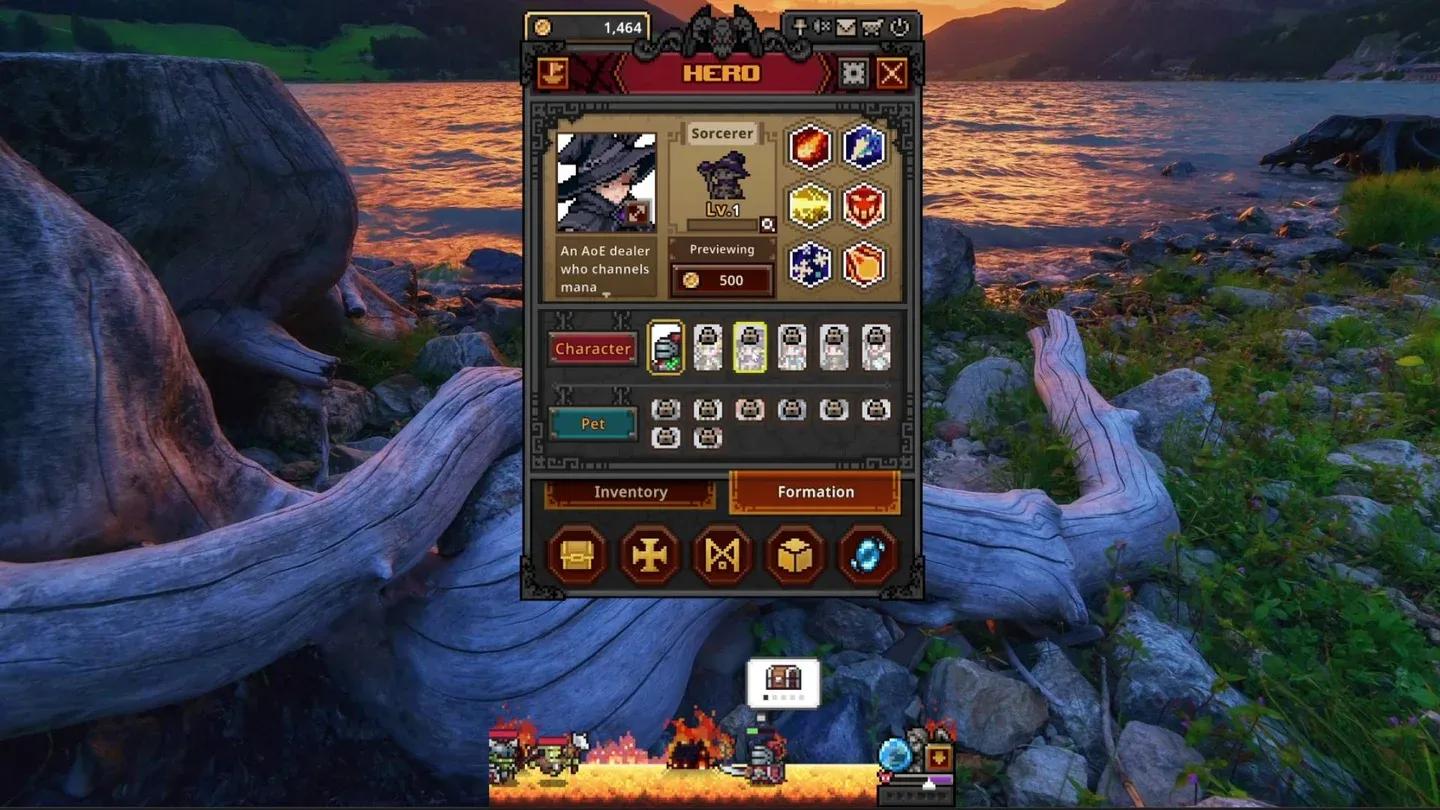
Pets can be equipped in the Formation screen and their passive bonuses apply whether they are actively deployed or not. Equip every pet you own immediately, even if they seem minor. Passive buffs from pets stack and compound over time.
To farm for your second pet, stage 2-5 gives roughly 20 Watcher enemy kills per run compared to around 11 on stage 2-4. The difference adds up quickly if you are grinding for a specific pet drop.
Check your character portraits in the Formation menu regularly. A red dot on a portrait means that hero has unspent skill points. Every skill point matters for survivability and damage output, so open each hero's status window and assign points whenever you see that indicator.
Pet passive slots in Formation
What to do when you hit a progression wall
Every player hits a boss that completely stops their party at some point. The correct response is not to push harder with the same gear. Use the blue portal to retreat to an earlier stage, run Alchemy on your surplus drops to build gold, synthesize gear up a rarity tier if you have the materials, and assign any unspent skill points before trying again.
Keeping auto-retry enabled in your settings means your party keeps attempting stages automatically instead of sitting idle after a wipe. Combined with leaving the game running actively rather than going offline, this keeps your progression moving even when you are not actively managing the game.
For everything else you need to build a strong account from day one, the full TBH: Task Bar Hero strategy guides collection covers team builds, the best Knight setups, pets, and more.