

Sharing Miis in Tomodachi Life: Living the Dream
Tomodachi Life: Living the Dream swapped out the QR code sharing that fans knew from the 3DS original and replaced it with a local wireless system. That change catches a lot of players off guard, so this guide breaks down exactly what works, what doesn't, and how to get Miis from one island to another when your friend lives more than a few meters away.
Can you share Miis online in Tomodachi Life: Living the Dream?
No. There is no built-in online Mii sharing system in the game. QR code sharing, which was a staple of the 3DS version, is completely absent here. The only first-party sharing method Nintendo built into the game is local wireless, which requires both Switch consoles to be physically near each other. No Nintendo Switch Online membership is needed for this feature.
Miis created inside Tomodachi Life: Living the Dream also cannot be exported back to the Switch system's Mii Maker or to other games like Miitopia. Once a Mii is built inside the game, it stays there.
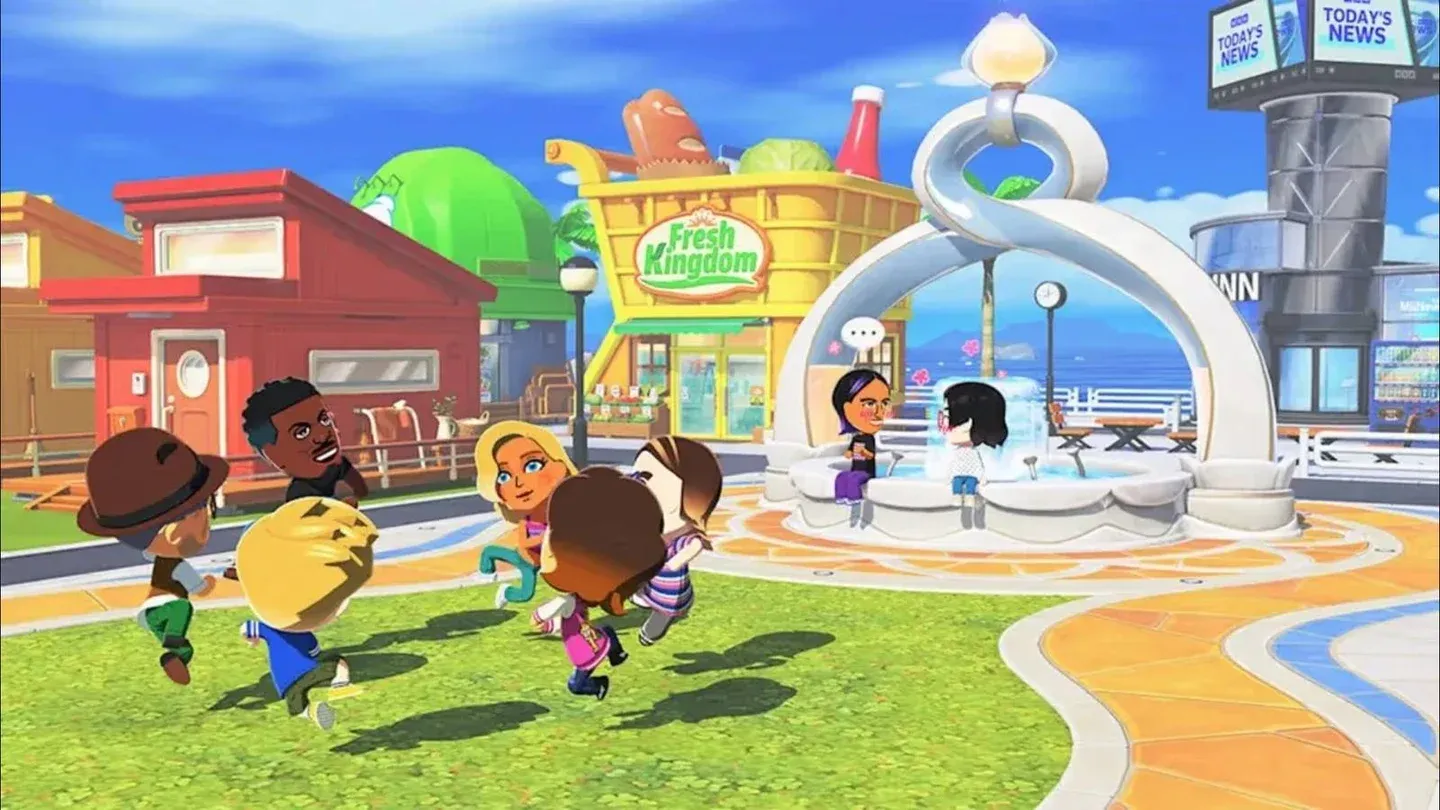
Local Play sharing screen
How to share Miis via local wireless
This is the official method. Both players need to be in the same room with their Switch consoles running the game.
- Launch Tomodachi Life: Living the Dream from the HOME Menu on both consoles.
- On the title screen, press the A Button to continue.
- Press the X Button to open the menu, then select Local Play.
- The game will prompt you to save before connecting. Select Save, then OK.
- One player selects Look for another player. The second player then selects the first player's name from the list.
- Once both consoles show a connection, select OK to proceed.
- Either player can then choose to send a Mii or a Creation (items made at the Palette House workshop). Select the specific Mii you want to send, then confirm with Send twice.
- The receiving player selects Receive, then OK to accept.
After exiting Local Play, any received Miis will need a house built for them before they can move onto your island.
Local wireless on Nintendo Switch typically works within roughly 5 to 10 meters, though walls and interference can shorten that range. Staying in the same room gives you the most reliable connection.
How to share Miis with friends who aren't nearby
Since local wireless requires physical proximity, getting a specific Mii to a friend across town takes a workaround. Two methods are worth knowing.
Using Miitopia as a bridge
This is the closest thing to online Mii importing available for the game. The free Miitopia demo on Nintendo Switch supports Access Keys, which let players receive Miis from other creators over the internet. Once a Mii is received in Miitopia, it can be copied to the Switch system's Mii Maker, and from there it can be pulled into Tomodachi Life: Living the Dream using the Create based on a Mii on your console option.
A Nintendo Switch Online membership is required to download Miis via Miitopia Access Keys.
The steps look like this:
- Download the free Miitopia demo from the Nintendo eShop.
- Launch Miitopia and navigate to Mii characters, then press X to add Miis.
- Select Receive, then Access Key, and enter a valid creator code.
- Choose the Mii you want and select Copy to your Switch system.
- Exit Miitopia and launch Tomodachi Life: Living the Dream.
- Go to Add a Mii and select Create based on a Mii on your system.
- Your imported Mii should appear in the list ready to add to your island.
Sharing screenshots and recreating manually
For Miis that aren't available through Miitopia Access Keys, the most practical option is sending a screenshot of the Mii's appearance via social media or messaging, then having your friend recreate it manually inside the game. The Switch's capture button makes grabbing screenshots straightforward.
Community databases have emerged specifically for this purpose, compiling Mii designs with step-by-step part-by-part instructions, exact color positions, height and weight values, and face paint details. Miis without complex face paint are much easier to recreate accurately this way.
Mii sharing comparison across Nintendo games
The pattern here is clear. Miitopia is the only Nintendo Switch title with a proper online Mii sharing system. Tomodachi Life: Living the Dream sits closer to the base Switch Mii Maker in terms of connectivity, which is a step back from the 3DS original's QR approach.
What else can you share in local wireless?
Beyond Miis, local wireless also lets you send Creations made at the Palette House workshop to another player's island. The same connection process applies. Both items and Miis transfer as copies, so nothing is removed from the sender's game.
Save data and islands are not shared between different user accounts on the same Switch console. Each registered user has a completely separate save file.
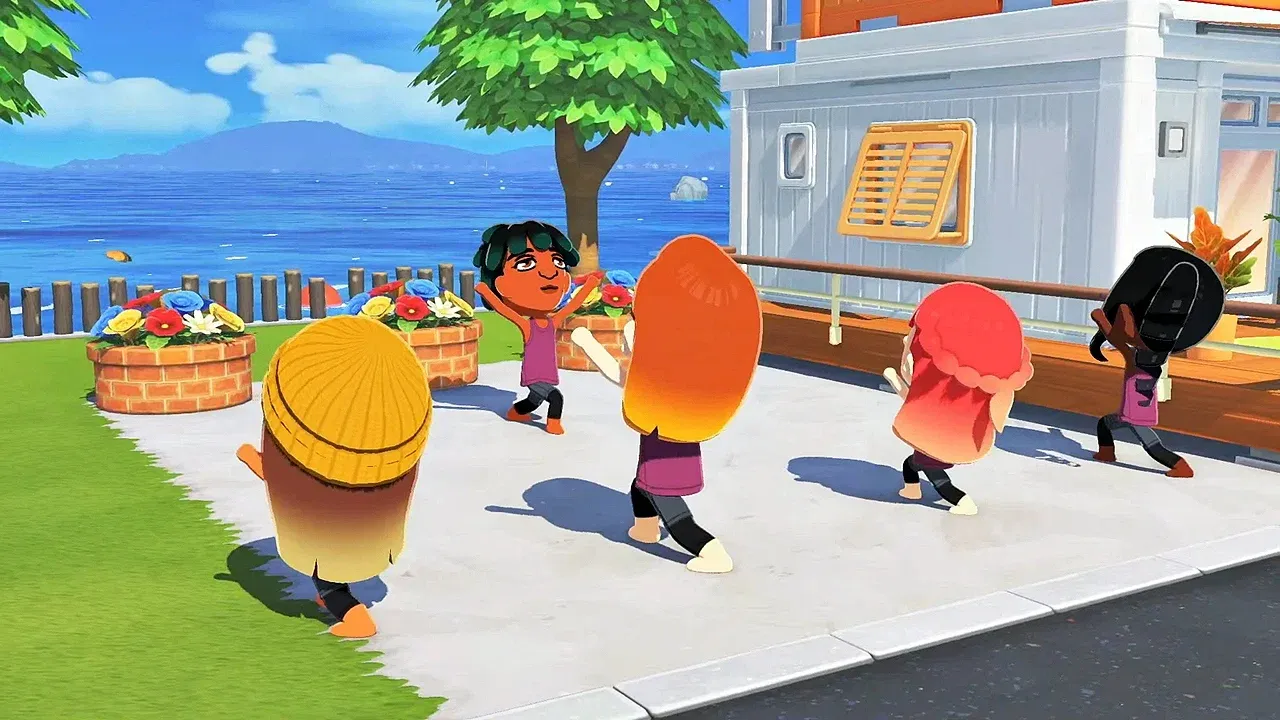
Sharing Palette House creations
What to do after receiving a Mii
Once a Mii lands on your island through local wireless, you need to build a house for them before they can become a resident. The Mii will not automatically integrate into your island's population without that step.
If you want to dig deeper into how relationships and living arrangements work after your roster is set up, the guide on getting Miis to live together covers apartments and roommate mechanics in detail. For players still filling out their island, importing Miis into Tomodachi Life: Living the Dream walks through all three methods for bringing new characters in from outside the game.
Once your Miis are settled, keeping them happy matters. The best gifts guide breaks down which items boost happiness fastest, which is worth knowing early.
Quick reference: sharing methods at a glance
For everything else the game has to offer once your island is populated, the full Tomodachi Life: Living the Dream guide collection covers romance, babies, relationships, and more.