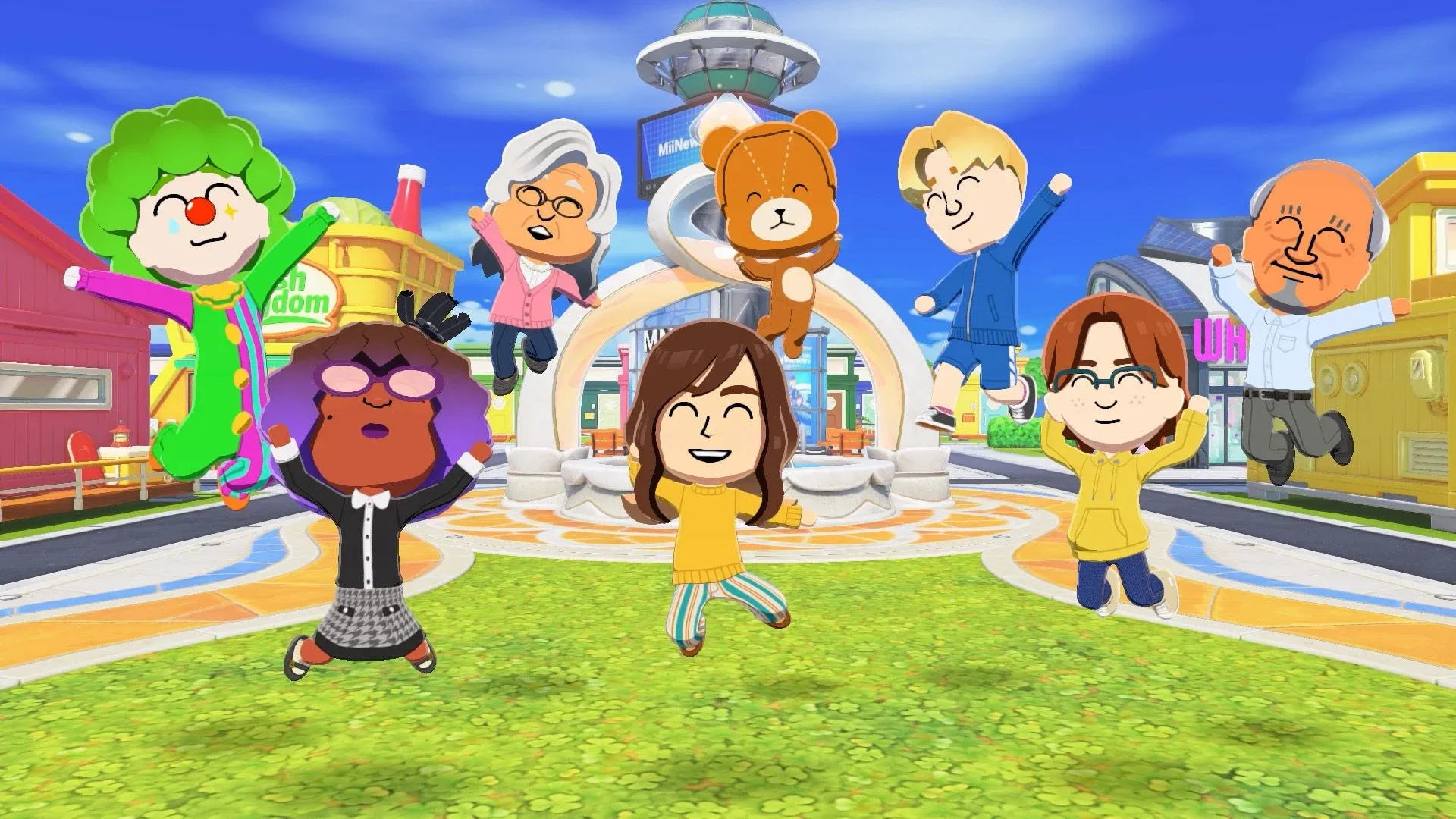


Your island in Tomodachi Life: Living the Dream is only as good as the Miis living on it. Nintendo locked down most sharing features, so you can't just post your creations online or grab someone else's directly. The good news is that three separate methods exist to pull in Miis from other players or even your old 3DS, and none of them require you to build every face from scratch. Here's exactly how each one works.
Why can't you share Miis directly in Living the Dream?
Nintendo made a deliberate decision to restrict sharing of player-created content in Living the Dream, including screenshots and video captures of certain features. This applies to custom objects and patterns too. Mii characters, however, are a different story. They sit outside the game's own sharing restrictions because they're technically stored on your Switch console rather than inside the game itself. That distinction is what makes all three import methods below possible.
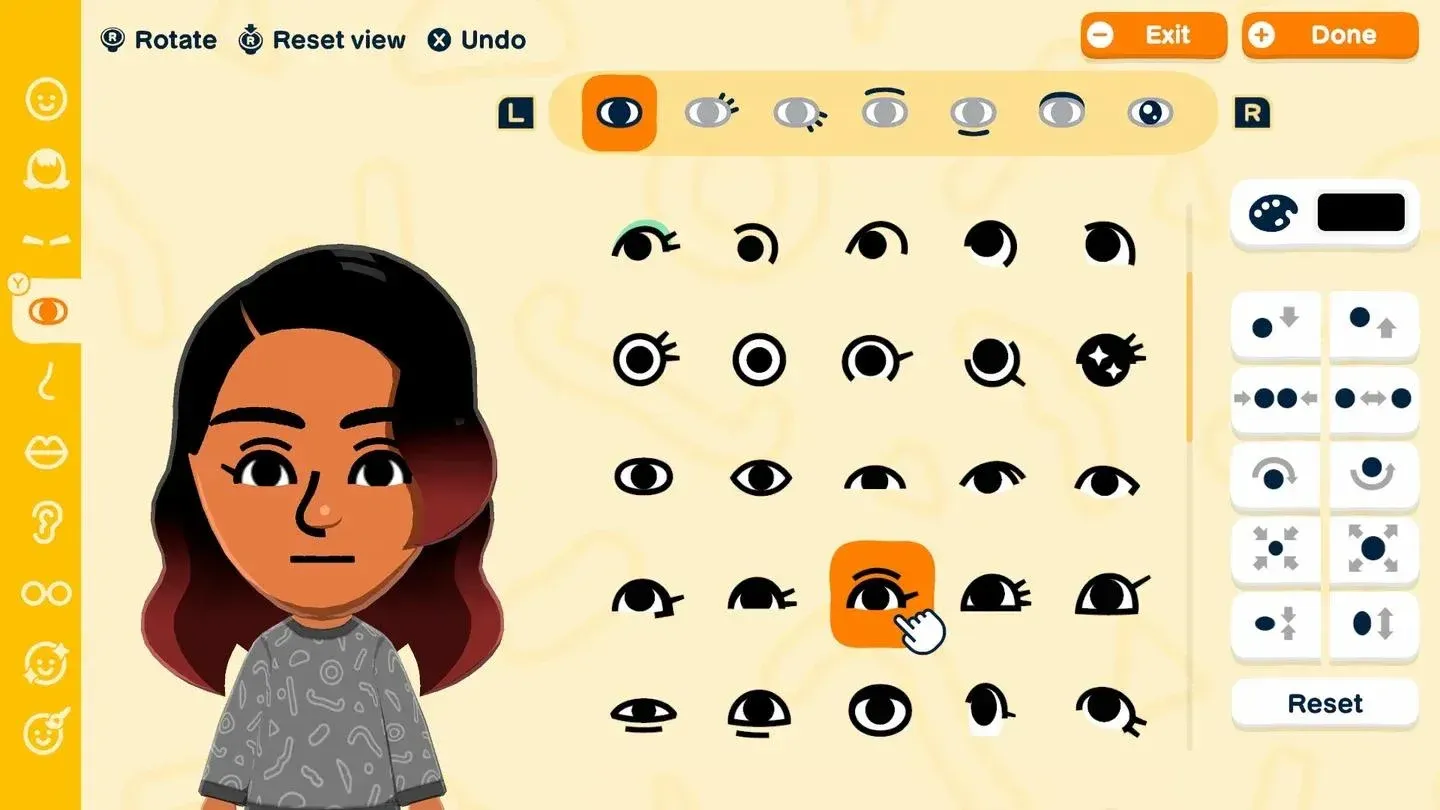
Import Miis from Switch console
Method 1: How to import Miis using the Miitopia demo
This is the most flexible option, and it costs nothing. The Miitopia demo is free on the Nintendo eShop, and while the full game unlocks extra features, the demo alone is enough to search for and download community-created Miis. Those Miis then transfer directly to your Switch, where Living the Dream can pull them in.
Step-by-step: Miitopia demo method
- Download the Miitopia demo from the Nintendo eShop at no cost.
- Launch the demo and go through the initial setup, creating a starter Mii and beginning a new save file. You don't need to actually play the game.
- From the main menu, select Mii Characters, then choose Add Mii Characters.
- Select the Access Key option from the dialogue that appears.
- Find an access key online. The site Miipedia (miipedia.com/miis) hosts a large catalogue, and Reddit user YangBangUltra has compiled a list of confirmed working codes on the r/Miitopia subreddit, which is worth checking since many older keys have been removed over time.
- Enter the key into Miitopia. Each key takes you to a specific user's page rather than a single Mii, so you'll have multiple characters to browse through.
- Select the Mii you want and choose Copy to Nintendo Switch to save it to your console.
- Open Living the Dream, use the Add Mii option, and select From Switch Console instead of "From Scratch."
After importing, all the standard Living the Dream personality and customization options become available, so you can adjust the Mii to fit your island however you like.
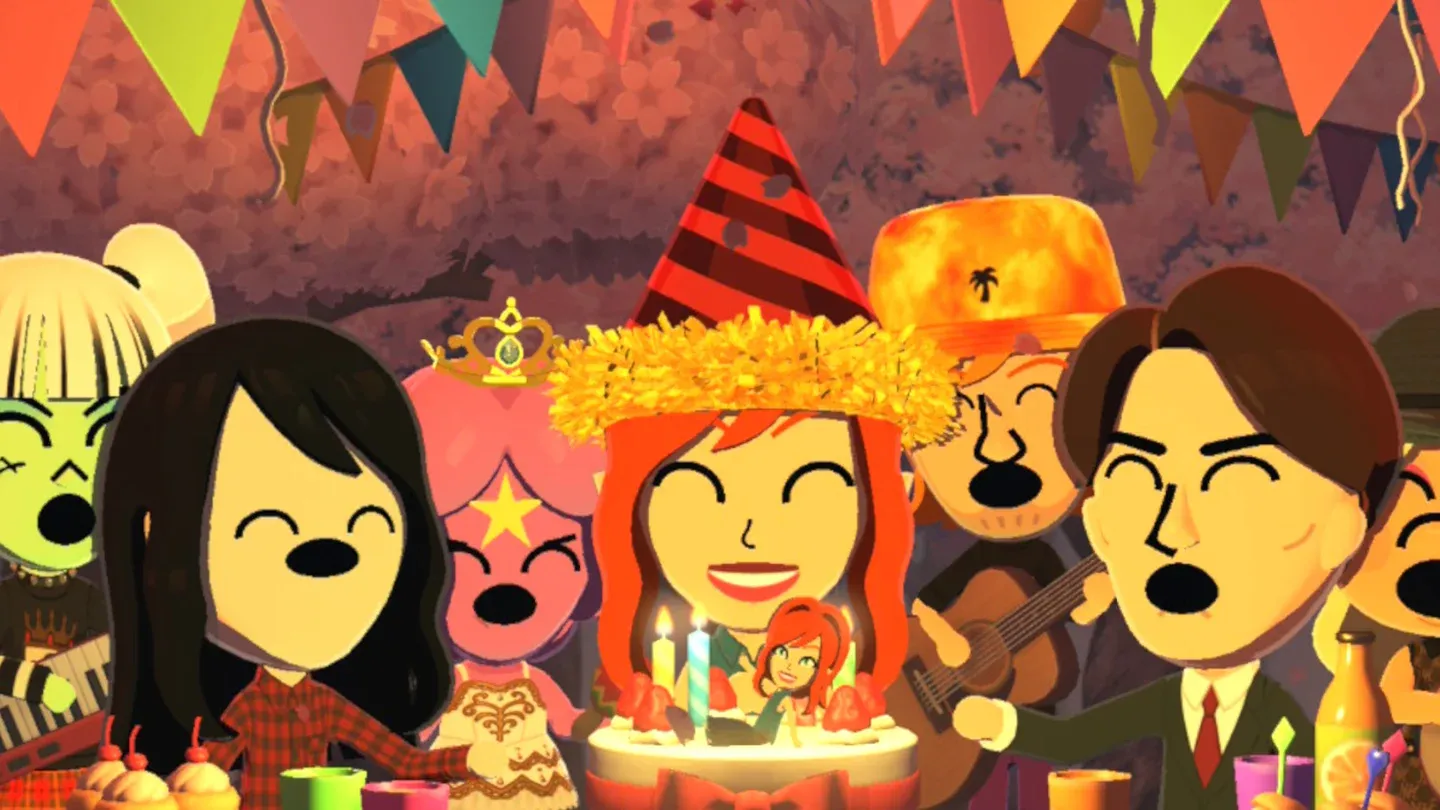
Entering an access key in Miitopia
Method 2: How to transfer Miis from a 3DS using an amiibo
If you played the original Tomodachi Life on 3DS and want those specific Miis on your Switch, this method works but requires a physical amiibo figure. Nintendo never built an official transfer tool between the two systems, but the amiibo workaround gets the job done with a little extra setup.
What you need
- A 3DS, 3DS XL, 2DS, New 3DS, New 3DS XL, or New 2DS XL
- A physical amiibo figure
- A Nintendo Switch or Switch 2
- A Nintendo 3DS NFC Reader/Writer (only required if you're using an original 3DS, 3DS XL, or 2DS, which lack built-in NFC)
The New 3DS, New 3DS XL, and New 2DS XL all have built-in NFC, so the Reader/Writer accessory isn't needed for those models.
Step-by-step: amiibo transfer method
- Charge your 3DS and open Quick Settings.
- Scroll to amiibo settings and select Register Owner and Nickname.
- Follow the prompts and choose a Mii from your 3DS collection to save onto the amiibo.
- On your Switch or Switch 2, go to System Settings and scroll to the Mii tab.
- Select Create New Mii, then choose Copy from Amiibo.
- Scan the amiibo to transfer the Mii to your Switch.
- Launch Living the Dream and add the Mii using the From Switch Console option.
Method 3: How to recreate famous Miis using Tomodachi Share
Neither of the above methods helps if you want a specific celebrity, fictional character, or pop culture Mii that someone else designed. For that, Tomodachi Share (tomodachishare.com) is the most useful community resource available right now. The fan-made site lists tens of thousands of player-created Miis, sortable by recency and most-liked designs, and it's become the go-to place for finding detailed character recreations.
Rather than providing a file to download, each Mii page on Tomodachi Share gives you a detailed recreation tutorial: which parameters to adjust in Living the Dream's character creator, what face paint settings to use, and so on. It's more work than a direct import, but it's currently the only way to get highly specific designs onto your island.
Some popular examples circulating on social media include recreations of Walter White from Breaking Bad and Light Yagami from Death Note, both of which have been generating clips across X (formerly Twitter). The more complex designs, like planet-shaped Miis using the detailed drawing tool, can take an hour or two to get right.
Comparison: which method should you use?
For most players, the Miitopia demo method is the fastest route to a populated island. The amiibo method is worth the effort if your 3DS Miis have sentimental value. Tomodachi Share is the right call when you have a specific design in mind and don't mind spending time on the character creator.
One thing to keep in mind about exporting
There's currently no way to save a Mii you've created inside Living the Dream back to your Switch console. This means you can't use the Miitopia method in reverse to share your own Living the Dream Miis with other players. If you want to share a Mii you've built in Living the Dream, you'd need to recreate it inside Miitopia separately, then share that version's access key.
For more on getting the most out of your island, check out the complete Mii setup and island guide covering everything from island setup to relationship management, and the Mii customization guide for a full breakdown of pronouns, dating preferences, and personality settings. Once your island is stocked, the friendship and romance guide covers everything you need to get your Miis interacting in interesting ways. Browse the full Tomodachi Life: Living the Dream guide collection for every topic covered so far.