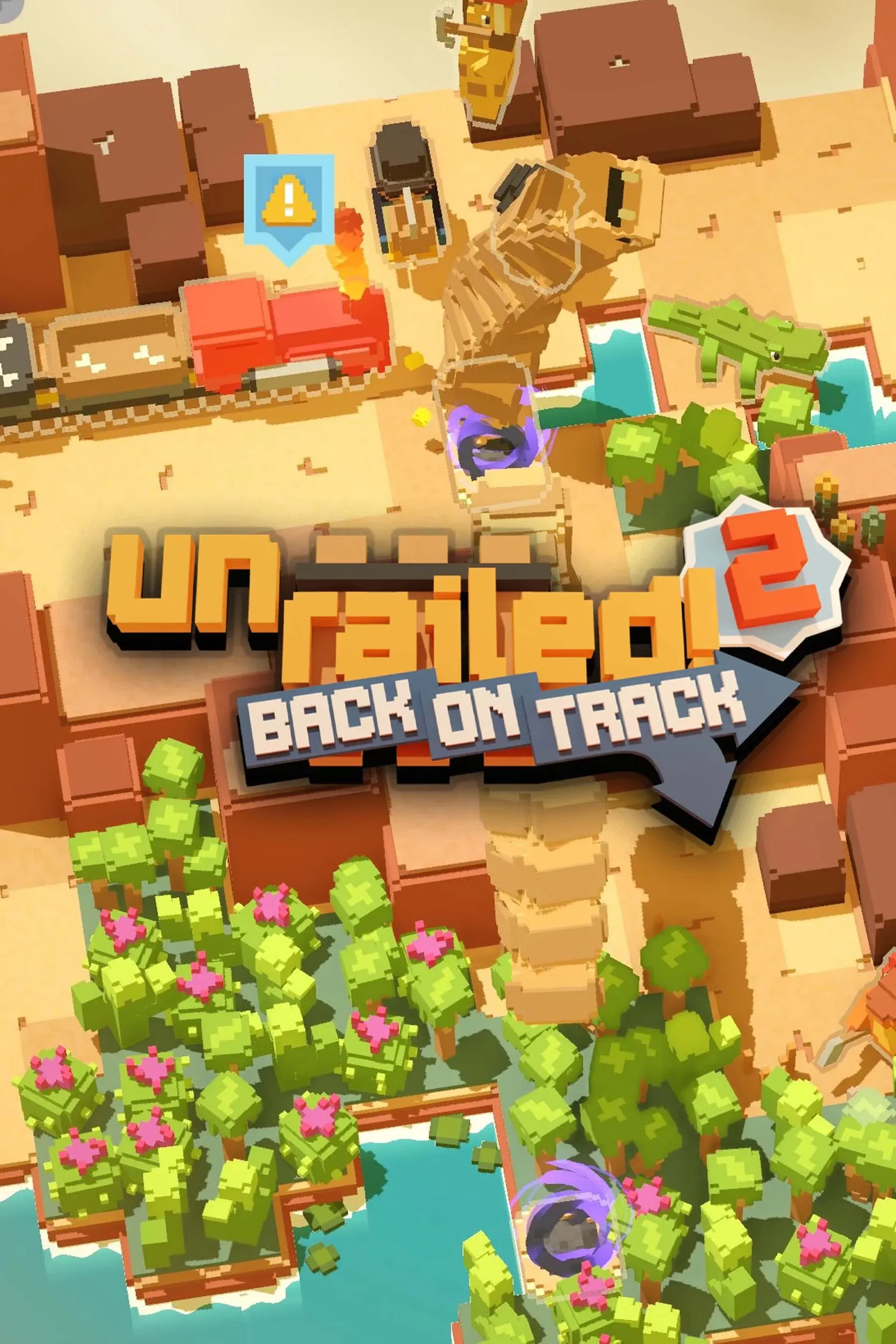


Unrailed 2: Back on Track Complete Guide
Building track ahead of a moving train while everything around you is on fire (sometimes literally) is exactly the kind of chaos Unrailed 2 was built for. Developed by Indoor Astronaut, this sequel takes the frantic co-op formula from the original and expands it with procedurally generated worlds, boss fights, branching stage paths, and a cartridge system that lets you shape your character around a playstyle. Up to 4 players can jump in locally or online, and the drop-in/drop-out support means sessions rarely get derailed by scheduling.
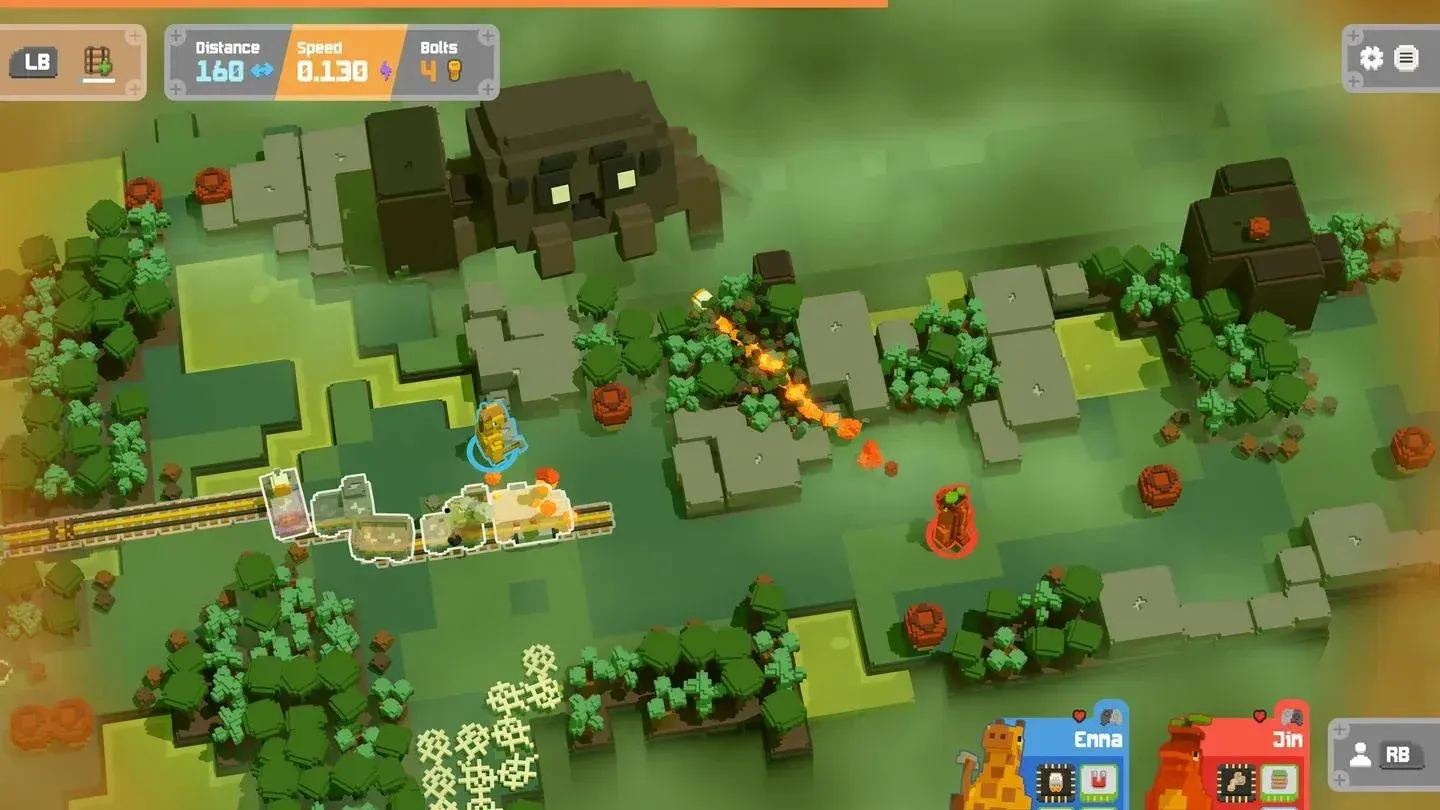
Choose your next station wisely
What makes Unrailed 2 different from the original?
The original Unrailed! was a single-path sprint. Unrailed 2 adds a track junction system that lets you preview the difficulty and rewards of upcoming stages before committing to a route. That one change transforms the game from pure reaction into something with actual strategic depth.
A few other additions that matter:
- Boss battles at each biome transition, with a guaranteed train slowdown if you survive
- Multiple lives through specific locomotives or extra life cartridges, replacing the instant-game-over of the first game
- Terrain-conductor mode for building and sharing custom maps online
- An 8-player battle mode (4v4) that is still being detailed by the developers
The core loop stays the same: chop wood, mine stone, craft rails, lay track, repeat. But the meta layer around that loop is meaningfully deeper.
How do stations work in Unrailed 2?
Stations are the breathing room between chaotic track-laying segments. They let you reorganize your train, buy new cars, upgrade existing ones, and grab cartridges. Every station except the biome crossing has a sign for purchasing extra challenges with bolts, plus 3 storage slots for trains or extensions.
Station difficulty runs across four tiers. The first station in any biome always starts on easy. Higher difficulty stations reward more bolts on arrival, and box station train quality scales with difficulty too. Some cartridges (specifically Lollipop and Abyss) can nudge the difficulty distribution in your favor or push it harder.
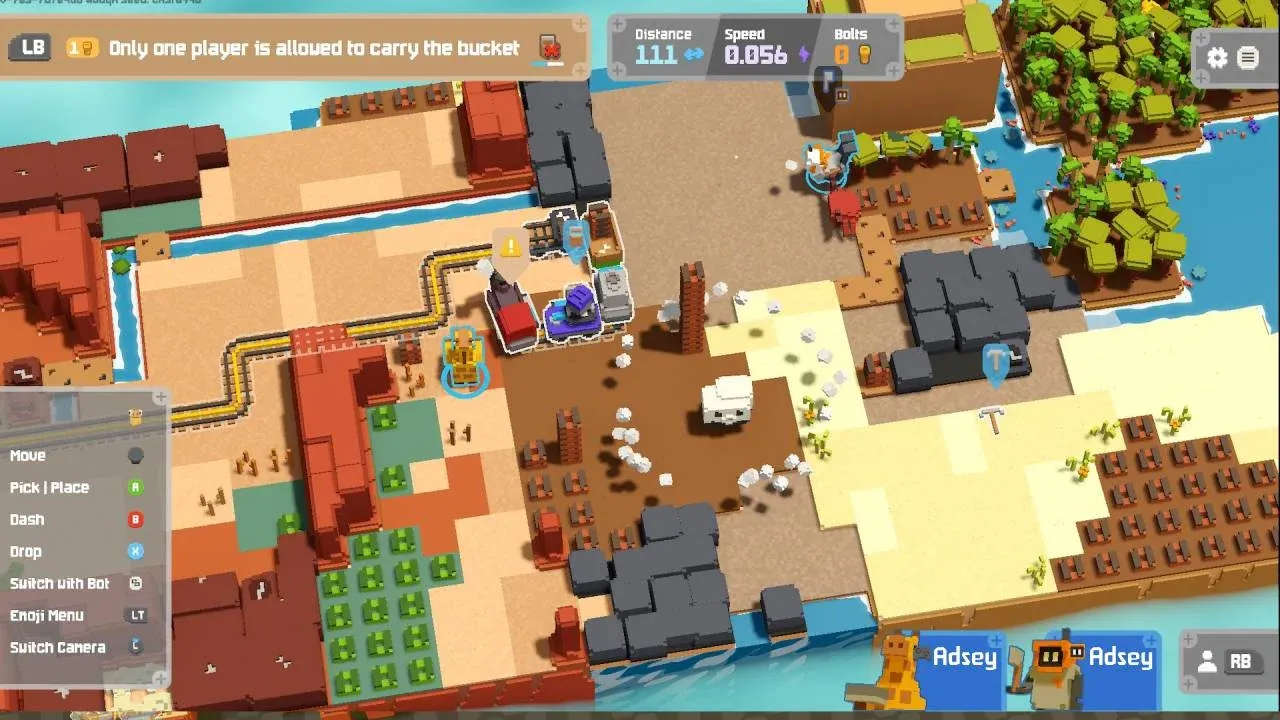
Shop station bolt pricing
Station types at a glance
Shop station pricing
Extensions cost 4 bolts at regular price, dropping to 3 during a sale. Trains without extensions also run 4 bolts (3 on sale). A train with an extension attached costs 5 bolts (4 on sale), but if that extension is a debuff, the price drops to 3 bolts (2 on sale). The shop also has a revert button, so panic purchases can be undone.
Smithy upgrade costs
The blacksmith is where long-term train investment happens. Upgrading a train from level 1 to 6 costs 49 bolts at full price, or 42 bolts with the sale discount active.
The smithy also lets you remove all extensions from a train, or destroy the train while keeping its extensions intact. That second option is useful when a chest drops an extension on a train you do not want, and you need to transfer it elsewhere.
What can you get from the ??? station?
The ??? station appears once per biome, usually after the 5th station. Each biome has a unique rare train available here:
- Monorail Choji biome: Piggy
- Cargo Valley biome: Cartridge Toaster
- Boxcar Only biome: Train Printer
- Transfer Island biome: Hexagon Wooden Cart
- Boiler Wasteland biome: Assignment Car
Slot machine station: worth the gamble?
Each spin costs 4 bolts. Spin 4 times and you are guaranteed a reward. The cartridge machine gives all players the same random cartridge simultaneously, while the speed machine slows the train slightly. There is also a low chance of winning an extra life. One catch: if you already have an extra life, the machine will not offer another one.
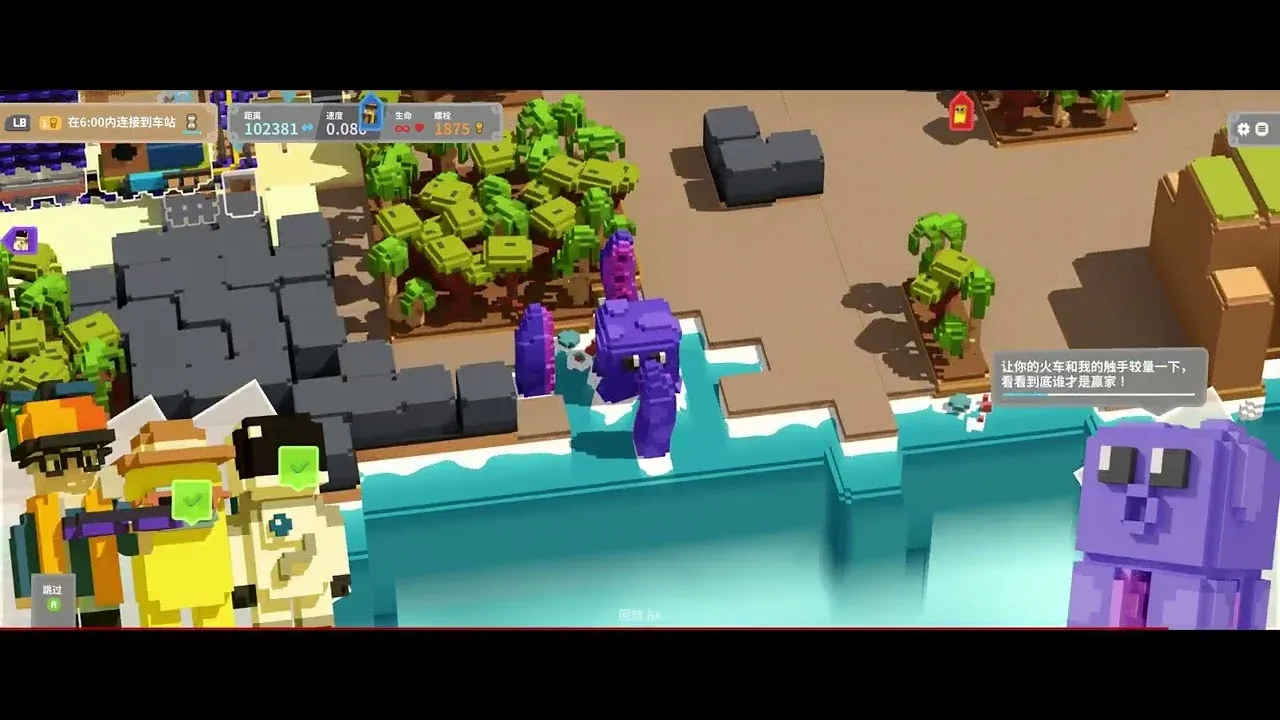
Cartridge loadout management
How does the cartridge system work?
Cartridges are equippable abilities that stack when you pick up duplicates. You discover them during runs, and once purchased with Hexnuts (the persistent currency earned proportional to playtime), they become permanently unlockable in the lobby. The catch: lobby-equipped cartridges do not carry over into a run from the start. You begin each run with only 3 slots.
Installing a cartridge requires drilling a compartment, which also costs Hexnuts. The same amount is spent on both the compartment and the cartridge itself.
Action cartridges
Passive cartridges
What are the best cartridges for beginners?
After spending time with the cartridge roster, a few stand out as consistently high-value picks regardless of team composition.
Magnet is probably the single best passive for new players. Auto-collecting resources within 2m (and expanding with each duplicate) removes one of the most common mistakes: walking past materials you needed. Multi Tool is similarly forgiving, letting you mine with the wrong tool at half speed rather than standing around useless.
For active cartridges, Cast transforms coordination. Throwing materials 6m toward a goal means one player can supply another without crossing the entire map. Stack two Cast cartridges and that range hits 7m, which covers most mid-game terrain gaps.
Discount Tag is a sleeper pick. A 10% bump in sale probability sounds minor until you realize the smithy's level 5-to-6 upgrade costs 24 bolts at full price. Consistent discounts across a full run add up to meaningful savings.
Biome boss before crossing
Essential tips for surviving longer runs
Watch the train speed. Speed increases the longer you stay in a single biome without crossing to the next one. Once it climbs past 0.3, the pace becomes genuinely punishing for most teams. Moving to the next biome resets the pressure. If your team is struggling, crossing early beats grinding for bolt rewards.
Pre-stage stacking. Any rails or materials left near the destination carry over to the start of the next round. If you finish a stage with time to spare, stack wood and rails at the endpoint. If there is no time to move them, hold the materials in your hands. They persist into the next round.
Dash carefully. Pressing Shift to dash is fast, but running into a teammate causes a collision. In tight spaces with multiple players, that friction adds up quickly.
Animals give real buffs. Certain biome animals produce milk when you bring them a basket. Drinking the milk grants a buff specific to that animal type. The frog clears spider webs from a distance, a crab temporarily fills sea water, and a water basket can clear mole holes and sandworm holes in one move.
Ghost train is not optional on long trains. As your train grows, it will clip and block itself on difficulty curves. Equipping a ghost train or ghost extension in a middle compartment prevents the train from getting stuck on its own corners.
Dynamite scales with upgrades. A well-upgraded dynamite production car is a powerful tool for clearing terrain fast. An under-upgraded one becomes an obstacle. Either commit to upgrading it or leave it off the train entirely.
Co-op breakdown
Unrailed 2 supports up to 4 players across local, online, LAN, and combo modes. Drop-in/drop-out is fully supported, so players can join mid-run without restarting. The story mode is fully co-operative throughout.
Role division matters more than it looks. With 4 players, splitting into a resource team (chopping and mining) and a rail team (crafting and laying) is the baseline. The cartridge system lets you specialize further: one player running Magnet and Turbo-Ax handles resource gathering, while another with Cast and a rail crafting table handles output.
For more builds and strategies across the full game, the Monster Train 2 guides collection has additional co-op resources worth checking.
If you enjoy the kind of strategy games that reward tight coordination and quick decision-making under pressure, Unrailed 2 sits comfortably at the top of that list.