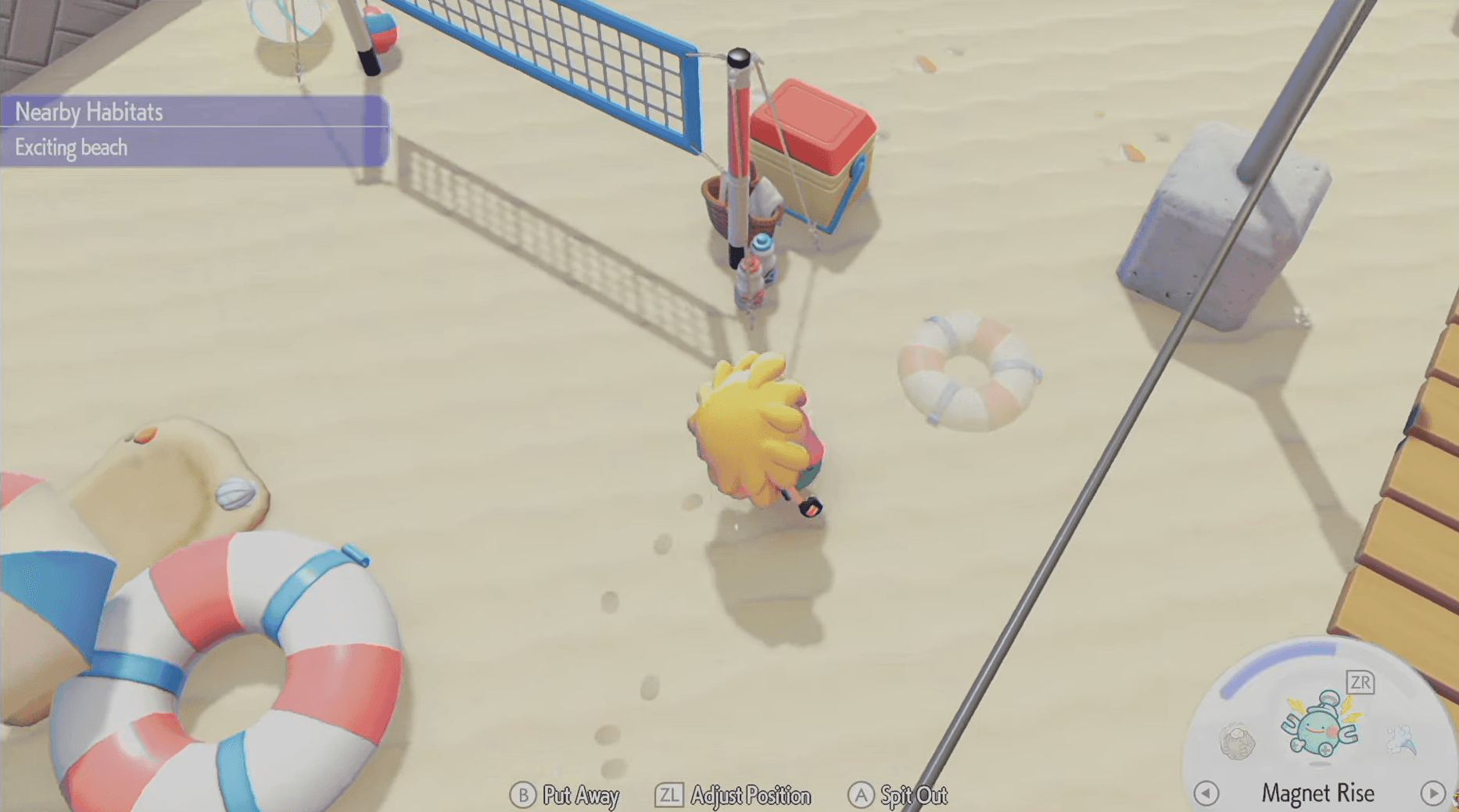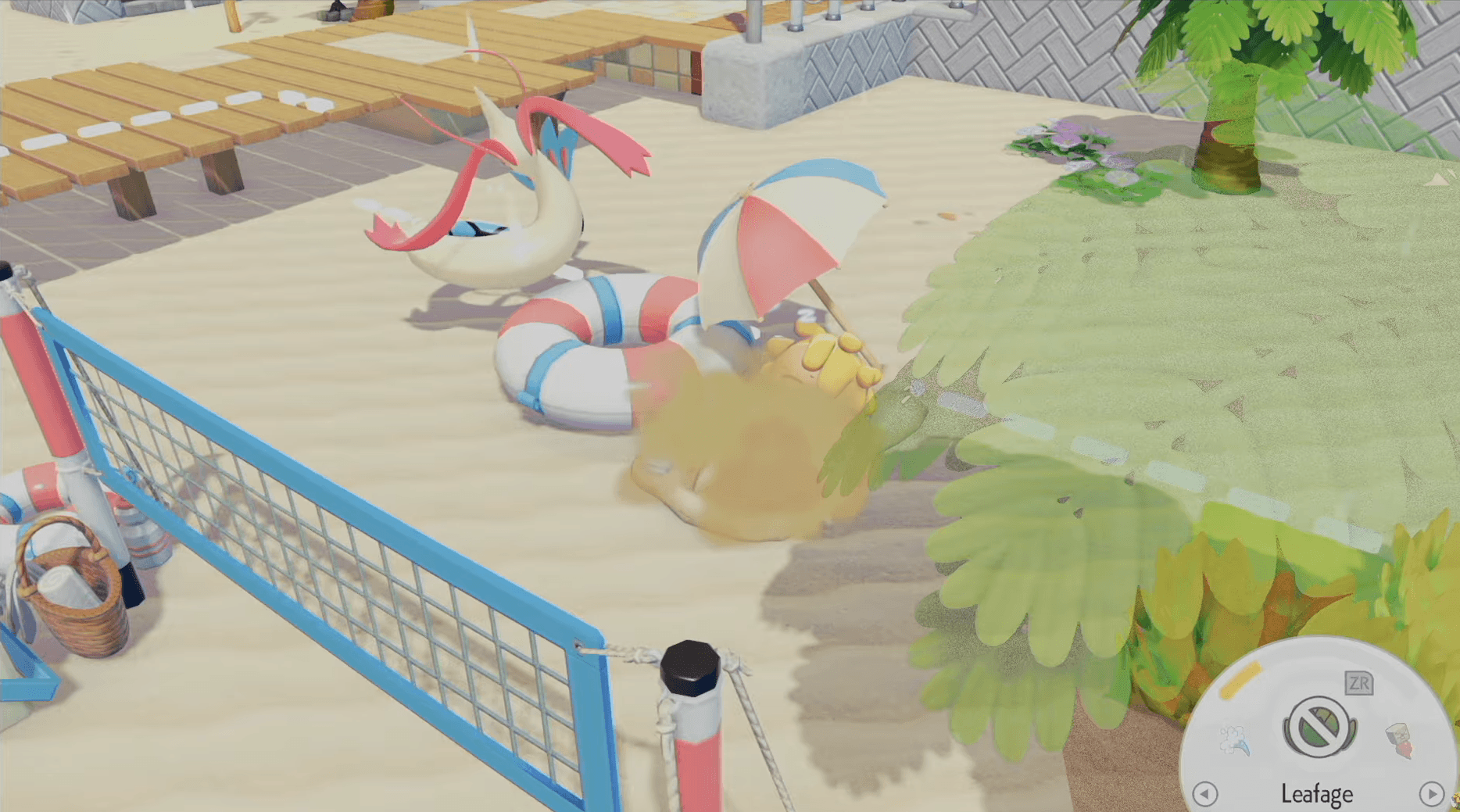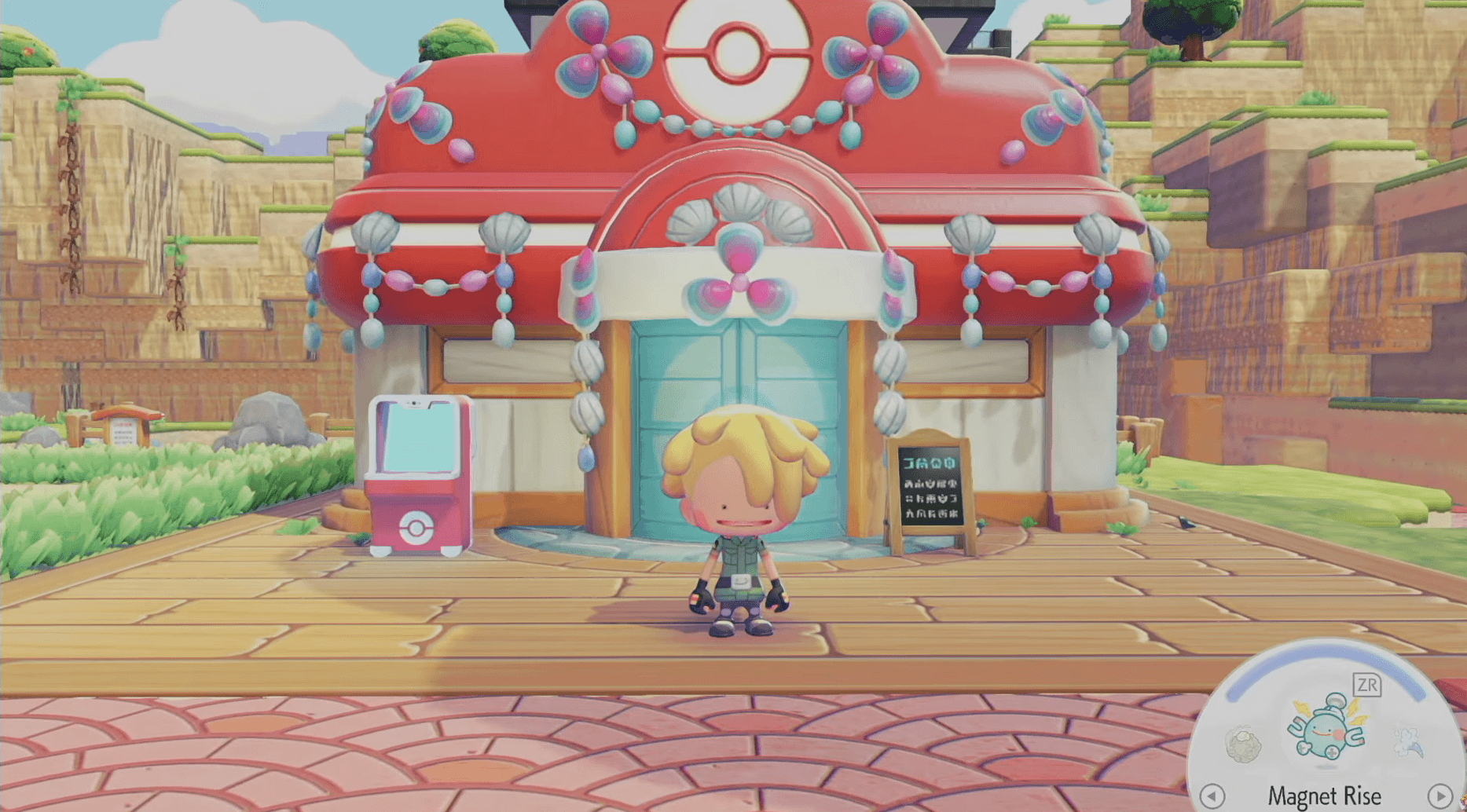

Emotes in Pokemon Pokopia personality ka aik chota lekin satisfying layer hain jo aapke island ko explore karte hue zinda mehsoos karata hai. Chahe aap kisi guzarte hue Pikachu ko wave karna chahte hon, Photo Mode ke liye pose banana chahte hon, ya multiplayer mein doston se communicate karna chahte hon, har emote ko unlock aur use karne ka tareeqa jaanna aapko apni self-expression par poora control deta hai. Yeh guide naye emotes hasil karne ke har tareeqay, unhein kahan dhoondhna hai, aur Communications Wheel ko theek se navigate karne ka tareeqa batata hai.
Pokemon Pokopia mein Emotes kaise Unlock karte hain?
Aapke collection mein emotes add karne ke teen mukhtalif tareeqay hain, aur har aik exploration ki mukhtalif qisamon ko reward karta hai. In mein se kisi mein bhi in-game currency kharch karne ki zaroorat nahi hai, is liye jitna zyada aap explore aur interact karenge, utni tezi se aapki emote library barhegi.

Human Records naye emotes unlock karte hain

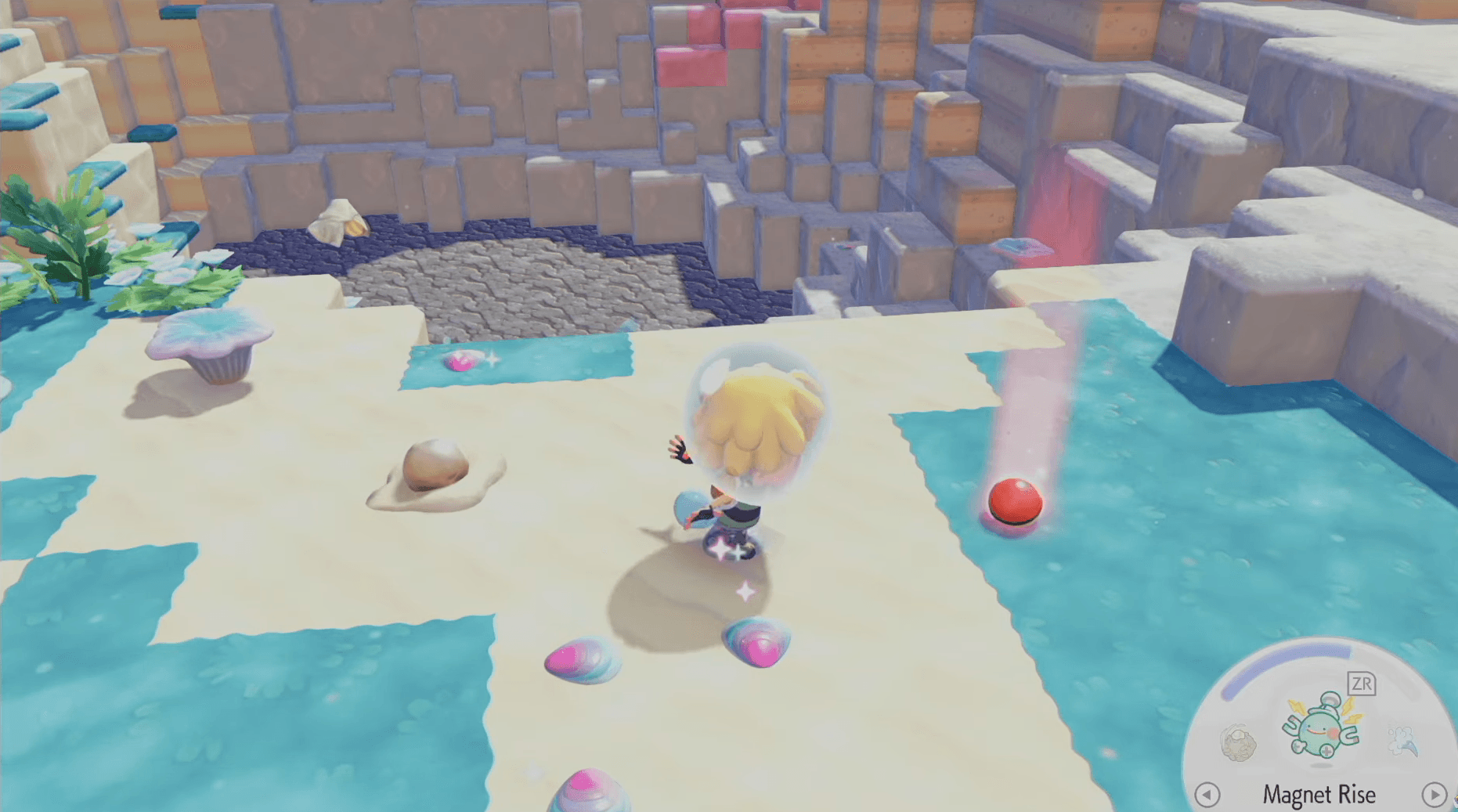
Har Area mein Human Records Collect Karen
Human RecordsPokemon Pokopia ke mukhtalif areas aur biomes mein scattered hain. Yeh collectibles insani duniya ke rozmarra ke objects ki shakal mein hain, jin mein newspapers, journals, photographs, magazine ads, aur letters shamil hain. Jab aap overworld mein in mein se kisi bhi item se interact karte hain, toh aapko associated emote foran mil jati hai, bina kisi additional step ke.
Human Records se tied char emotes yeh hain:
- Greetings!
- Point Here
- Goodbye!
- Smile
Har record ka aik fixed map location hota hai, is liye poori Human Record location list ko consult karna aapko unhein track karne mein madad karta hai jinhein aapne notice kiye baghair guzar diya ho.
Speech Bubbles wale Pokemon se Baat Karen
Emotes ki doosri category seedha Pokemon interactions se aati hai. Jab kisi Pokemon ke sir par speech bubble floating ho, toh uske paas kuch communicate karne ke liye hota hai. Uske paas ja kar baat karne se aik special interaction trigger ho sakti hai, aur is baat ka aik meaningful chance hai ke woh conversation aapko aik naye emote se reward kare.
Yeh interactions random hain aur island ke kisi bhi location par ho sakti hain, is liye koi specific route follow karne ki zaroorat nahi hai. Zaruri habit yeh hai ke har us Pokemon ko check karen jis par visible speech bubble ho bajaye usay task ki taraf jate hue skip karne ke.
Game Shuru Se Hi Emotes Available Hain
Emotes ka aik chota selection game shuru karte hi automatically unlock ho jata hai. Yeh starter emotes foran available hain aur access karne ke liye kisi collection ya interaction ki zaroorat nahi hai.
Emotes Kaise Use Karen
Aik baar jab aapke collection mein emotes aa jayen, toh unhein trigger karne mein sirf kuch button presses lagte hain.
- Communications Wheel kholne ke liye D-Pad par Down press karen.
- Available emotes mein scroll karne ke liye Left Joystick use karen.
- Jo emote aap chahte hain use select aur play karne ke liye A press karen.
- Foran aik aur emote use karne ke liye, step one se process repeat karen.
Apne Emote Wheels Kaise Customize Karen?
Pokemon Pokopia aapko yeh ability deta hai ke aap personalize kar saken ke kaun se emotes aapke wheel par appear hon taake aapke favorites hamesha quick reach mein hon. System teen separate Emote Wheels support karta hai, jo aapko situation ke hisab se emotes organize karne deta hai, jaise ke social interactions ke liye aik wheel, Photo Mode poses ke liye aik, aur general use ke liye aik.
| Control | Action |
|---|---|
| Y | Current wheel se aik emote remove karen |
| X | Current wheel mein aik emote register (add) karen |
| D-Pad (jab wheel open ho) | Teen available wheels ke darmiyan switch karen |
Mid-session mein wheels ke darmiyan change karne ka matlab hai ke aap har baar apni poori collection mein scroll kiye baghair expressive emotes ka aik poora set ready rakh sakte hain.
Pokemon Pokopia mein Messages Kaise Bhejen?
Emotes ke ilawa, Communications Wheel mein quick text-based communication ke liye send messages option bhi shamil hai. Yeh multiplayer sessions mein khaas taur par useful hai jab aik simple emote woh sab kuch cover nahi karti jo aap express karna chahte hain.
- D-Pad par Down se Communications Wheel open karen.
- Send messages option par navigate karne ke liye Left Joystick use karen.
- Available preset messages browse karen, jin mein "Okay" aur "Thank You" jaisi phrases shamil hain.
- A se apna chuna hua message select karen.
Bilkul emotes ki tarah, frequently used messages ko favorites mark kiya ja sakta hai taake woh list ke samne appear hon. Yeh cooperative play mein communication ko tezi se rakhta hai bina aapke session ke flow ko interrupt kiye.
Emotes se Kyun Matlab Rakhte Hain?
Emotes sirf mazay se zyada aik practical purpose serve karti hain. Multiplayer mein, woh doosre players ke sath non-verbal communication ke liye aapka primary tool hain. Photo Mode mein, woh aapke island snapshots mein personality add karte hain aur aik flat screenshot aur aik genuine memorable image ke darmiyan farq kar sakte hain. Teenon customized Emote Wheels ko build karna bhi aapko har social situation mein tezi aur zyada expressive banata hai jo game aap par phenkta hai.
Mazeed Pokemon Pokopia ke liye, neeche GAMESGG guides check karen:
Eevee & All Eeveelotions Kaise Hasil Karen
Pokemon Center Kaise Rebuild Karen