गेम, लेख, गाइड खोजें...CtrlK
साइन इन करेंशुरू करें
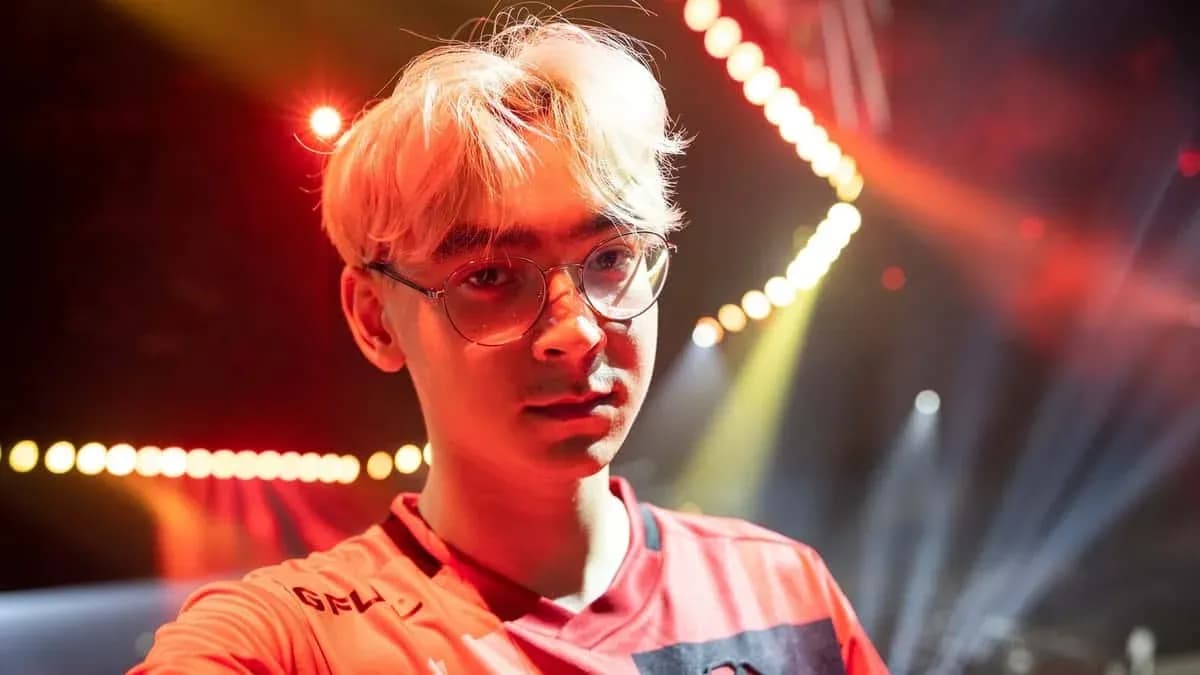
TenZ की सटीक VALORANT सेटिंग्स, क्रॉसहेयर कोड, माउस संवेदनशीलता और गियर सेटअप कॉपी करें।

लेखक Larc
सामग्री लेखक
Google पर और अधिक GAMES.GG गाइड देखें
हमें पसंदीदा स्रोत के रूप में जोड़ें और हमारे गाइड आपके परिणामों में सबसे पहले दिखाई देंगे।
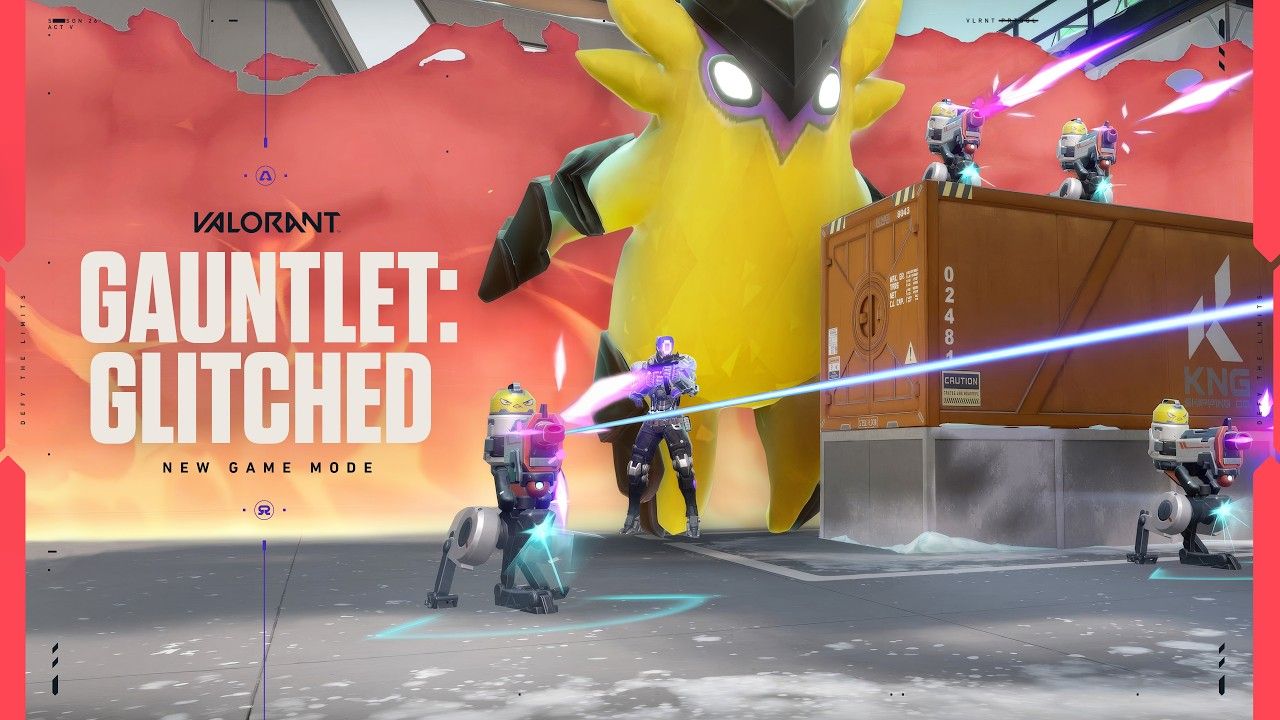
Valorant Gauntlet Glitched गाइड: 16-प्लेयर मोड कैसे काम करता है
Gauntlet: Glitched के बारे में जानें, जो Valorant का 16-प्लेयर 2v2 मोड है। इसमें Robo-Agents और रैंडम एबिलिटी ड्राफ्ट का मज़ा लें।
Valorant Retake LTM गाइड: 3v3 मोड के नियम और टिप्स
Retake LTM 24 जून को आ रहा है। इसमें 3v3 पोस्ट-प्लांट एक्शन, रैंडम लोडआउट और केवल बॉम्ब साइट वाले मैप्स होंगे। पूरी जानकारी यहाँ पढ़ें।
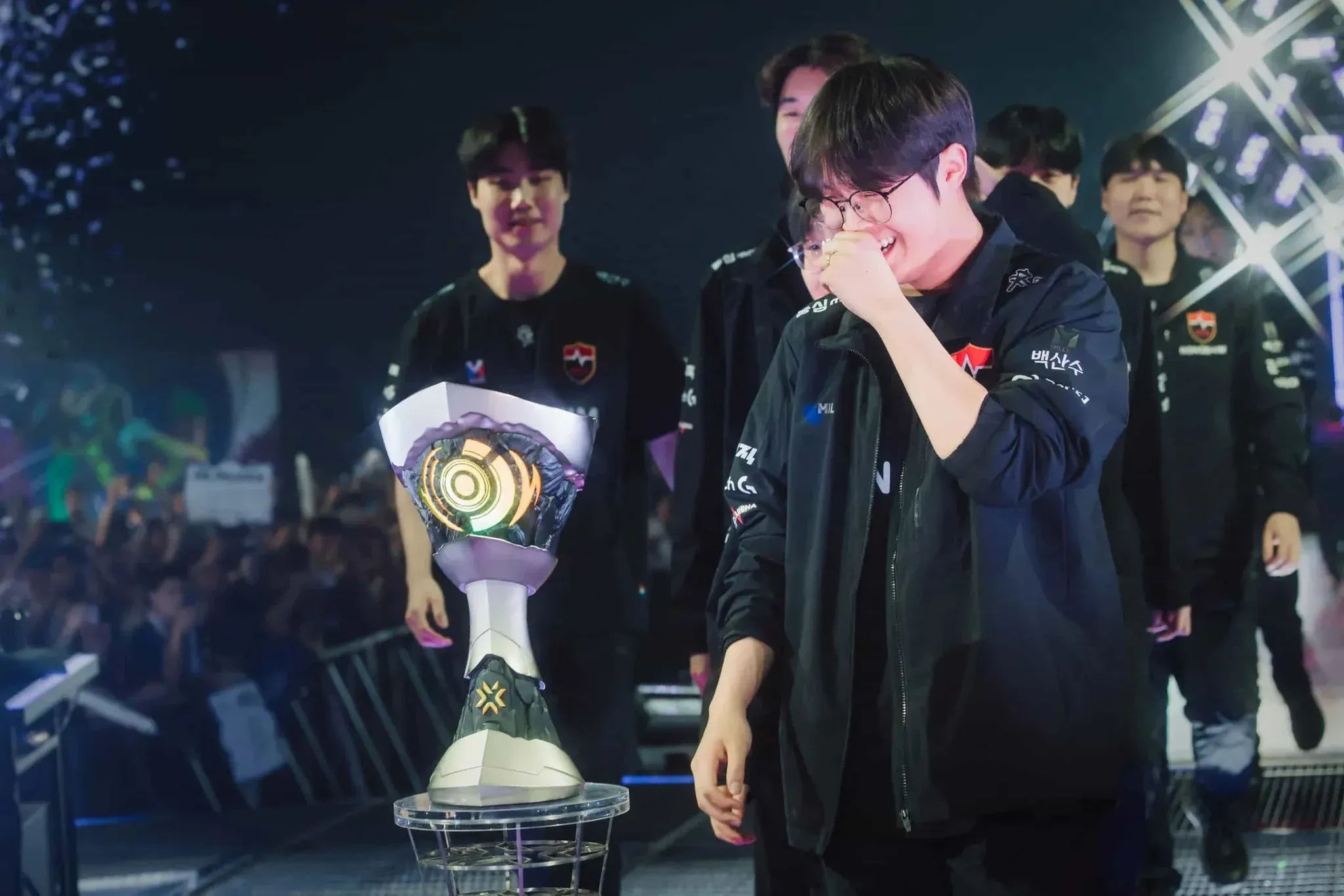
VALORANT Dambi सेटिंग्स: संवेदनशीलता, क्रॉसहेयर और गियर
डम्बी की सटीक VALORANT सेटिंग्स प्राप्त करें, जिसमें 280 eDPI संवेदनशीलता, सफेद क्रॉसहेयर कोड और Nongshim RedForce से पूर्ण पेरिफेरल सेटअप शामिल है।
Tyson "TenZ" Ngo, VALORANT के इतिहास में सबसे जाने-पहचाने नामों में से एक हैं। कनाडाई खिलाड़ी ने Sentinels के साथ fame हासिल की, जहाँ उन्हें व्यापक रूप से इस सीन का सबसे अच्छा individual player माना जाता था। VALORANT से पहले, उन्होंने Cloud9 और Bad News Bears के साथ CS:GO में compete किया। आज वह एक full-time content creator और streamer के तौर पर काम करते हैं, लेकिन उनका settings sharp aim और cleaner gameplay का पीछा करने वाले players के लिए एक gold standard बना हुआ है। उनकी config को study करने लायक क्या बनाता है, वह है इसके पीछे का philosophy: minimal visual noise, precise mouse control, और hardware जो हर possible input delay को eliminate करता है।
TenZ, Pulsar TenZ Signature Edition mouse पर खेलते हैं, जो एक wireless, ambidextrous mouse है जिसका weight सिर्फ 47g है और इसमें एक XS-1 sensor है जो 32,000 DPI और 8,000 Hz polling rate तक capable है। उनकी actual in-game configuration इसे tight और controlled रखती है।
| Setting | Value |
|---|---|
| DPI | 1600 |
| In-Game Sensitivity | 0.24 |
| eDPI | 384 |
| Scoped Sensitivity | 1 |
| ADS Sensitivity | 1 |
| Polling Rate | 1000 Hz |
| Windows Sensitivity | 6 |
| Raw Input Buffer | On |
eDPI of 384, VALORANT pros के लिए spectrum के lower end पर है, जिसके लिए speed पर rely करने के बजाय precise flicks की आवश्यकता होती है। TenZ अपनी sensitivity को frequentlly बदलने के लिए जाने जाते हैं, इसलिए इसे उनके most recently confirmed value के तौर पर मानें (उनके Twitch stream के माध्यम से verified)। Raw Input Buffer को enable करने से Windows mouse acceleration पूरी तरह से bypass हो जाता है, जिससे physical movement और cursor response के बीच एक direct 1:1 relationship मिलता है।
TenZ एक clean, minimal crosshair चलाते हैं जो एक छोटे cyan plus sign के आसपास बना है जिसमें कोई outer lines और कोई center dot नहीं है। Settings एक tight visual footprint को prioritize करती हैं ताकि आपका crosshair आपके target के head hitbox को कभी obscure न करे।

TenZ crosshair setup in VALORANT
| Setting | Value |
|---|---|
| Color | Cyan (#00ffff) |
| Outlines | On |
| Outline Opacity | 0 |
| Outline Thickness | 1 |
| Center Dot | Off |
| Setting | Value |
|---|---|
| Show Inner Lines | On |
| Inner Line Opacity | 1 |
| Inner Line Length | 2 |
| Inner Line Thickness | 2 |
| Inner Line Offset | 1 |
| Movement Error | Off |
| Firing Error | Off |
| Setting | Value |
|---|---|
| Show Outer Lines | Off |
| Movement Error | Off |
| Firing Error | Off |
Crosshair Import Code:0;s;1;P;c;5;o;0;f;0;0l;2;0v;2;0g;1;0o;1;0a;1;0f;0;1b;0
इस code को सीधे VALORANT crosshair import field में paste करें ताकि seconds में exact setup replicate हो सके। Cyan color ज्यादातर map environments के against अच्छी तरह से stand out करता है, और Movement Error और Firing Error दोनों को disable करने का मतलब है कि crosshair static रहता है, जो visual feedback पर rely करने के बजाय proper counter-strafing habits को train करने का एक deliberate choice है।
TenZ, 16:9 aspect ratio पर Windowed Fullscreen में 2560x1440 पर खेलते हैं। उनकी graphics settings उन सभी चीजों को strip out कर देती हैं जो visual clutter add करती हैं या GPU को अनावश्यक रूप से tax करती हैं।
| Setting | Value |
|---|---|
| Resolution | 2560x1440 |
| Aspect Ratio | 16:9 |
| Aspect Ratio Method | Fill |
| Display Mode | Windowed Fullscreen |
| Setting | Value |
|---|---|
| Multithreaded Rendering | On |
| Material Quality | Low |
| Texture Quality | Low |
| Detail Quality | Low |
| UI Quality | Low |
| Vignette | Off |
| VSync | Off |
| Anti-Aliasing | MSAA 2x |
| Anisotropic Filtering | 2x |
| Improve Clarity | Off |
| Experimental Sharpening | Off |
| Bloom | On |
| Distortion | Off |
| Cast Shadows | Off |
| Enemy Highlight Color | Yellow (Deuteranopia) |
Frame rates को maximize करने और visual noise को कम करने के लिए लगभग सब कुछ Low पर सेट है। Cast Shadows बंद है क्योंकि enemy shadows कभी-कभी उन्हें spot करने में मदद करने के बजाय उनके silhouettes को obscure कर सकती हैं। Enemy Highlight Color Yellow (Deuteranopia) पर सेट है, जो pros के बीच एक popular choice है क्योंकि yellow enemy outlines ज्यादातर background colors के against pop करती हैं।
TenZ एक modified keybind layout का उपयोग करते हैं जो faster activation के लिए कई abilities को default keys से mouse buttons पर move करता है।
| Action | Keybind |
|---|---|
| Walk | L-Shift |
| Crouch | L-Ctrl |
| Jump | Mouse Wheel Down |
| Use Object | E |
| Equip Primary Weapon | 1 |
| Equip Secondary Weapon | 2 |
| Equip Melee Weapon | 3 |
| Equip Spike | 5 |
| Ability 1 | C |
| Ability 2 | Mouse Button 4 |
| Ability 3 | Mouse Button 5 |
| Ultimate Ability | F |
यहां standout choice Jump bound to Mouse Wheel Down है, जो CS:GO से लिया गया एक technique है जो bunny hopping और precise jump timing को significantly easier बनाता है। Abilities को Mouse Buttons 4 और 5 पर bind करने से आपकी left hand fights के दौरान movement keys के लिए free रहती है।
| Setting | Value |
|---|---|
| Rotate | Rotate |
| Fixed Orientation | Based On Side |
| Keep Player Centered | On |
| Minimap Size | 1.2 |
| Minimap Zoom | 0.7 |
| Minimap Vision Cones | On |
| Show Map Region Names | Always |
Minimap Size of 1.2 के साथ Zoom of 0.7, screen space का बहुत ज्यादा उपयोग किए बिना map का एक wider view देता है। Vision Cones enabled दिखाता है कि आपके teammates कहाँ देख रहे हैं, जो voice comms के बिना site executes को coordinate करने के लिए critical है।
TenZ का full hardware setup performance के लिए no-compromise approach को reflect करता है। हर component maximum frame rate, minimal input latency, और precise control को target करता है।
| Category | Product |
|---|---|
| Mouse | Pulsar TenZ Signature Edition |
| Keyboard | Wooting 80HE TenZ Edition |
| Monitor | SONY INZONE M10S (27", 2560x1440, 480Hz, OLED) |
| Headset | SONY INZONE H9 II |
| Earphones | SONY INZONE E9 |
| Mousepad | Artisan Ninja FX Zero XSoft Black |
| Chair | Secretlab Titan Evo Jett Edition |
| Microphone | Shure SM7B |
| Webcam | Logitech C920 |
| Mixer | TC-Helicon GOXLR Mini |
| Component | Product |
|---|---|
| CPU | Intel Core i9-14900K |
| GPU | MSI GeForce RTX 4090 Gaming X Trio |
| Motherboard | MSI MAG Z790 Tomahawk |
| RAM | Teamgroup DELTA RGB DDR5 32GB |
| SSD | Teamgroup Z44A5 1TB |
| PSU | MSI MPG A850G |
| Cooling | DeepCool LS720 |
| Case | Lian Li O11 Dynamic EVO |
SONY INZONE M10S एक 480Hz OLED panel है, जो currently available सबसे fast monitors में से एक है। 480Hz पर, हर frame display होने में लगभग 2.08ms लेता है, जो आपके input और screen पर दिखने वाले के बीच के gap को noticeably tight करता है। Wooting 80HE TenZ Edition analog Hall Effect switches (Lekker switches) का उपयोग करता है जो rapid trigger actuation settings के लिए अनुमति देते हैं, जो fast key presses की आवश्यकता वाले games में एक महत्वपूर्ण advantage है।
उनकी settings एक strong reference point हैं, guaranteed formula नहीं। VALORANT में उनका eDPI of 384 इसलिए काम करता है क्योंकि उनके पास इसके around thousands of hours of muscle memory built है। Adjustment time के बिना इसे सीधे copy करने से शायद आपके short-term performance को नुकसान होगा। उनकी config को एक starting framework के रूप में उपयोग करें: video settings और crosshair code को सीधे adopt करें (ये लगभग किसी भी player के लिए अच्छी तरह से translate होते हैं), फिर एक साथ switch करने के बजाय कई sessions में धीरे-धीरे sensitivity को उनकी range की ओर adjust करें।
जिन areas में TenZ को copy करना सबसे immediately beneficial है, वे हैं उनकी graphics settings (low everything, no shadows, no distortion), उनकी minimap configuration, और उनका crosshair import code। इन changes को apply करने में seconds लगते हैं और ये तुरंत cleaner visuals और better map awareness deliver करते हैं।