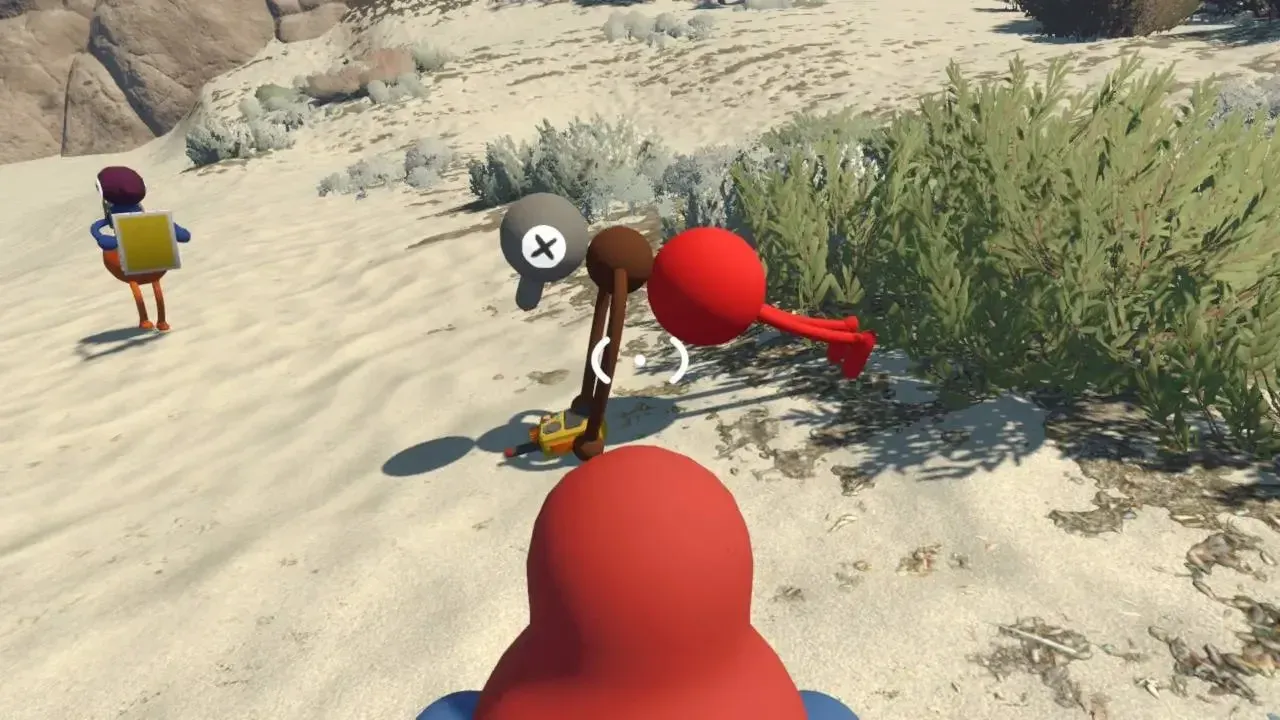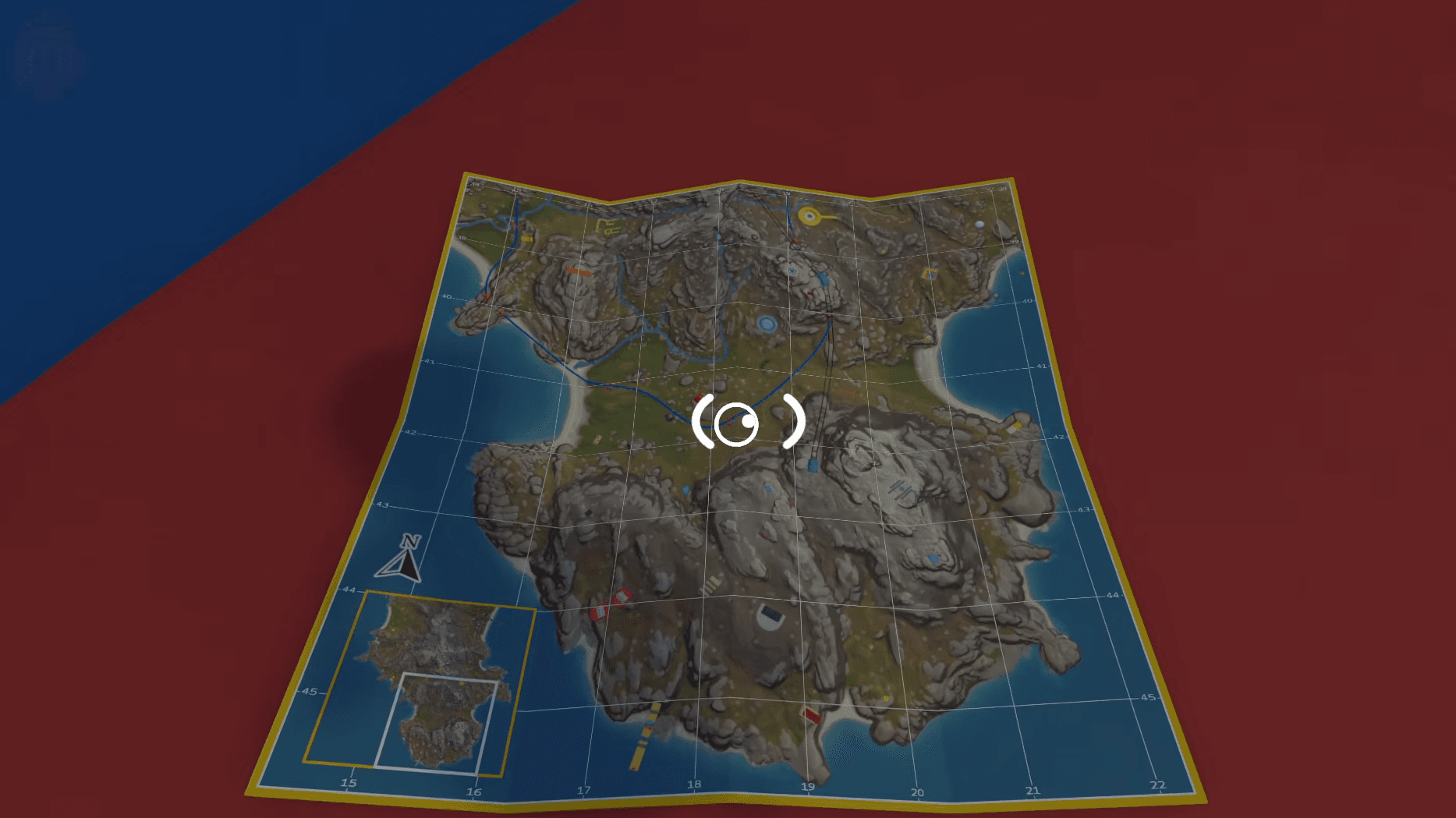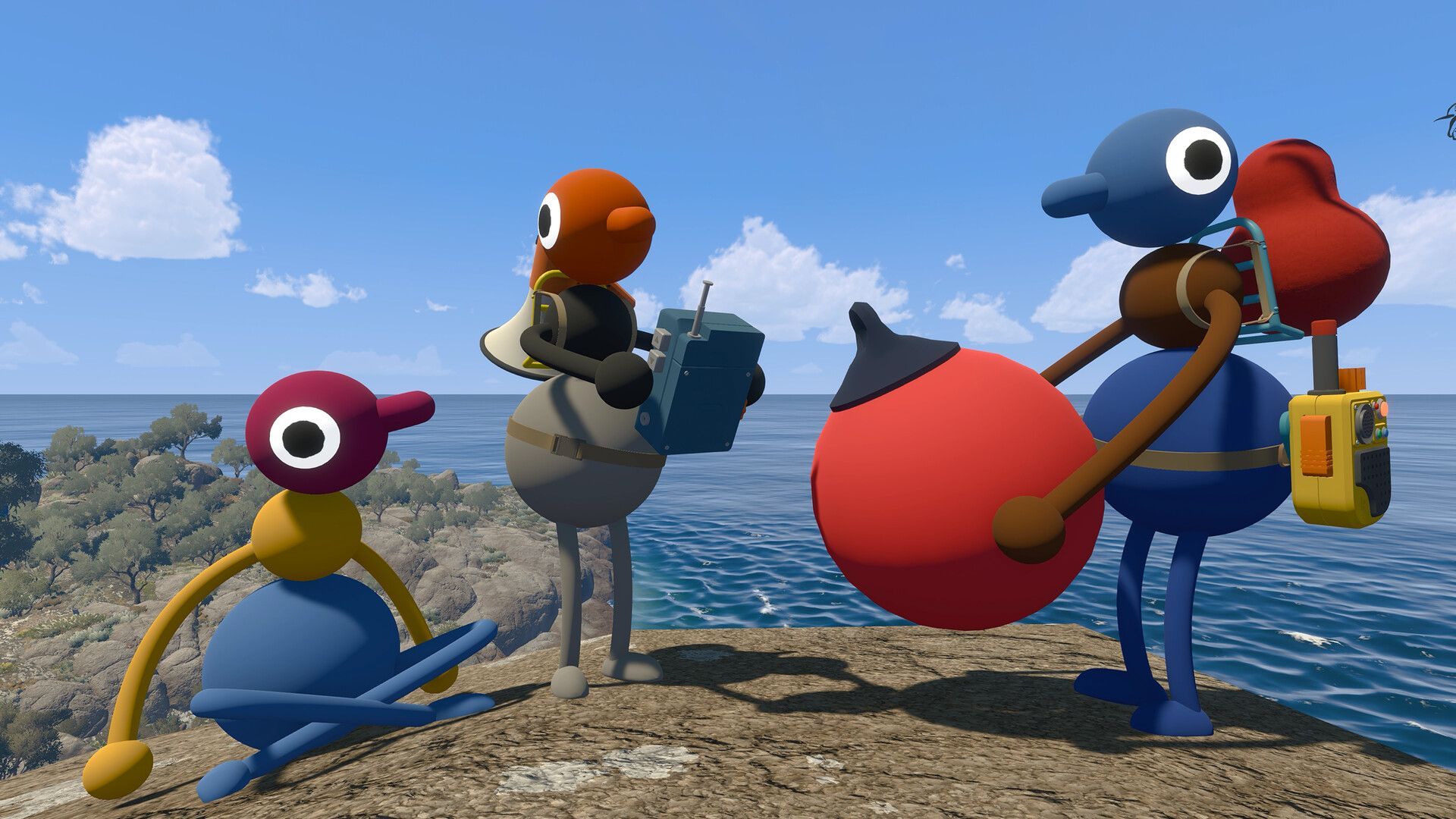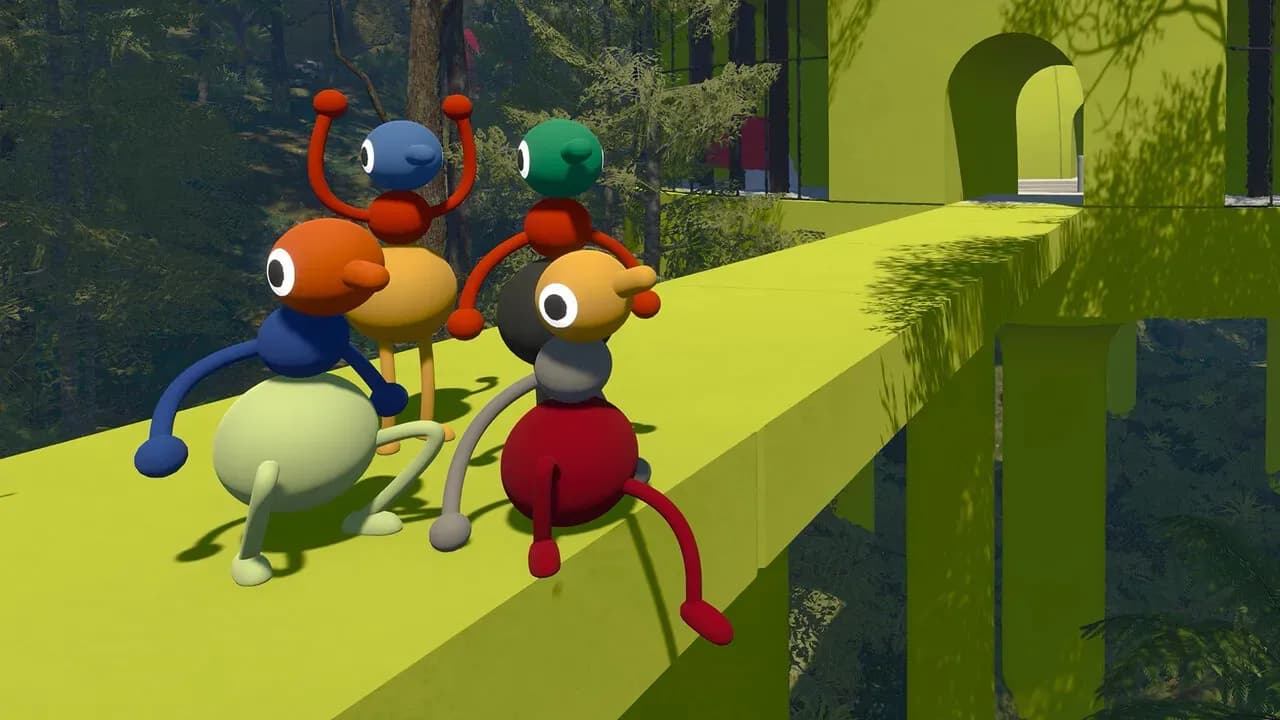

Big Walk keeps its customization options tight and deliberate. You won't find a character creator screen before you load in, and there's no appearance menu tucked away in settings. Color changes happen in-world, at a specific location, and only with another player's help. After spending time with the system, it's clear this design choice fits the game's co-op philosophy perfectly.
How do you change your color in Big Walk?
The key thing to understand upfront: you cannot paint yourself. No matter how long you look for a self-service option, it doesn't exist. Color customization in Big Walk requires a second player to do the painting for you.
Early in the game, you'll reach the starting area where the first puzzles are introduced. In the middle of this zone sits a painting station equipped with a paintbrush and a palette of colors. Here's exactly how the process works:
- A second player picks up the paintbrush at the painting station.
- That player selects a color from the available palette.
- They paint your character in three separate zones: legs and lower body, arms and middle body, and head.
- Each zone can be a different color, giving you some variety in your final look.
You can return to this area and repaint at any time, but the requirement stays the same every visit. Bring a friend, because there's no workaround for solo painting.
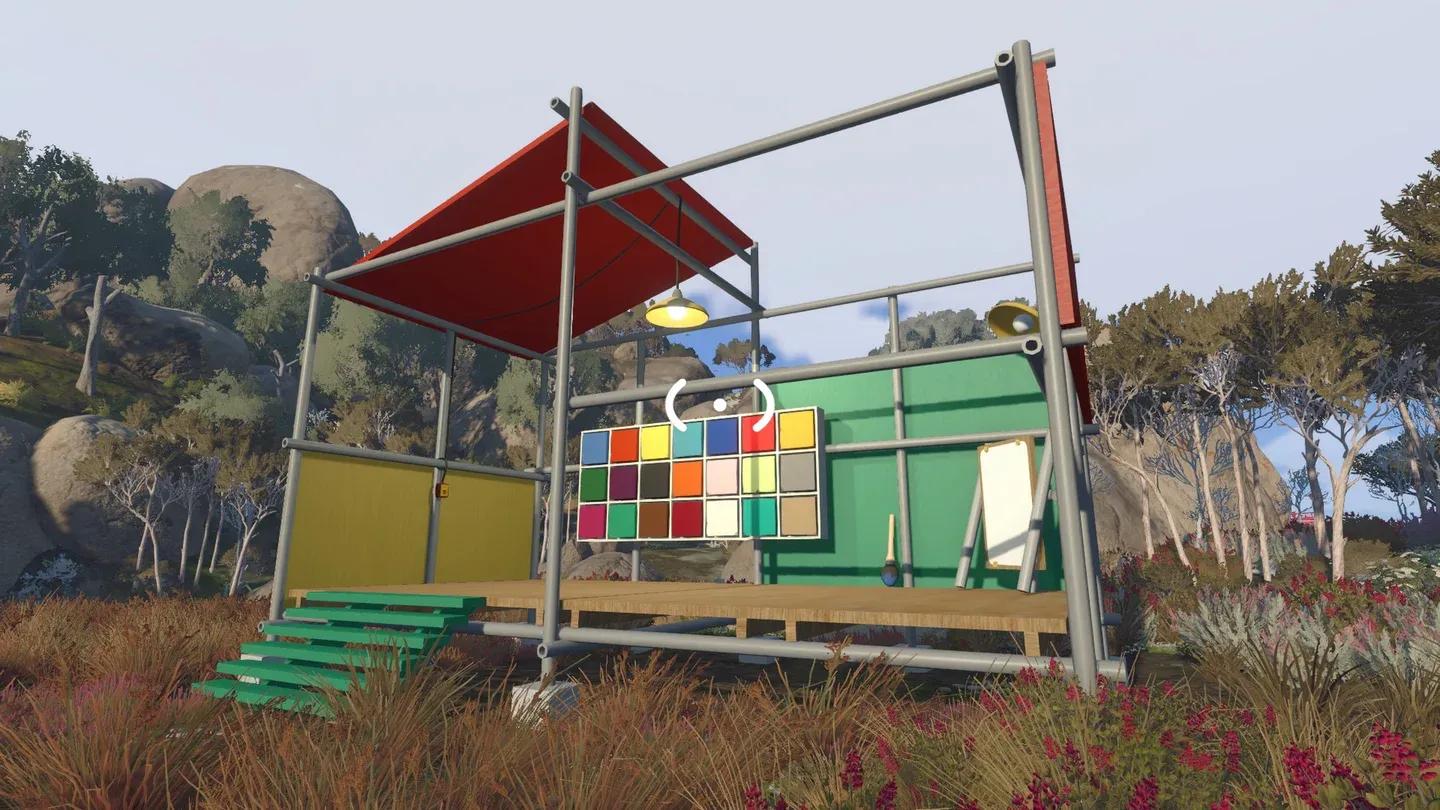
Co-op required for painting

Can you unlock more colors in Big Walk?
Yes. The starting palette covers the basics, but there are three additional metallic colors hidden behind the Get Shiny achievement. Unlocking these requires finding a second painting location elsewhere in the game world, and it won't be accessible early on.
Progression is a prerequisite here. The second painting location is gated behind a significant amount of gameplay, so don't expect to stumble onto it in your first session. Focus on the puzzles in front of you and treat the metallic colors as a late-game reward rather than something to chase immediately.
What body zones can you paint separately?
The painting system splits your character into three distinct zones, each painted independently:
- Head (top section)
- Arms and middle body (torso area)
- Legs and lower body (bottom section)
This means you can mix colors across zones for a more personalized look, or keep everything uniform. The choice is yours, as long as your painting partner is on board.
Tips for getting the most out of Big Walk's paint system
The painting mechanic is one of several ways Big Walk reinforces its co-op structure. If you want to make the most of it:
- Coordinate with your group early. Since painting requires another player, agree on color schemes during your first visit to the starting area so everyone gets painted before moving on.
- Don't stress about the metallic colors early. The Get Shiny achievement is a long-term goal. Chasing it before you've made real progress will only slow you down.
- Return trips are possible. If you change your mind about a color later, you can go back, but you'll need to bring a painting partner again.
For everything else the game throws at you, the Big Walk guides collection covers the full range of puzzles, items, and achievements.
How does this connect to Big Walk's broader co-op design?
The paint system isn't just a cosmetic feature sitting in isolation. It's a small but telling example of how Big Walk builds nearly every system around player cooperation. Even something as personal as your character's appearance requires someone else's involvement. The game supports between 1 and 12 players, though how many players you bring affects what you can actually accomplish.
If you're working toward the full achievement list, the Get Shiny unlock is one of 12 trophies in the game. For a breakdown of every achievement and what each one demands, the Big Walk trophy list guide has the complete rundown.