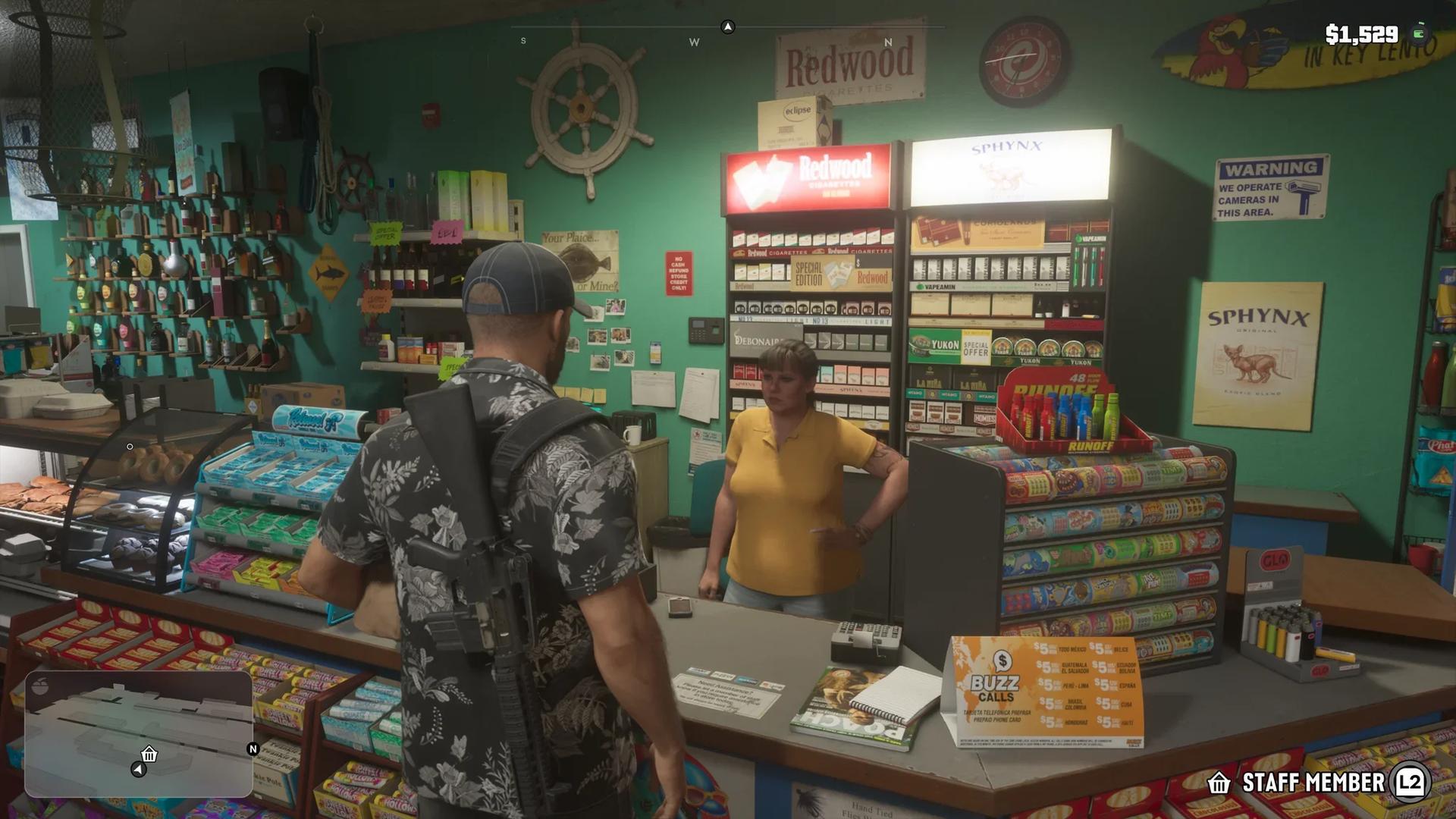

To listen to the radio on foot in Grand Theft Auto 6, buy headphones or earbuds at Simply Sound in Vice City, then open the radio wheel as you do in a vehicle.
Once your character has a pair, every station and on-demand podcast is available while you walk around. You don't need to get back in a car to change what you are listening to.
Where to Buy Headphones and Earbuds

Find Simply Sound
Simply Sound is an electronics shop in Vice City. It has its own headphone icon on the map, and the map description lists earbuds among the things it sells.
Open your map, find the headphone icon in Vice City, and set it as your destination. If you are still learning the city, the Grand Theft Auto 6 locations guide helps you place its districts.
Choose Headphones or Earbuds
The shop sells two kinds of listening gear, in two different spots inside.
| Item | Where in the Shop | Price |
|---|---|---|
| Clef Headphones | Wall display; opens a Headphones menu with colour choices | $199 in black, $220 in purple |
| Earbuds | Display case at the counter, with an Earbuds prompt | Shown at the counter |
The headphone price changes with the colour you pick, so scroll through the options before you pay. An item you have not bought yet is marked Not owned.
How to Turn On the Radio While Walking
After you buy a pair, the radio works on foot with the same inputs as in a car.
- Buy headphones or earbuds at Simply Sound. Either kind works for listening on foot.
- Open the radio wheel. Hold D-pad Left, the same input as in a vehicle.
- Pick a station. Press L1 or R1 on PS5, or LB or RB on Xbox, to move through the stations.
- Keep walking. The station keeps playing as you move around on foot.
The full input list, including the podcast menu, is in the Grand Theft Auto 6 guide to turning on the radio.
What You Can Listen to on Foot
The on-foot wheel carries the same stations as a vehicle, including WKTT, Worldwide FM, Afrobank FM, Back Country Radio, and The Chamber 106.6. On-demand podcasts are available too.
To choose a station by genre or look for a specific track, use the Grand Theft Auto 6 radio stations and songs guide.