
Windrose में जो डिफ़ॉल्ट शिप नेम आपको मिलता है, वह कभी भी अपना सा नहीं लगता। अच्छी खबर यह है: इसे बदलना बहुत आसान है, बस आपको पता होना चाहिए कि कहाँ देखना है। आप अपनी फ्लीट के किसी भी शिप का नाम जितनी बार चाहें उतनी बार बदल सकते हैं। यह पूरी प्रोसेस आपके बेस पर मौजूद Wharf स्ट्रक्चर के जरिए होती है, और इसे रीनेम करने की कोई लिमिट या एक्स्ट्रा कॉस्ट नहीं है।
शिप का नाम बदलने से पहले आपको क्या चाहिए?
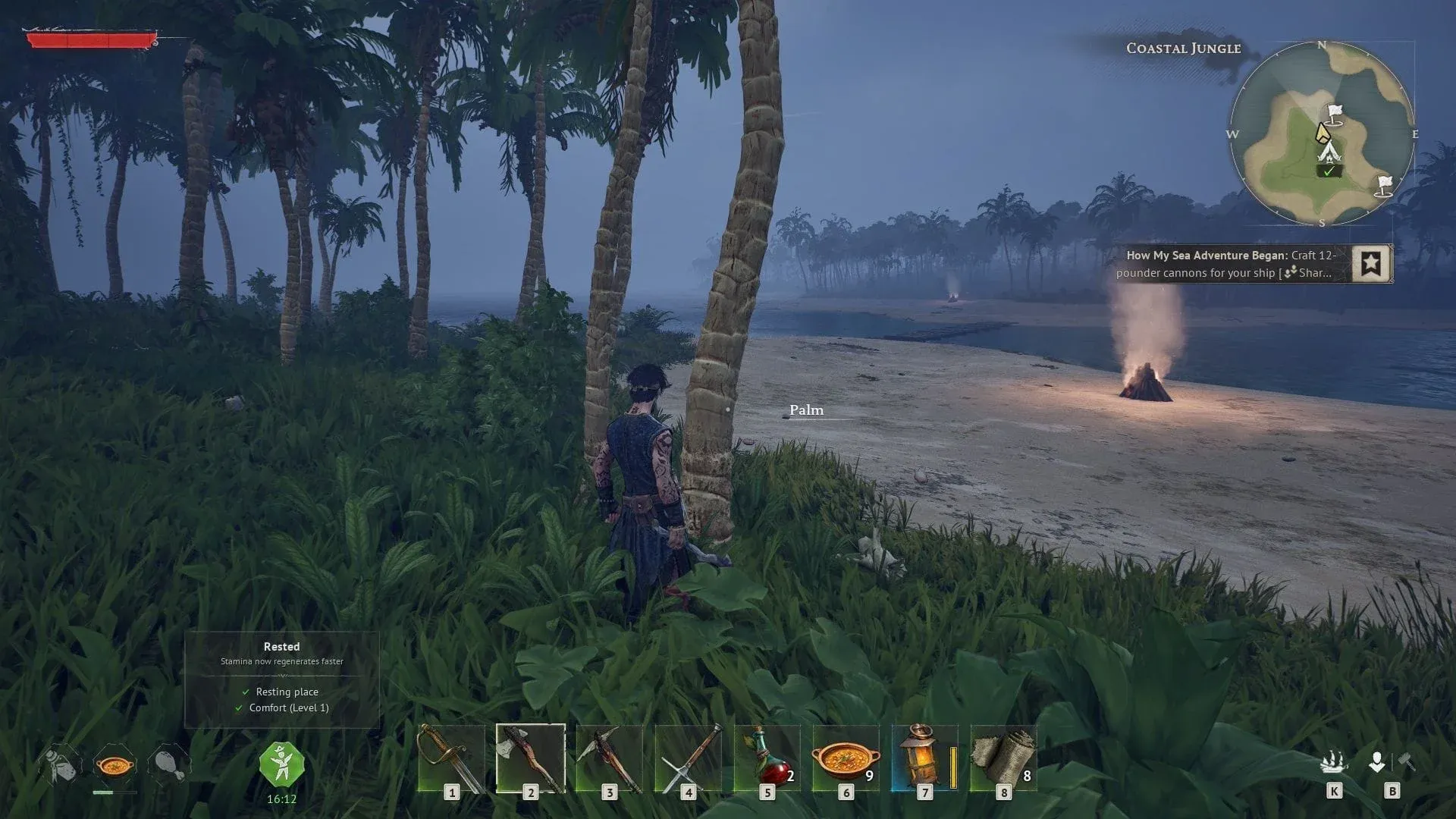
शिप कस्टमाइजेशन मेनू को एक्सेस करने के लिए आपके बेस पर Wharf का बना होना जरूरी है। Wharf, "How My Sea Adventure Began" ट्यूटोरियल क्वेस्ट के दौरान अनलॉक होता है। यह क्वेस्ट Doctor Galen द्वारा दी गई "I Need a Bigger Boat" क्वेस्टलाइन को पूरा करने के बाद शुरू होता है।
अगर आप अभी तक कहानी में उस पॉइंट तक नहीं पहुँचे हैं, तो पहले Doctor Galen की क्वेस्टलाइन को पूरा करने पर ध्यान दें। रीनेम का ऑप्शन ट्यूटोरियल फ्लो के हिस्से के रूप में अपने आप मिल जाएगा।
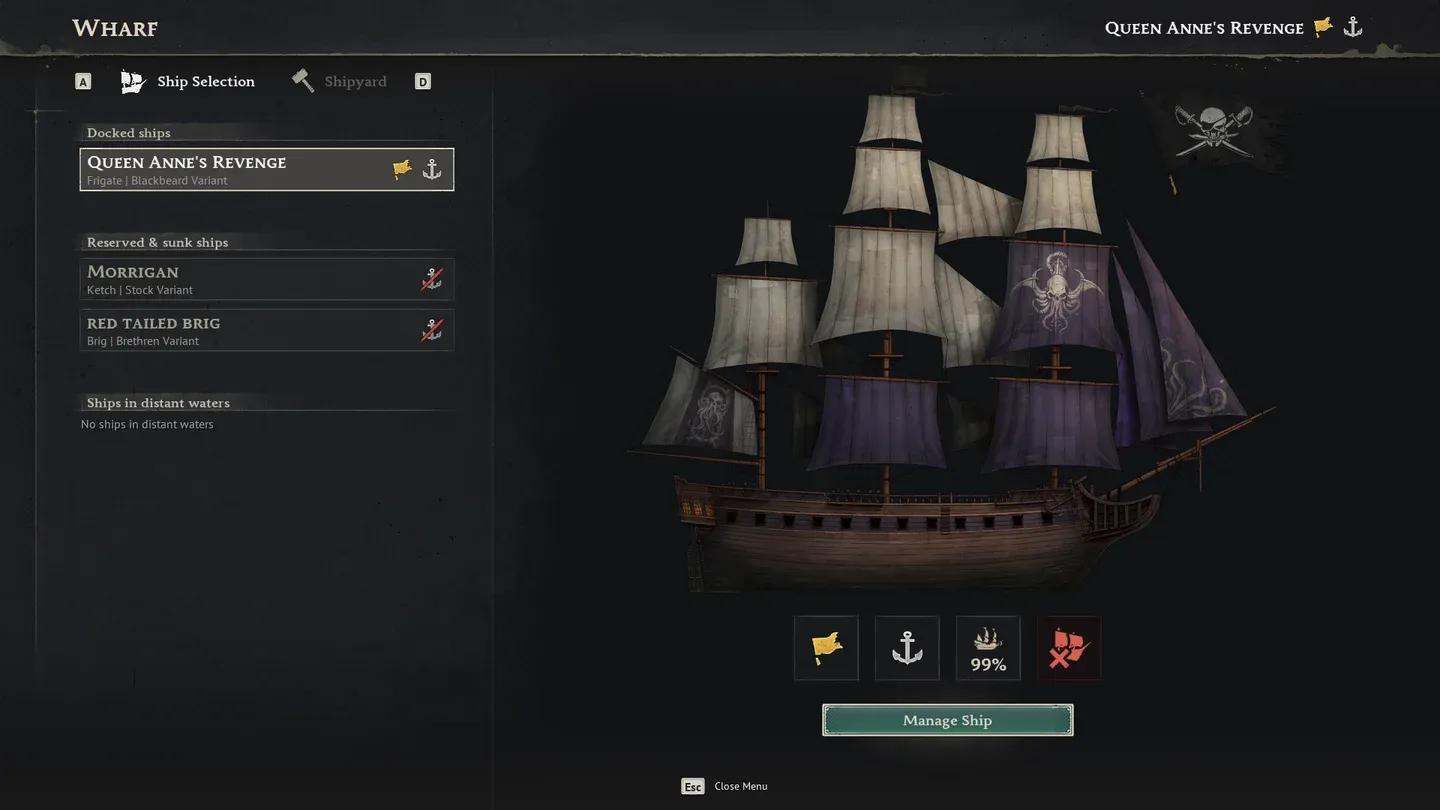
Wharf Ship Selection screen

Wharf कैसे बनाएं
ट्यूटोरियल के बाहर Wharf बनाने के लिए केवल दो मटेरियल्स की जरूरत होती है, जो गेम की शुरुआत में आसानी से मिल जाते हैं। क्राफ्टिंग की सटीक जरूरतें ये हैं:
| Material | Quantity |
|---|---|
| Wood | 10 |
| Coarse Fabric | 10 |
एक बार पानी के पास प्लेस करने के बाद, Wharf आपके शिप मैनेजमेंट का सेंट्रल हब बन जाता है, जिसमें रीनेमिंग, कॉस्मेटिक कस्टमाइजेशन और फंक्शनल अपग्रेड्स शामिल हैं।
Windrose में अपने शिप का नाम कैसे बदलें
Wharf के तैयार और एक्सेसिबल होने के बाद, स्टेप्स बहुत सीधे हैं:
- अपने बेस पर Wharf के पास जाएं और उससे इंटरैक्ट करें।
- Ship Selection टैब खोलें और वह शिप चुनें जिसका नाम आप बदलना चाहते हैं।
- Wharf विंडो के नीचे दाईं ओर Manage Ship पर क्लिक करें।
- Customization टैब (जो Cargo और Gear टैब के बाईं ओर स्थित है) पर स्विच करने के लिए D दबाएं।
- कस्टमाइजेशन स्क्रीन के टॉप पर Name फील्ड ढूंढें और अपना नया नाम टाइप करें।
- अपनी पसंद को कन्फर्म करें।
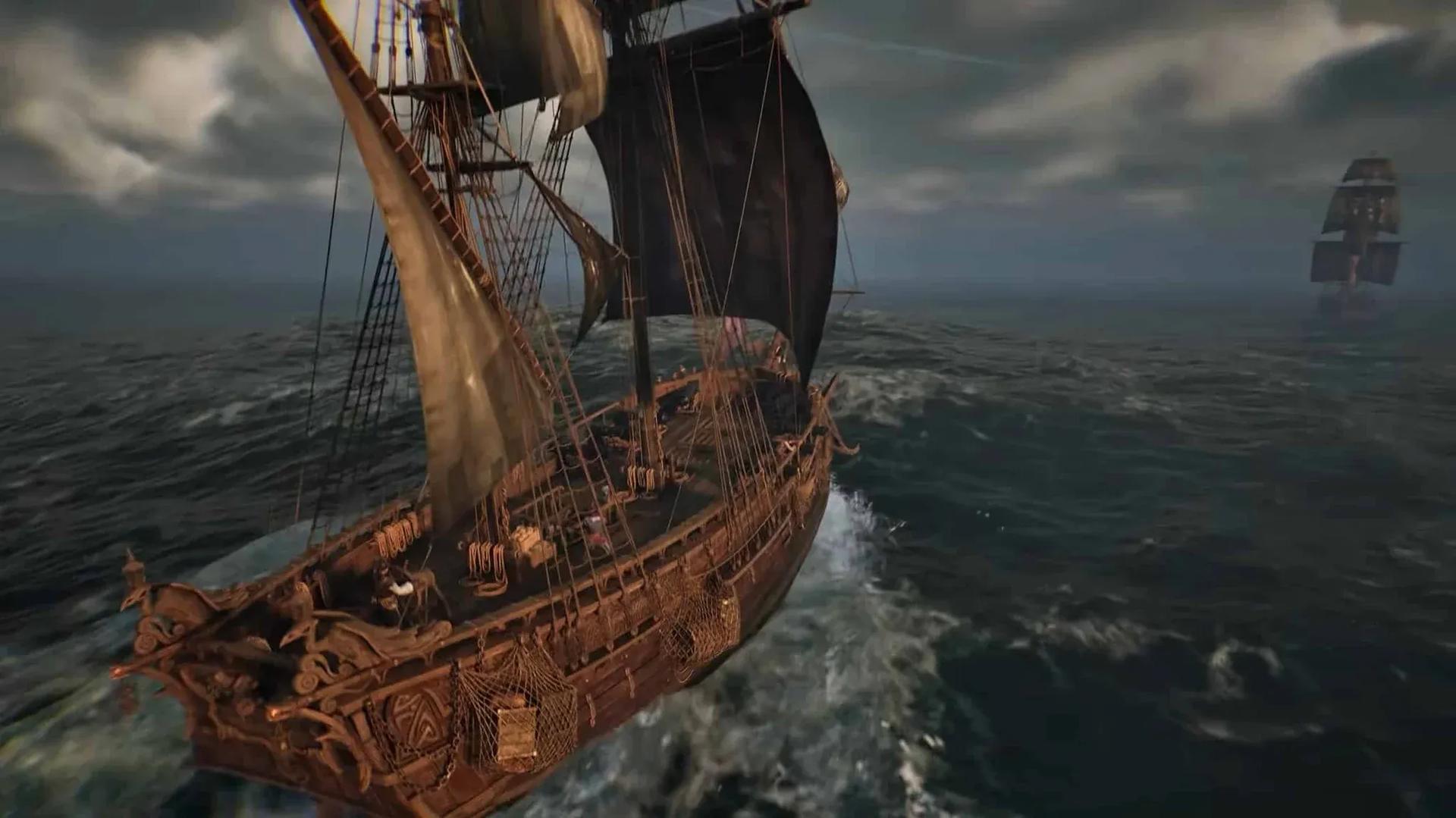
जो नाम आप डालेंगे वह सिर्फ मेनू में ही नहीं, बल्कि शिप पर भी फिजिकली दिखाई देगा। आप Ship Selection टैब से अपनी फ्लीट के किसी भी शिप के लिए इसे दोहरा सकते हैं, और एक ही वेसल को कितनी बार रीनेम करना है, इसकी कोई लिमिट नहीं है।
कस्टमाइजेशन टैब में आप और क्या बदल सकते हैं?
रीनेमिंग, कस्टमाइजेशन टैब की सुविधाओं का सिर्फ एक हिस्सा है। इसी स्क्रीन से आप ये चीजें भी बदल सकते हैं:
- Sails और उनका कलर
- Flags और एम्बलेम्स
- Hull appearance
ये पूरी तरह से कॉस्मेटिक हैं और इनका सेलिंग स्पीड या कॉम्बैट परफॉरमेंस पर कोई असर नहीं पड़ता। Manage Ship स्क्रीन में एक अलग गियर सेक्शन भी है जहाँ आप Boarding Party Gear, Hull Bracing, और तोपें (cannons) जैसे फंक्शनल आइटम्स इक्विप कर सकते हैं, जो लड़ाई में आपके शिप की परफॉरमेंस को प्रभावित करते हैं।
Windrose की और गाइड्स और गेमिंग कंटेंट के लिए, GAMES.GG पर पूरी गाइड्स लाइब्रेरी ब्राउज़ करें।