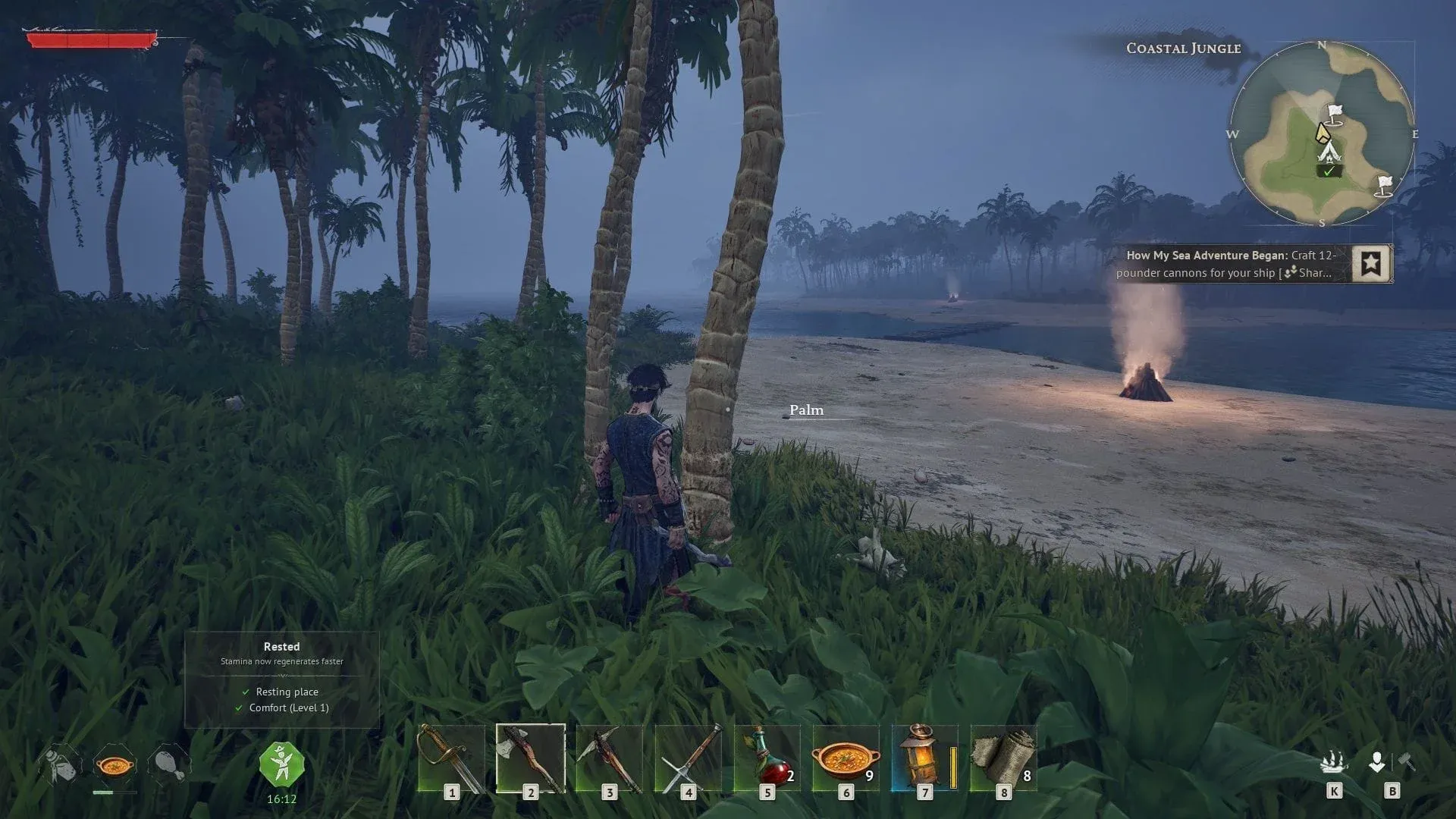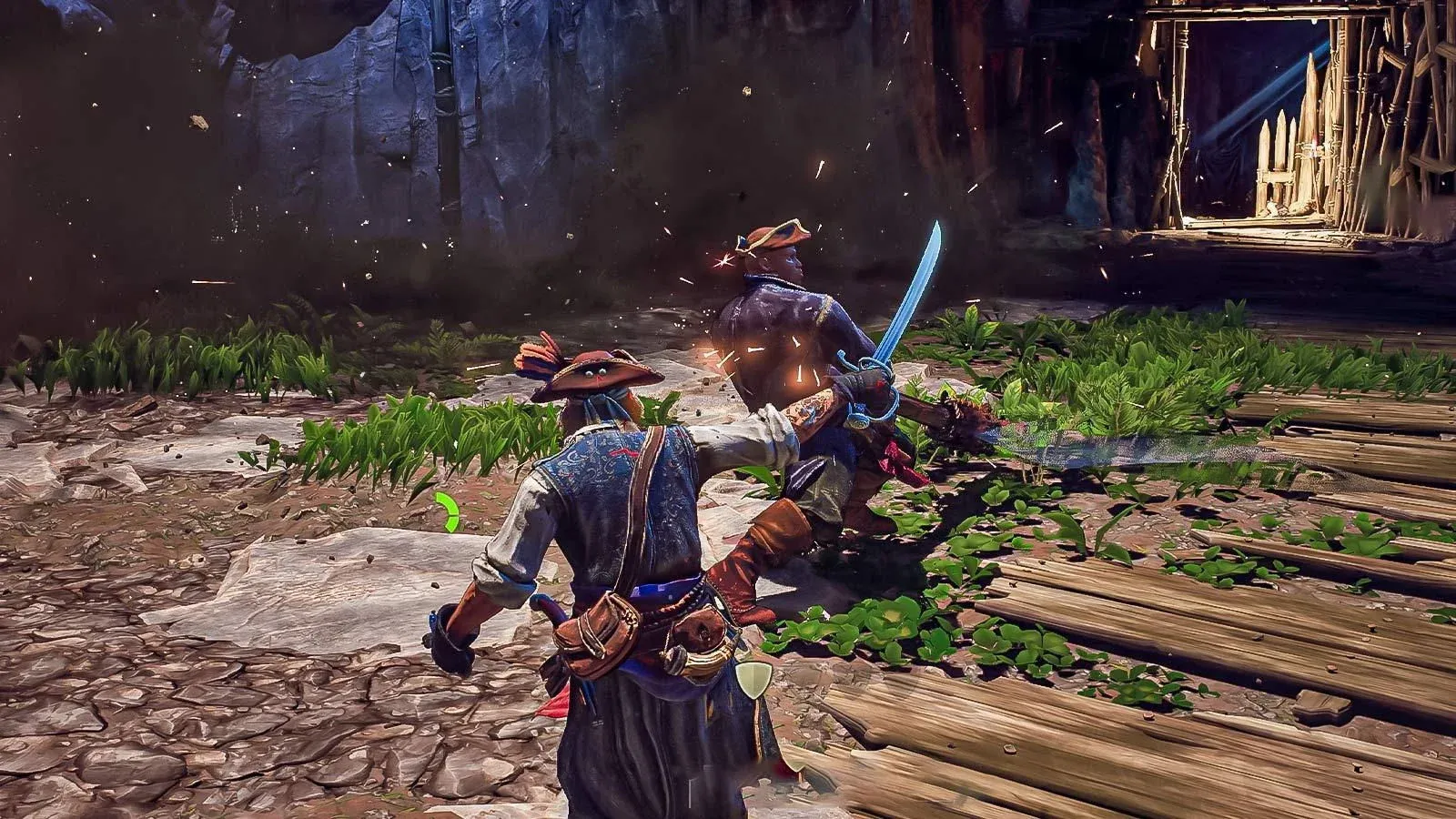

यह गाइड Windrose के लिए बेस्ट PC सेटिंग्स को बताता है, जो higher FPS, stable performance, और clean visuals पर फोकस करता है। इसमें Windows tweaks, NVIDIA और AMD settings, और सबसे effective in-game options को simple, easy-to-follow format में कवर किया गया है।
Windows Settings
ये वो baseline tweaks हैं जो यह सुनिश्चित करते हैं कि सिस्टम performance को रोक न रहा हो।
| Setting | Recommended Value |
|---|---|
| Power Mode | Balanced |
| Startup Apps | Disable unnecessary apps |
| Game Bar | Off |
| Capture/Recording | Off |
| Game Mode | On |
| Optimizations for Windowed Games | On |
| Hardware-Accelerated GPU Scheduling | On |

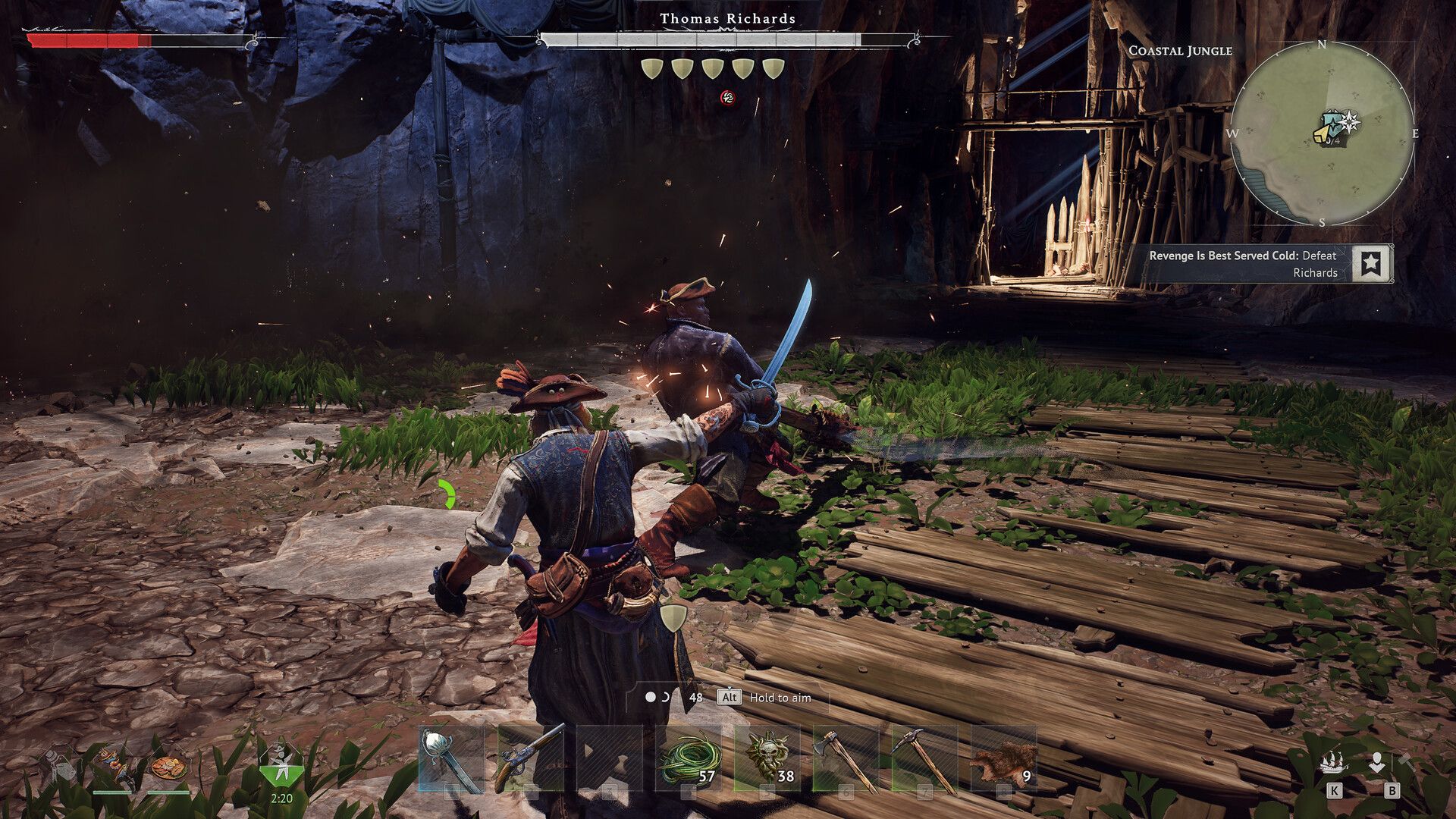
NVIDIA Settings (RTX GPUs)
इन सेटिंग्स को apply करने से पहले drivers को updated करना सुनिश्चित करें।
| Setting | Recommended Value |
|---|---|
| DLSS Preset | Preset B (Frame Gen), Auto/Recommended for others |
| Low Latency Mode | On |
| Max Frame Rate | Refresh Rate - 3 (e.g. 237 for 240Hz) |
| V-Sync | On (Driver only, not in-game) |
| G-Sync | On (Fullscreen + Windowed) |
| Shader Cache Size | 10GB–100GB (if storage allows) |
| Resolution | Native |
| Refresh Rate | Max Available |
| Color Depth | 10-bit (if supported) |
| Digital Vibrance | ~55 |
AMD Radeon Settings
AMD users के लिए, Radeon Software के अंदर सब कुछ configure करें।
| Setting | Recommended Value |
|---|---|
| GPU Selection | Dedicated GPU |
| FSR Upscaling | Enabled |
| Frame Generation | Enabled |
| Radeon Chill | Refresh Rate - 3 (e.g. 167 for 170Hz) |
| Shader Cache Reset | Use if stuttering occurs |
| FreeSync | Enabled |
| Refresh Rate | Max Available |
In-Game Settings (Windrose)
Upscaling & FPS
| Setting | Recommended Value |
|---|---|
| Upscaler | DLSS (RTX) / FSR (AMD) |
| DLSS Mode | Quality / Balanced |
| FSR Mode | Quality |
| Frame Generation | On (if extra FPS needed) |
| Reflex | Enabled |
| V-Sync | Off |
| Frame Rate Limit | Unlimited (driver handles cap) |
| Sharpness | 20–30% |
Graphics Settings
| Setting | Recommended Value |
|---|---|
| Graphics Preset | Custom |
| Global Illumination | Medium |
| Shadows | Medium |
| Anti-Aliasing | Off (handled by DLSS/FSR) |
| View Distance | Medium (Lower if needed) |
| Textures | Based on VRAM (see below) |
| Effects | Low |
| Reflections | Low |
| Post-Processing | Low |
| Grass Draw Distance | Medium |
| Shader Quality | High |
Texture Guide (VRAM-Based):
| VRAM | Texture Setting |
|---|---|
| 6GB+ | Epic |
| 4GB | High |
| 3GB | Medium |
| Below 3GB | Low |
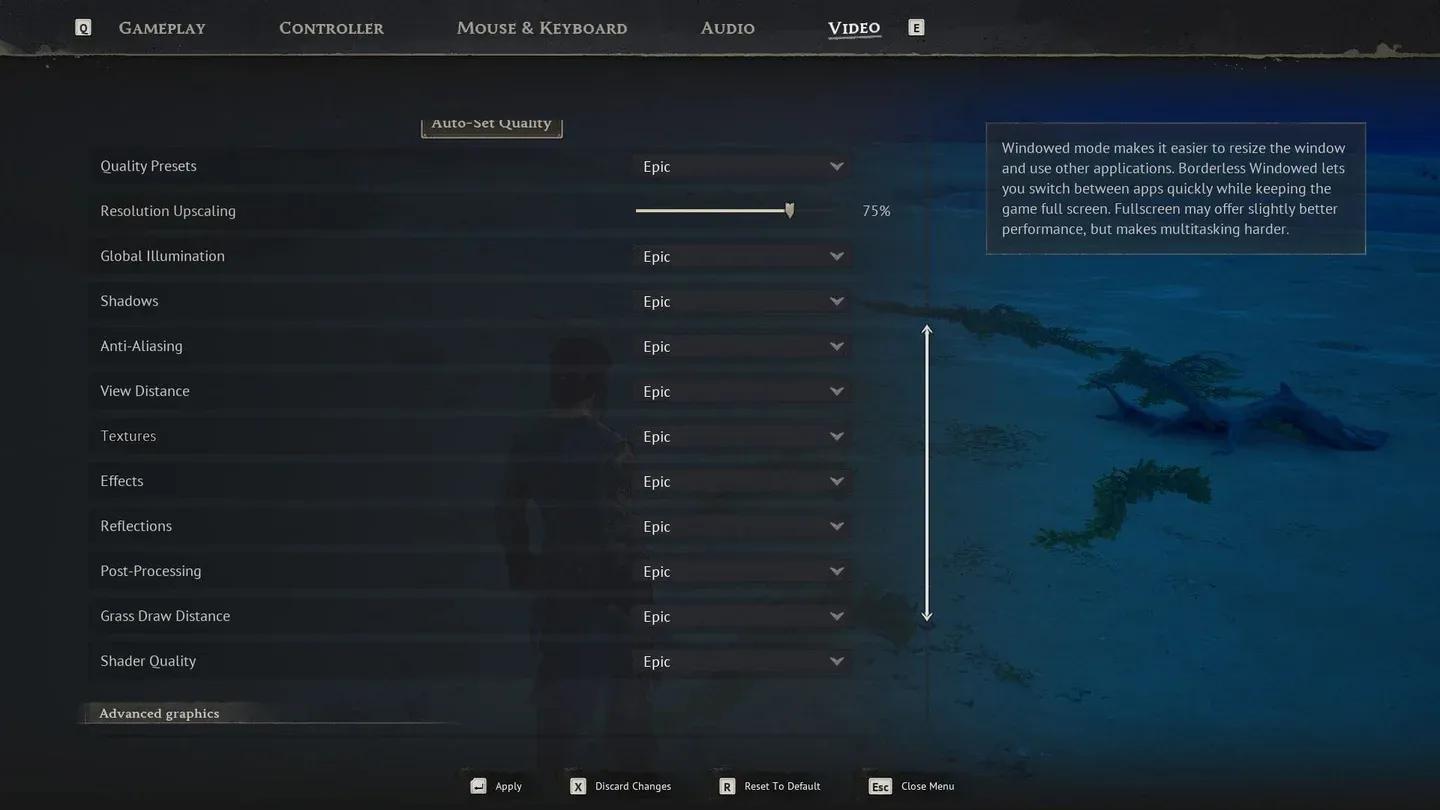
Windrose graphics settings menu
Advanced Settings
| Setting | Recommended Value |
|---|---|
| Motion Blur | Off |
| Lens Effects | Off |
| Dirt Effects | Off |
| FOV | Keep moderate (higher = lower FPS) |
Final Thoughts
ये सेटिंग्स Windrose में performance और visuals के बीच एक solid balance देती हैं। ज़्यादातर FPS gains reflections और post-processing जैसी heavy settings को कम करने से मिलते हैं, जबकि DLSS या FSR image quality को handle करता है।
जो कोई भी अभी भी अपने approach को refine कर रहा है या game-specific guides ढूंढ रहा है, वह GAMES.GG पर more guides browse करें ताकि additional optimization और gameplay content मिल सके।