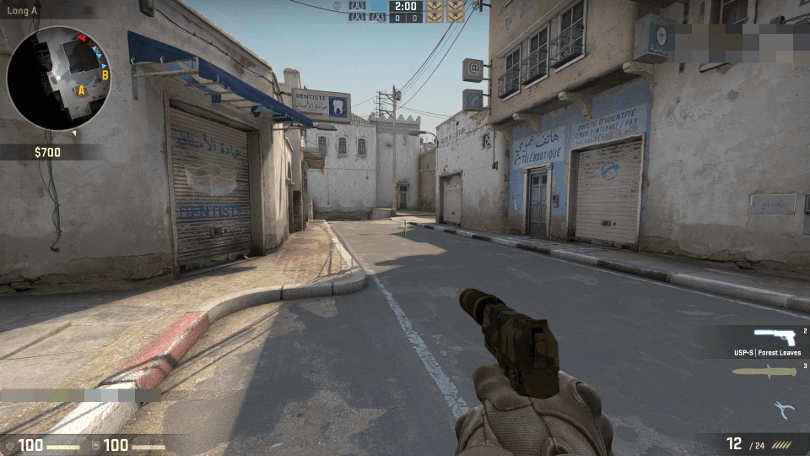

The dot crosshair has always been a polarizing choice in Counter-Strike. Either you swear by it, or you think it looks like someone forgot to finish their crosshair. But the players who run it tend to be among the most precise aimers in the game, and that is not a coincidence.
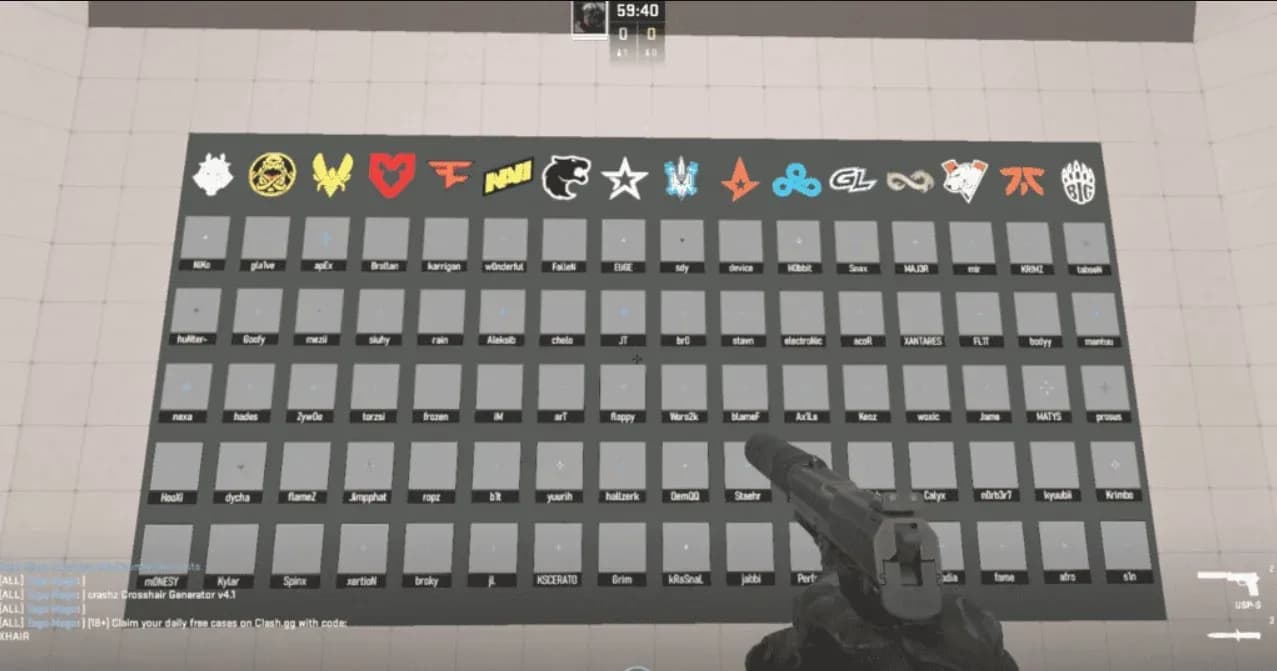
CS2 crosshair settings panel
The core appeal is simple: a single point on screen creates zero visual noise around the target. No lines bleeding over a head hitbox, no gap indicators pulling your eye away from where you are actually aiming. For players who have disciplined crosshair placement, the dot removes the last remaining distraction.
What the settings actually do
Getting a dot crosshair in CS2 comes down to two settings: set Length to zero and enable Center Dot. Everything else is personal preference, but here is what each option controls:
| Setting | Purpose | Recommended value |
|---|---|---|
| Style | Sets the crosshair type | Classic Static |
| Center Dot | Enables the dot | Yes |
| Length | Controls line length | 0 (hides lines) |
| Thickness | Controls dot size | 1-3 (personal preference) |
| Gap | Space between lines and center | Not relevant with lines off |
| Outline | Dark border around the crosshair | 1 (recommended for visibility) |
| Color | Crosshair color | Green or white |
The Outline setting deserves more attention than it usually gets. On bright surfaces, a dot without an outline can disappear entirely mid-round. A value of 1 keeps the dot readable across CS2's varied map lighting without making it feel chunky.

Ready-to-import codes for three different dot styles
The fastest way to test a dot crosshair is to import a code directly. Open Settings, navigate to Game, scroll to the Crosshair section, hit Share or Import, and paste the code into the pop-up window. It updates instantly.
For players starting out, the basic dot with outlines is the most forgiving option. The code CSGO-JaaMN-QODox-vueWF-sdtLn-PU9vO gives you a white dot at thickness 1.0 with a clean outline, which holds up well across most maps.
Players who want a cleaner look with less visual weight can try CSGO-ZFv8v-FN6ZB-bfZjk-RGoGq-yxxsP, a green dot at thickness 0.9 that is slightly harder to track on bright surfaces but feels more minimal.
The third option is the box dot: CSGO-bGEA7-wox5Y-BEFec-HEyF7-V3OtQ. A square shape at thickness 1.6 gives slightly more visible area, which makes it easier to pick up at smaller sizes or on high-resolution monitors.
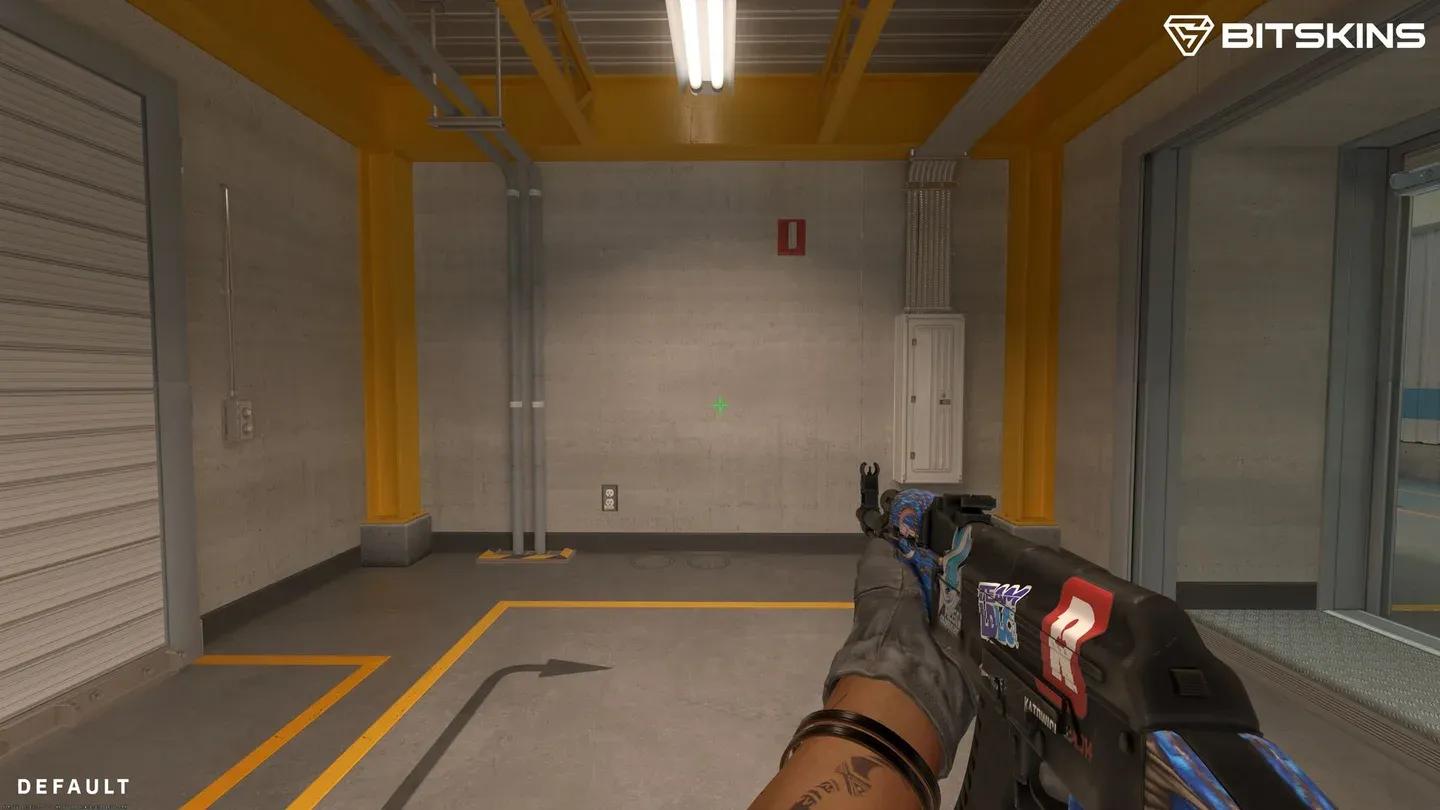
Dot crosshair style comparison
How pro players configure their dots
Several active professionals still run dot setups at the top level. TeSeS, ELiGE, NiKo, and Jame are the most referenced examples, and their configs are meaningfully different from each other.
ELiGE runs the closest thing to a pure dot: length at 0.0, thickness at 1.0, gap at -5.0, with an outline enabled. His code is CSGO-sa6tG-yCWOY-pz9fA-7Jf7s-2XJaA.
Jame takes it even further with thickness at 0.0, which produces an extremely small dot that requires sharp placement discipline. His code is CSGO-rLYmC-Gep2i-hh73s-WHidf-OnMHA.
NiKo uses something adjacent to a dot rather than a true one: length at 1.0 with a -3.0 gap produces very short lines that collapse almost to a point. His signature cyan-green color (RGBA 0,255,145,255) makes the setup immediately recognizable. Code: CSGO-3ZkVZ-TKBxe-Zhs8C-m2Cy7-b2D7K.
TeSeS sits between the two extremes with length at 0.5 and no outline, which gives a slightly more visible dot without the border. Code: CSGO-TjOdU-XjuKR-boSpT-O46xF-zPFuA.
The key here is that none of these pros are running identical setups. The dot is a framework, not a fixed configuration.
Color choice matters more than most players think
Green remains the most popular crosshair color at every level of play. It contrasts well against CS2's environments without causing eye strain over long sessions. White with a black outline offers higher contrast but some players find it harsh after extended play.
Yellow sits in between: more visible than green on darker maps, but it blends into sandy environments like Dust2, Anubis, and Mirage. The practical answer is to match your color to the maps you play most. Nuke's bright whites favor yellow or white crosshairs, while Dust2's warm palette works better with cyan or green.
Who should actually run a dot
The dot suits one-tap, rifle-first players who already have strong crosshair placement. If your default is to pre-aim corners and take single shots with the AK-47 or M4, the dot removes the last bit of visual noise between you and the target.
For aggressive entry fraggers who spray frequently or are still building their aim fundamentals, a small static plus crosshair is more practical. The dot punishes poor placement in a way that a plus crosshair does not, because there is nothing to fall back on when your cursor drifts.
For more CS2 setup tips and competitive gaming breakdowns, our gaming guides cover everything from settings optimization to map strategy. And if you want to see how CS2 stacks up against other shooters, the game reviews section has you covered.