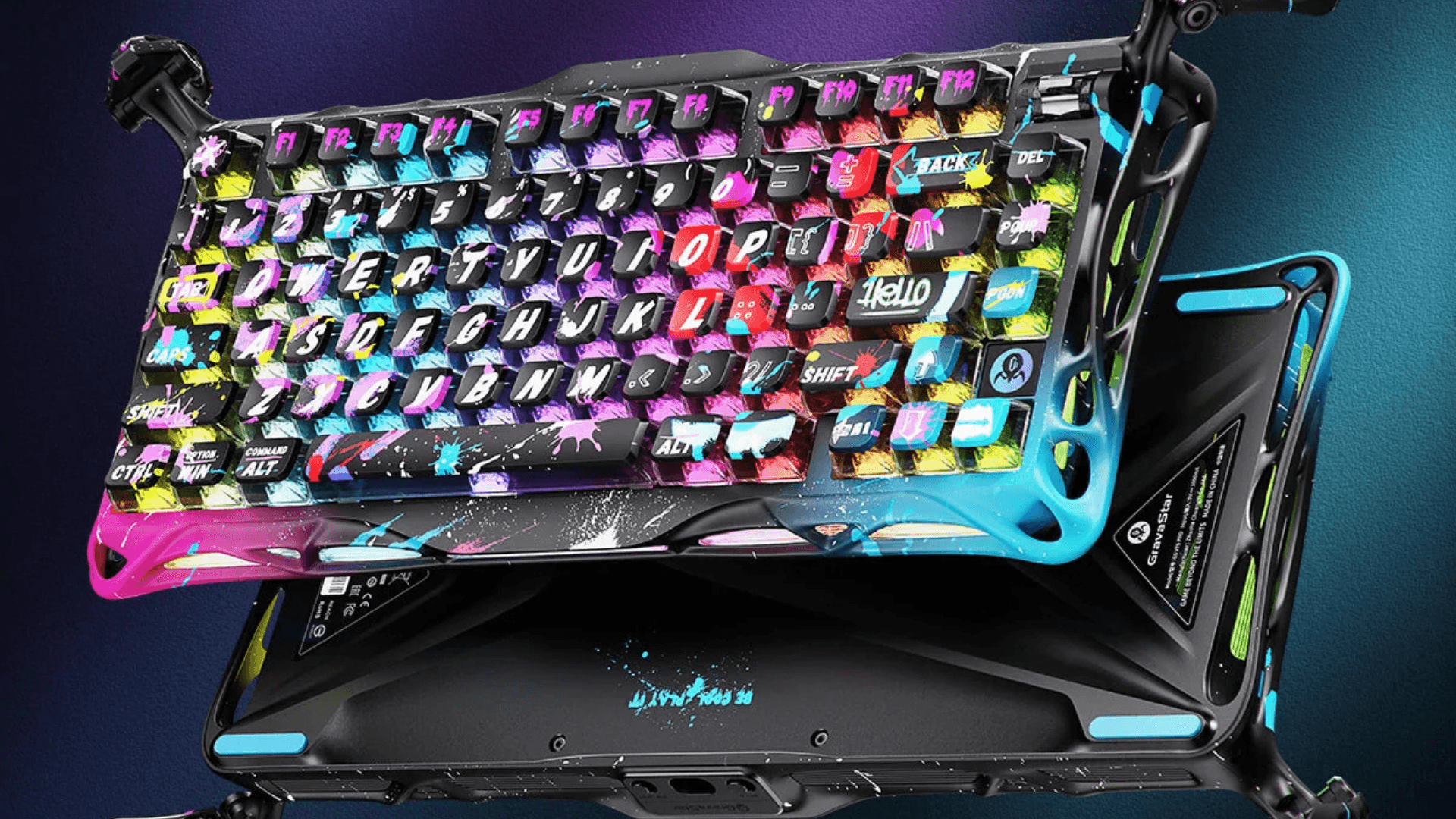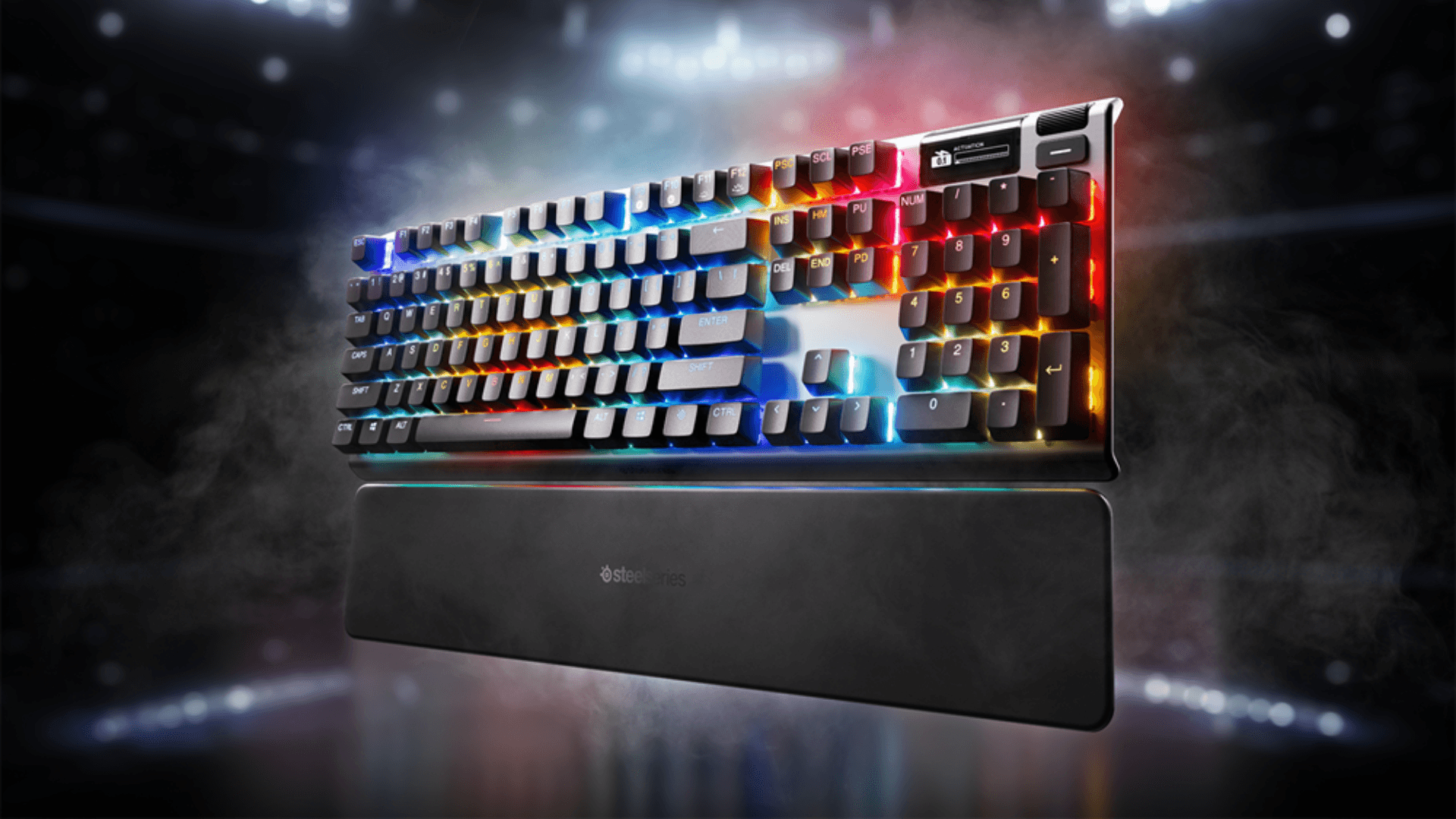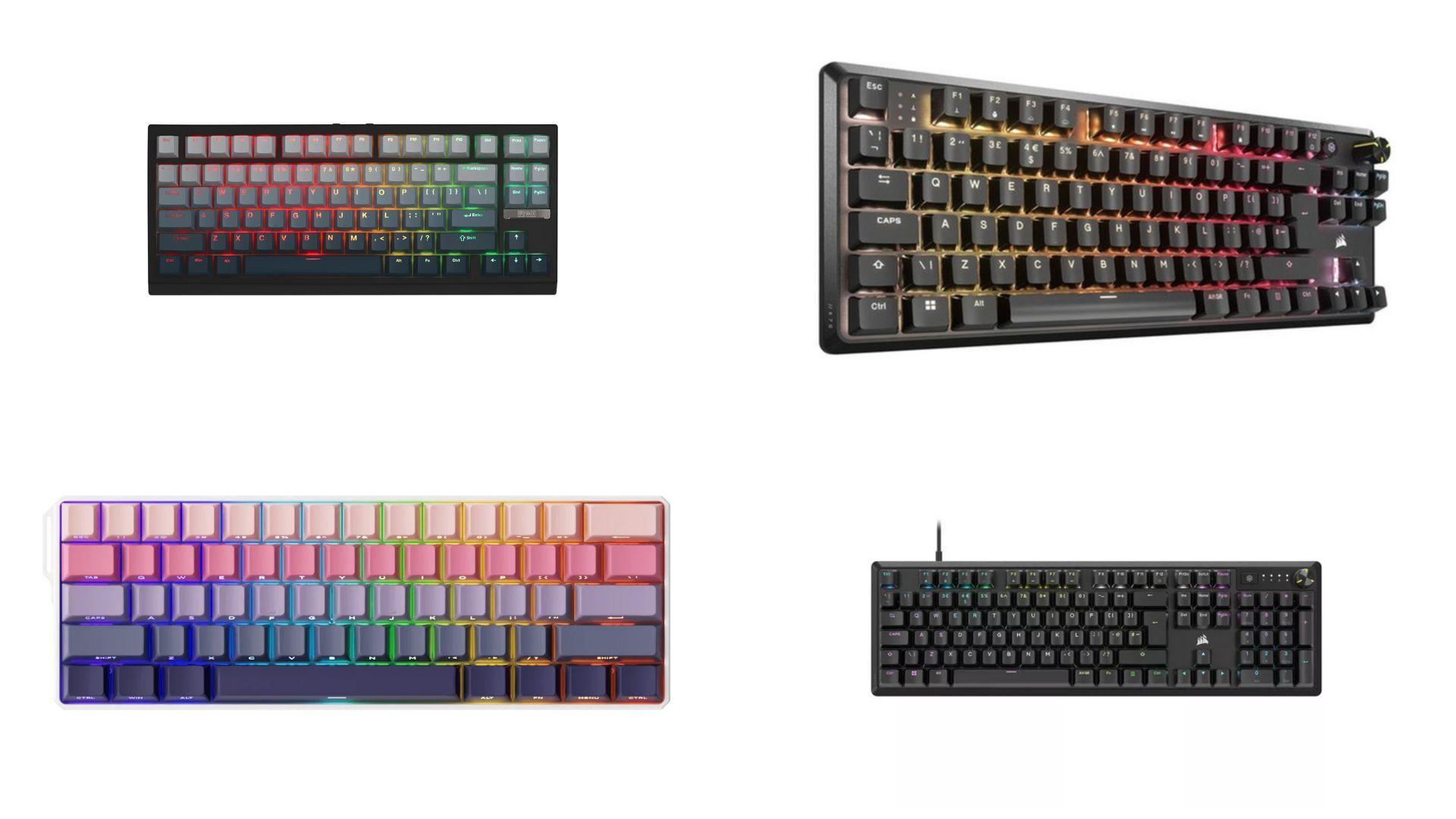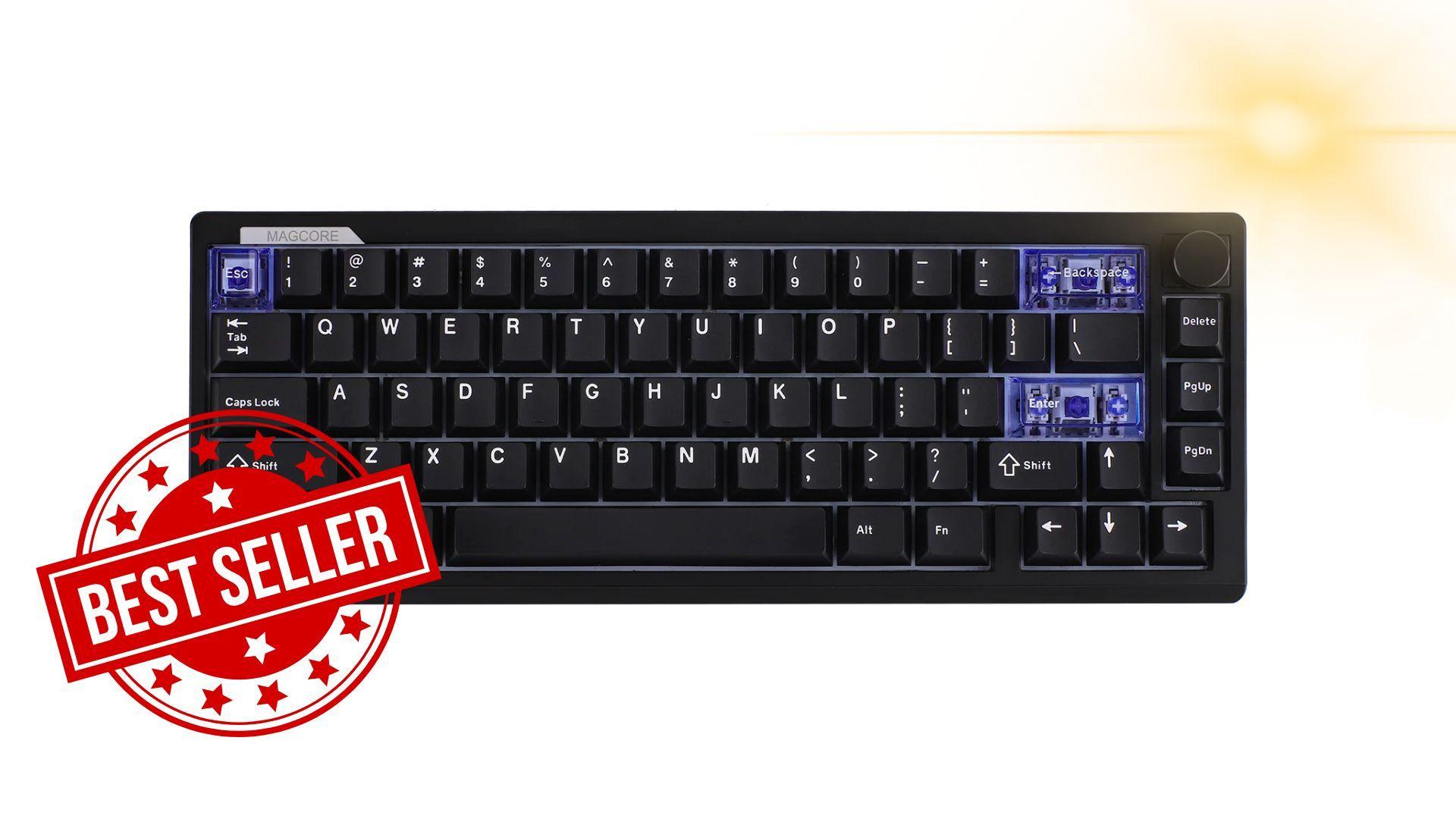

Gaming keyboards continue to evolve as developers experiment with new switch technologies, aiming to improve responsiveness, durability, and control. The Epomaker Magcore65 Lite introduces inductive switch technology to a more affordable segment, offering a compact 65% layout and analog key travel for $79.99. For gamers, the question is whether this early-adopter technology delivers tangible benefits without a premium price tag.
The Magcore65 Lite is a 65% ANSI layout keyboard with 66 keys and a rotary volume knob, striking a balance between minimal desk space usage and practical key placement. Its 45-degree front edge allows the palms to rest naturally, which can improve comfort during long gaming sessions. The case is made of solid ABS plastic with a gasket-mounted plate, and a four-layer dampening system reduces unwanted noise while typing or gaming. A few purple translucent keycaps and RGB lighting add subtle visual flair without leaning heavily into a typical gaming aesthetic.

Use code TRYHARD33 at checkout to redeem this offer before code expires again.
Get 33% Off GAMES+ Subscription
Understanding Inductive Switches
The defining feature of the Magcore65 Lite is its inductive switch technology. Unlike standard mechanical switches or magnetic Hall-effect switches, inductive switches operate using electromagnetic induction. Each key contains an aluminum spike that moves through a coil on the PCB. As the key is pressed, the inductance changes and is interpreted by the keyboard as a continuous position signal. This enables fully analog key travel, with adjustable actuation points from 0.1 mm to 3.4 mm in 0.01 mm increments, and eliminates physical electrical contacts that can wear over time.
For gamers, this means smooth linear key travel and consistent input detection for rapid triggering. While traditional magnetic Hall-effect switches are already effective for gaming, inductive switches offer a potentially more stable reading and lower noise output. During testing, the difference between inductive and magnetic switches was subtle, but the analog input provides an extra layer of control, particularly in games that benefit from variable key pressure or rapid keystrokes.
Design and Ergonomics
The Magcore65 Lite keeps the design minimal but practical. Despite its compact form, it retains arrow keys, a few navigation keys, and the volume knob. The knob itself is metal and smooth, allowing for precise control over volume or lighting without taking up much desk space.
The back of the keyboard houses a tri-mode switch, USB-C port, and a compartment for the wireless dongle. Four rubber feet and a two-step kickstand provide stable placement and customizable typing angles. Overall, the keyboard feels solid for a sub-$100 device, with the ABS construction and internal dampening system reducing vibrations and echoing sounds that can occur on lower-end keyboards.
Keycaps are Cherry-profile and professional in style, with only a few transparent keys for accent. While they look clean, gamers who prefer a flashier aesthetic may find them understated. The keyboard is hot-swap compatible, but only with Epomaker Core inductive switches, limiting customization with third-party mechanical or magnetic switches.
Performance in Gaming
Testing over two weeks revealed that the Magcore65 Lite performs reliably across gaming scenarios. The analog input allowed for precise rapid triggering, making it suitable for first-person shooters and other competitive titles. While some early reports suggested that inductive switches could lag behind magnetic alternatives, no noticeable latency was observed during gameplay. Wired and 2.4 GHz wireless modes provided the most responsive experience, while Bluetooth was suitable for lighter use or mobile setups.
Typing feels slightly heavier than expected, with a 30 gf rating that registers closer to 40 gf in practice. This provides a solid and controlled feedback without compromising speed. Stem wobble is minimal, and the pre-lubed switches improve smoothness. Overall, the keyboard maintains stable performance for both gaming and general productivity, giving users analog control in a compact package.
Software and Customization
Epomaker provides a dedicated software suite for the Magcore65 Lite to handle the inductive switches. The software allows fine-tuning of actuation points, rapid trigger sensitivity, RGB lighting, key remapping, and profiles. While initial loading times are slightly slow, the interface is distinct and functional, giving gamers precise control over keyboard behavior.
RGB lighting works well with the translucent accent keys, providing enough visual feedback to feel like a gaming keyboard without overwhelming the minimal design. Adjustments in the software translate accurately to hardware, making it suitable for competitive gaming setups where consistency is key.
Battery and Wireless Considerations
The Magcore65 Lite has a 4000 mAh battery, which is adequate for short gaming sessions. However, battery life is below expectations, particularly when RGB lighting is active. Wireless performance remains stable in both 2.4 GHz and Bluetooth modes, but heavy RGB use may require more frequent recharging. Gamers relying on wireless play for extended periods may find this limiting compared to other premium keyboards.
Verdict
The Epomaker Magcore65 Lite is a solid entry into analog gaming keyboards, particularly for players looking to explore inductive switch technology without spending over $100. It delivers a compact layout, stable and smooth keypresses, and precise analog control suitable for competitive gaming. While battery life and limited switch compatibility are drawbacks, the keyboard excels in comfort, reliability, and performance for its price point.
For gamers looking to balance desk space, analog input, and a practical design, the Magcore65 Lite is a strong option. It blends functionality with a subtle gaming aesthetic, making it suitable for both home and professional setups. When you purchase through links on our site, we may earn an affiliate commission. You can learn more here:
Official Website: https://h7.cl/1jo5Z
Amazon US: https://h7.cl/1nNrt
Amazon UK: https://h7.cl/1jo5x
Make sure to check out our articles on gaming gadgets:
Best Apple Products for Gaming
Best Nintendo Switch Accessories
Best Gaming Androids (phones)
Frequently Asked Questions (FAQs)
What is an inductive switch keyboard?
Inductive switches use electromagnetic induction to detect keypresses. An aluminum spike moves through a coil on the PCB, creating a continuous analog signal instead of relying on physical contacts.
Can I replace the switches with standard mechanical switches?
No. The Magcore65 Lite supports only Epomaker Core inductive switches. It does not accommodate standard 3-pin or 5-pin mechanical or magnetic Hall-effect switches.
How is the battery life on the Magcore65 Lite?
The 4000 mAh battery lasts for shorter sessions than advertised, especially when RGB lighting is active. Wired or 2.4 GHz wireless use conserves more power compared to Bluetooth with lighting enabled.
Is the keyboard good for competitive gaming?
Yes. The analog input and rapid trigger settings provide precise key detection, making it suitable for FPS and other competitive games.
Does the keyboard work with macOS and Android?
Yes. The Magcore65 Lite is compatible with Windows, macOS, and Android devices via USB-C, 2.4 GHz, or Bluetooth connection.
Is RGB customizable?
Yes. The Epomaker software allows users to customize RGB lighting across keycaps and set different effects, though battery life will be affected by higher brightness or continuous lighting.