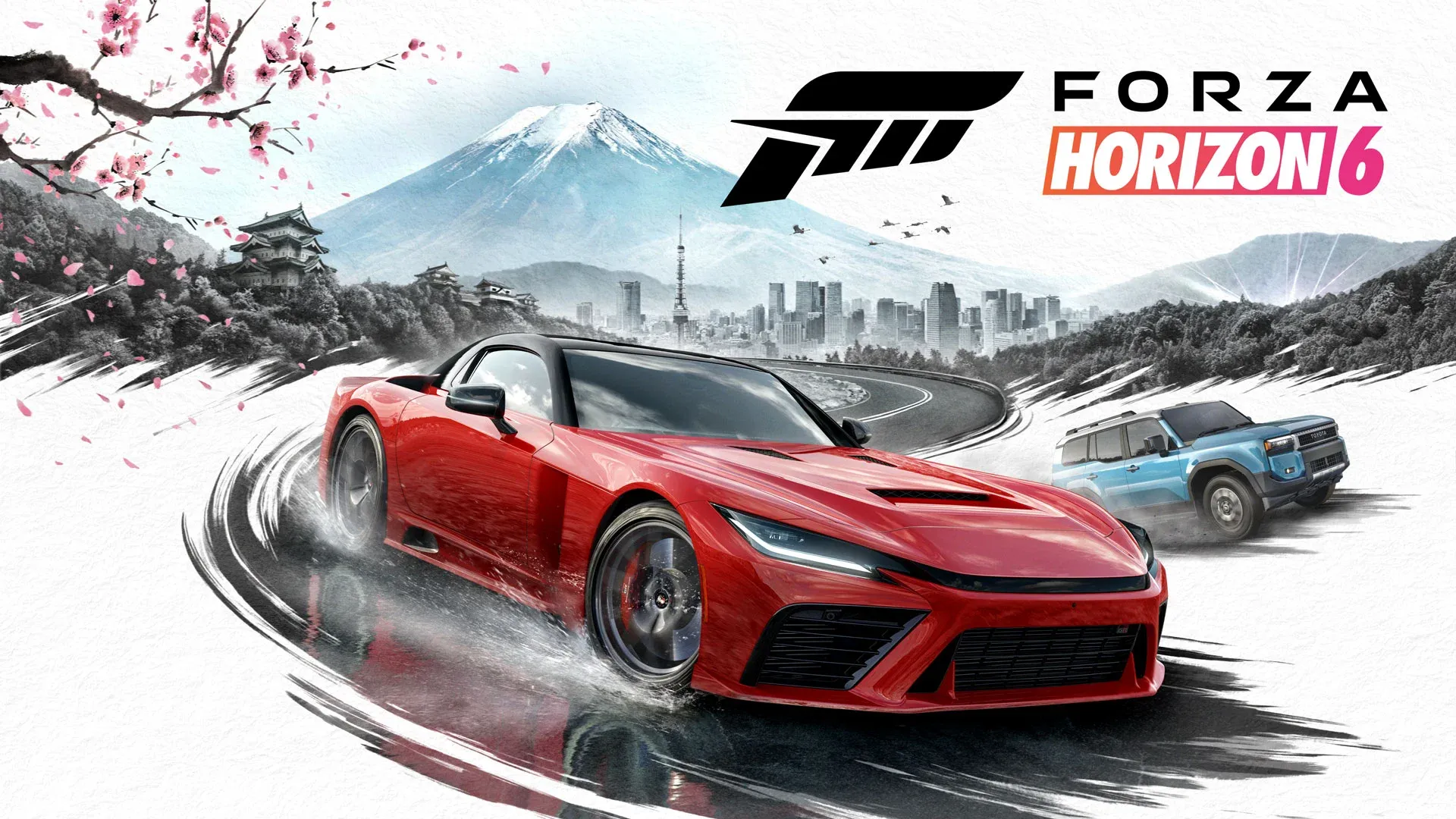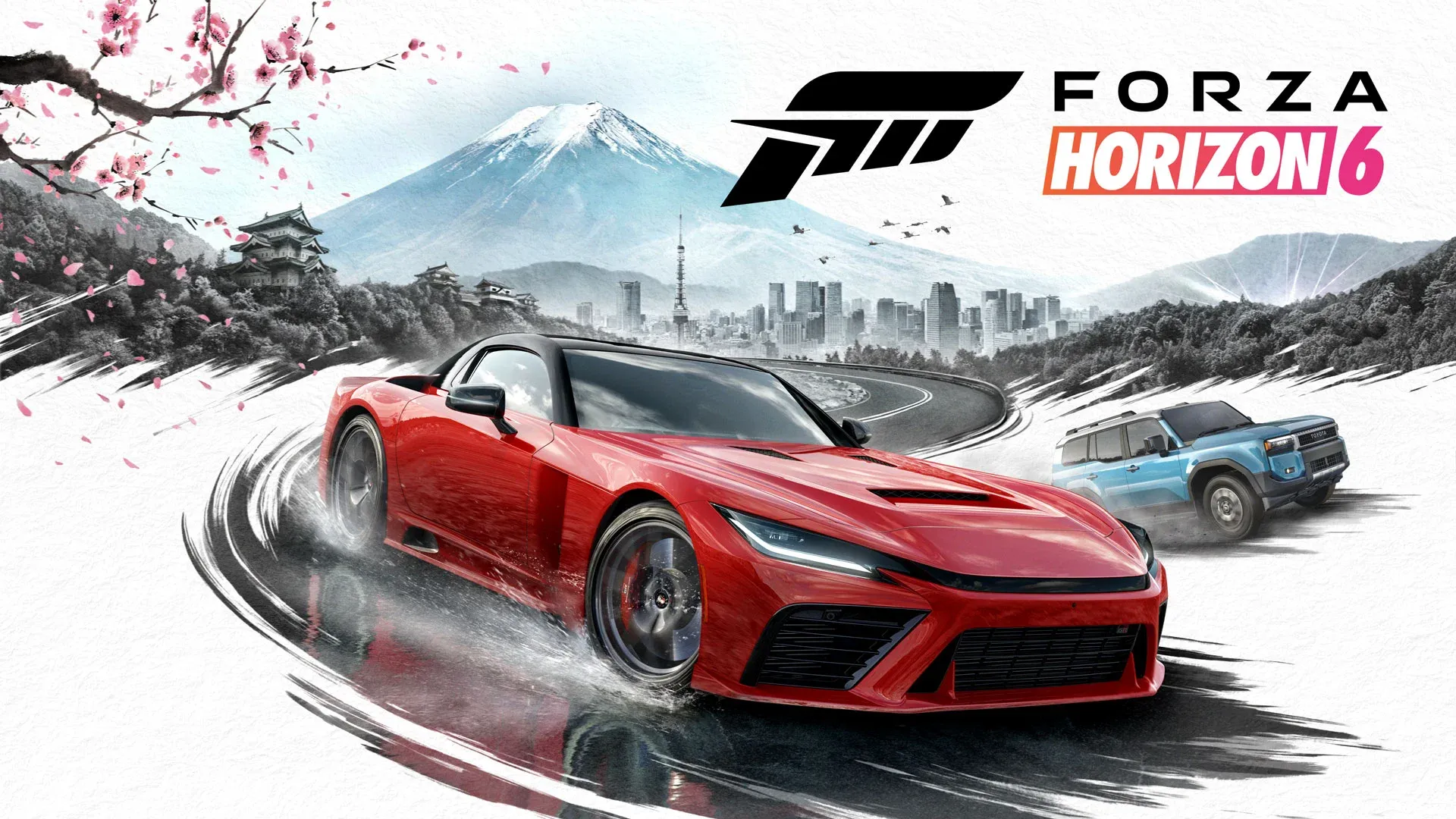


Save files are disappearing in Forza Horizon 6, and the Forza support team has stepped in with an official statement and a list of precautions while the team works to identify the root cause.
The issue, which causes save game progress to be lost or fully reset, is actively under investigation. No specific cause has been confirmed yet, but the community has already started connecting dots.
The cars players are avoiding right now
A working theory has taken hold across the Forza Horizon 6 community: certain cars may be triggering the save corruption, particularly ones that recently became available as in-game prizes. The unofficial list players are steering clear of includes the 1993 Schuppan 962CR, the 2003 Ford F-150 SVT Lightning, the 1988 Lamborghini Countach LP5000QV, the 1957 Chevrolet Bel Air, and the 2020 Wuling Sunshine S Forza Edition.
The specific risk appears to come from interacting with these cars in the garage, particularly painting them, applying liveries or decals, or sharing designs. Some players report using these cars without any problems, so the connection is not confirmed, but the community consensus right now is to leave those vehicles alone until there is more clarity.
What the support team is actually recommending
For Xbox Series X|S players, the headline advice is straightforward: disable Quick Resume for Forza Horizon 6. The feature, which lets the console snap back to a suspended game state almost instantly, appears to be creating conditions where save syncing breaks down.
Beyond that, the team has outlined a set of habits that reduce the risk of losing progress:
- Stay online when quitting the game and give it a moment to sync to the cloud before powering off
- Never force quit while the game is actively saving
- Do not power off the console during a play session
- If switching between devices (console to PC, or PC to cloud gaming), wait a few minutes after closing the game to confirm the latest save has synced
The Xbox Series X|S, Steam, and the Xbox app on PC all include save sync indicators, so you can actually confirm the process has completed before shutting anything down.
If it has already happened to you
Players who have already experienced save loss are being directed to open a ticket on the Forza Support website as soon as possible, ideally the same day the issue occurs. The team says they can attempt to recover a profile by reverting to an earlier save state, but the window for that is time-sensitive.
The faster you report it, the better the odds of getting something back.
Getting your setup right while this gets fixed
This kind of issue is a reminder that even small settings choices can have a real impact on your experience. If you are setting up Forza Horizon 6 fresh or trying to squeeze better performance out of your existing setup, the Forza Horizon 6 best settings guide covers the key configuration options worth adjusting beyond just Quick Resume.
The support team has not given a timeline for a fix, but the fact that an official statement is already out suggests this is being treated as a priority. Keep an eye on the Forza Support channels and check the full Forza Horizon 6 guides collection for updates as the situation develops.