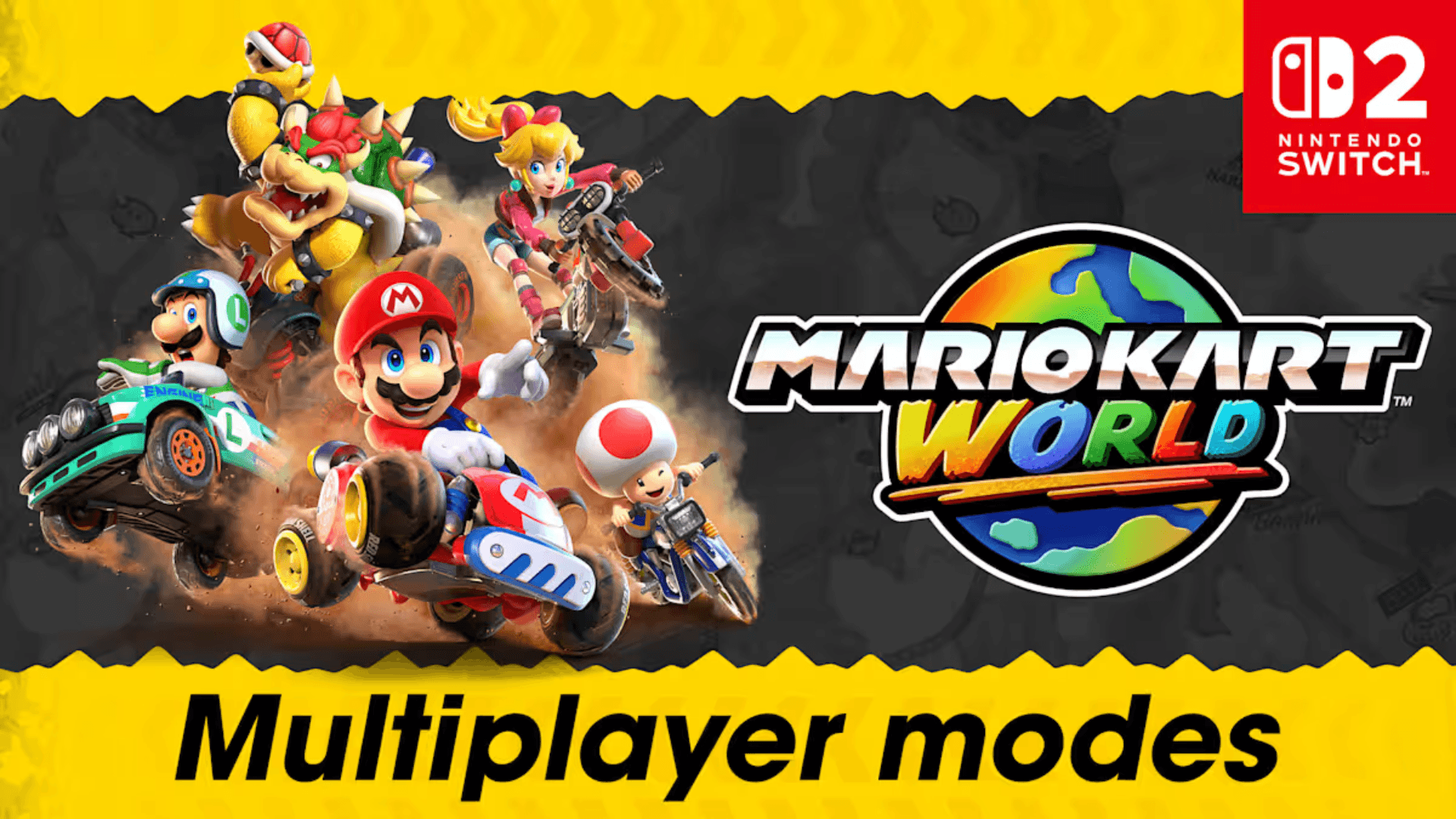
If you’re gearing up to race friends, family, or complete strangers in Mario Kart World on Nintendo Switch 2, there’s a lot to know about how multiplayer works this time around. Nintendo has packed in a wide range of options - whether you're sharing a screen with a buddy, syncing up with a house full of Switch consoles, or diving into chaotic online races. Here's how each multiplayer mode breaks down.
Mario Kart World Multiplayer Modes Explained
Local Multiplayer (One Console, Up to Four Players)
If you’ve got one Nintendo Switch 2 and a couple of controllers, you can jump into local multiplayer right away. Head to the Multiplayer menu and pick how many people are playing - 2P, 3P, or 4P. The Switch 2 includes one pair of Joy-Con 2 controllers, so you’re good for two players out of the box. If you're adding a third or fourth person, you’ll need more controllers. Good news: older Joy-Con controllers work just fine.
Once everyone’s signed in, you can choose from Grand Prix, Knockout Tour, VS Race, or Battle. The game automatically adds CPU drivers to bring the total racer count to 24, which keeps things lively no matter how many humans are racing. You can also tweak settings in certain modes - like turning on team races or adjusting CPU difficulty - to customize the experience before hitting the track.

Mario Kart World Multiplayer Modes Explained
Local Wireless Multiplayer (Multiple Consoles, Same Room)
If you’ve got more than four players in the same house and multiple Switch 2 systems to work with, local wireless is the way to go. From the main menu, select Wireless Play, then choose 1P or 2P depending on how many people are playing on that specific console.
When the first player creates a wireless room, they’ll be dropped into Free Roam while they wait for others to join. If there are two players on the same system, the screen will split automatically. Other players can jump in by selecting Wireless Play and joining the room. No internet needed - just a group of Switch consoles talking to each other wirelessly.

Mario Kart World Multiplayer Modes Explained
LAN Play (For Bigger Setups)
Got a party going with eight or more Nintendo Switch 2 consoles in one room? There’s a LAN Play option tucked away in the main menu. To access it, hold down the L and R buttons and click in the Left Stick while you're selecting your mode. That’ll switch the Wireless Play option to LAN Play.
LAN Play gives you a more stable connection via wired setup and supports even larger groups. It’s ideal for tournaments or bigger gatherings. Just be aware that it does require some extra hardware and setup - check Nintendo’s official support site for more details when it becomes available.

Mario Kart World Multiplayer Modes Explained
Online Play (Solo or With a Friend)
Online Play is the most flexible option for those who want to race players from around the world - or just hang out and play remotely with friends. Choose 1P to play solo or 2P if someone’s sharing your couch.
Once you’re in, you’ll get to pick from standard online races, Knockout Tour, or Battle. There’s also a number next to your name that increases over time as you keep playing. It’s a subtle skill indicator, and as it goes up, you may notice the competition get a little tougher.

Mario Kart World Multiplayer Modes Explained
Online With Friends (And Room Codes for Everyone Else)
Within Online Play, there’s a dedicated Friends section that shows who’s online and what they’re playing. If a friend is in a joinable mode, you can hop right in. If not, you can create your own room instead. Just like wireless play, you'll start in Free Roam while you wait for others to join - and if you’ve picked 2P online, your co-op partner joins you on the same screen.
If you're playing with someone who isn’t on your Switch friend list, there’s still a way to connect. After you create a room, head to the menu and select “View Room Info.” This will display a Room ID code. Anyone with that code can enter and join the race as long as the room is open.
A Full Suite of Multiplayer Options
Whether you're playing on the same couch or connecting from different cities, Mario Kart World on Nintendo Switch 2 has a multiplayer setup that’ll work for you. The game’s flexibility - across local play, wireless rooms, LAN setups, and online matchmaking - makes it easier than ever to get a race going no matter where you are or who you're with.
So grab your controllers, pick your kart, and hit the track - there’s a lot of multiplayer mayhem waiting.