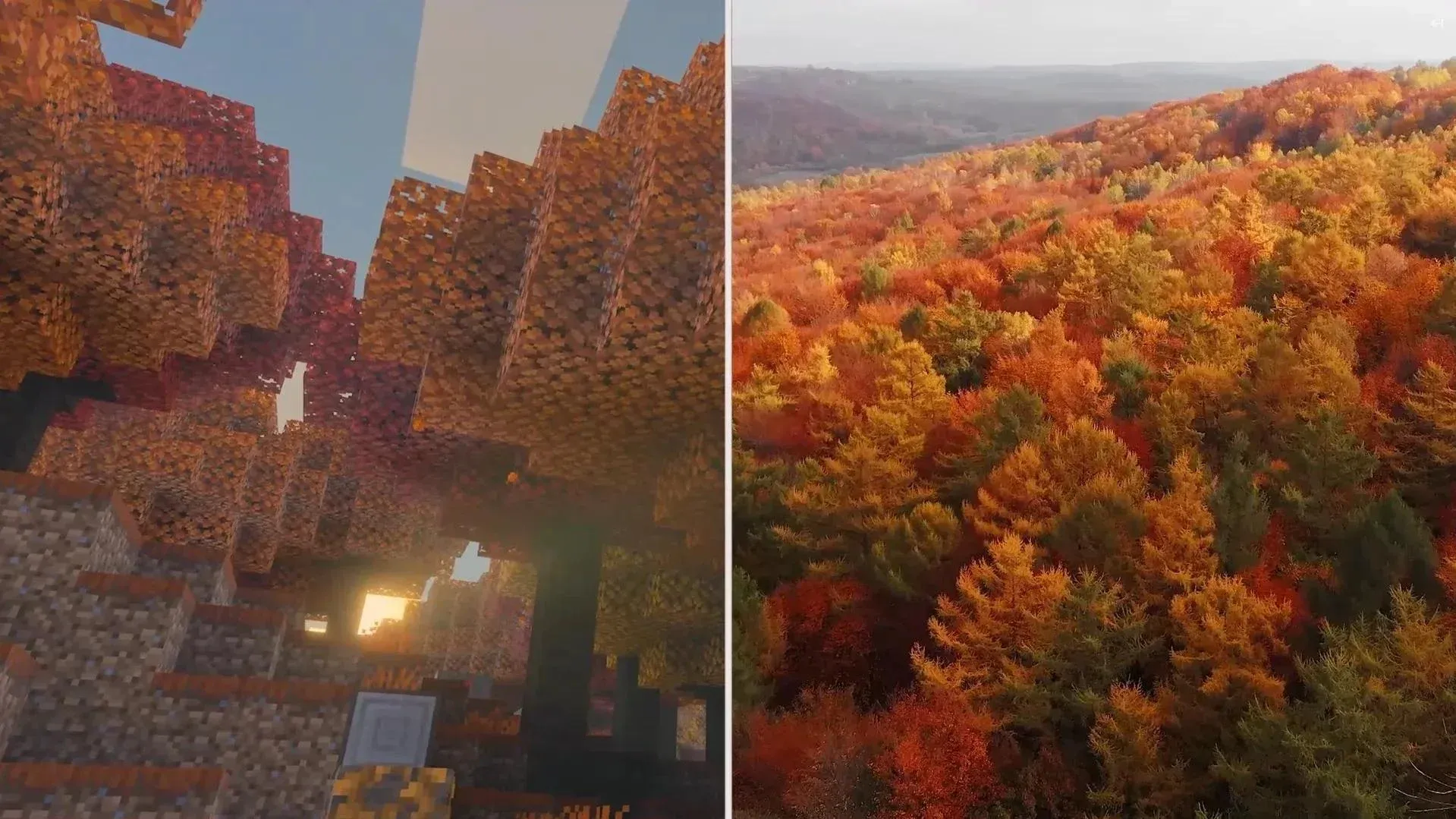


The mushroom hunt in Minecraft just got a vertical upgrade. The 26.3 autumn drop introduced Shelf Mushrooms, a new fungi block that skips the forest floor entirely and grows directly on the sides of Poplar trees and fallen Poplar logs. That means if you've been staring at the ground looking for them, you've already wasted your time.
Why this block changes how you think about fungi
Every mushroom before this one played by the same rules: low light levels, specific biomes, flat ground. Shelf Mushrooms break all three of those conventions at once. They ignore light level restrictions entirely, attach to the sides of blocks rather than sitting on top, and only appear in the new Dappled Forest biome. That's a meaningful shift in how Mojang is designing resource blocks, and it signals that the 26.3 autumn update is genuinely trying to push players into exploring new terrain rather than farming the same cave corners.
The bouncy physics are a nice bonus. Jumping on a Shelf Mushroom sends you bouncing back, similar to landing on a bed, though don't expect full trampoline height. It's a quirky detail that makes them feel like an actual living thing rather than just a crafting ingredient.
Getting to the Dappled Forest first
The fastest path to Shelf Mushrooms runs straight through the Dappled Forest, the new autumn biome added in 26.3. Look for the orange and red leaf canopy, it's distinct enough that you won't confuse it with other forest types. Once you're inside, check the tree trunks directly. The mushrooms have a shell-like shape that contrasts clearly against the bark.
They spawn in two sizes: small and large. Target the large ones. Large Shelf Mushrooms drop 2 mushrooms on harvest, while the small variants drop 1. You don't need Silk Touch or any specific tool. Break them with your bare hands if you want.
If foraging isn't your thing, the Wandering Trader will occasionally sell 3 Shelf Mushrooms for a single Emerald. That's a reasonable deal early on before you've set up your own supply chain.
Growing your own supply back at base
The more sustainable approach is planting Poplar trees near your base. Once a Poplar reaches full growth, there's a natural chance for Shelf Mushrooms to generate on the trunk. From there, you can use Bone Meal to propagate them further without leaving home. It takes a little setup time, but it's the kind of renewable loop that makes long-term survival builds much cleaner.
What you can actually do with them
Shelf Mushrooms slot into existing recipes in ways that make them genuinely useful rather than decorative novelties.
The Suspicious Stew interaction is the one worth paying attention to. Swapping in a Shelf Mushroom still triggers the potion effect from whatever flower you include, which means they function as a direct substitute for either brown or red mushrooms in that recipe. That flexibility makes them more valuable than a standard mushroom the moment you have a reliable supply.
For builders, the attachment mechanic opens up a lot. Because Shelf Mushrooms can stick to any block with a full side surface, they work on walls, ceilings, and custom structures, not just tree trunks. That's a meaningful tool for anyone working on overgrown or organic-themed builds.
For everything else the 26.3 update brought in, including the Potent Sulfur Block from the Chaos Cubed content, check out our Minecraft guides collection to stay across all the new resource mechanics dropping this season.