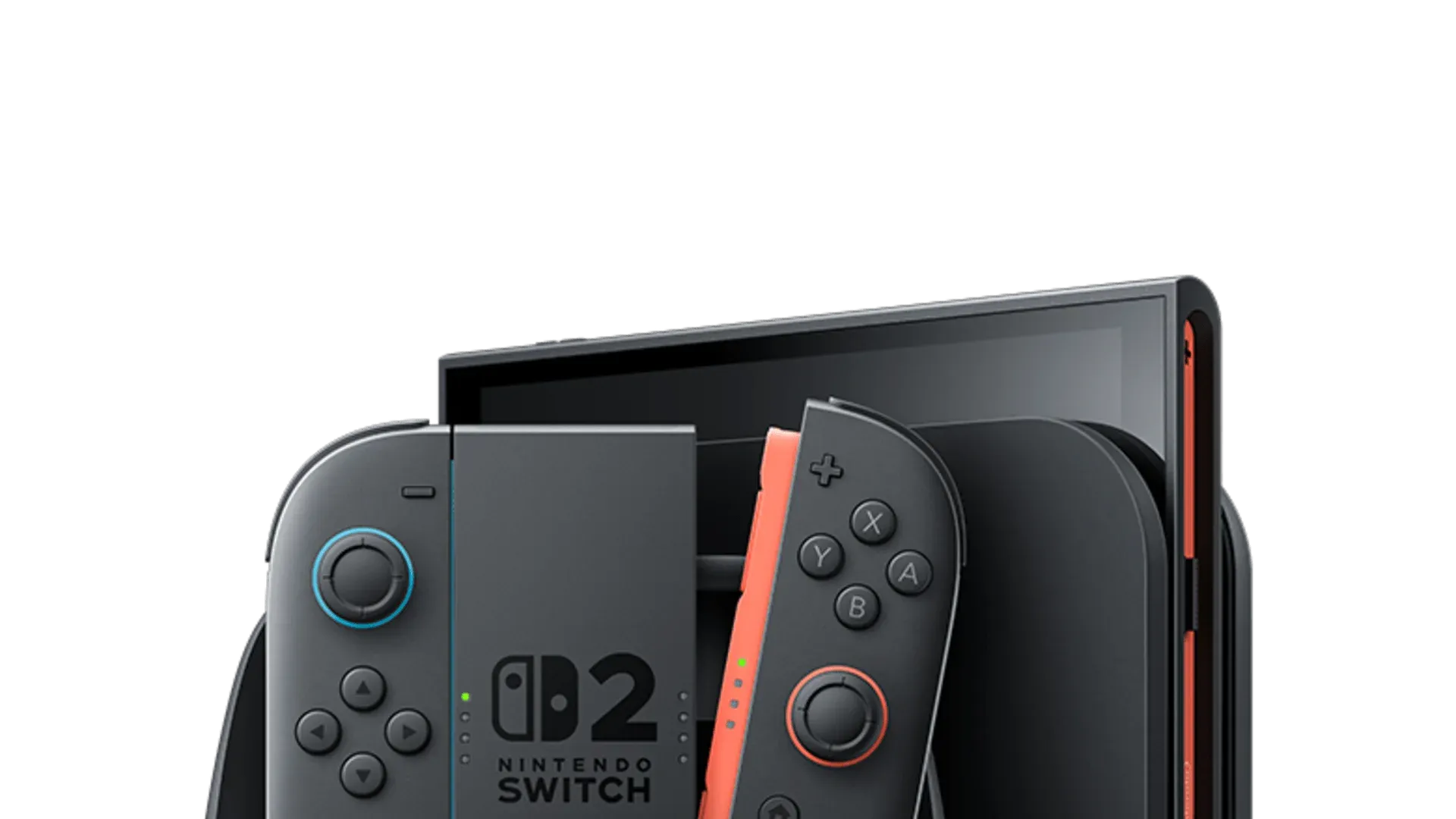


Nintendo has released system software Version 22.0.0 for both the Switch 2 and original Switch, and tucked inside the patch notes is a feature that caught players off guard: Handheld Mode Boost, a setting that forces compatible original Switch games to run at their docked performance profile while you're playing in handheld.

Use code TRYHARD33 at checkout to redeem this offer before code expires again.
Get 33% Off GAMES+ Subscription
What Handheld Mode Boost Actually Does
The original Nintendo Switch ran games in handheld mode at 720p with reduced performance compared to docked play. The Switch 2 has a 1080p screen, but until this update, older Switch titles weren't using that extra resolution in handheld.
Handheld Mode Boost fixes that. Turn it on, and compatible Switch software behaves as if it's docked, which means you get the higher performance profile and, in many cases, sharper visuals on that upgraded display. Nintendo detailed the feature in the official patch notes for Version 22.0.0, which went live on March 16, 2026.
The catch is that results vary by game. Some titles will show clear visual and performance gains, while others may see no difference at all. The feature also does nothing for native Switch 2 software, which already runs at full system capability.
How to Enable Handheld Mode Boost
Turning on the feature is simple. Here's what to do on your Switch 2:
- Open System Settings from the HOME Menu.
- Scroll down and select System.
- Select Nintendo Switch Software Handling.
- Toggle Handheld Mode Boost on or off.
Before you enable it, know this:
- Touch screen functionality may be disabled while Handheld Mode Boost is active, since the system is running in TV mode.
- Attached Joy-Con 2 controllers will be recognized as a Nintendo Switch 2 Pro Controller when the mode is on. If you want to use other controllers, detach the Joy-Con 2 first.
- Some in-game instructions may display incorrectly or not work as expected, since the game assumes it's docked.
Which Games Are Blocked From the Boost
Not every Switch game works with the feature. A handful of titles are excluded from Handheld Mode Boost, and the pattern is straightforward: games that lean on motion controls or touchscreen input in their docked modes can't make the switch cleanly. The confirmed exceptions include:
- Super Mario Maker 2
- Pokémon: Let's Go, Pikachu! and Let's Go, Eevee!
- Super Mario 3D All-Stars
- The Legend of Zelda: Skyward Sword HD
- Clubhouse Games: 51 Worldwide Classics
- Taiko no Tatsujin: Drum 'n' Fun!
- Pikmin 1+2
This list could grow as players test more titles, but for most of the Switch library, Handheld Mode Boost should work without problems.
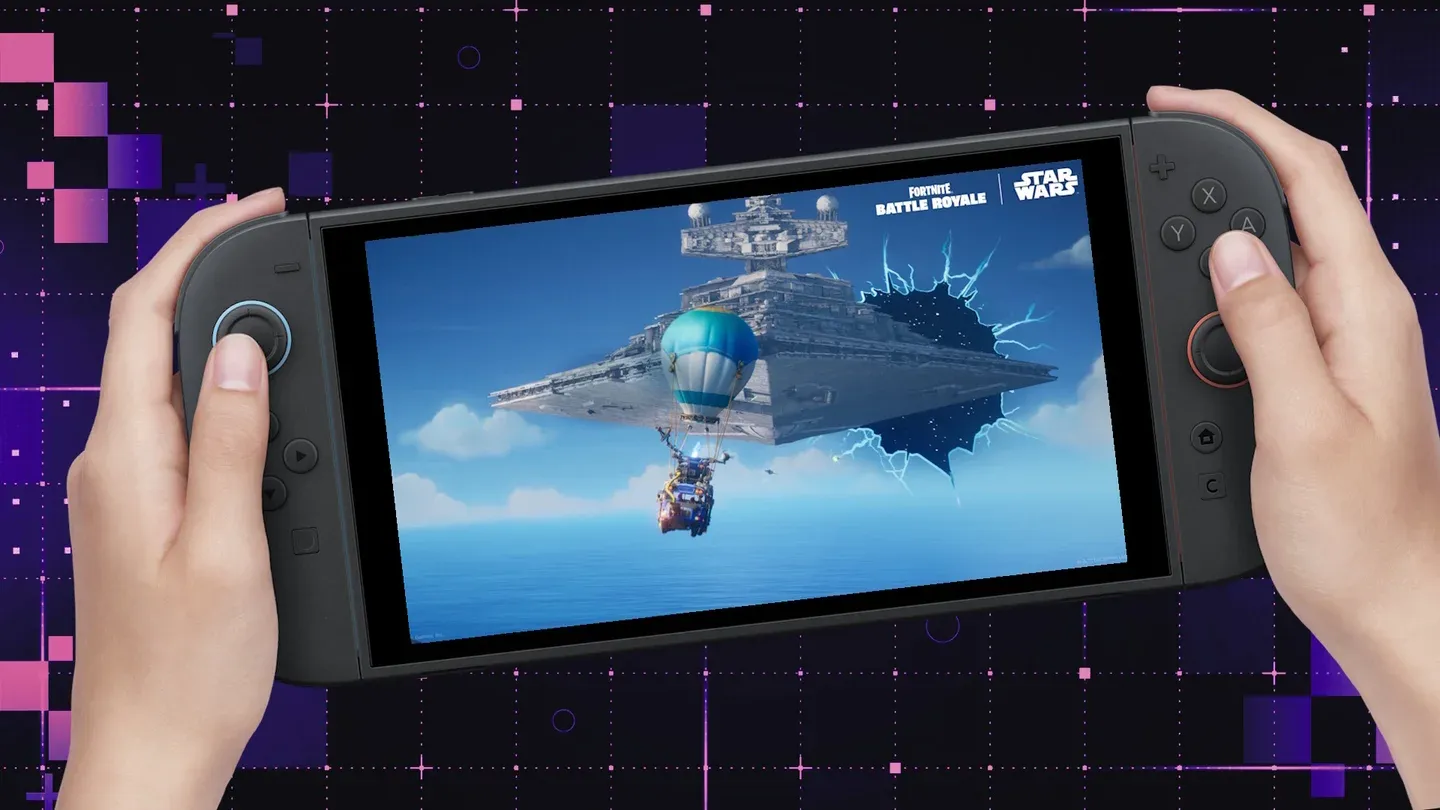
Switch library on Switch 2
The Rest of Version 22.0.0
Handheld Mode Boost is the standout addition, but Version 22.0.0 also includes a solid batch of quality-of-life improvements for Switch 2 owners:
- Friend notes can now be saved to your Friend List (private, not visible to friends), with editing available through the Nintendo Switch App on version 3.3.0 or higher.
- GameChat gets expanded invite options, including the ability to invite friends who haven't completed GameChat setup. Screen share quality when expanded has also been improved.
- A 10-second rewind and fast-forward function has been added when watching full-screen video in News or the Nintendo eShop, mapped to ZL and ZR.
- Automatic Uploads from Album now supports Clip Video, Video saved as a screenshot, and screenshots with added text.
- Portuguese (Portugal) and Russian have been added to GameChat Voice-to-Speech languages under Accessibility.
- Storage breakdown by data type is now visible for both system memory and microSD Express cards.
- Airplane Mode improvements allow previously set Bluetooth, Wi-Fi, and NFC preferences to be saved and reapplied, with individual toggles accessible from Quick Settings.
- Parental Controls now support push notifications to a smart device when the PIN is entered successfully on the console (requires Parental Controls app version 2.4.0 or higher).
If you use the Nintendo Switch App regularly, update it to version 3.3.0 to access the new friend notes feature from your phone.
The original Switch also received Version 22.0.0 on the same date, though its update is limited to the friend notes feature, Parental Controls PIN notifications, and general stability improvements. Handheld Mode Boost is exclusive to the Switch 2.
Make sure to check out more:
Frequently Asked Questions (FAQs)
Does Handheld Mode Boost work on all original Switch games?
No. Most compatible Switch titles will benefit, but games that depend on motion controls or touchscreen functionality in docked mode are excluded. Confirmed exceptions include Super Mario Maker 2, Pokémon: Let's Go, Skyward Sword HD, and several others.
Will Handheld Mode Boost drain my battery faster?
Yes. Nintendo confirms that enabling the feature increases power consumption, since the system is running at TV mode performance levels while undocked. Expect shorter battery life compared to standard handheld play.
Does Handheld Mode Boost affect Nintendo Switch 2 games?
No. The feature only applies to original Switch software. Native Switch 2 titles already run at full system capability and are unaffected by this setting.
How do I know if a game supports Handheld Mode Boost?
Nintendo hasn't published a full compatibility list. The best approach is to enable the setting and test your library. Games relying heavily on touch or motion controls are the most likely to be excluded.