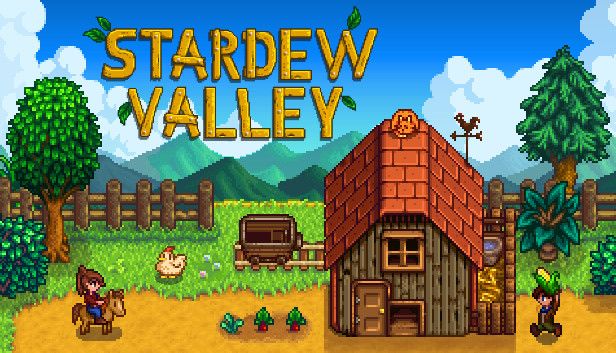

Stardew Valley now has dual-display support through Stardual Valley, a free enhancement built for the AYN Thor and other dual-screen Android handhelds. It puts menus and player information on a second touchscreen while the game stays on the main display.
Players can hide the main display's HUD, moving the clock, energy bar, and other status details out of the farm view. The second-screen interface uses window frames, fonts, and icons taken from the running copy of the game.
What the second screen can do
The touch-enabled backpack lets you select, move, sort, and eat items. Drag-and-drop controls also handle equipment, including clothes, boots, rings, and a trinket, while L and R functions switch backpack rows.
The interface extends beyond inventory management:
- Farm: Tracks crops that need watering or harvesting, machines, animals, fruit trees, and planting deadlines for carried seeds.
- Map and calendar: Provides the world map, birthdays, and festivals. Villager map markers work with NPC Map Locations.
- Journal and bundles: Lists quests and remaining bundle requirements.
- People and crafting: Tracks hearts, weekly gifts, and daily conversations, and puts currently craftable recipes first.
- Progress: Shows skill levels, chosen professions, Mastery, museum donations, and mine depth.
For reference checks that might otherwise send you to Stardew Valley guides, the integrated wiki works offline. It searches items, villagers, shops, fish, and places using the game's own data, including modded items.
An optional cheat panel adds time freezing, movement-speed changes, weather controls, warps, and item spawning. Those features are experimental and disabled by default.
What you need to run it
Stardual Valley requires a legitimate copy of the desktop version of Stardew Valley 1.6, running on Android through Cinderbox. This setup uses the desktop game, not the native Android release.
Testing is confirmed only on the AYN Thor, and the developer says bugs may remain.