

AMD players running Valorant finally have a native latency-reduction option to match what Nvidia users have enjoyed with Reflex for years. Anti-Lag 2 is now live in-game, added quietly with patch 12.09. The catch? If you're sitting behind a high-end RDNA GPU, the real-world difference is so small you might miss it entirely.
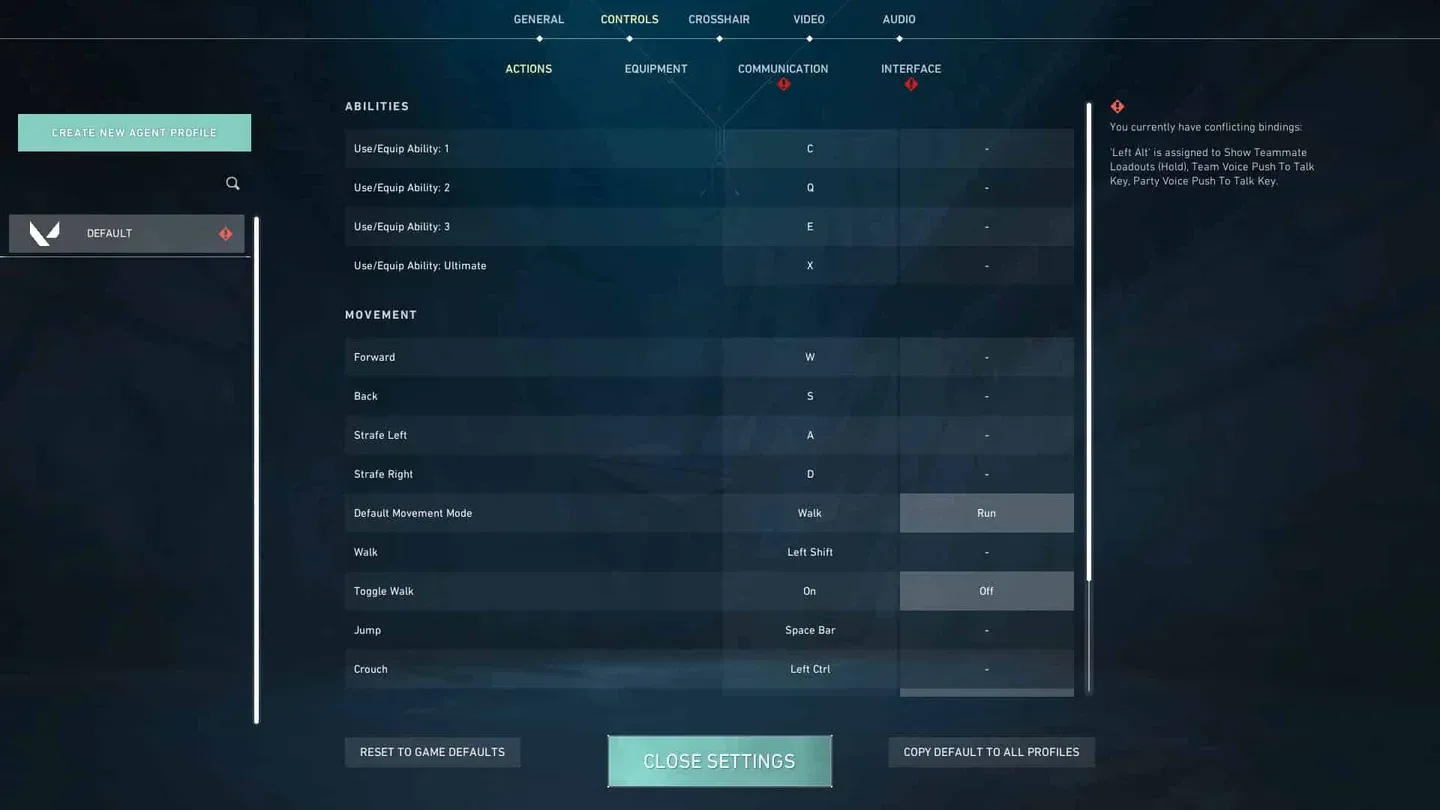
Anti-Lag 2 toggle in settings
What Anti-Lag 2 actually does in Valorant
Anti-Lag 2 is AMD's in-game latency reduction technology, requiring direct integration from the developer rather than working purely at the driver level. Unlike the older driver-based Anti-Lag, this version communicates directly with the game engine to reduce the time between your mouse click and the visual response on screen. For a shooter game like Valorant, where a few milliseconds can separate a clean headshot from a miss, that kind of responsiveness matters.
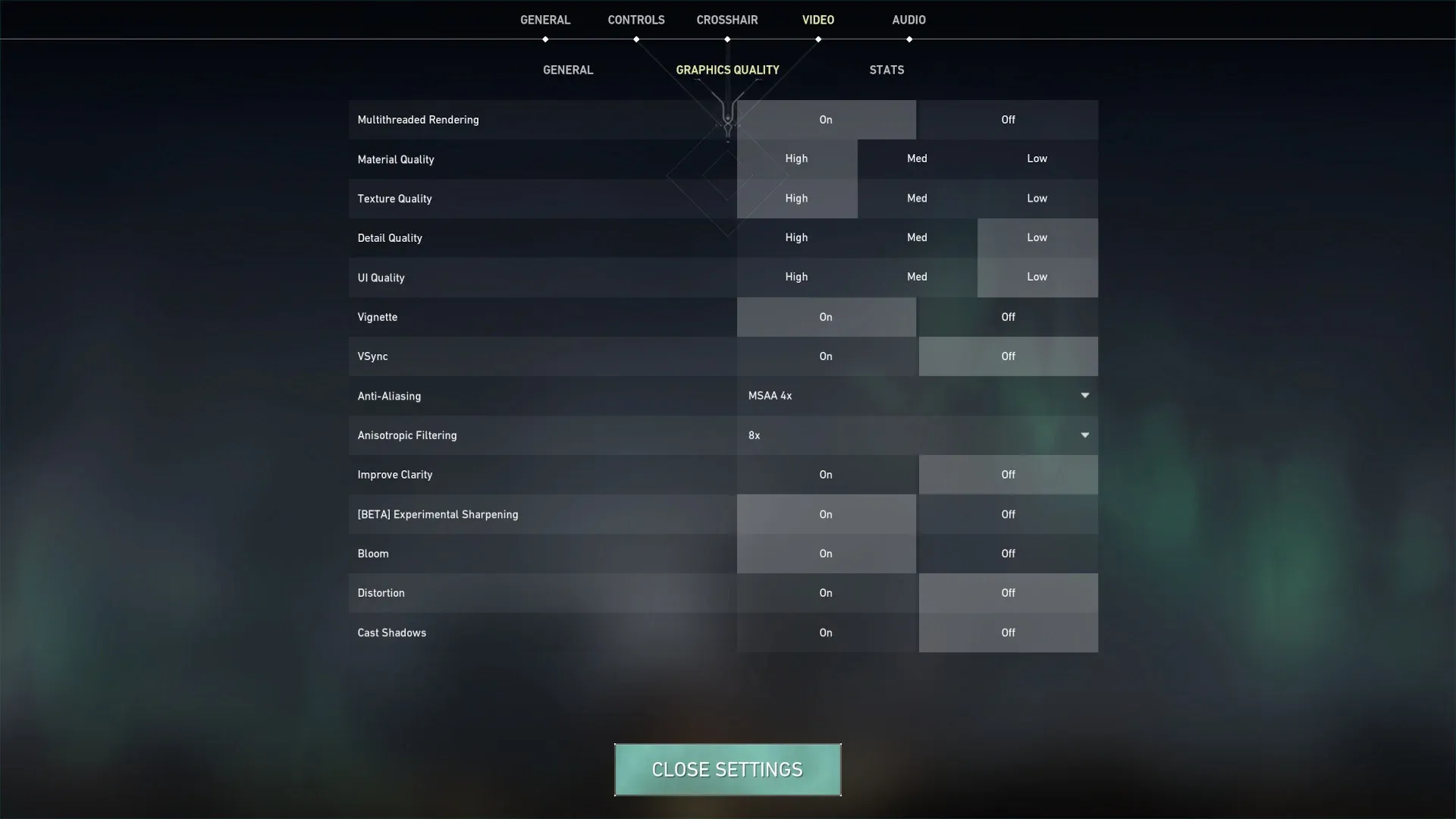
The feature is compatible with RDNA architecture GPUs (RX 6000-series and newer). You won't find it toggled on by default after logging in, so you'll need to enable it manually at the bottom of the main Graphics settings page.
The numbers from actual testing
Here's the thing: the measured gains tell a pretty sobering story. Testing conducted by Jacob Fox using an Nvidia Latency and Display Analysis Tool (LDAT), which measures the time between a mouse click and the gun's muzzle flash appearing on screen, involved over 150 clicks per configuration on an AMD Radeon RX 9070 XT paired with a Ryzen 7 7800X3D. The results:
A 0.16 ms improvement is technically a win, but it's well within the margin of natural variance. The third configuration, with both the driver-level Anti-Lag and in-game Anti-Lag 2 active simultaneously, actually came in slightly higher at 10.03 ms. Whether enabling both options causes one to override the other or whether that result is just noise isn't fully clear from testing.
Why high-end rigs see so little benefit
The key here is understanding what Anti-Lag 2 is actually solving. On a powerful system, the entire input-to-display pipeline is already running at a very high speed. There's not much slack in the chain for the technology to tighten up. The bigger gains show up on mid-range or lower-end hardware, where CPU or GPU bottlenecks create more latency headroom to recover.
Valorant's competitive player base skews toward high-refresh-rate monitors and fast hardware specifically because the game rewards low latency. That same hardware profile is exactly where Anti-Lag 2's improvements compress down to near-nothing.
Who actually stands to gain
Players running older or mid-tier AMD GPUs, think RX 6600 or RX 7600 territory, on modest CPUs are the ones most likely to notice a tangible difference. The feature is easy to test since the toggle sits right in the Graphics settings and takes effect immediately without a restart.
The frame rate tradeoff is worth keeping in mind. If your system is already running Valorant at 400+ fps, dropping to slightly lower 1% lows is irrelevant. If you're targeting a specific frame rate threshold to match your monitor's refresh rate, that cost becomes more meaningful.
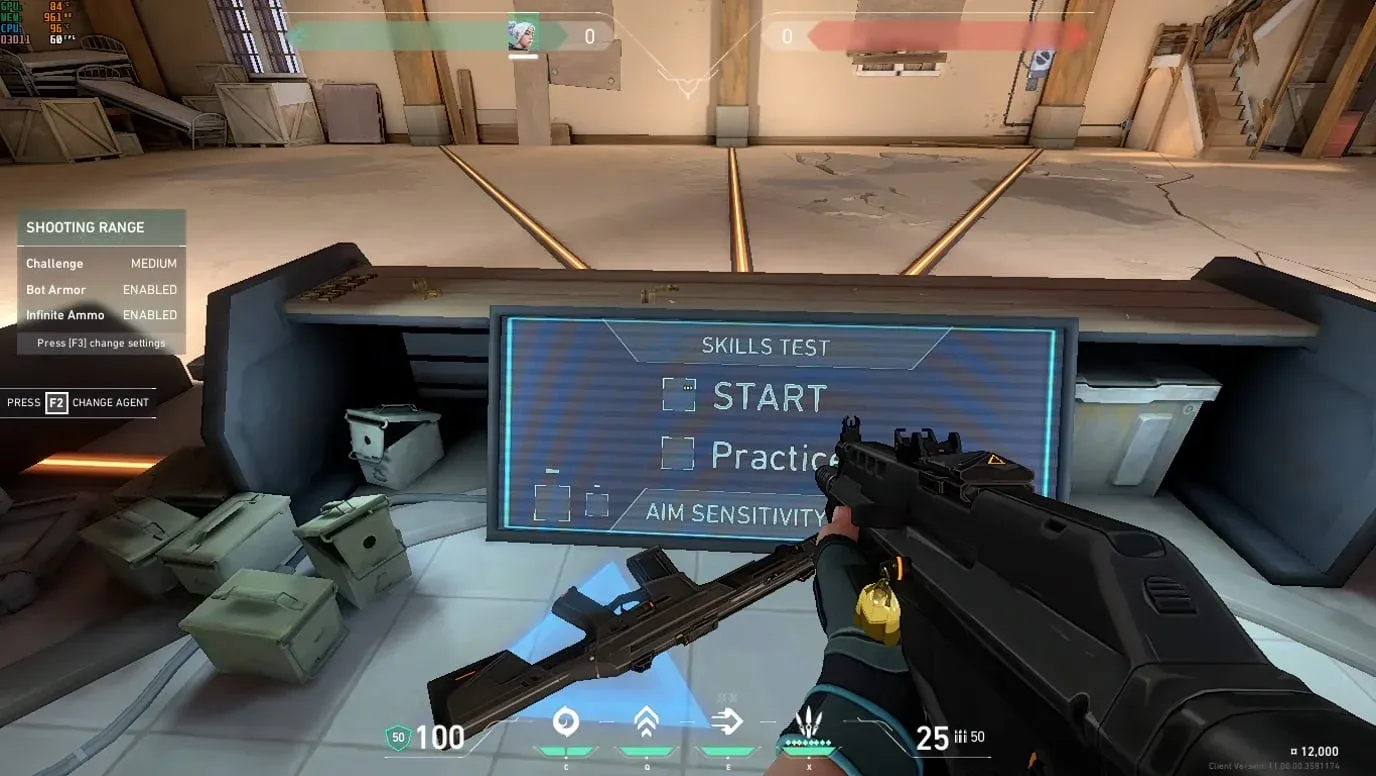
FPS counter in Valorant practice
For AMD users who have been waiting for parity with Nvidia Reflex, this is a step in the right direction, even if the initial rollout lands with a quieter thud than expected. The feature will likely improve with driver updates and further game-side optimization over time. For now, the best move is to test it on your own setup rather than assume the results will match what high-end benchmarks show.
If you're newer to the game and want to squeeze every performance advantage out of your setup, check out the Valorant beginner's guide for a full breakdown of settings, agent roles, and economy fundamentals that will have a far bigger impact on your results than a 0.16 ms latency swing.