

Your browser didn't suddenly get worse at its job. If YouTube has been grinding your system to a halt this week, there's a specific bug to blame, and it's affecting pretty much every major browser at once.
Reports started surfacing across Reddit and social media showing a single YouTube tab consuming over 7 gigabytes of RAM, with CPU cores pinned near maximum utilization. The result: frozen tabs, unresponsive browsers, and in worse cases, system-wide slowdowns that hit even high-end machines hard. Technical analysis of the issue points to browsers getting trapped in an endless layout recalculation loop.

Use code TRYHARD33 at checkout to redeem this offer before code expires again.
Get 33% Off GAMES+ Subscription
What the bug is actually doing
The root cause points to YouTube's front-end interface, specifically the action buttons sitting below the video player: Like, Share, and Save. Something in how YouTube is rendering that button menu has gone wrong, triggering a loop where the UI repeatedly shows and hides those elements. Every cycle forces the browser to recalculate the page layout from scratch, and that process never stops.
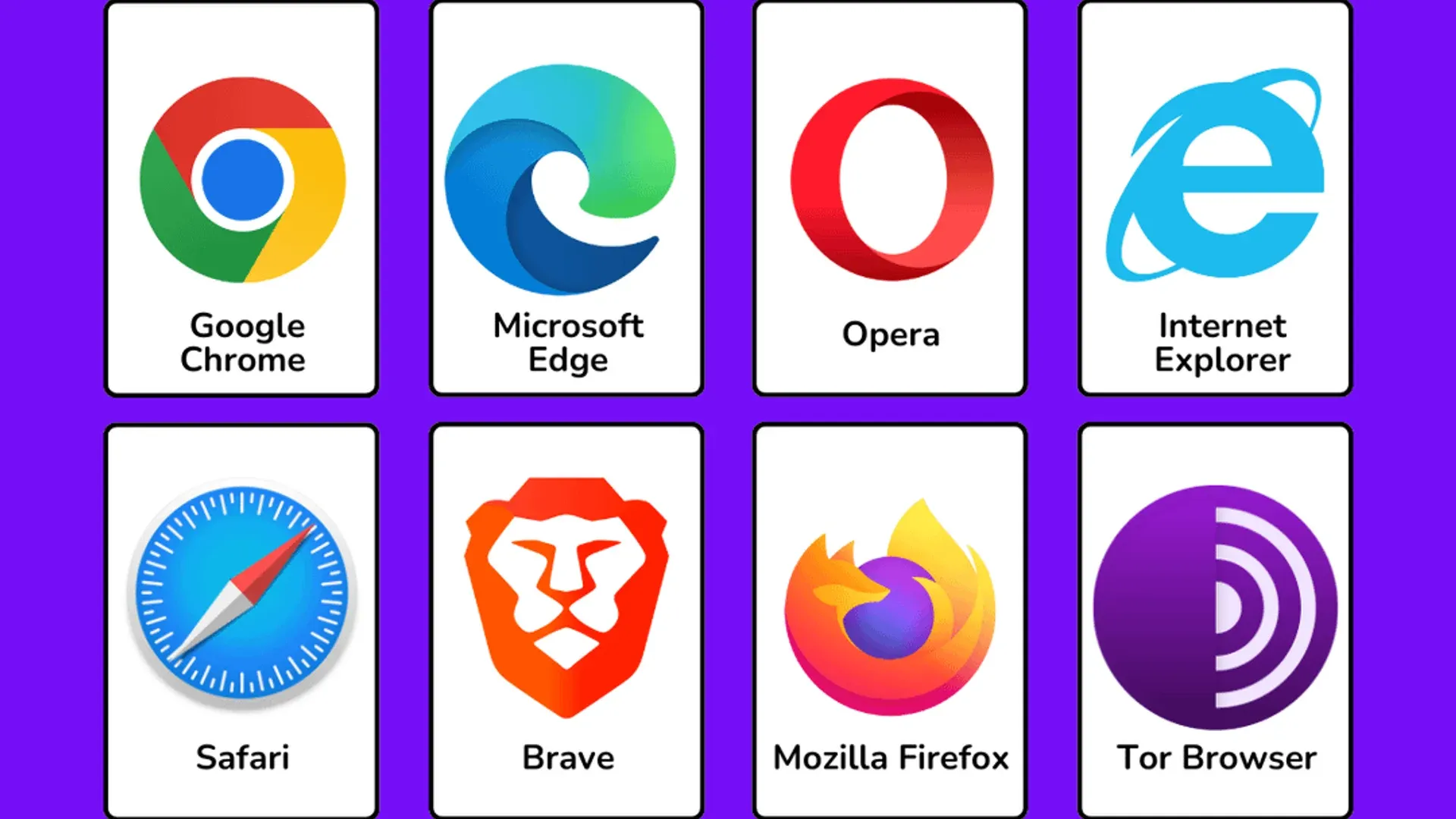
Here's the thing: this isn't a hardware problem or a browser misconfiguration. The bug lives in YouTube's own code, which is why it doesn't matter whether you're on Google Chrome, Mozilla Firefox, Microsoft Edge, or Brave. Chromium-based and non-Chromium browsers are both affected equally, because the broken logic is happening on YouTube's end before your browser even processes it.
The memory leak compounds fast. What starts as normal video playback escalates into a runaway process that can consume 7GB or more from a single tab, leaving nothing for the rest of your system.
Who is getting hit and how badly
User reports describe a consistent pattern: severe lag while watching videos, tabs freezing mid-playback, and entire browser windows becoming unresponsive. On machines with 8GB of total RAM, a single YouTube tab can effectively bring the system to a standstill. Higher-spec setups fare better in the short term, but the memory leak keeps climbing the longer the tab stays open.
The spread across browsers rules out any browser-specific fix as a solution. Clearing cache, disabling extensions, or updating your browser won't stop this one. The problem reappears as soon as YouTube loads its broken interface.
The current state of Google's response
As of now, Google has not issued a public statement or confirmed a fix timeline. YouTube has not responded to requests for comment about the issue. Given how widespread the problem is and the volume of complaints hitting Reddit and social media, a server-side fix would be the fastest resolution since YouTube can update its front-end without requiring any action from users.
What most players and everyday users miss in situations like this is that YouTube's interface is essentially a web app that updates constantly in the background. A single bad deploy can push broken code to hundreds of millions of users simultaneously, which is exactly what appears to have happened here.
The key here is that a server-side rollback or patch from Google would fix this for everyone instantly, no browser update required. Until that happens, the only confirmed workaround involves using uBlock Origin to block the specific menu element causing the loop, by adding the filter www.youtube.com###menu to the extension's custom filters. That stops the layout loop entirely and brings memory usage back to normal, at the cost of hiding the Like, Share, and Save buttons.
For anyone who spends serious time watching gaming content, streams, or video essays on YouTube, this bug hits harder than most. Keep an eye on our gaming news for updates if Google confirms a fix or the situation develops further.