Search games, articles, guides...CtrlK
Sign InGet Started

Learn how to unlock, craft, and use the Axe in Outbound to chop logs and dead trees for wood materials.

Written by Mostafa Salem
Head of Gaming Research
See more GAMES.GG guides on Google
Add us as a preferred source and our guides show up first in your results.

Outbound Scrap Metal Guide: Where to Find It and What It Builds
Find Scrap Metal fast in Outbound by hitting Signal Towers, managing supply caches, and keeping a reserve for key workstations.

Outbound Resources Guide: Every Material and How to Get It
Every resource in Outbound, where to find it, and how to collect it across all four biomes and power systems.
Outbound Tips and Tricks: All Strategies to Master Van Life
Master Outbound faster with tips on van selection, resource farming, tool priority, biome prep, and advanced base building.
The Axe is one of the first tools worth chasing in Outbound, and it does exactly one job: turning logs and dead trees into usable wood. That sounds simple, but the game does not hand it to you. Before you can chop a single log, you need to work through the blueprint download system, which trips up a lot of players early on. This guide covers every step from getting your first Download Voucher to chopping your first Large Log, plus the signal tower tips that actually speed things up.
The Axe is not a starting item. It sits behind Outbound's blueprint download system, which means you need a Download Voucher before the recipe even becomes available to craft. The "Use Axe" quest triggers as soon as you craft the Axe (Build 797, updated May 14, 2026), and completes when you harvest your first resource from a Large Log.
Here is the full unlock path:
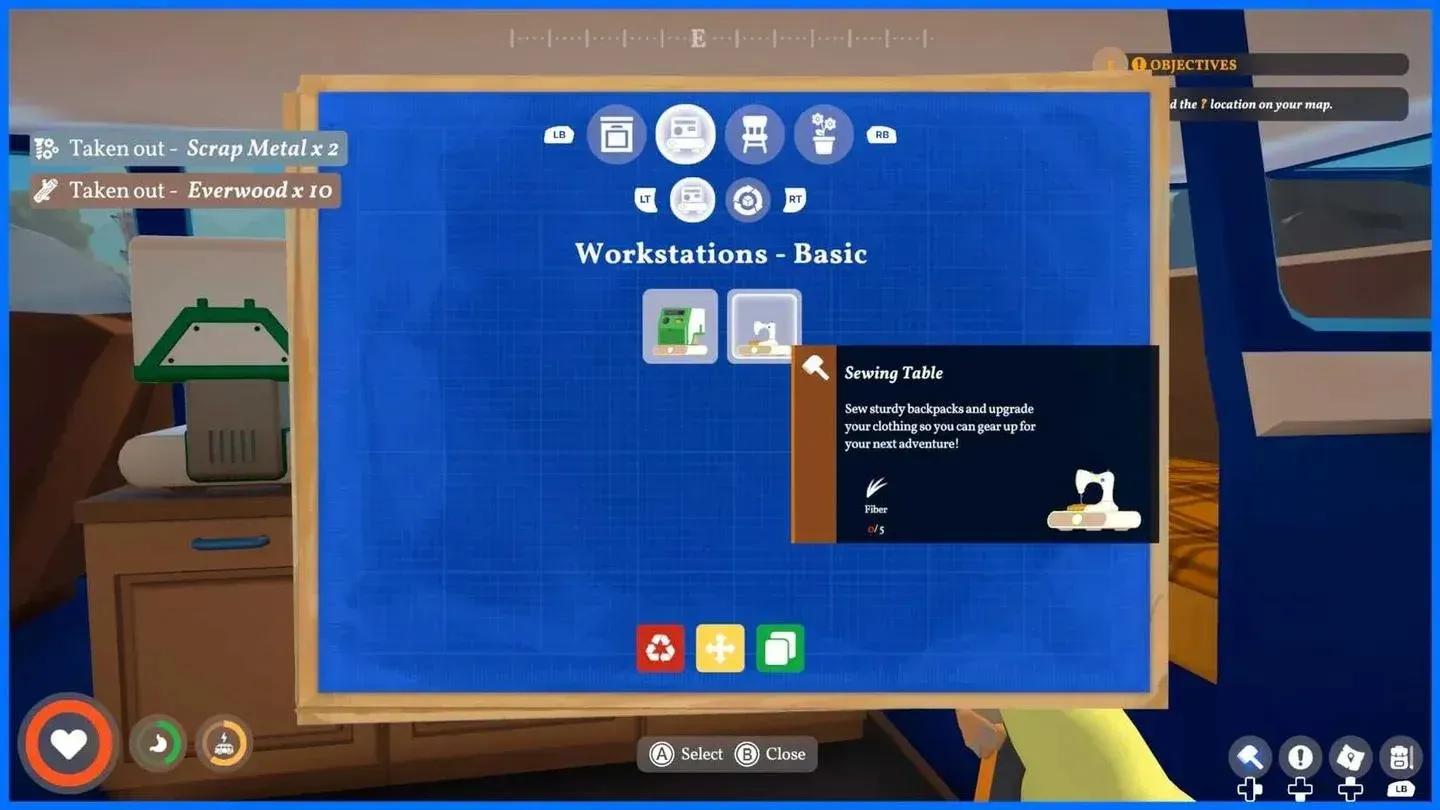
Signal tower recipe downloads
The second signal tower you interact with consistently offers Axe I, Pickaxe I, and Scythe I as the three download options, even across different new game starts. So if you have not hit that second tower yet, that is where the Axe is waiting.
Once the recipe is downloaded, the crafting cost is low. Head to the workbench inside your truck and look for the Axe in the available recipes.
| Requirement | Amount |
|---|---|
| Wood | 2 |
| Scrap Metal | 1 |
| Crafting station | Truck Workbench |
| Recipe source | Blueprint tower download |
The materials are easy to gather in the starting area, so the real gate is the recipe unlock, not the craft itself. Do not wait around after downloading it.
Once the Axe is crafted, equip it by pressing the number key (1-9) assigned to it on your hotbar. Then:
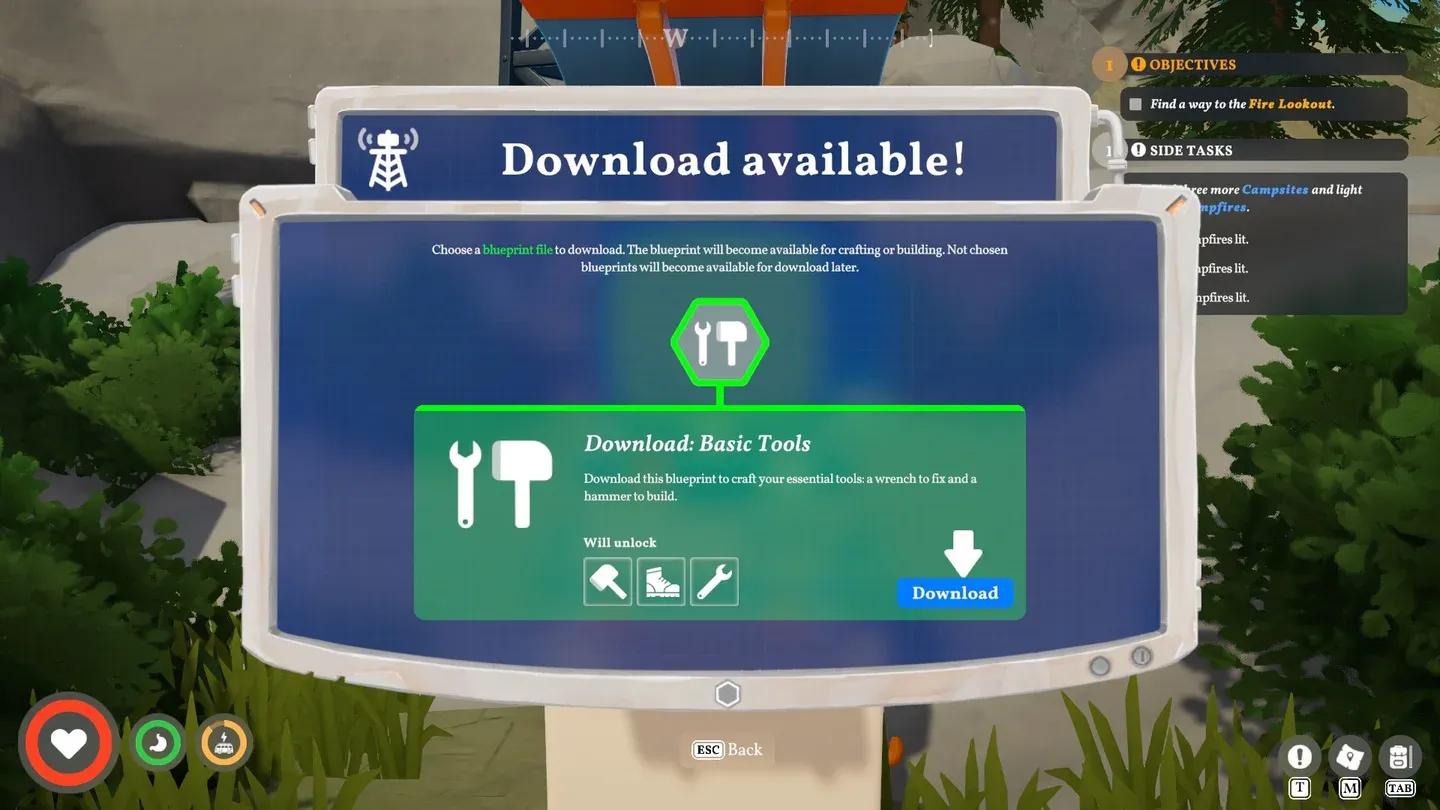
Chop prompt on dead tree
Loose wood sitting on the ground does not need the Axe at all. Pick that up normally. The Axe matters when a log or tree has to be actively broken down.
| Object type | Axe needed? | Notes |
|---|---|---|
| Loose ground wood | No | Pick up directly |
| Regular trees | Yes | Use chop interaction |
| Dead trees | Yes | Use chop interaction |
| Living Everwood trees (large green) | No | Cannot be chopped |
| Higher tier wood | Depends | May require upgraded Axe tier |
This is the most common question after unlocking the recipe. There are a few distinct failure points:
Signal tower recipe availability is a mix of RNG and milestone triggers, not a fixed unlock order. A few things that reliably influence what gets offered:
For tool unlocks specifically, prioritize the Axe and Pickaxe over the Sickle whenever both appear together. The Axe opens up wood gathering; the Pickaxe opens up ore. The Sickle is useful but less immediately blocking.
If you are still finding your feet with the resource loop, the Outbound ultimate beginner's guide covers the full first-hour setup including Signal Towers and van base building.
The Axe is a gathering tool, not a processing one. It gets raw wood into your inventory. Turning that wood into planks or other processed materials requires workstation crafting downstream, not the Axe itself.
The practical flow looks like this:
| Tip | Why it matters |
|---|---|
| Make a Download Voucher before tower hunting | The recipe cannot be downloaded without one |
| Craft immediately after downloading | The recipe alone does nothing |
| Clear inventory before chopping multiple trees | Each tree drops 3-5 logs; overencumbrance slows you down |
| Prioritize Axe and Pickaxe at signal towers | Both unlock new biome resources; Sickle can wait |
| Check the chop prompt before swinging | No prompt means the target is not a valid Axe object |
| Upgrade to higher Axe tiers later | Some wood resists Axe I entirely |
For everything else you need to progress beyond the starting area, the full Outbound guides collection has you covered on resources, crafting stations, and more.