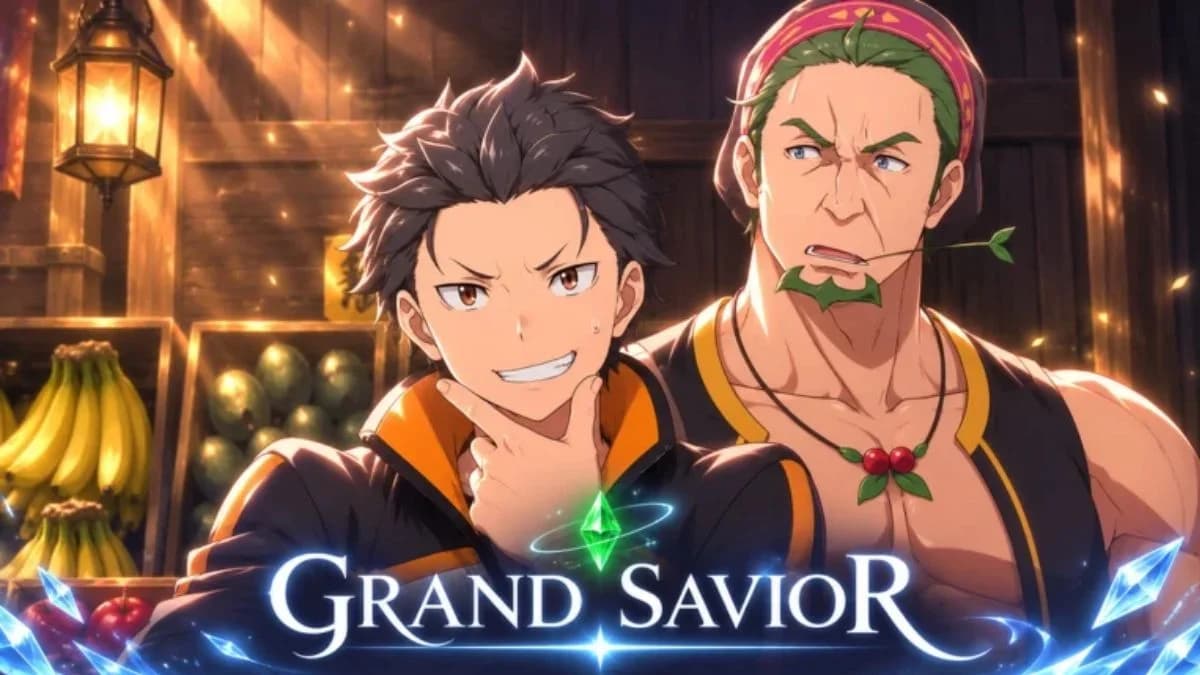

Grand Savior has nine active codes offering 25 Race Rerolls, 9 Divine Protection Rerolls, a Stat Reset, and a Race Storage Bag DLC. This Re:Zero-inspired action RPG on Roblox lets you explore a fantasy world, learn magic, and develop your combat style. The November 18, 2026 code list below includes each reward and the Settings menu route for claiming it. Pay attention to the similar-looking apology codes, because one missing letter produces a different string.
Grand Savior codes for November 2026
Use the checklist to track your claims. Copy only the code itself into the redemption box, without the backticks or reward description.
| Code | Reward |
|---|---|
| NEWUPDATE5 | 5 Race Rerolls |
| RESET1 | 1 Stat Reset |
| APOLOGY5 | 5 Race Rerolls |
| FREEROLLBAG | 1 Race Storage Bag DLC |
| THANKYOU5 | 5 Race Rerolls and 1 Divine Protection Reroll |
| SORRY4 | 3 Divine Protection Rerolls |
| LAUNCH5 | 5 Race Rerolls and 1 Divine Protection Reroll |
| SORRY3 | 3 Divine Protection Rerolls |
| SQUIRREL | 5 Race Rerolls and 1 Divine Protection Reroll |

Which codes should you enter first?
If you only have time to enter a few codes, start with THANKYOU5, LAUNCH5, and SQUIRREL. These grant both reroll types, making them useful when you want more options for your race and Divine Protection.
For a specific reward, use the matching row in the table. A Stat Reset is separate from either reroll type, and the Race Storage Bag DLC should not be counted as another reroll. Claim the remaining codes when you can so you do not leave those different rewards behind.
How to redeem Grand Savior codes
Open the in-game menu
Launch Grand Savior, then select the three-line menu button in the top-left corner of the screen. On a keyboard, N is also a shortcut to the redemption interface.
Use the on-screen menu route if you are following the interface without a keyboard. You do not need to search the capital or visit a character to find the code field.
Find Settings and claim the reward
Follow these steps after opening the menu:
- Select Settings.
- Scroll to the Codes section at the bottom.
- Select the code entry box.
- Paste one code from the table.
- Press Redeem to claim its reward.
- Repeat with the remaining codes.
Enter each string separately. Keep its letters and numbers unchanged, including the final digit in codes such as NEWUPDATE5 and RESET1.
Why is a Grand Savior code not working?
Check the text before trying another code. Small spelling or capitalization errors can prevent redemption, so copying the string is safer than typing it from memory.
| Check | What to do |
|---|---|
| Spelling | Compare every letter and number with the active table. |
| Capitalization | Keep the uppercase letters shown in the code. |
| Pasted text | Remove spaces or other text surrounding the code. |
| Inactive code | Skip SORR3, which is inactive. |
| Expiration | Codes are time-limited and can stop working. Redeem active entries promptly. |
SORR3 and SORRY3 are different codes
The spelling difference is the extra Y before the final digit. Copy the active entry directly from the table instead of shortening it or trying to correct it from memory.
Avoid cycling through guessed variations when a code fails. Recheck the exact entry and the redemption steps first; changing a letter creates a different code.
Where to find more Grand Savior codes
Check Grand Savior's official Discord server and Roblox group for new code announcements. Updates, events, and player milestones are occasions when the developers may share more rewards, but they do not guarantee a new code.
Use the full code string from an announcement. A familiar-looking prefix or matching number does not make a guessed variation valid.
What to do after claiming your rewards
Try the Crystal Dungeon
For an early-game activity after redeeming, look for the Crystal Dungeon in the Slums. It is an accessible dungeon for developing your character before tougher challenges, without requiring a heavy early grind.