
To unblock someone on Roblox, open Settings, choose Privacy & content restrictions, select Blocked users, and press Unblock beside their username. You can use the mobile app, website, or desktop app. If you blocked a friend by mistake or want to reconnect with someone, follow the route for your device to remove that account from your blocked list.
Open settings on your device
The starting point depends on whether you're using a phone, tablet, or PC. Choose your route below, then continue to the shared blocked-list instructions.
| Device | Where to open Roblox | Menu controls |
|---|---|---|
| Phone or tablet | Roblox mobile app | Tap the menu and settings options |
| PC using a browser | Roblox website | Click the menu and settings options |
| PC using the desktop app | Roblox desktop app | Click the menu and settings options |

On a phone or tablet
Open the Roblox app, then tap the three-line menu in the upper-left corner. Scroll down and select Settings.
On PC
Open Roblox through the website or desktop app. Click the three-line menu in the top-left corner, then choose Settings.
Inside Settings, open Privacy & content restrictions. The remaining steps are the same on mobile and PC.
- Select Blocked users.
- Find the username of the person you want to unblock.
- Tap or click Unblock next to that username.
Roblox removes the player from your blocked list immediately after you select Unblock. You do not need to open the person's profile to use this settings route.
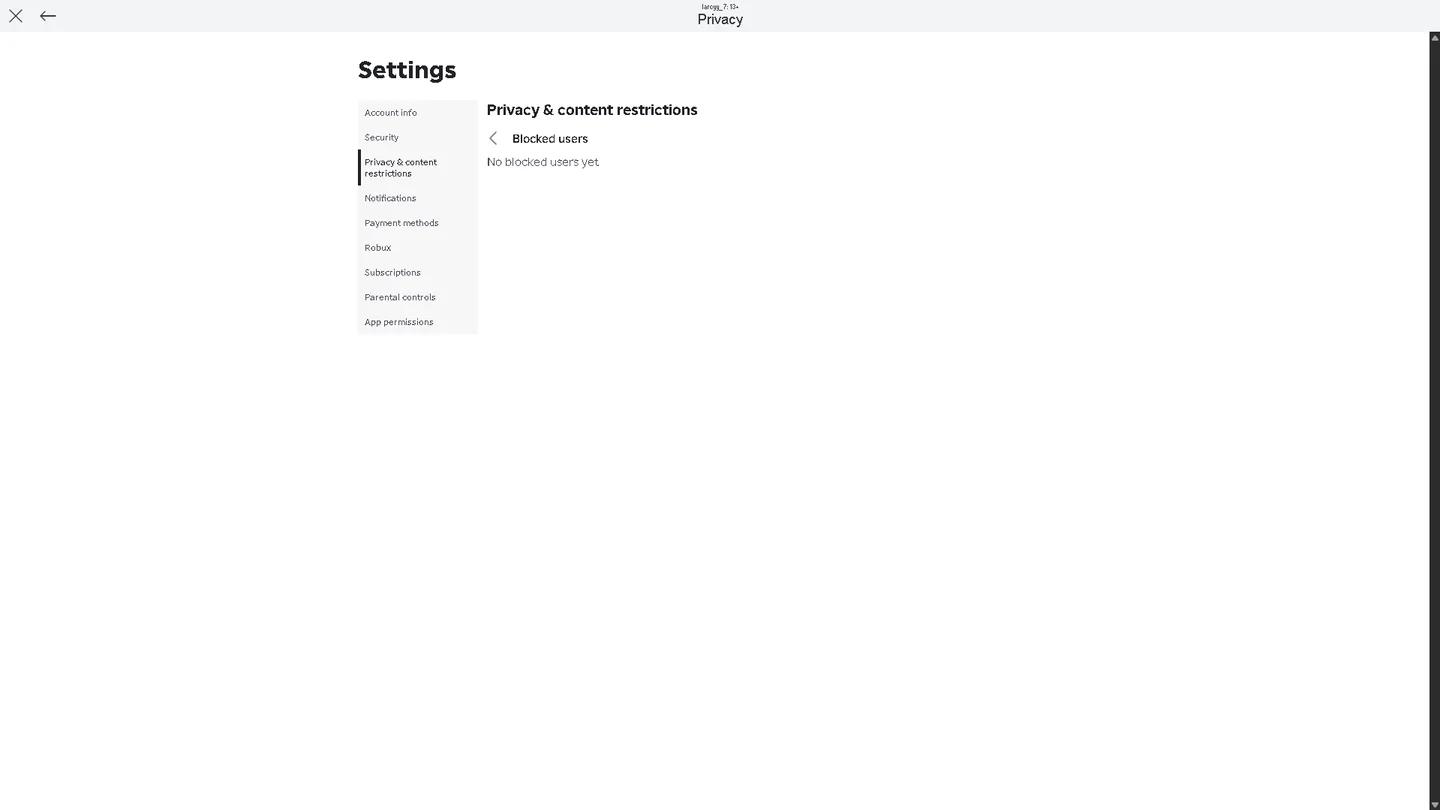
Roblox blocked users list
What to know before you reconnect
Does Roblox notify someone when you unblock them?
No. Roblox does not send the player a notification when you unblock their account.
Why can you still see a blocked player's group posts?
Blocking someone does not hide their public posts on a group wall. Seeing those posts does not mean the block has been removed.