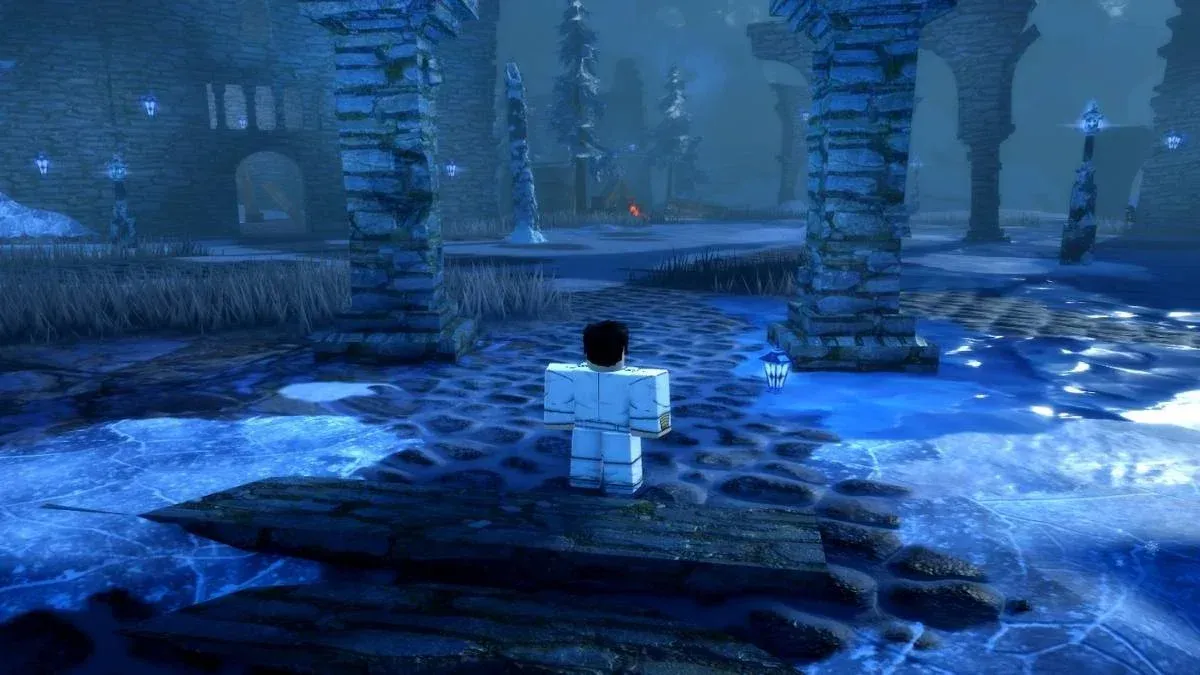


The Z-Step is the single most important movement tech in VV Ultimatum, the Bleach-inspired fighting RPG on Roblox. It lets you cut short a skill's recovery animation using a flash step, repositioning instantly instead of standing locked in place while your opponent reads your next move. The game's posture system punishes anyone who holds still, so learning this cancel isn't optional for serious PvP play.
What does the Z-Step actually do?
At its core, the Z-Step is an animation cancel. Every skill in VV Ultimatum has recovery frames after it fires, a window where your character finishes the animation before you regain control. Normally you just wait it out. The Z-Step cuts that wait entirely by feeding a Shunpo input (the in-game flash step) during that recovery window, sliding your character to a new position before the animation would have naturally ended.
The result is faster repositioning, tighter combo timing, and a character that's much harder to read. Competitive players fold it into almost every PvP rotation because the mobility advantage compounds quickly over a match. Both PvE and PvP reward movement in this game, so the sooner Z-Step becomes automatic, the better.
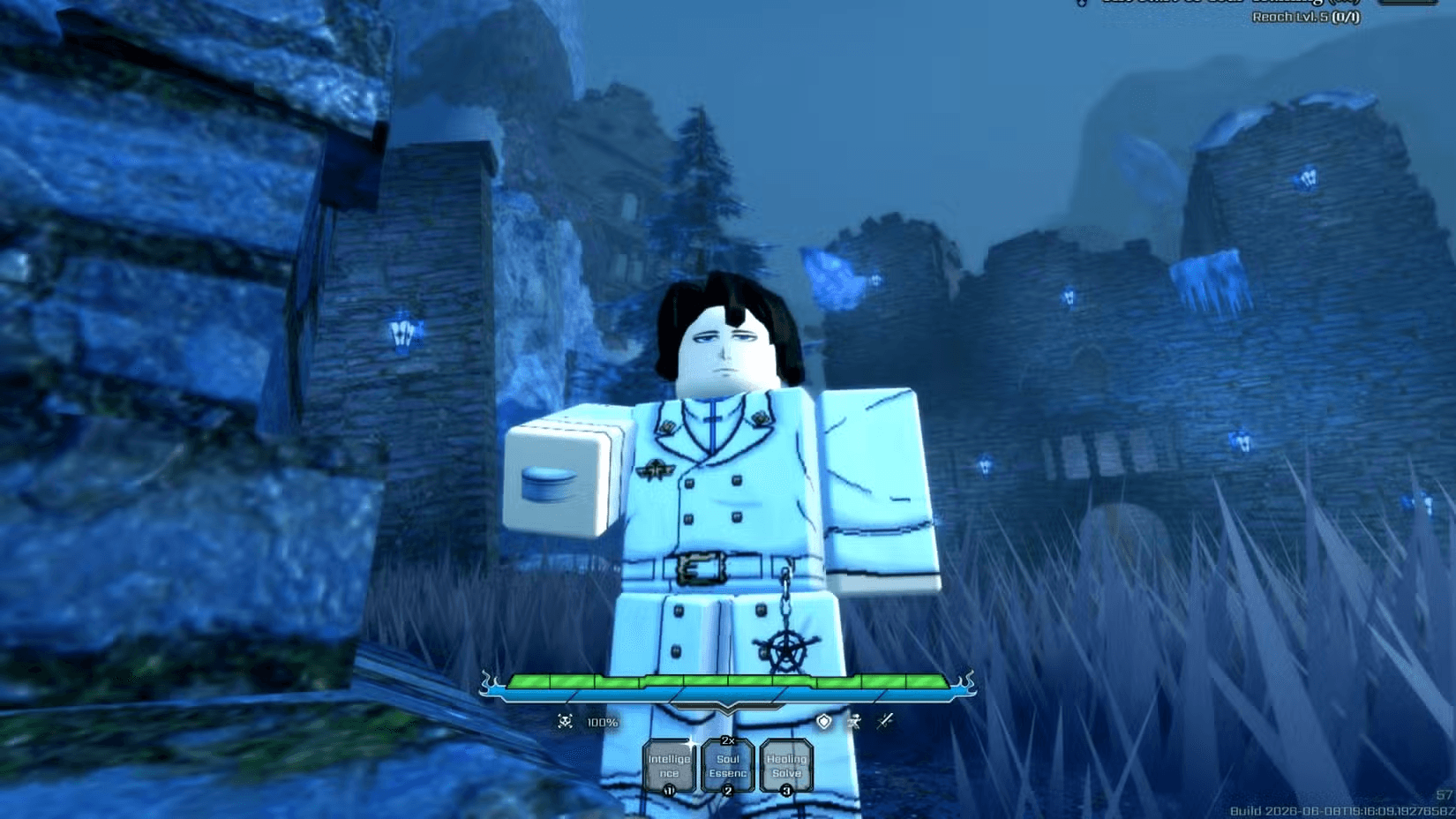
VV Ultimatum Guide: How to Master Z-Step
What do you need before you can Z-Step?
There's one hard requirement: Shunpo, the flash step ability that powers the cancel. Shunpo lives in the Speed skill tree, which every build is expected to invest in regardless of faction. Without it, there's no flash step to cancel into and the technique simply doesn't fire.
Beyond Shunpo, you need a launcher move and a follow-up skill equipped. Your keybinds also need to be confirmed before you drill the timing, because inputs shift depending on your weapon and loadout.
How to perform the Z-Step in VV Ultimatum
The input sequence has three parts. Get all three in the right order and the cancel fires every time.
- Use a launcher. This is the move that pops your opponent into the air or commits your character into an attack animation. It's the action you're canceling out of.
- Chain into a Z-Step compatible skill. Feed one of your assigned abilities immediately so the game is mid-animation when the cancel input lands.
- Press your flash step key ( by default) during the recovery window. The Shunpo input overrides the recovery frames and slides your character to a new position before the animation finishes.
That's the complete sequence: launcher, skill, Shunpo. The timing window for the Shunpo press is the part that takes repetition. Press too late and the animation completes normally. Press at the right moment and your character snaps to a new position instantly.
VV Ultimatum Guide: How to Master Z-Step
How do you know if the Z-Step worked?
A clean Z-Step reads as an immediate slide. Your character clips the previous animation short and dashes to a new position with no landing lag. If you watch the full skill animation play out before moving, the cancel didn't register. The fix is to press the flash step key earlier in the recovery window.
Which skills are NOT compatible with Z-Step?
Most abilities in VV Ultimatum work with the Z-Step. The easier way to track compatibility is to look for the "Z-Step Incompatible" tag on an ability in the skill tree. Only 11 moves carry that tag across all factions.
Notice that Quincy players have the most restrictions here, with 4 incompatible abilities. If you're building around Quincy skills, factor this into your ability slot choices so you're not accidentally trying to Z-Step out of a move that won't cooperate.
Building the Z-Step into your game
The technique itself is simple. The challenge is consistency under pressure. Start by identifying which launcher move your build uses most naturally, then pick one compatible skill to chain into it and drill that specific sequence until it requires no conscious thought.
From there, expand. Use the Z-Step not just to extend combos but to escape them, repositioning when you're taking pressure rather than only when you're dealing it. The posture system means standing still costs you exchanges even when you're blocking, so every time you Z-Step out of a bad position you're directly protecting your posture meter.
For more mechanics-focused content across Roblox games, the Roblox guides collection covers everything from combat systems to progression paths. If you're also working through other quest-based mechanics in Roblox fighters, the Jujutsu Zero Maximum Output unlock guide walks through a similarly confusing quest step-by-step. And if you're newer to the Roblox fighting game scene in general, the Survive Zombie Arena beginner's guide is a solid starting point for understanding how these games structure progression.