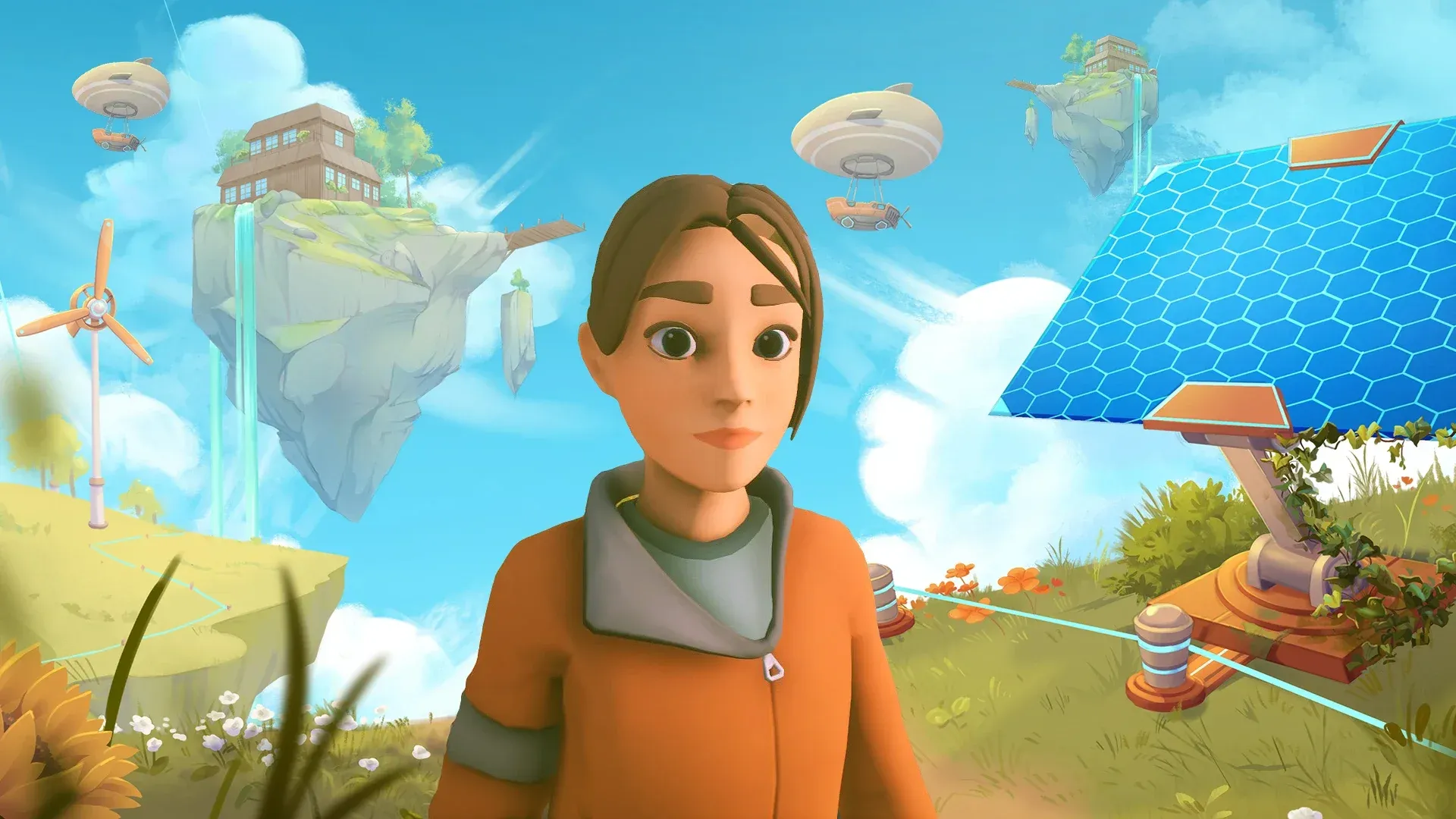


Playing Solarpunk with friends makes everything faster
Solarpunk is a game that rewards patience, but some of its biggest projects, like expanding automation networks, gathering rare materials, and constructing sky island bases, can drag on when you're working alone. The co-op system keeps things simple: one player hosts, others join through Steam, and everyone shares the same world. Here's exactly how to get it running and what you can accomplish once your crew is in.
How does multiplayer work in Solarpunk?
Solarpunk uses a host-based co-op model. One player loads their world and activates it as a multiplayer session. Everyone else joins through Steam invitations, and all activity happens inside the host's world. Progress, structures, and resource changes are all saved to the host's save file, so guests don't need their own world set up.
All players share the same environment and can work on anything simultaneously, from building structures to flying the airship to managing animal shelters.
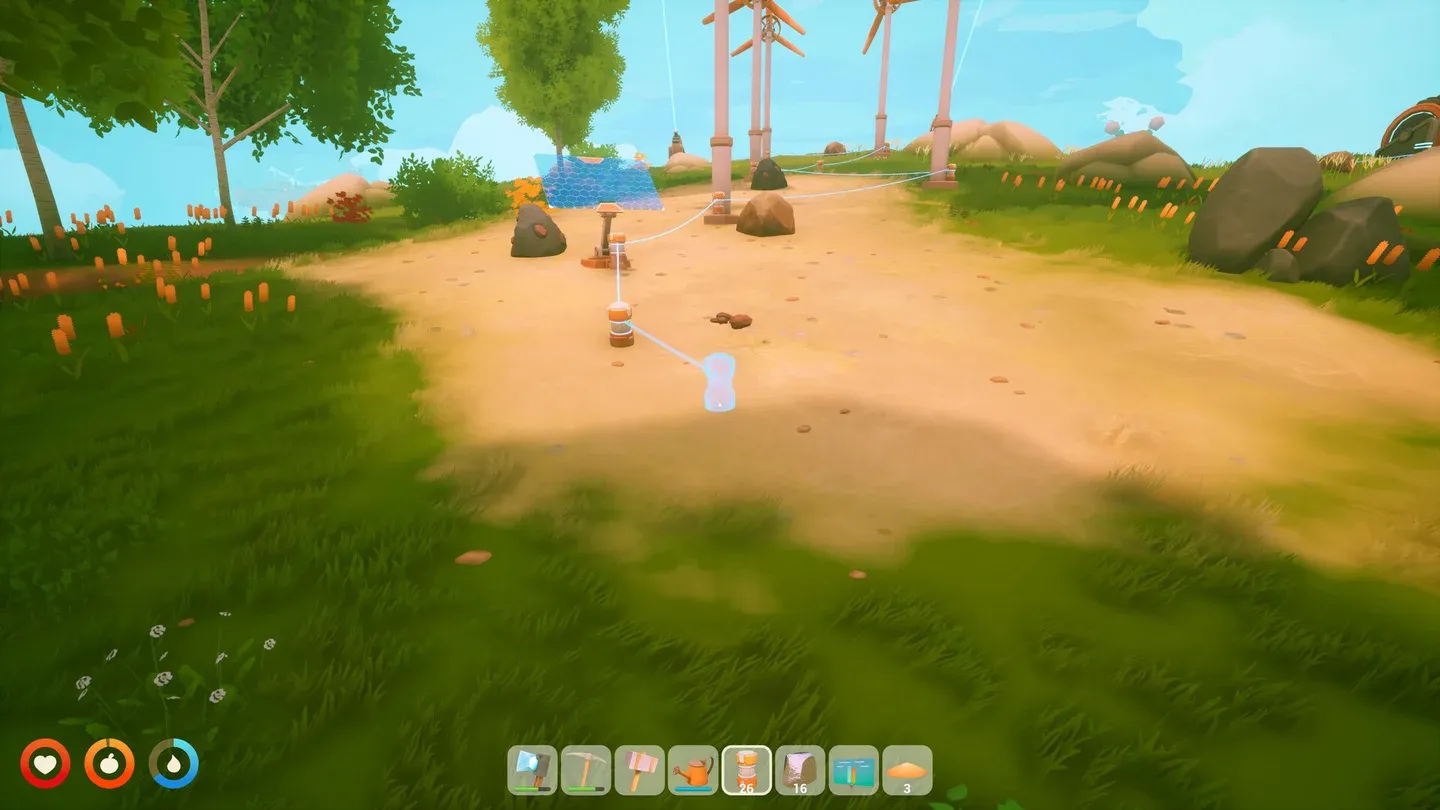
Host Game menu option
How to invite friends in Solarpunk
The process has four steps and takes under two minutes once you know where to look.
Step 1: Load your world
From the main menu, click Play and load an existing save or start a new world. You need to be inside the game world before any multiplayer options become available.
Step 2: Open the ESC menu and host
Press ESC to open the pause menu. Select Host Game. This activates multiplayer mode and converts your current session into a joinable world.
Step 3: Send invitations
Press ESC again after hosting. You'll now see the Invite Friends option. Click it to open your Steam friends list and select whoever you want to join. They'll receive a Steam notification they can accept directly.
Step 4: Wait for friends to connect
Once your friends accept the invitation, they spawn into your world and can start playing immediately. No additional setup is needed on their end beyond having Steam running.
What can friends do in your world?
Guests have access to nearly every core activity in the game. Co-op play is genuinely collaborative, not limited to observation or minor tasks.
For large projects like expanding your airship range or building a dock, having a second player gather copper, eggs, and quartz at the same time cuts the grind significantly.
Troubleshooting common multiplayer problems
Friend can't see the invite
Verify that both players are Steam friends and that Steam is running in online mode. Restarting Steam often refreshes the invitation service if it's stalled.
Invite Friends option isn't appearing
You haven't selected Host Game yet. The invite button only becomes available after the world has been activated as a hosted session.
Friend can't connect after accepting
Check that both players are on the same game version. Firewall or antivirus software can block the connection on either side. A stable host internet connection matters here too.
Session keeps disconnecting
Network instability is almost always the cause. Have the host exit and restart the session, then send a fresh invitation.
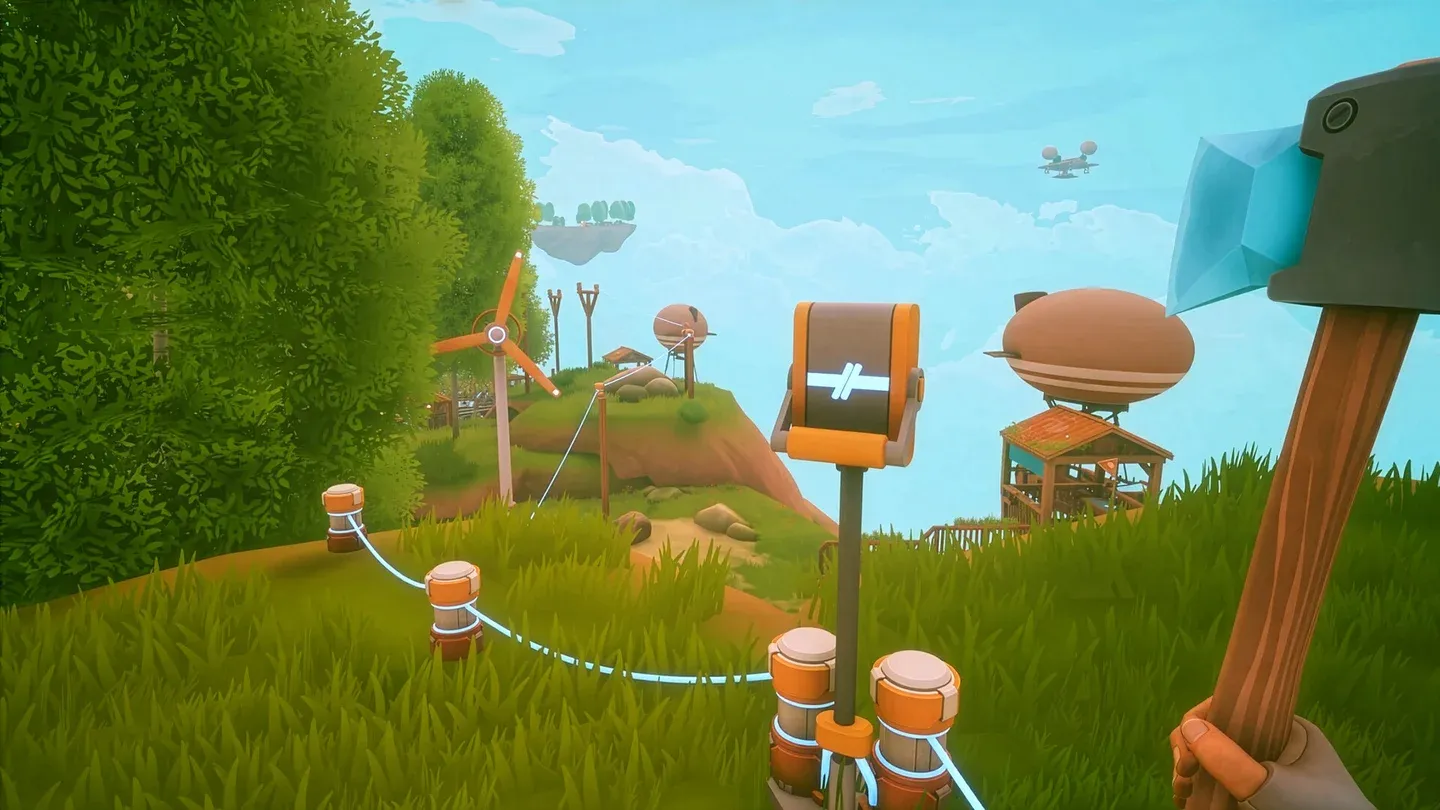
Co-op base building in action
Gameplay tips that matter most in co-op
Multiplayer sessions move faster, which means mistakes also compound faster. A few mechanics are worth knowing before you dive in with friends.
Farming and survival basics
Raspberries are worth prioritizing early because they handle both hunger and thirst partially. Only rainwater from a rain collector is safe to drink directly. Your character heals automatically when neither hungry nor thirsty, so keeping both meters managed is the baseline for staying productive. For a deeper look at crop priorities and which plants to unlock first, the Solarpunk farming guide covers wheat gates, chicken feeding order, and egg saving in detail.
Plants only grow when watered, but rain handles this automatically. The real threat is thunderstorms, which can damage fully grown crops if they're exposed to the wind direction. Harvest before a storm hits or build a greenhouse to protect your fields.
Inventory and crafting shortcuts
Hold Shift while clicking to move items between inventories quickly. Right-click a stack to split it, or right-click an empty slot while holding a stack to drop a single item. These two habits save a lot of time when multiple players are sharing resources.
Key items like Crashed Airship Components won't appear in your main inventory view. Check the Show Key Items section specifically. Some crafting recipes also have alternative versions in the crafting table, so check the outer ring of the building wheel and the crafting table options before assuming you're missing a material.
Energy and automation
Power networks function without a network display, but adding one makes managing shared automation setups much easier when multiple players are building simultaneously. Cables can be pulled from any connector and attached to another, so reorganizing your energy layout mid-session is straightforward.
A logic block lets you automate lights and sprinklers based on time of day or weather conditions. Connect your lamps on one side and the power source on the other, then wire a day/night sensor in the middle. If you want lights on during the day instead of at night, use the button to invert the input signal.
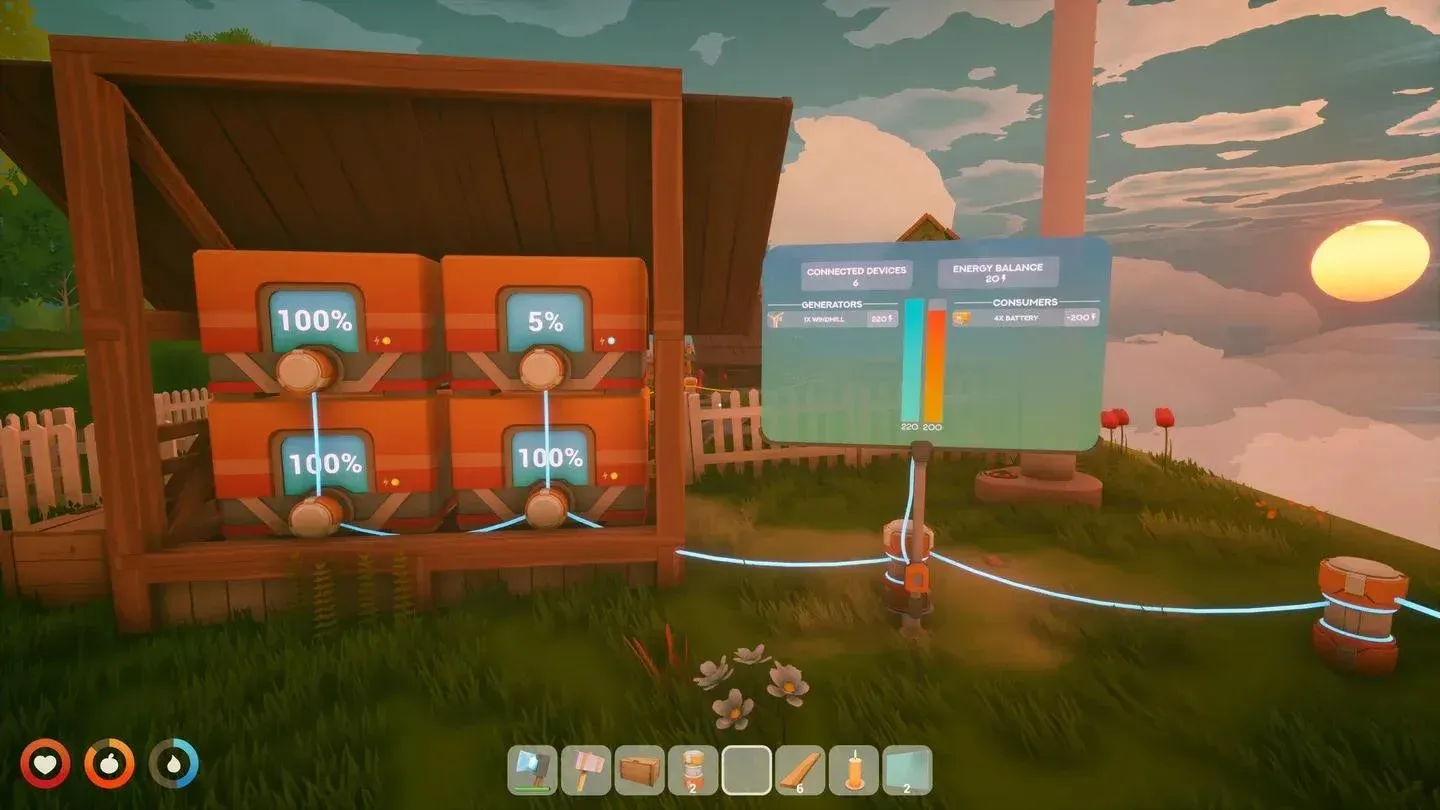
Energy network display panel
Animals in co-op
Animals stay near their feeding trough as long as it's filled, which makes managing them straightforward when multiple players are active. For breeding, you need two animals of the same species with all needs fulfilled, and each animal needs its own shelter. Animals won't breed if there's no available shelter nearby.
To move animals between islands, use the animal transporter: place the destination base first, then use the transporter to move the animal to that location. Happy animals produce resources collected from the basket at the shelter.
Airship and exploration
Crashed airship components come from a crashed airship on the map and show up under Show Key Items in your inventory. Airship upgrade components bought from the merchant also go to Key Items and can be applied at the dock to extend your range. New airship colors unlocked through the vending machine are selected at the dock as well.
Automatic drills are significantly better than using a pickaxe on ore patches for sustained mining. Pickaxes break fast; drills don't. Once you've placed and named a drone, assign it to a drill to have it automatically carry resources back to the drone's base.
For everything from finding the Crashed Airship Component to managing copper and quartz requirements, the full Solarpunk beginner's guide walks through base building, the research table, and airship launch from the start.
For more walkthroughs covering resources, crops, and island progression, browse the full Solarpunk guides collection.