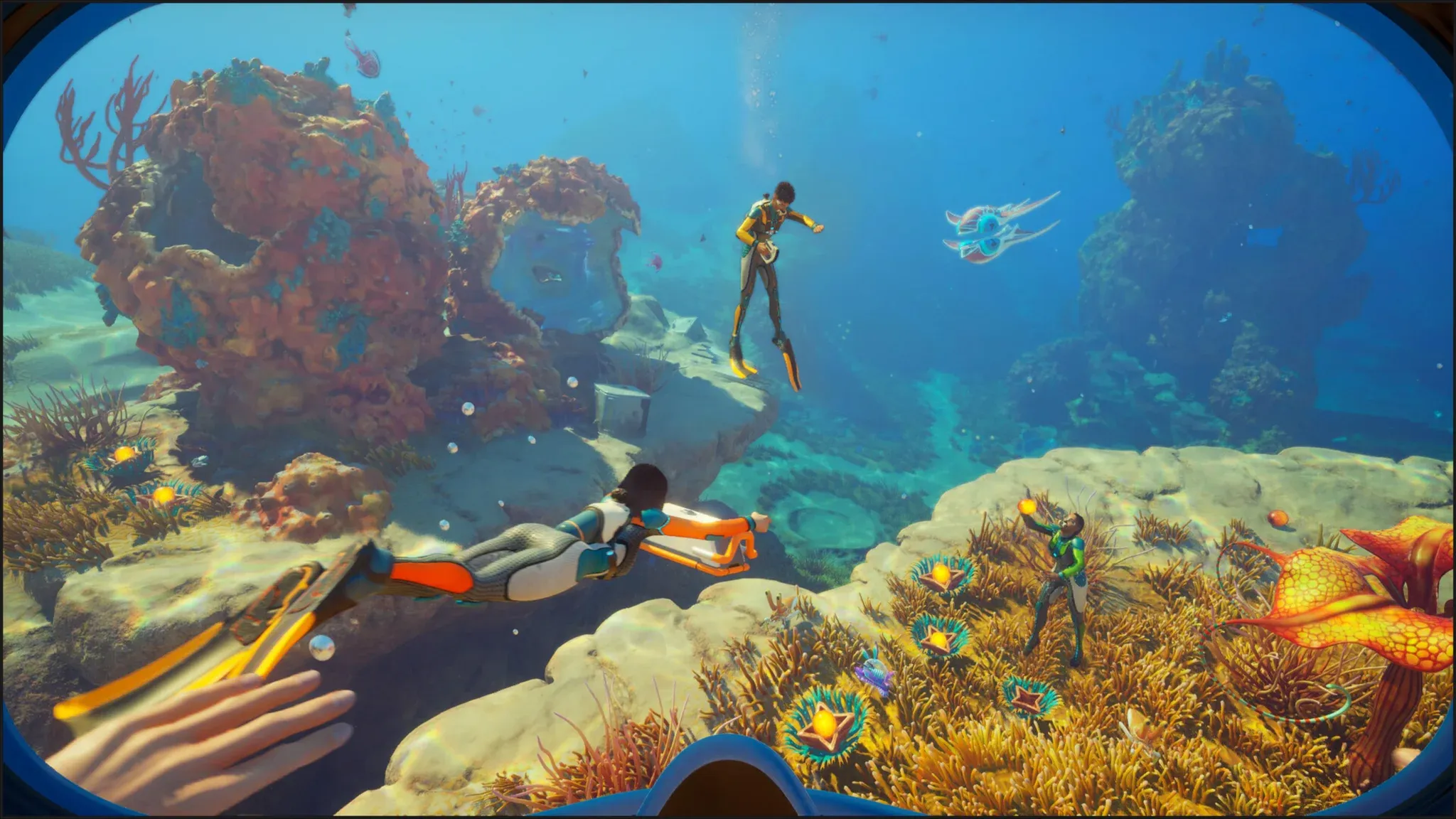

Subnautica 2 launched into Early Access on May 14, 2026, and the underwater alien ocean of Zazura is genuinely demanding on PC hardware. The sequel brings denser marine environments, overhauled lighting systems, and particle effects that can hammer mid-range GPUs during exploration-heavy sections. The good news: the game is not a hardware destroyer, and with the right settings adjustments, you can hit smooth, stutter-free performance across a wide range of systems.
What are the official Subnautica 2 PC requirements?
Unknown Worlds Entertainment published four distinct hardware tiers for Subnautica 2, each paired with a resolution target, graphics preset, and frame rate goal. Before touching any in-game settings, check which tier your system actually falls into.
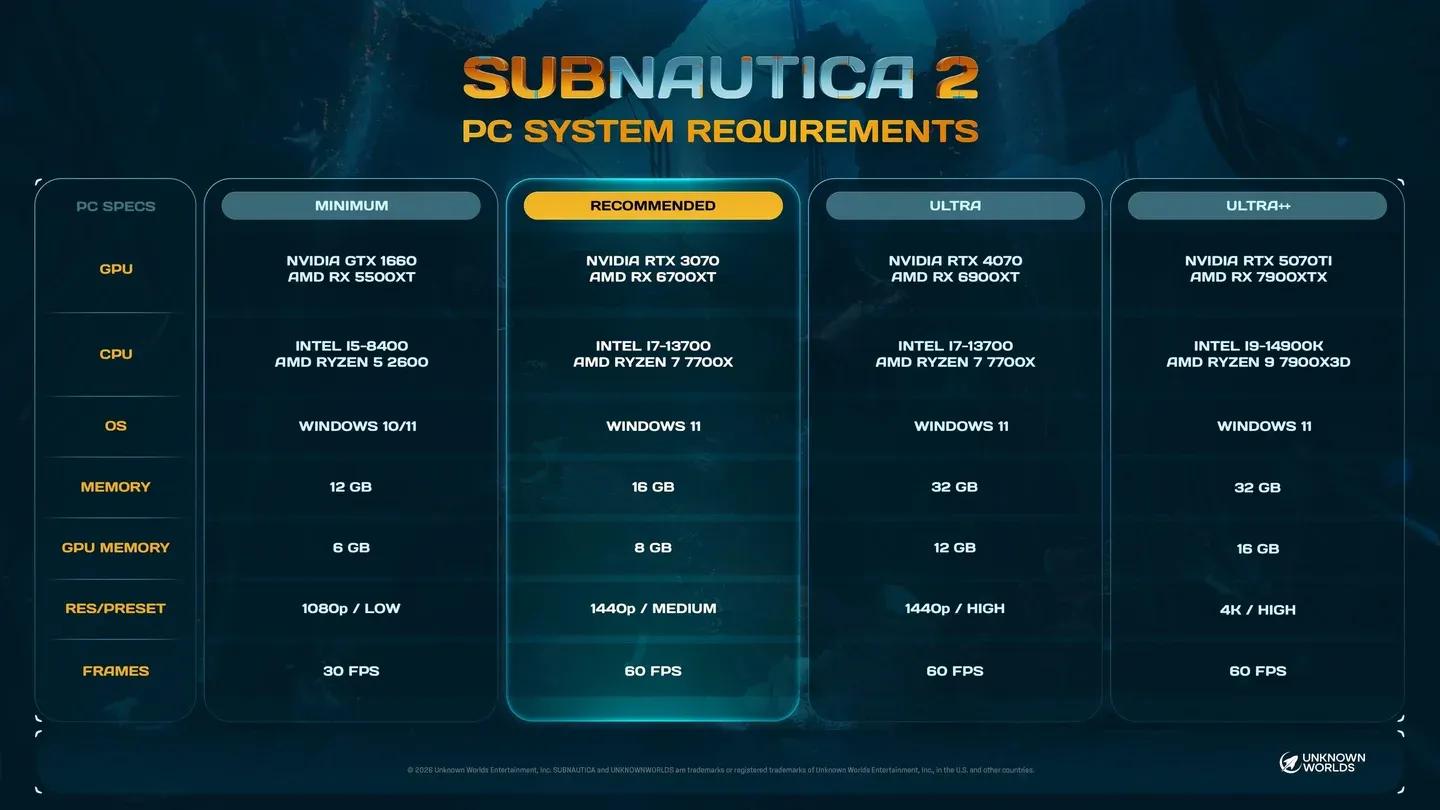
Official PC hardware tiers
| Tier | GPU | CPU | RAM | VRAM | Resolution | Preset | FPS |
|---|---|---|---|---|---|---|---|
| Minimum | GTX 1660 / RX 5500 XT | i5-8400 / Ryzen 5 2600 | 12 GB | 6 GB | 1080p | Low | 30 |
| Recommended | RTX 3070 / RX 6700 XT | i7-13700 / Ryzen 7 7700X | 16 GB | 8 GB | 1440p | Medium | 60 |
| Ultra | RTX 4070 / RX 6900 XT | i7-13700 / Ryzen 7 7700X | 32 GB | 12 GB | 1440p | High | 60 |
| Ultra++ | RTX 5070 Ti / RX 7900 XTX | i9-14900 / Ryzen 9 7900X3D | 32 GB | 16 GB | 4K | High | 60 |
The storage requirement is 50 GB. Since this is an Early Access title, keep extra space free beyond that exact figure to avoid issues when patches drop.

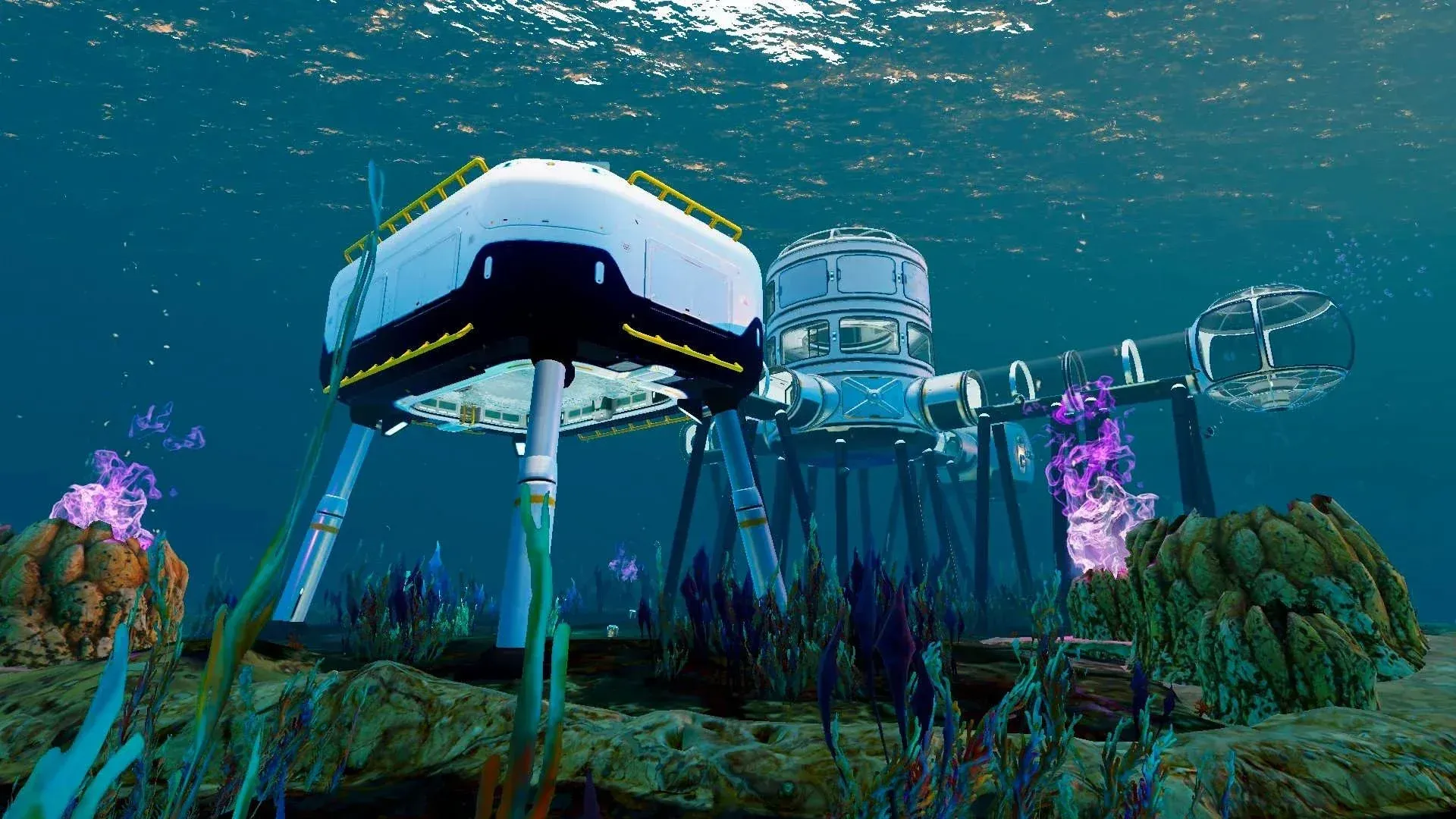
Best Subnautica 2 settings for every hardware tier
Low-end PCs (GTX 1660 / RX 5500 XT class)
The target here is 1080p at 30 FPS on Low preset. That is the floor Unknown Worlds has confirmed, and pushing beyond it on minimum-spec hardware will cause stuttering.
Here is the recommended setup for low-end systems:
- Window Mode: Fullscreen
- Resolution: 1920x1080
- Frame Rate Limit: 60 (drop to 30 if stuttering persists)
- Vertical Sync: Off
- Motion Blur: Off
- Underwater Blur: Off
- Upscaling Method: DLSS (Nvidia) or FSR (AMD)
- DLSS Upscaling Quality: Performance
- Frame Generation: On
- Global Illumination: Low
- Shadows: Low
- View Distance: Low
- Textures: Low
- Shading / Foliage: Low
- Effects: Low
- Reflections: Low
- Post Processing: Low
- Landscape: Low
- Clouds: Low
GPUs like the RTX 2060, RTX 3050, and AMD RX 5600 XT also fall into this bracket as long as they carry at least 6 GB of VRAM. Frame Generation adds a meaningful FPS boost here, though it can soften visual clarity slightly. If your system sits toward the higher end of this tier, try disabling Frame Generation to see whether image quality improves without a major FPS hit.
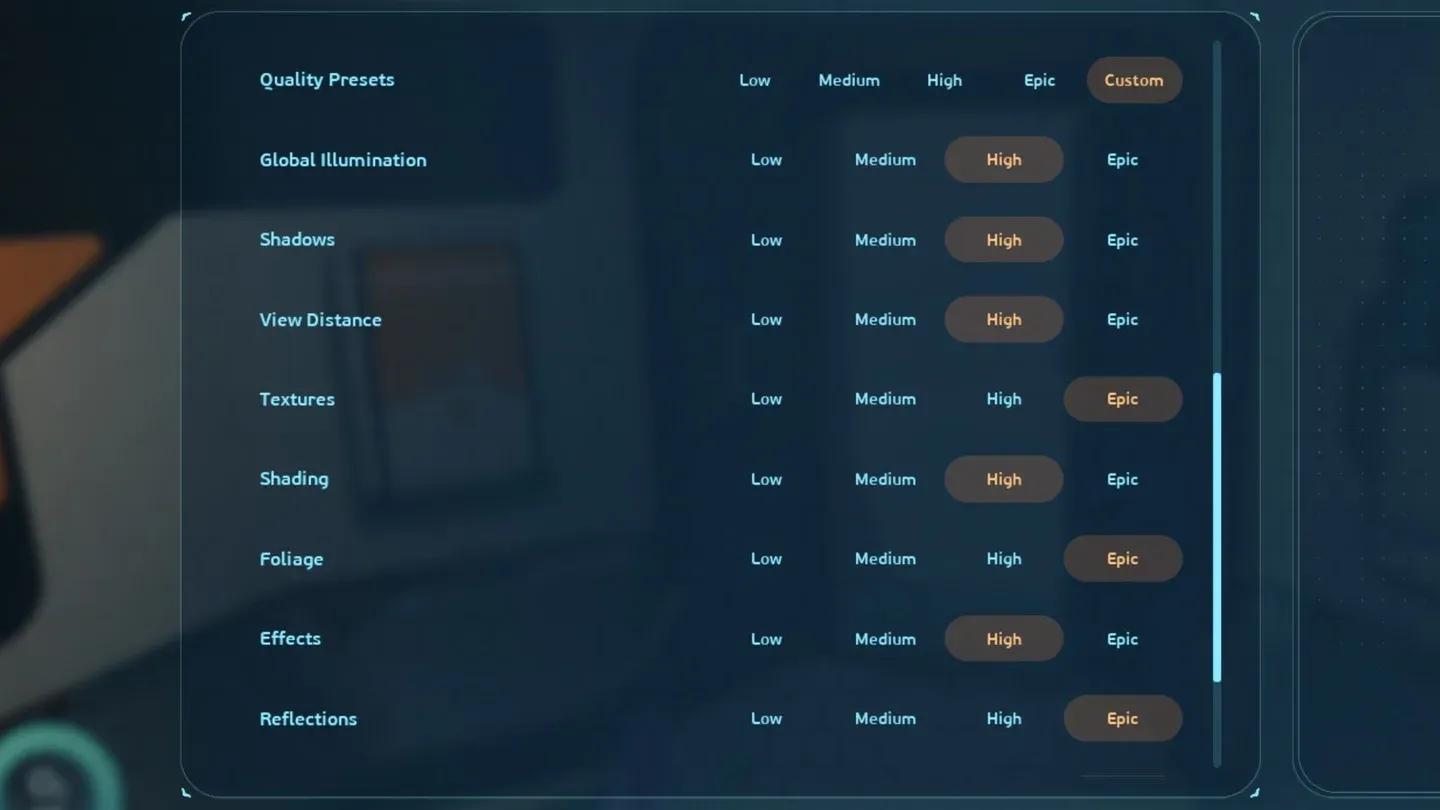
Low preset for 1080p 30 FPS
Mid-range PCs (RTX 3070 / RX 6700 XT class)
This tier targets 1440p at Medium preset and 60 FPS. The jump from minimum spec is significant: resolution goes from 1080p to 1440p, the graphics preset doubles from Low to Medium, and the frame rate target doubles from 30 to 60.
- Window Mode: Windowed Fullscreen
- Resolution: 2560x1440
- Frame Rate Limit: 60
- Vertical Sync: Off
- Motion Blur: Off or On (personal preference at this tier)
- Underwater Blur: Off or On
- Upscaling Method: DLSS (Nvidia) or TSR (AMD)
- DLSS Upscaling Quality: Balanced
- Global Illumination: Medium
- Shadows: Medium
- View Distance: High
- Textures: Medium
- Shading: Medium
- Foliage: Medium
- Effects: Low
- Reflections: Medium
- Post Processing: Medium
- Landscape: Medium
- Clouds: Low
Testing on an RTX 3060 (which sits just below this tier) shows that capping at 60 FPS eliminates stuttering entirely. Brief stutters appeared when running uncapped. Applying a 60 FPS limit is the single most effective fix for early access performance issues on this hardware class.
View Distance at High is worth keeping even on mid-range systems. Subnautica 2's underwater environments rely on draw distance for atmosphere, and dropping it to Medium makes the ocean feel noticeably emptier.
High-end PCs (RTX 4070 / RX 6900 XT class)
At this tier, 1440p High at 60 FPS is the confirmed target. The CPU requirement stays identical to the Recommended tier, but the GPU, RAM, and VRAM demands all increase. An 8 GB graphics card becomes less comfortable at High settings here; 12 GB VRAM is the safer target.
- Resolution: 2560x1440
- Graphics Preset: High
- Frame Rate Limit: 60
- Upscaling Quality: Quality mode
- Frame Generation: Auto
- All other settings: High
4K PCs (RTX 5070 Ti / RX 7900 XTX class)
Ultra++ is the ceiling Unknown Worlds has published: 4K High at 60 FPS. This requires 32 GB of RAM and 16 GB of VRAM. If your system does not match this spec, targeting 1440p High is a better outcome than forcing 4K at reduced settings.
- Resolution: 3840x2160
- Graphics Preset: High
- Frame Rate Limit: 60
- Upscaling Quality: Quality
- Frame Generation: Auto
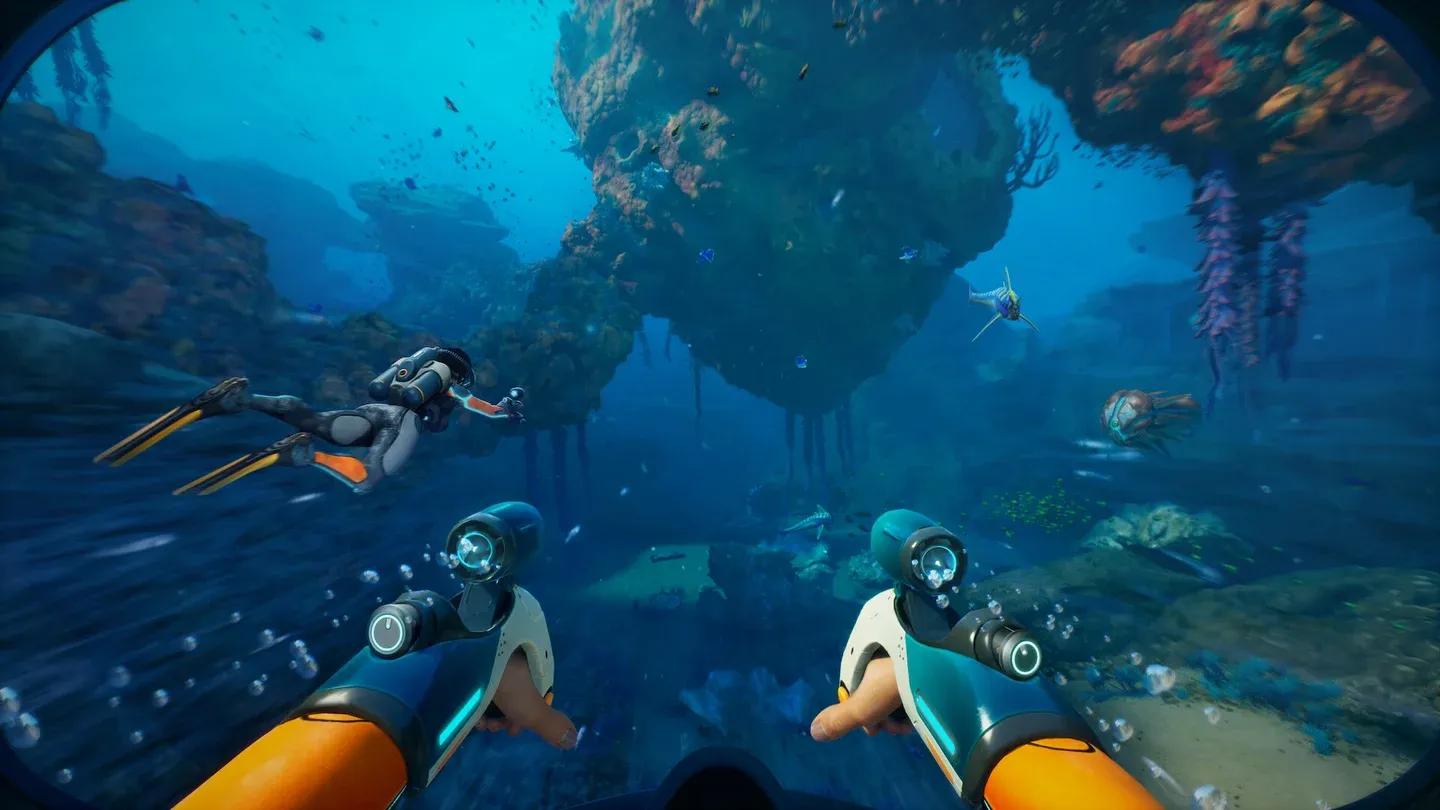
4K High settings for Ultra++ tier
What settings hurt performance the most in Subnautica 2?
Not every setting carries equal weight. These are the ones worth targeting first when chasing FPS:
- Global Illumination is one of the heavier settings. Drop from High to Medium before touching anything else.
- Shadows at Low versus High makes a large visual difference but also a significant performance difference. Keep this at Low or Medium unless your GPU sits at the Ultra tier.
- Effects can be dropped to Low on any system without much visible impact during normal exploration.
- Clouds at Low versus High has minimal visual impact underwater. Keep it Low on all but the highest-end builds.
- Frame Rate Limit matters more than most players expect. An uncapped frame rate causes brief stutters in the current Early Access build. Set a hard 60 FPS cap regardless of your hardware tier.
Upscaling: DLSS, FSR, or TSR?
Subnautica 2 supports multiple upscaling methods. The right choice depends entirely on your GPU:
| GPU Brand | Recommended Method |
|---|---|
| Nvidia RTX series | DLSS |
| AMD | FSR or TSR |
| Older Nvidia (GTX) | FSR |
For low-end systems, Performance mode in DLSS or FSR trades some image sharpness for a meaningful FPS gain. For mid-range and high-end systems, Quality or Balanced mode gives a better result. Balanced is a solid middle ground for RTX 3060 and 3070 class cards.
For a deeper look at everything new in this sequel, the confirmed new features guide for Subnautica 2 Early Access covers the new planet, 4-player co-op, the Tadpole vehicle, and the overhauled base building system that all contribute to the increased hardware demands.
Will performance improve after Early Access launch?
Unknown Worlds is expected to release post-launch patches that address optimization alongside new content. The current Early Access build already runs reasonably well with a 60 FPS cap applied, but GPU-specific improvements and better CPU threading should arrive in future updates. Treat the current settings as a starting point rather than a permanent configuration.
For players who are new to the game entirely, the Subnautica 2 beginner's guide covers oxygen management, scanning, base building, and navigation tips that will help you get the most out of the game once your frame rate is stable.
For the full picture on what content is coming to the game beyond launch day, check out the Early Access roadmap covering new biomes, creatures, and story chapters planned for future updates. More Subnautica 2 guides covering survival mechanics, crafting, and exploration are available as the game continues to expand.