
Titanium Ingots are the first real wall Subnautica 2 puts in front of you. Raw titanium is everywhere on the seafloor, but the game never tells you that ingots are a completely different thing requiring a dedicated machine. Players expecting to find them lying around in a wreck are in for a surprise. You have to manufacture them yourself, and that means tracking down a blueprint first.
What do you need to make titanium ingots?
Two things: a Processor built inside your base, and enough raw Titanium to feed it. The Processor is a base interior facility that converts raw materials into refined ingots. Without it, you cannot produce titanium ingots at all. The Fabricator handles basic crafting, but refined metal production belongs entirely to the Processor.
Here is a quick overview of everything involved:
| Item | Purpose | Where to get it |
|---|---|---|
| Processor blueprint | Unlocks the machine | Scan one in the Cicada Shipwreck or Old Habitat |
| 2x Titanium | Build the Processor | Ocean floor near Lifepod |
| 1x Mild Acid | Build the Processor | Craft at Fabricator |
| 1x Copper Wire | Build the Processor | Craft at Fabricator |
| 3x Titanium (per ingot) | Feed the Processor | Ocean floor, trench north of Old Habitat |

How to find the Processor blueprint
The Processor blueprint is not handed to you. You need to physically locate a Processor unit in the world, equip your Scanner, and scan it. Scanning unlocks the blueprint and adds it to your Habitat Builder menu.
Cicada Shipwreck location (earliest and easiest)
The closest Processor to your starting Lifepod sits inside the Cicada Shipwreck. Here is how to reach it:
- From the Lifepod, swim toward the large orange coral dome to the southwest.
- From the coral dome, head east. The seafloor will drop away sharply.
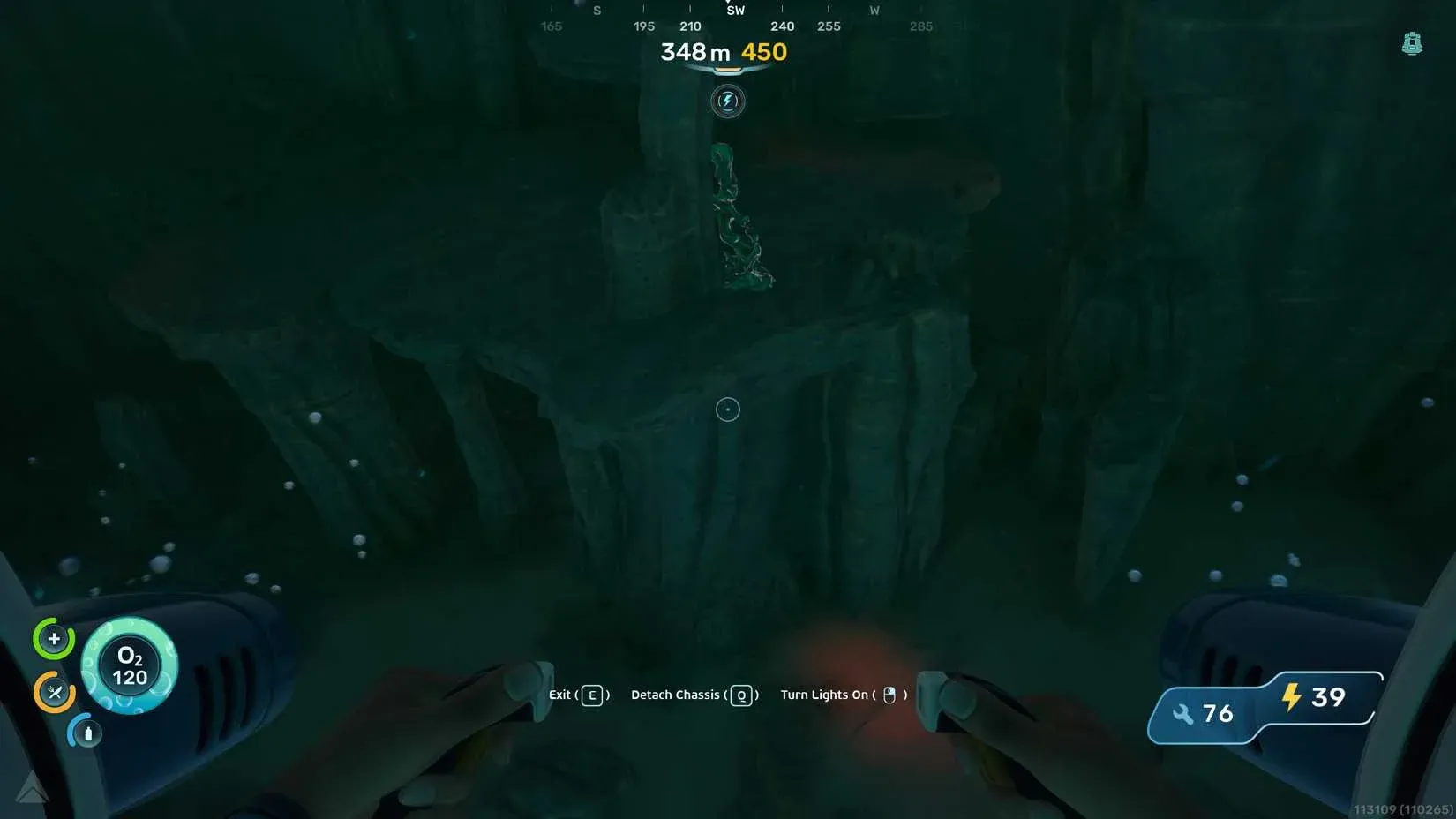
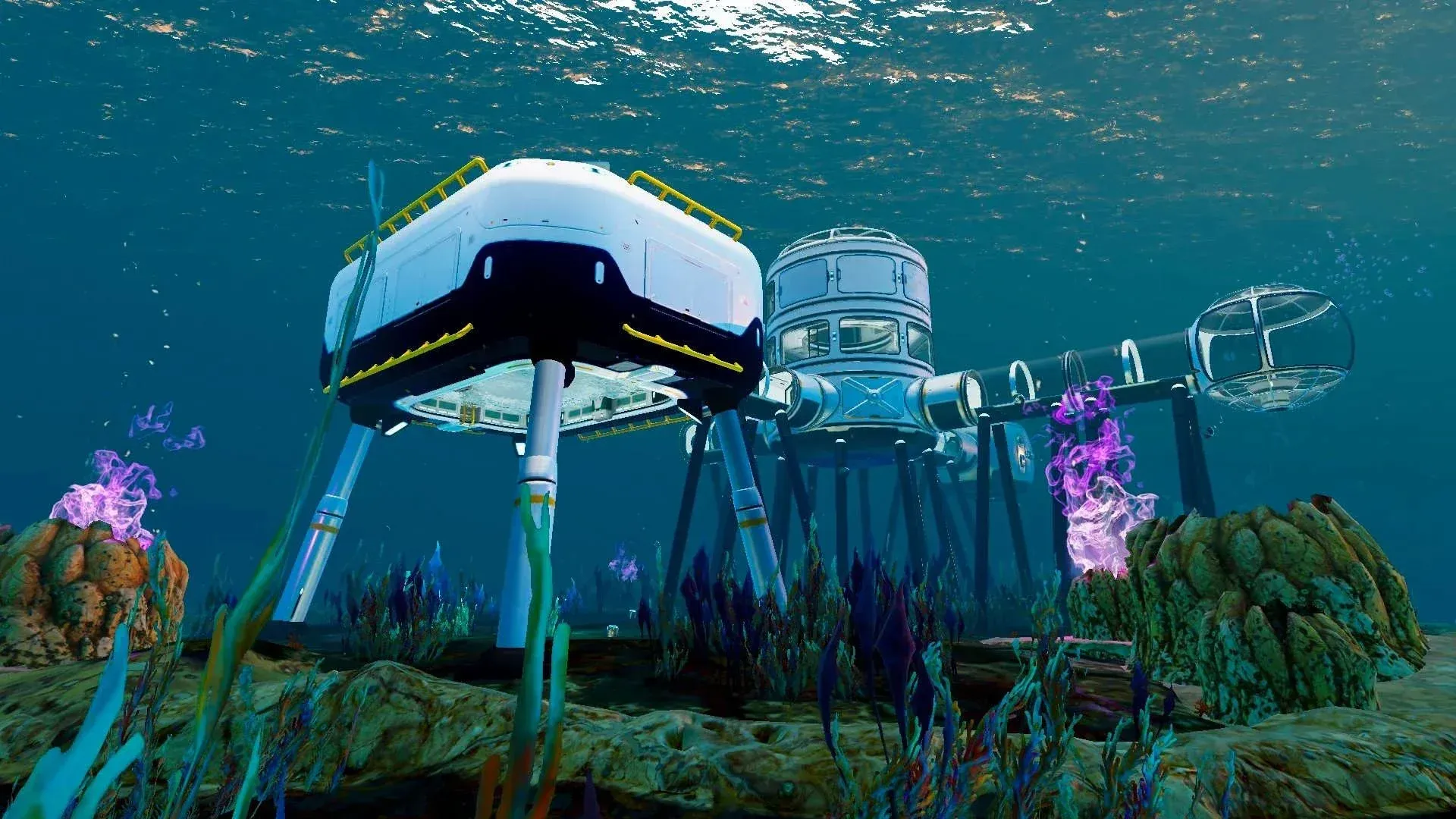
- Look left as you approach the drop-off. You will see an abandoned base roughly 265 meters southwest of the Lifepod, which you can use to replenish oxygen.
- The Cicada Shipwreck sits just across from that abandoned base.
- Head inside the wreck. At the back of the room you will find the Processor, along with several other scannable objects including a high-capacity air tank blueprint.
- Equip your Scanner and hold the scan button on the Processor to unlock the blueprint.
There is also a Processor inside the Old Habitat, approximately 350 meters north of the Lifepod, which NOA sends you to as part of the Quaker Signal story objective. If you follow the main story beat before going exploring, you will likely stumble across this one naturally.
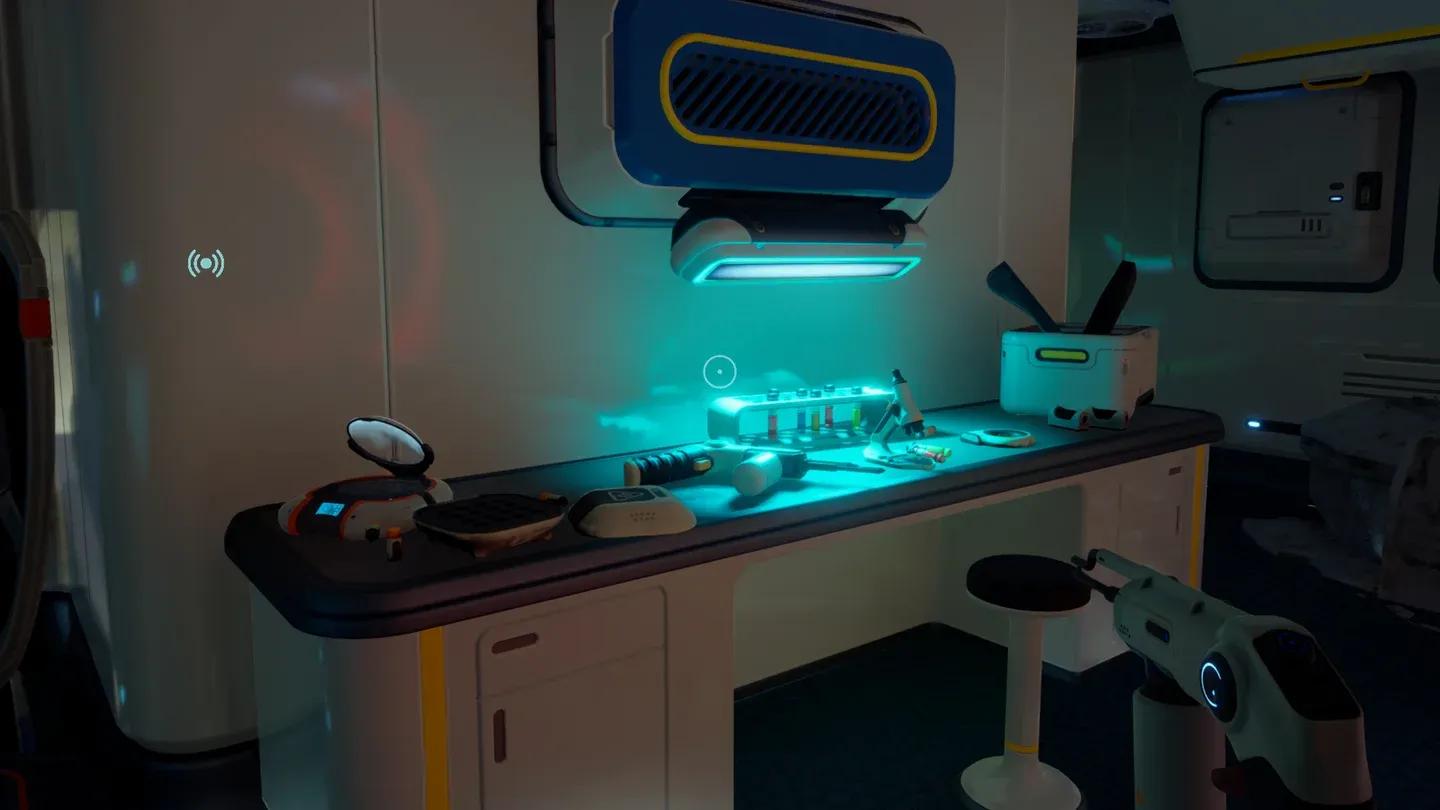
Cicada Shipwreck Processor location
How to build the Processor in your base
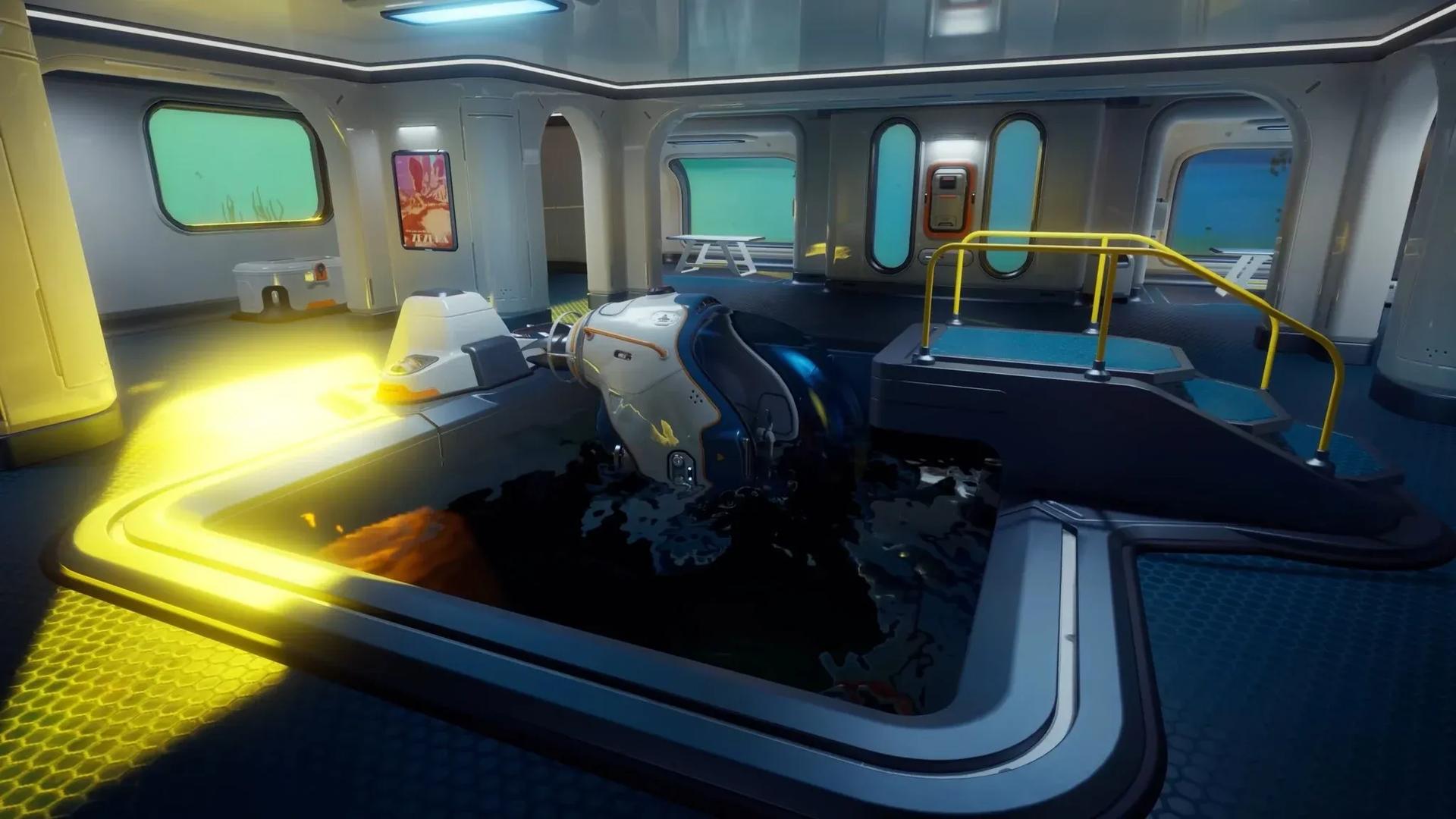
Once you have the blueprint, head back to your base and equip the Habitat Builder tool. Navigate to the Interior Facilities tab and select the Processor. Building it requires:
- 2x Titanium
- 1x Mild Acid (crafted at the Fabricator)
- 1x Copper Wire (crafted at the Fabricator)
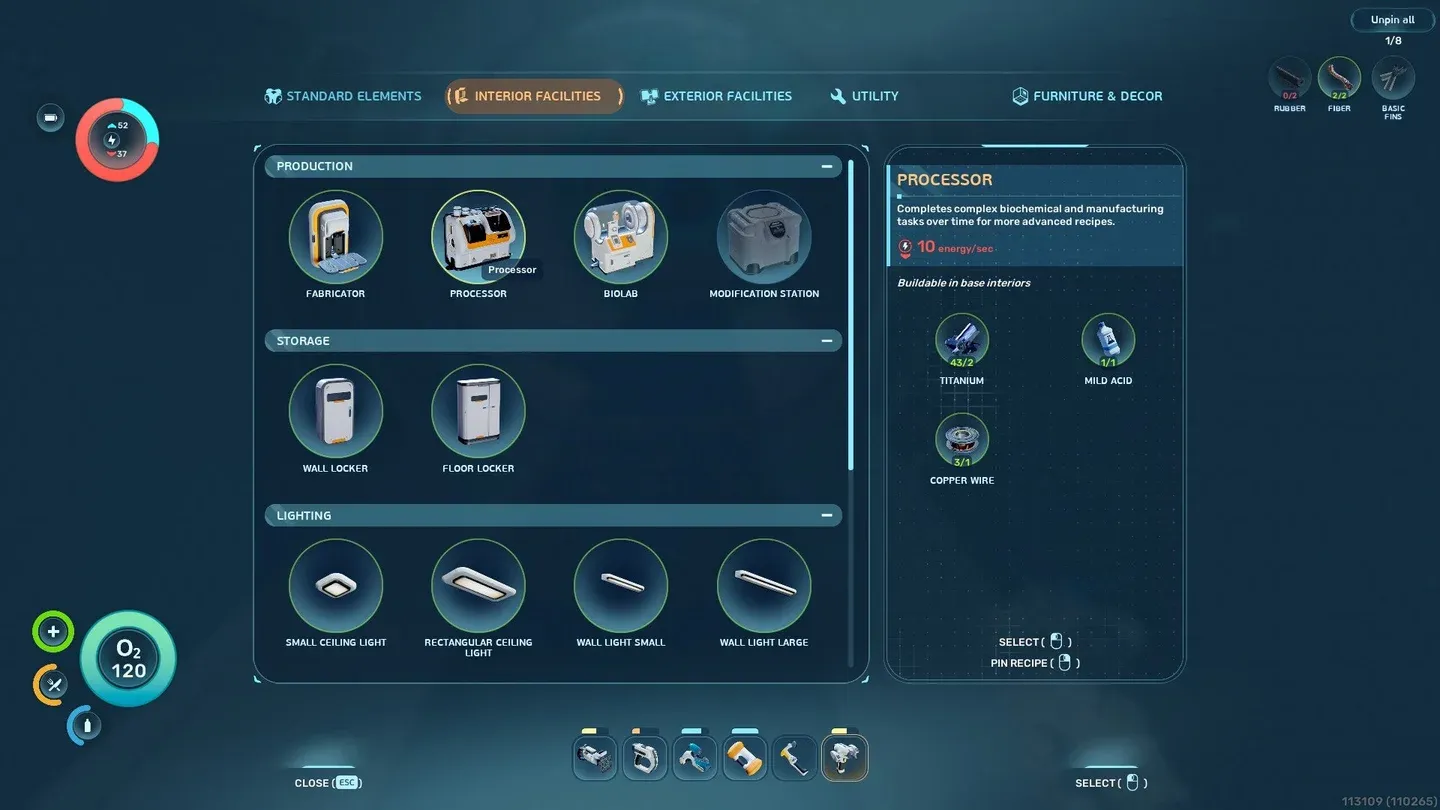
Processor in Habitat Builder menu
For help sourcing copper, the Subnautica 2 copper guide covers the two cave locations closest to the Lifepod. The Processor draws 10 energy per second while running, so attach solar panels to your base before firing it up. Running the machine with insufficient power will cause problems.
How to make titanium ingots in the Processor
With the Processor built and your base powered, here is the exact process:
- Approach the left side of the Processor and interact with the panel.
- A recipe catalogue opens. Select the Titanium Ingot recipe at the top of the list.
- Press the load button to feed the machine. Each ingot consumes 3 pieces of raw Titanium.
- Wait 30 seconds for processing to complete.
- Collect the finished ingot from the right side of the Processor.
Unlike the Fabricator, the Processor can handle multiple crafting jobs simultaneously. If you load it with enough raw titanium, it will queue up several ingots in one session rather than forcing you to babysit each one individually.
For a broader look at how the Scanner fits into unlocking all of this, the Subnautica 2 Scanner guide explains how to craft it and use it to unlock blueprints from degraded gear.
What are titanium ingots used for?
Raw titanium handles basic early recipes, but most of the mid-game and late-game crafting requires ingots. Here is what titanium ingots unlock:
| Item | Titanium Ingots needed | Other materials |
|---|---|---|
| Sonic Resonator | 2 | 1 Basic Battery, 2 Lead, 1 Wiring Kit |
| Repair Tool | 1 | 1 Wiring Kit, 1 Basic Battery, 1 Sulfur |
| Bioreactor | 2 | 2 Copper Ingots |
| Tadpole Dock | 2 | 1 Silver Ingot, 2 Copper Wire |
| Vehicle Fabricator | 2 | 1 Copper Wire, 2 Glass |
The Sonic Resonator is typically the first reason players need ingots, since it is required for mining harder deposits. The Repair Tool comes shortly after. If you need help with those specific crafts, the Subnautica 2 Repair Tool guide covers all three blueprint fragments and the full material list.
Stock titanium in a storage locker specifically for ingot production. The Bioreactor, Tadpole Dock, and Vehicle Fabricator together demand 6 titanium ingots, which means 18 pieces of raw titanium just for those three items. Running out mid-build is a common early-game problem.
Tips for keeping up with titanium demand
The trench roughly 350 to 400 meters north of the Lifepod, near the Old Habitat, holds substantial titanium deposits. Once you have the Sonic Resonator, mining output from that area increases significantly.
The Bioreactor is worth prioritizing early. It runs on organic material like fiber pulp and small fish, which means your base stays powered even at night without relying solely on solar panels. More reliable power means you can run the Processor longer without worrying about energy shortfalls.
For everything else you will need to craft across the game, the complete Subnautica 2 guides collection covers tools, materials, and blueprints in detail.