
Running out of power mid-dive in Subnautica 2 is one of the most frustrating early-game loops. Your flashlight dies, your scanner goes dark, and you're back at the fabricator burning through copper just to keep moving. The fix is the battery terminal, a wall-mounted charger you build inside your base that recharges empty batteries instead of replacing them. The blueprint isn't handed to you, though. You have to scan two fragments inside an abandoned structure roughly 380 meters north of your Lifepod. Here's exactly how to do it.
Where to find the battery terminal blueprint
The blueprint requires scanning two battery terminals inside the Old Habitat, located in the Plateaus biome. The structure sits approximately 380 meters north of your Lifepod. It places at coordinates -337912, 395675, -5415, which is useful if you have coordinate display enabled.
Before heading out, open your character menu and enable all landmark signals. This makes the Old Habitat much easier to spot on approach. Bring a fully charged scanner, and make sure your air tank can handle some time inside a multi-level structure.
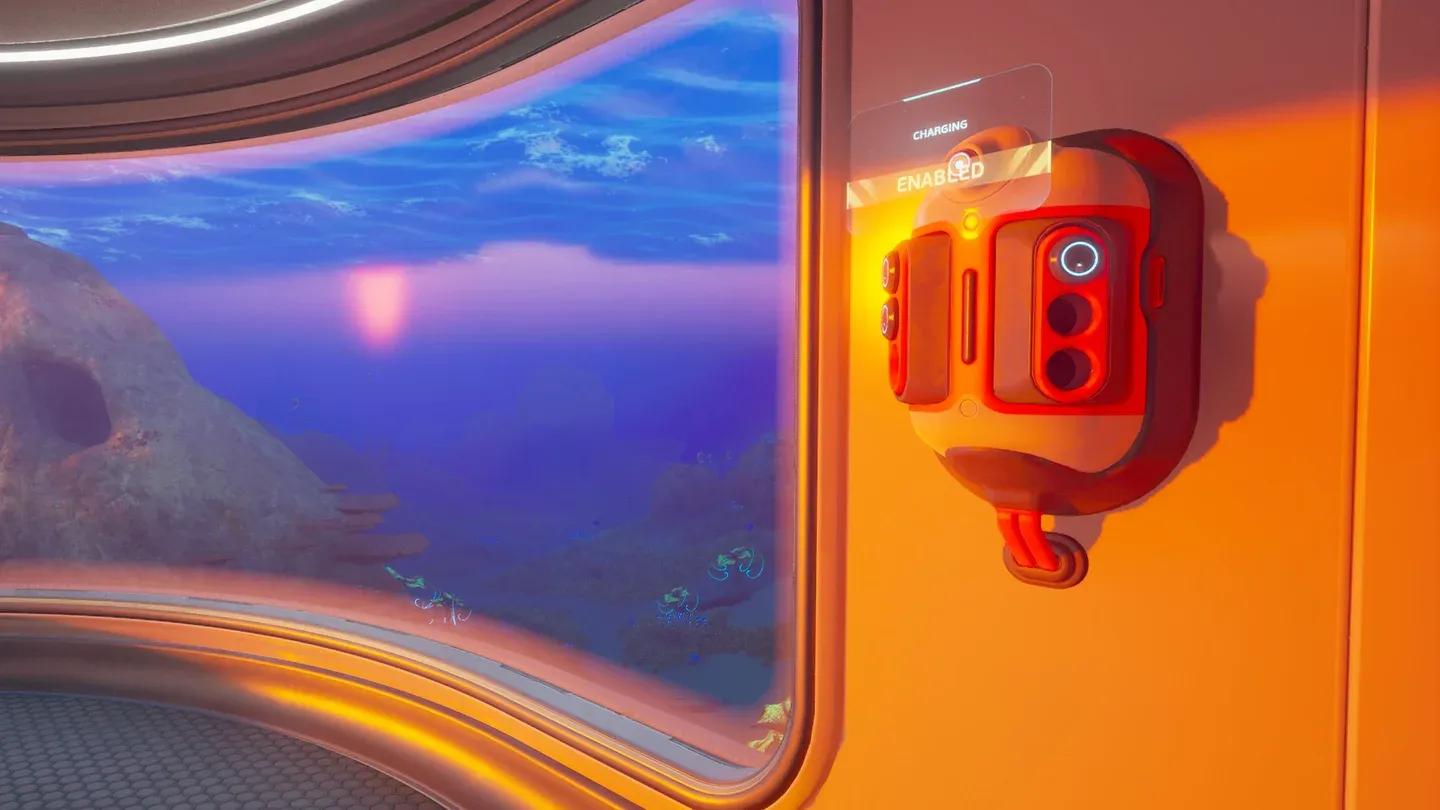
Battery terminal in base

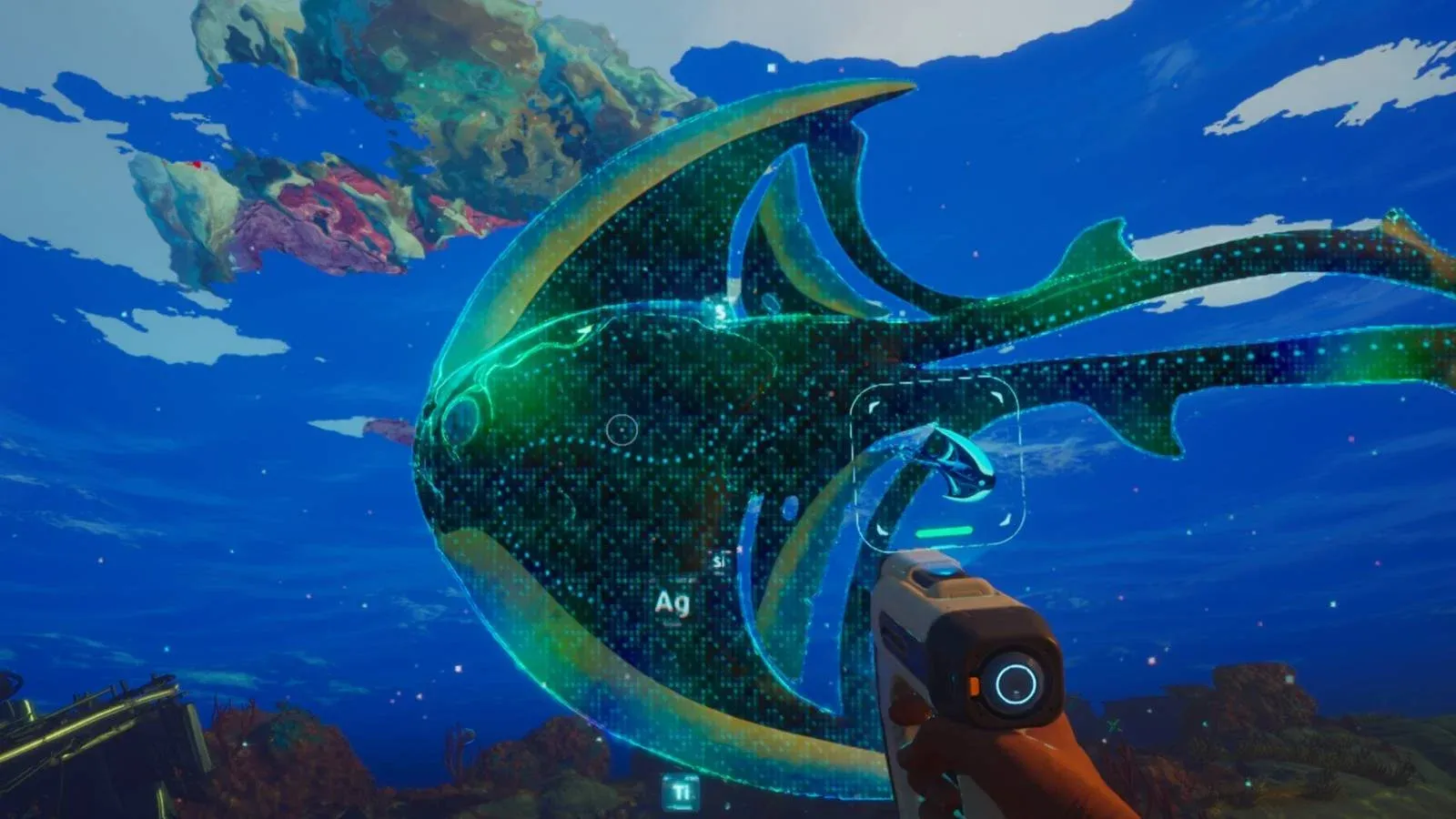
How to reach the Old Habitat
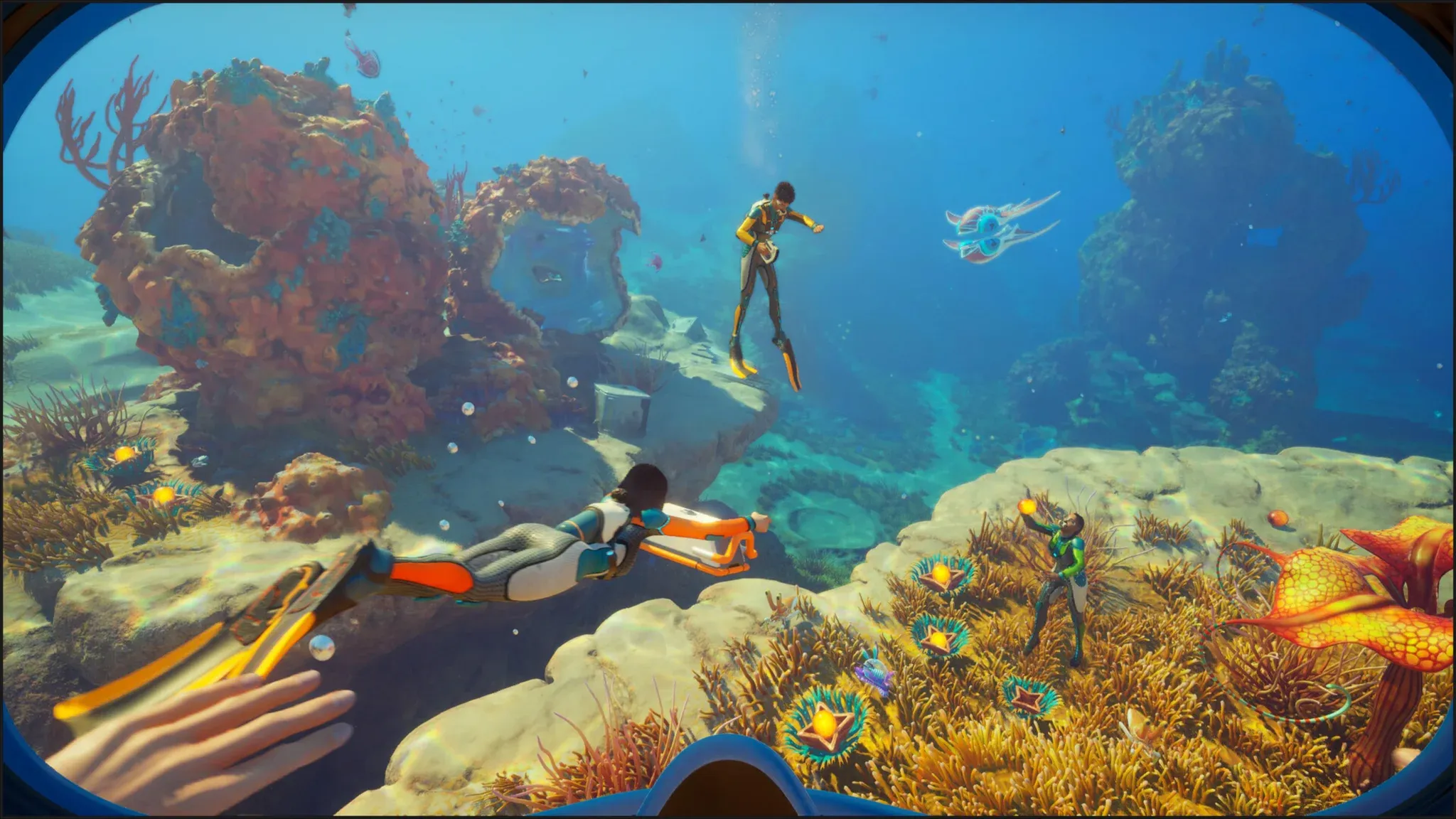
Swim due north from your Lifepod. Around the 200-meter mark you'll pass through a biome with floating jellyfish. Keep your distance from them to avoid passive damage, and push straight through. The Old Habitat ruins appear on the seafloor just past this zone.
Finding fragment 1
Enter the structure through the opening on the right side of the hull. Once inside, swim up the interior ladder to the upper level. Turn right into the adjacent room. The first battery terminal is on the wall, opposite a cluster of glowing pents. Scan it.
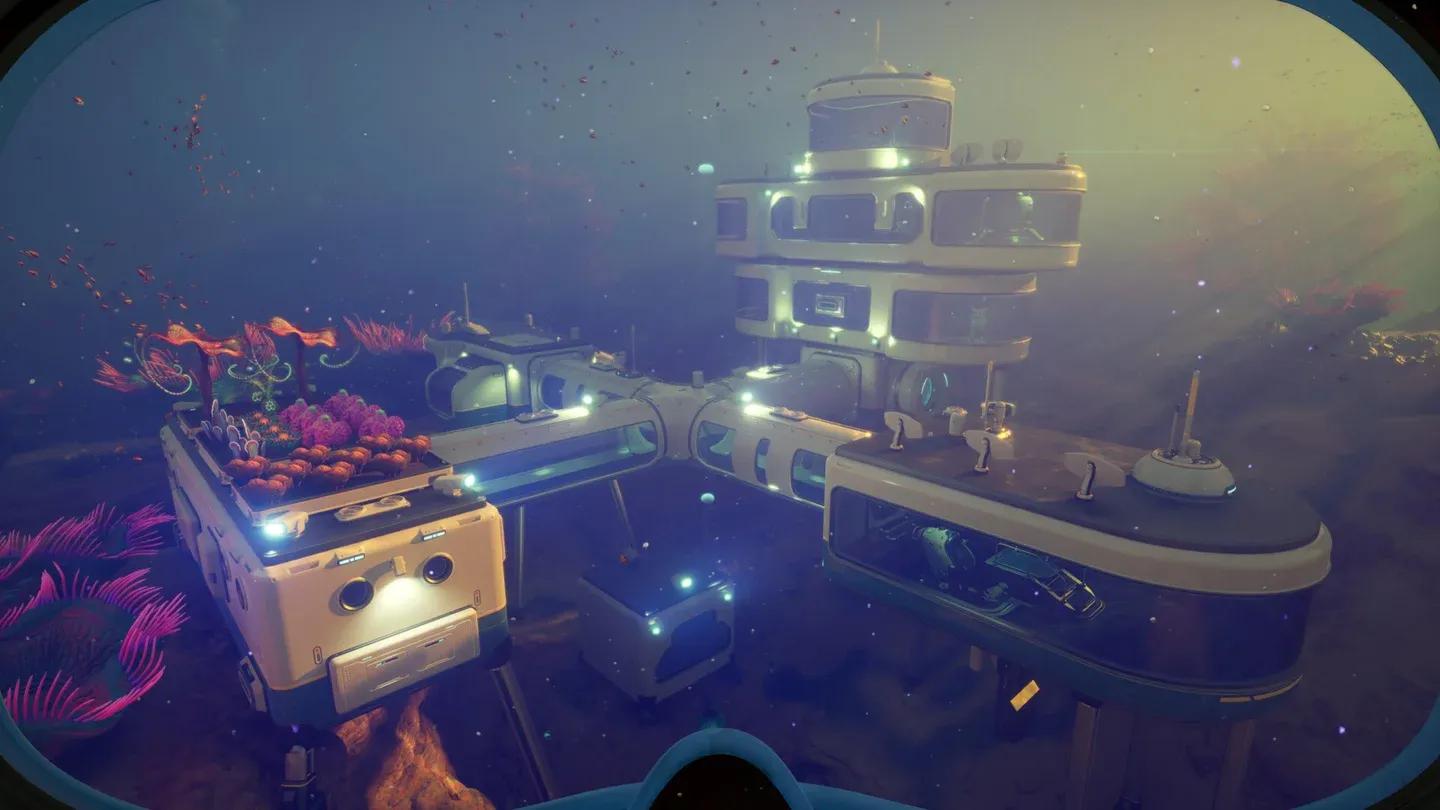
Fragment 1 upper floor
Finding fragment 2
Drop back down the ladder to the ground floor. Take the tunnel heading southwest. There's another ladder here, but don't go up. Instead, look at the wall on your right. The second battery terminal is mounted there. Scan it and the blueprint unlocks immediately.
How to craft the battery terminal
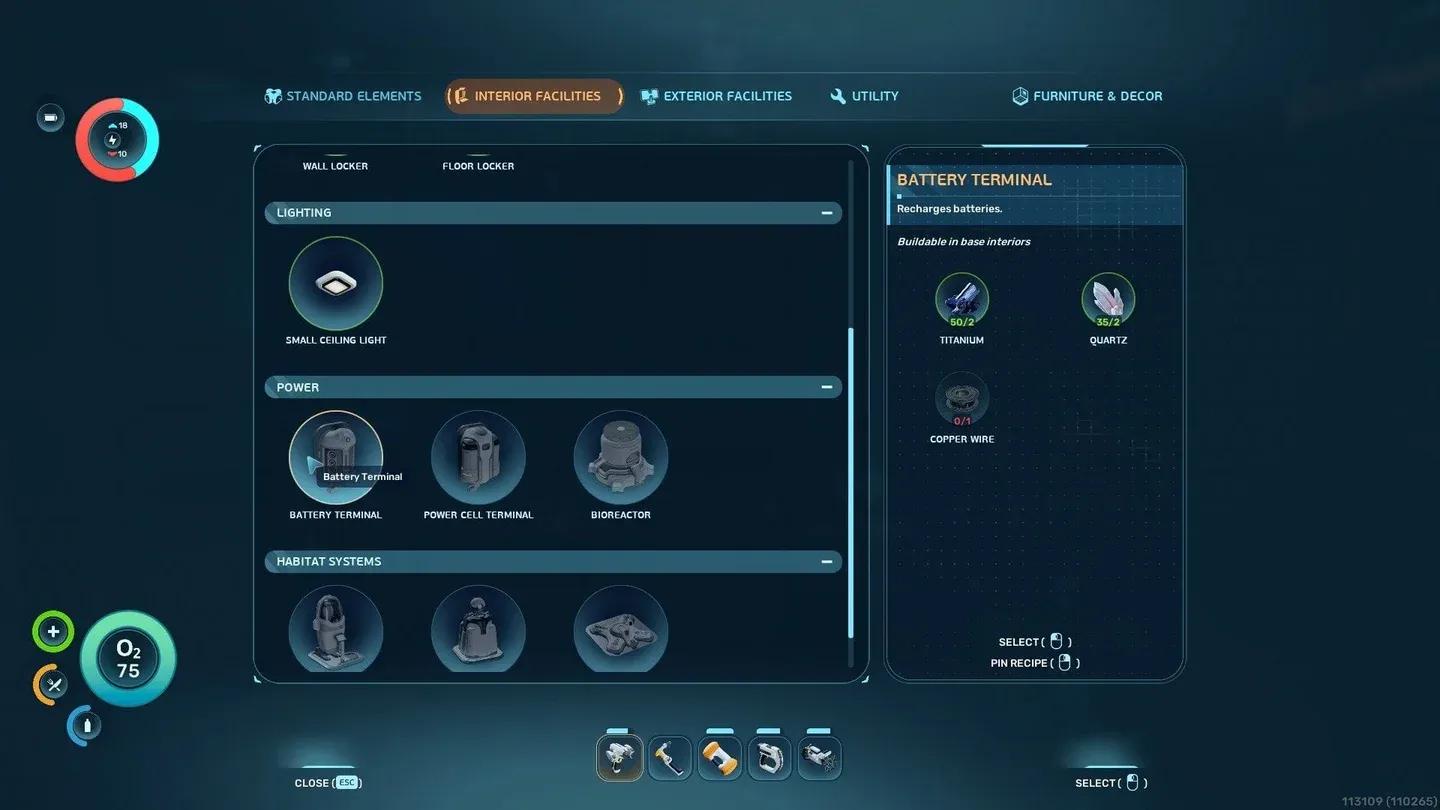
With the blueprint in your PDA, head back to your base and equip the habitat builder. The terminal mounts on any interior wall. Here's what you need:
| Material | Quantity | Notes |
|---|---|---|
| Titanium | 2 | From limestone outcrops near the Lifepod |
| Quartz | 2 | Found on sandy seabeds |
| Copper Wire | 1 | Crafted from 2x Copper at the fabricator |
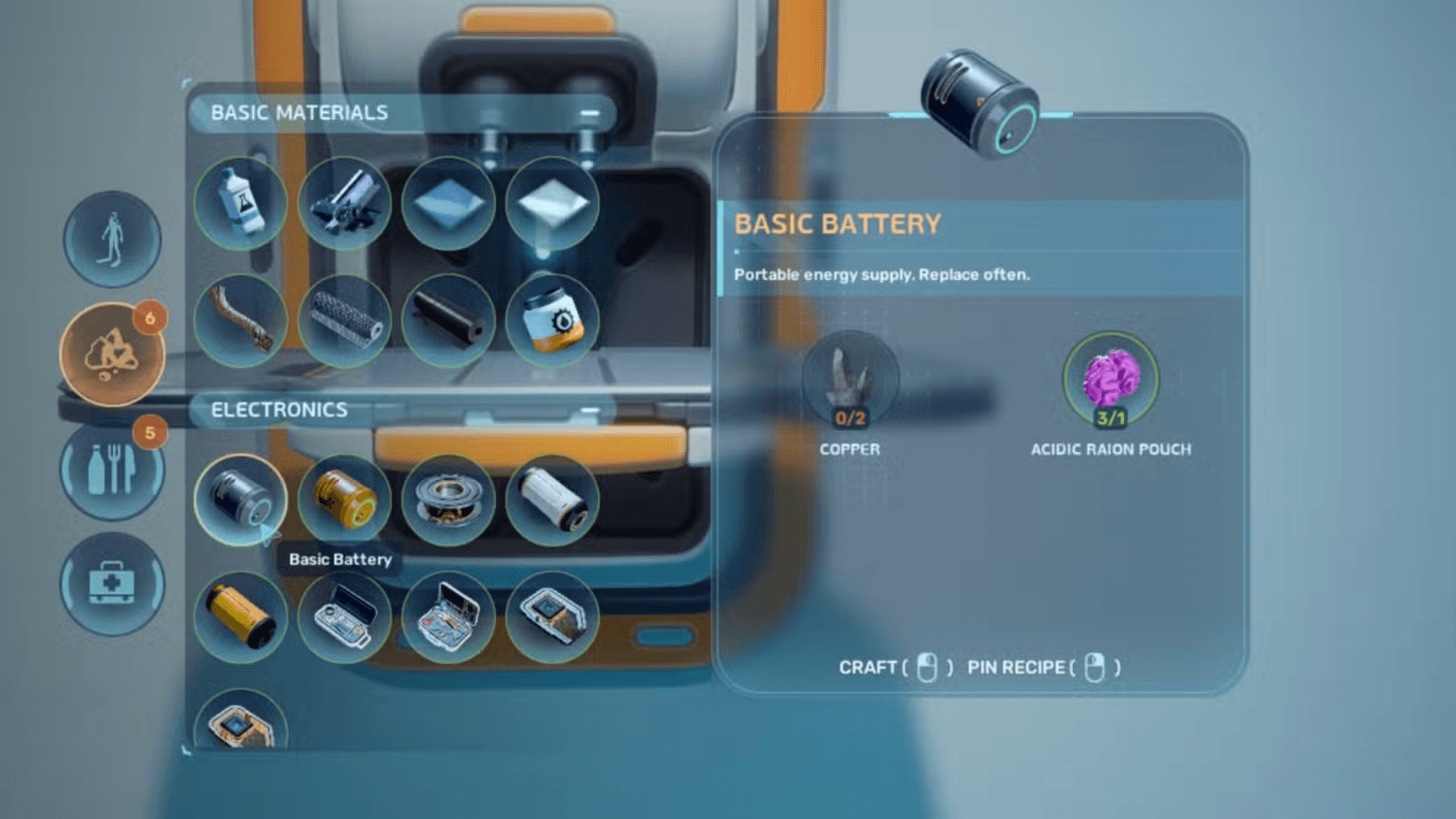
Copper Wire is the only processed ingredient. If you need help tracking down raw copper, our Subnautica 2 copper location guide covers the two cave deposits closest to the Lifepod. For the battery itself, the basic battery crafting guide explains the recipe if you haven't made one yet.
How to use the battery terminal
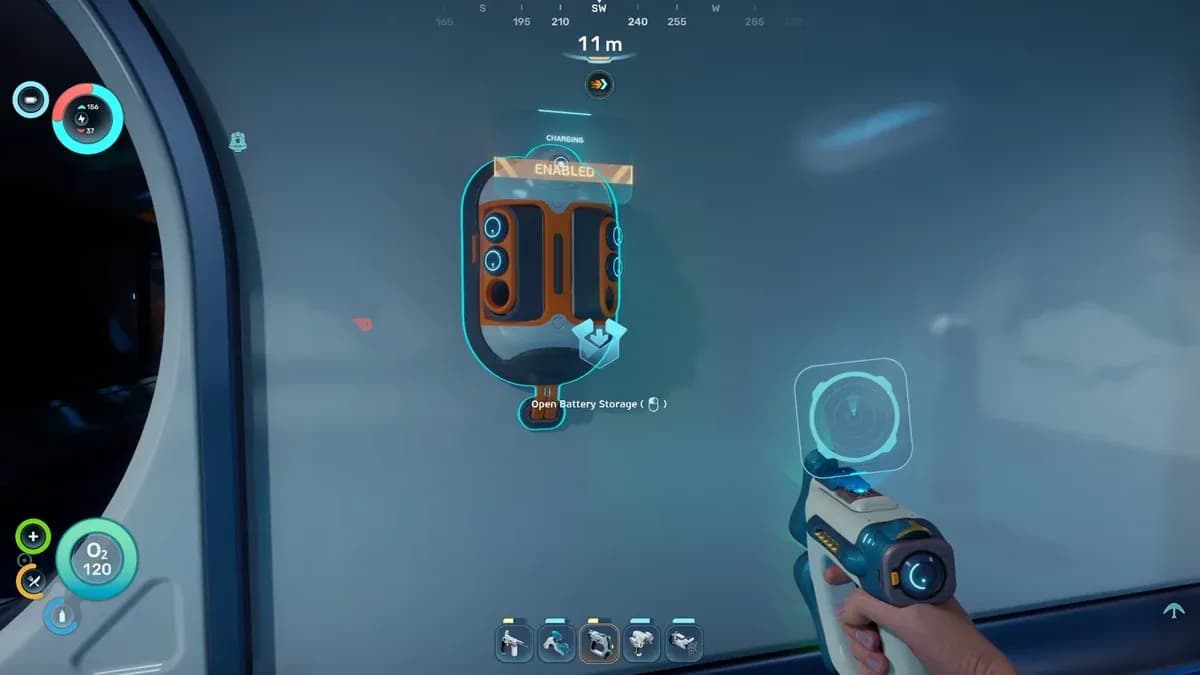
Once built, the terminal works as a passive charger. Open its inventory and drop in any batteries that need power. The terminal handles both the Basic Battery and the Advanced Battery. You can charge up to 6 batteries at once.
To swap a battery on a tool without going back to base, equip the tool and choose "reload". Move left or right to select a charged battery from your inventory. To remove a battery entirely without replacing it, choose "reload" then "unload."
The most efficient approach: craft a few spare batteries and leave them in the terminal while you explore. When you return with drained tools, swap the dead cells for the charged ones sitting in the terminal. No waiting required.
Why is my battery terminal not charging?
Two things stop the terminal from working:
- The switch is disabled. Check the top of the terminal for a switch labeled "disabled." Interact with it to enable charging.
- Insufficient base power. The terminal draws from your base's power grid. If you've built multiple terminals or other power-hungry facilities, you may need additional power sources. Our Power Center turbine guide covers one of the more reliable mid-game power options.
Check the terminal switch
The battery terminal is one of the first base upgrades worth prioritizing in any run. It frees up copper for tools that actually matter, like the repair tool (which needs a basic battery in its recipe anyway). For more early-game priorities and resource routes, browse the full Subnautica 2 guides collection.