
How to play Witchspire co-op with friends
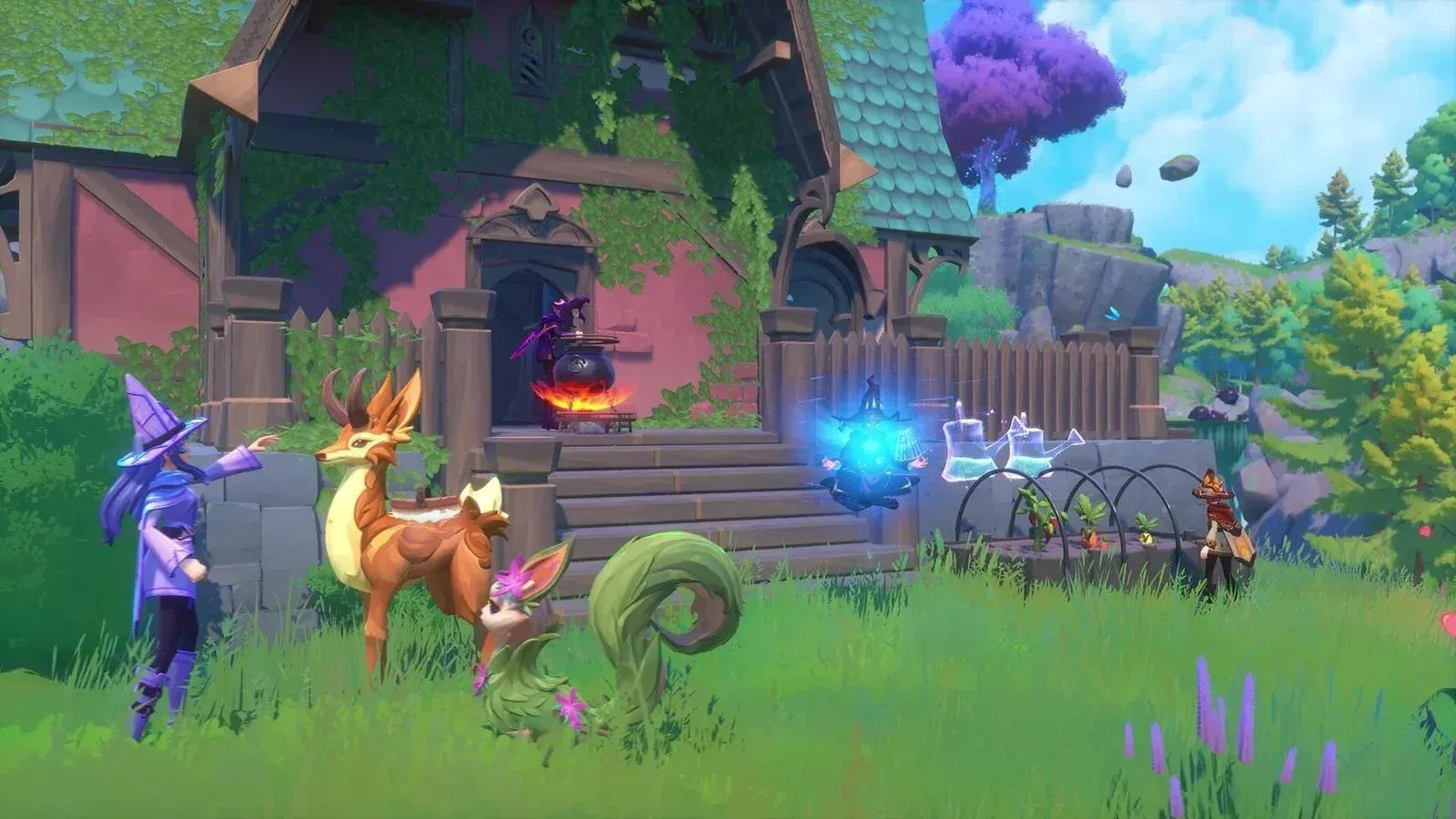
Witchspire is a survival crafting game built around cooperation. You and up to three friends join Thornveil Academy as witches, explore a vast world on broomsticks, catch familiars, brew potions, and build a shared magical settlement. The good news: getting a co-op session running takes about two minutes, and almost nothing in the game is locked behind solo play. Here's everything you need to know before you and your coven get started.
How do you start a multiplayer session in Witchspire?
Witchspire uses a player-hosted system rather than dedicated servers, so one person in your group needs to create and host the world. The process is straightforward.

Setting up a world as host
From the main menu, select Start Game and create a new world. You'll be asked to pick a world name and difficulty, and you can also adjust several gameplay settings at this stage, including Familiar Damage, XP Multiplier, and the death penalty. These settings affect everyone who joins, so it's worth discussing them with your group beforehand.
The developers recommend that the player with the strongest PC and the most stable internet connection takes on hosting duties. Because Witchspire runs on peer-to-peer hosting, the host's hardware directly affects the experience for everyone in the session.
World settings before inviting friends
How to invite friends in Witchspire
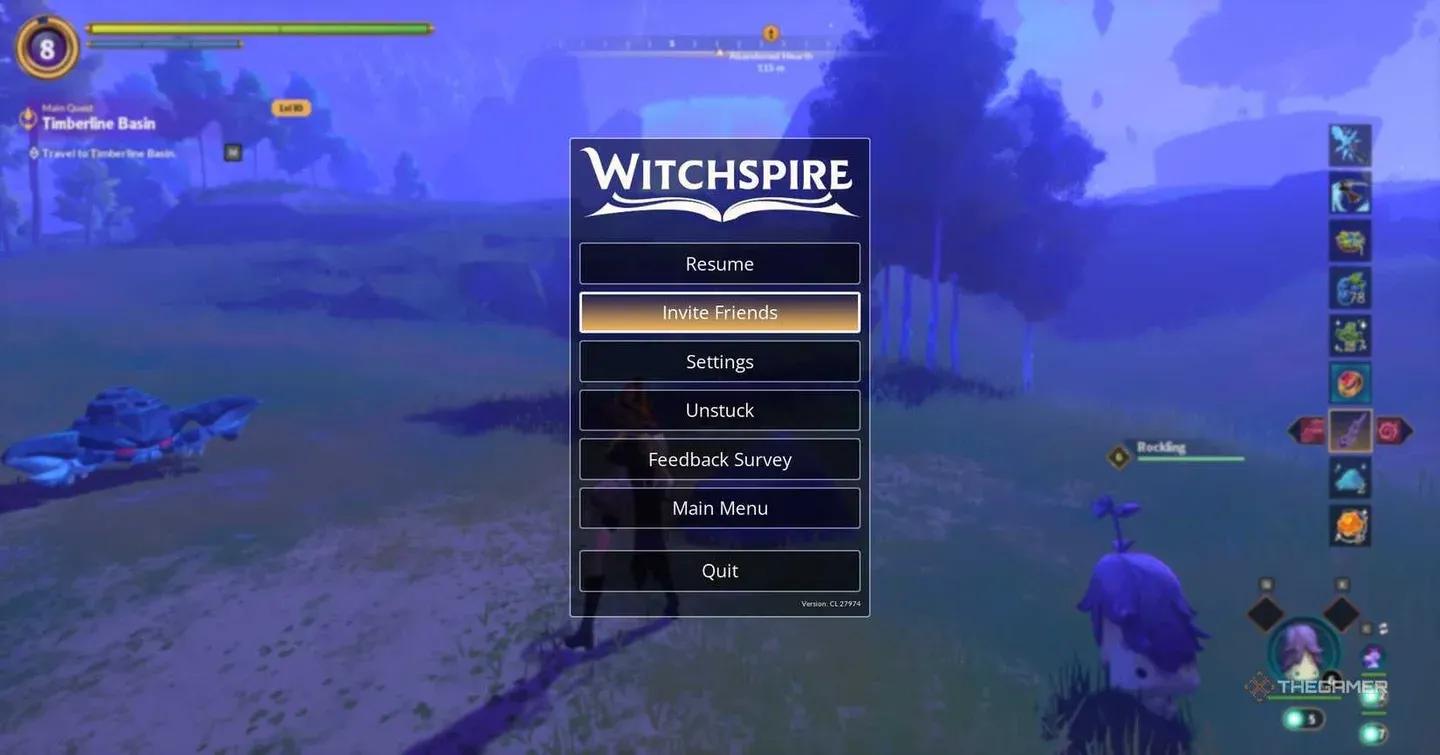
Once you've loaded into your world, press Esc and select Invite Friends. This opens your Steam friends list, and you can send invitations directly from there. Because the invite system runs entirely through Steam, everyone you want to play with must already be on your Steam friends list before you can send them an invite.
Alternatively, friends can join from the main menu by selecting Join Friends, which opens the same Steam interface and lets them connect to any active Witchspire world they have access to.
What happens when friends join?
All story progress is tied to the host's world. If the host has already pushed through several main quests, any late joiners will land at the same point in the story regardless of their own level. This means lower-level players who join a more advanced world may need to do some experience farming to catch up with the rest of the group.
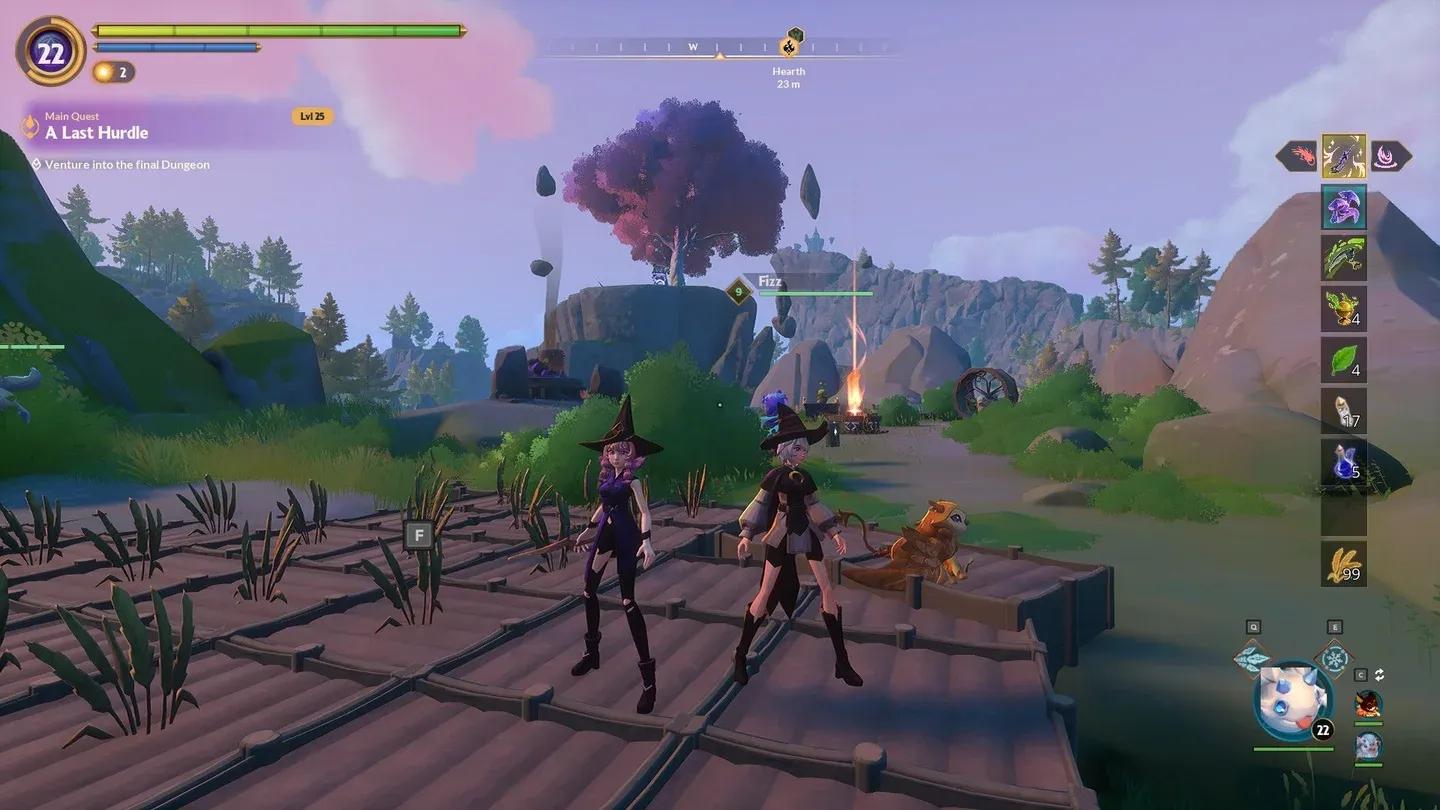
Co-op party ready to explore
How many players can join a Witchspire co-op world?
The current Early Access version supports up to four players in a single co-op session. That's one host and three additional friends. While the four-player cap is the official recommendation, the host can technically allow more players to join if their hardware is capable of handling the extra load.
There are no large-scale public servers at this time. Every session runs through the host's machine.
| Feature | Current Status |
|---|---|
| Max recommended players | 4 |
| Server type | Player-hosted (peer-to-peer) |
| Invite method | Steam friends list |
| Dedicated servers | Not available yet |
| Cross-play | Not available (PC only) |
| Console support | Not yet released |
What can you actually do together in co-op?
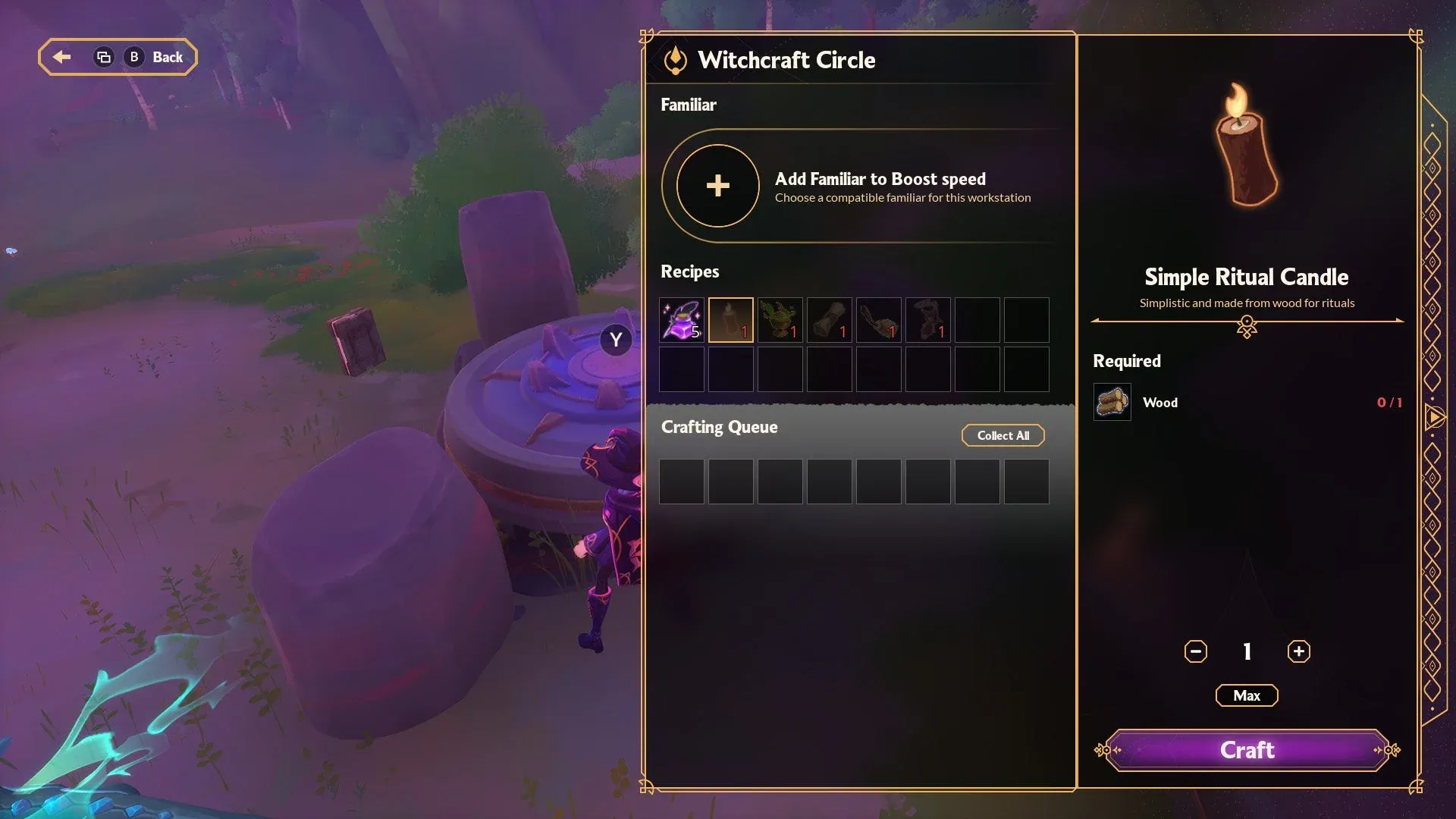
Pretty much everything. Building, gathering resources, exploring, fighting enemies, managing familiars, and completing quests are all fully functional in multiplayer. Both the host and any joined players can advance quests, use crafting stations like the Workbench and Furnace, and construct buildings.
One of the more useful aspects of co-op is that players can split up and explore entirely different sections of the map at the same time without any issues. This makes resource gathering significantly faster than solo play, since your group can fan out and cover more ground simultaneously.
For more on building your party's power, check out the Witchspire familiars guide to learn how to catch and bond with companions that assist in combat and other activities.

Shared crafting stations in co-op
What are the co-op limitations?
There's one mechanic worth knowing before you start looting: chests and Luminary Points are server-sided, not client-sided. If one player opens a chest, it will appear empty to everyone else who finds it afterward. The same applies to Luminary Points collected during a session.
This means your group needs a loot distribution strategy. Either open chests together and divide the contents at base, or agree upfront on who gets what. There's no built-in loot system, so communication matters.
Understanding how Luminary Points work in a shared session is worth your time before you dive in. The Witchspire Luminaries guide covers how to earn points faster and pick the best early upgrades, which becomes especially relevant when your group is sharing a single pool of progress.
Is Witchspire better solo or with friends?
The game is fully playable solo, and the developers have been clear that no content is locked behind multiplayer. Familiars pick up a lot of the slack in solo runs by assisting with combat and various tasks. That said, co-op makes the survival and crafting stages noticeably faster. Multiple players gathering resources simultaneously, splitting dungeon responsibilities, and contributing to settlement construction compresses what would otherwise be a slow early game.
For players who want to get the most out of their shared world, the Witchspire farming guide explains how to set up crop plots and run a self-sustaining food loop, which becomes a natural group project once your settlement starts growing.
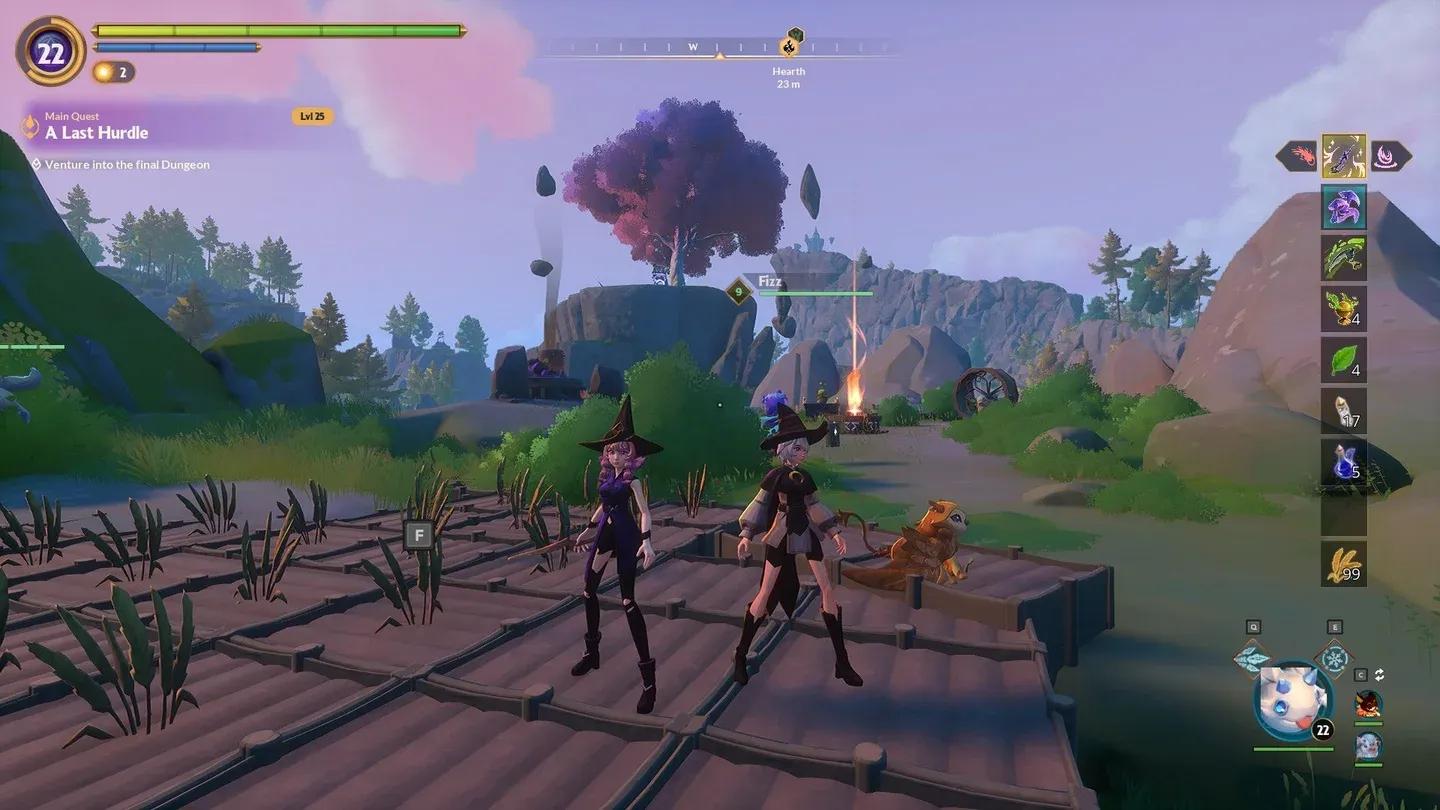
Building your shared settlement
Does Witchspire have cross-play?
No. Witchspire is currently only available on PC through Steam, so there is no cross-play or cross-platform support. Everyone in your group needs to be on Steam, and invites run entirely through Steam's friend system. Console releases are on Envar Games' radar for the future, and cross-platform features may be explored as part of those plans, but nothing has been confirmed.
For a full breakdown of everything else the game has to offer, the Witchspire guides collection covers farming, familiars, Luminaries, and more to help your whole group hit the ground running.