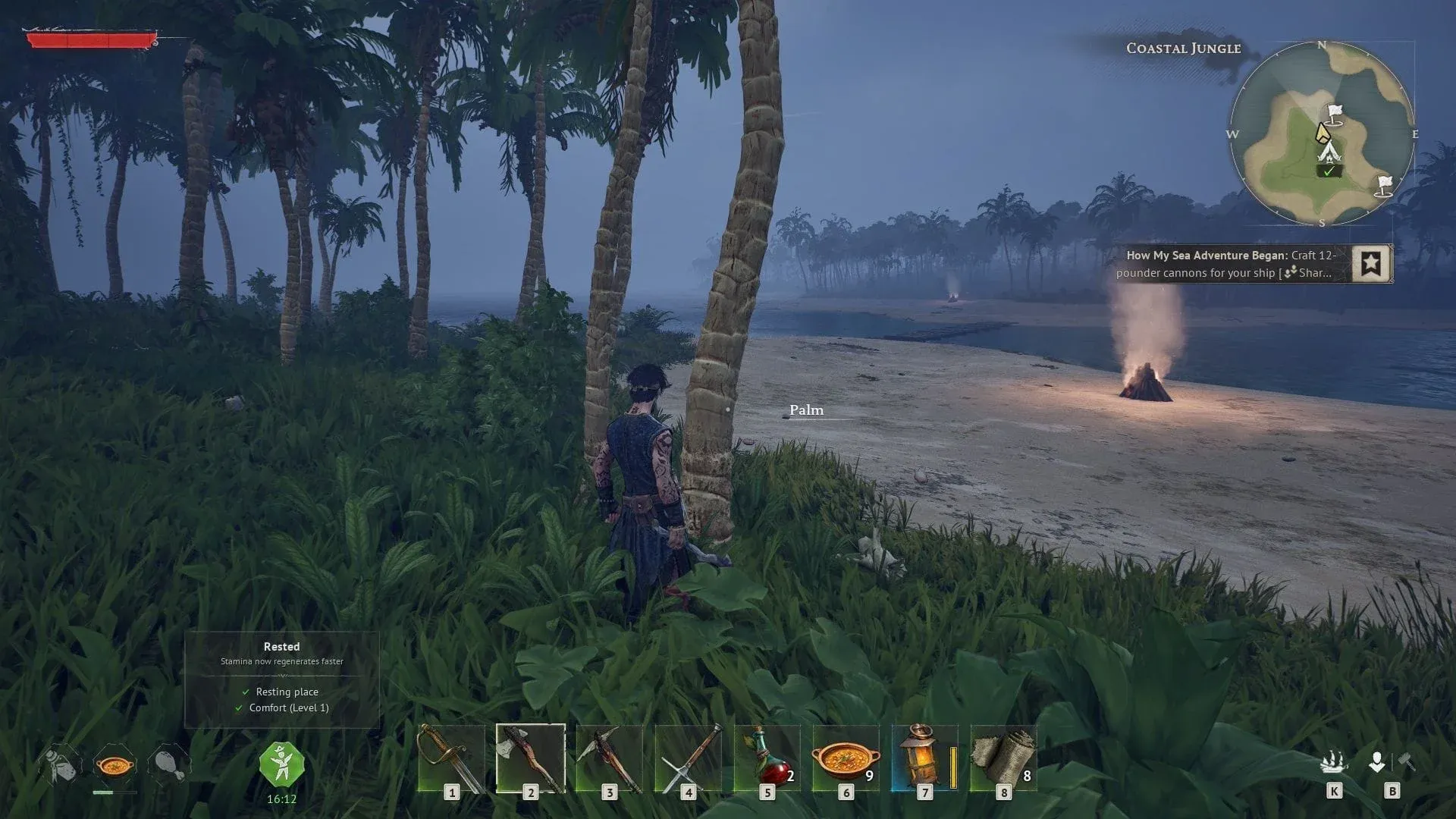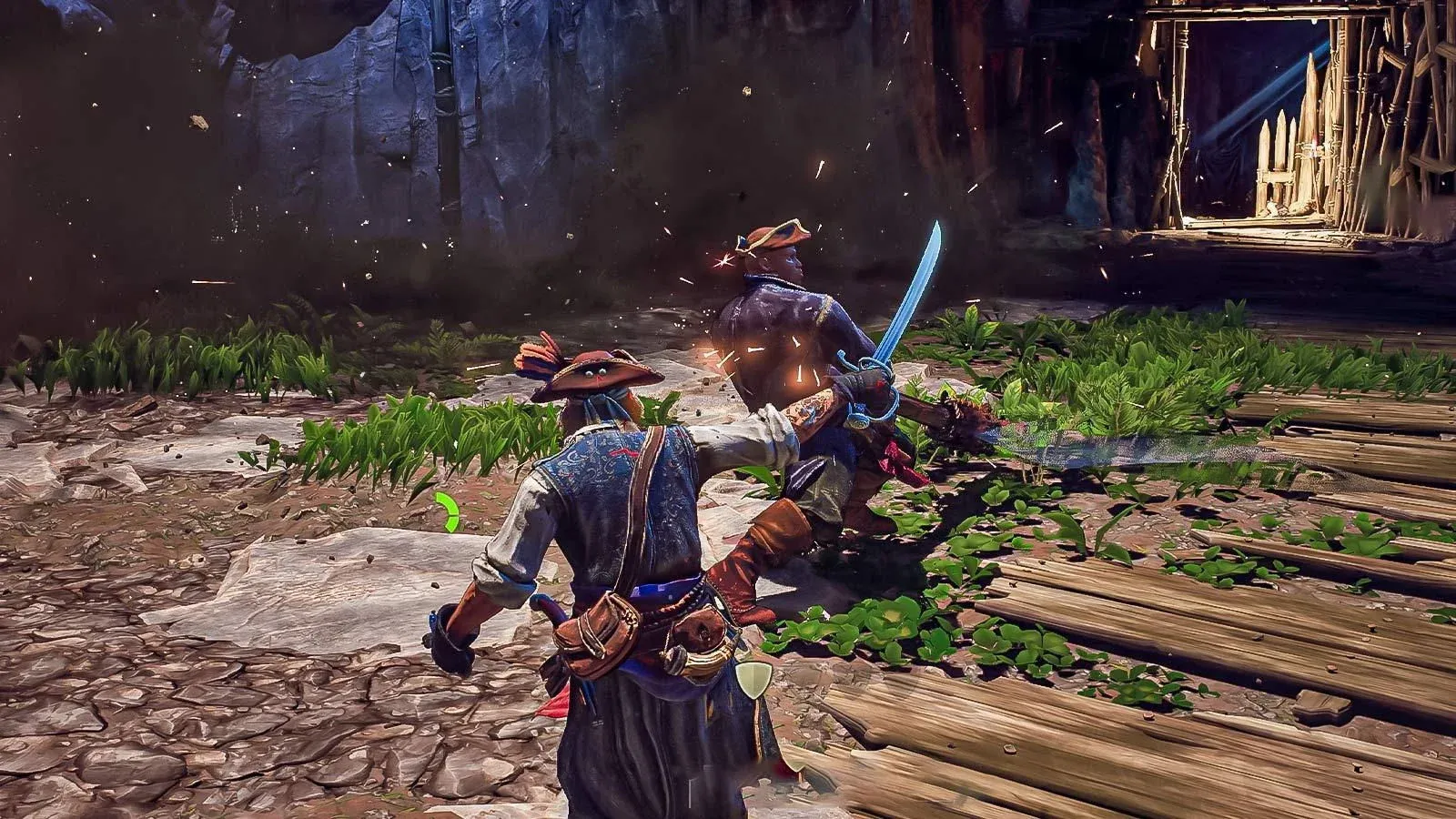

本指南將詳細介紹《Windrose》的最佳PC設定,著重於提升FPS、穩定效能和清晰的視覺效果。內容涵蓋Windows調整、NVIDIA和AMD設定,以及最有效的遊戲內選項,以簡單易懂的格式呈現。
Windows 設定
這些是基礎的調整,以確保系統不會拖慢效能。
| 設定 | 建議值 |
|---|---|
| 電源模式 | 平衡 |
| 啟動應用程式 | 停用不必要的應用程式 |
| 遊戲列 | 關閉 |
| 擷取/錄製 | 關閉 |
| 遊戲模式 | 開啟 |
| 視窗化遊戲最佳化 | 開啟 |
| 硬體加速 GPU 排程 | 開啟 |

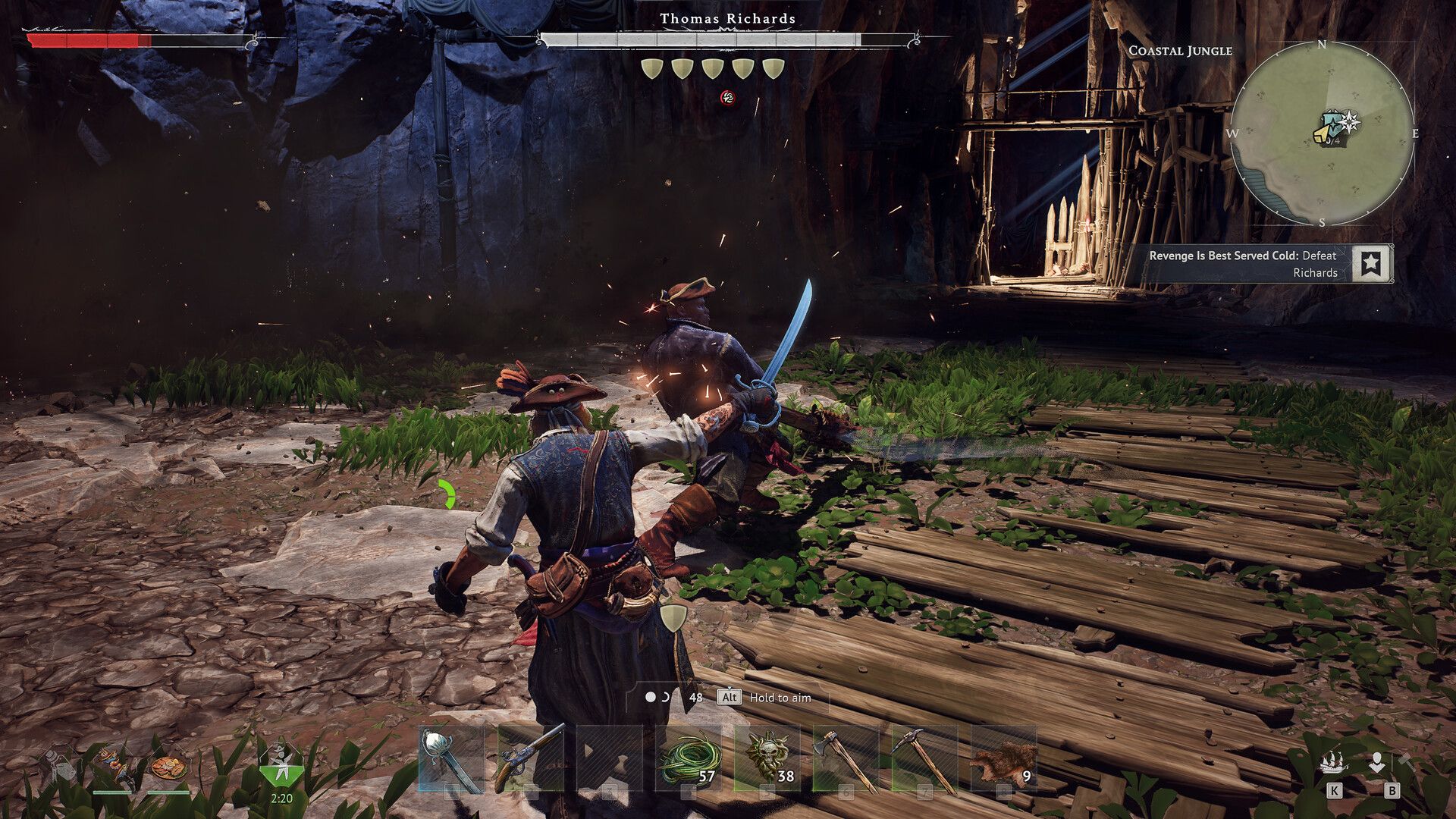
NVIDIA 設定 (RTX GPU)
套用這些設定前,請確保驅動程式已更新。
| 設定 | 建議值 |
|---|---|
| DLSS 預設 | 預設 B (幀生成),其他則為自動/建議 |
| 低延遲模式 | 開啟 |
| 最高幀率 | 刷新率 - 3 (例如 240Hz 為 237) |
| V-Sync | 開啟 (僅限驅動程式,遊戲內關閉) |
| G-Sync | 開啟 (全螢幕 + 視窗) |
| 著色器快取大小 | 10GB–100GB (若儲存空間允許) |
| 解析度 | 原生 |
| 刷新率 | 最高可用 |
| 色彩深度 | 10 位元 (若支援) |
| 數位飽和度 | 約 55 |
AMD Radeon 設定
AMD 使用者請在 Radeon Software 中進行所有設定。
| 設定 | 建議值 |
|---|---|
| GPU 選取 | 獨立 GPU |
| FSR 升級 | 啟用 |
| 幀生成 | 啟用 |
| Radeon Chill | 刷新率 - 3 (例如 170Hz 為 167) |
| 著色器快取重設 | 若出現卡頓時使用 |
| FreeSync | 啟用 |
| 刷新率 | 最高可用 |
遊戲內設定 (Windrose)
升級與 FPS
| 設定 | 建議值 |
|---|---|
| 升級器 | DLSS (RTX) / FSR (AMD) |
| DLSS 模式 | 品質 / 平衡 |
| FSR 模式 | 品質 |
| 幀生成 | 開啟 (若需要額外 FPS) |
| Reflex | 啟用 |
| V-Sync | 關閉 |
| 幀率限制 | 無限制 (由驅動程式控制上限) |
| 銳利度 | 20–30% |
圖形設定
| 設定 | 建議值 |
|---|---|
| 圖形預設 | 自訂 |
| 全域照明 | 中 |
| 陰影 | 中 |
| 反鋸齒 | 關閉 (由 DLSS/FSR 處理) |
| 視距 | 中 (若有需要可降低) |
| 材質 | 基於 VRAM (見下文) |
| 特效 | 低 |
| 反射 | 低 |
| 後處理 | 低 |
| 草叢繪製距離 | 中 |
| 著色器品質 | 高 |
材質指南 (基於 VRAM):
| VRAM | 材質設定 |
|---|---|
| 6GB+ | 史詩級 |
| 4GB | 高 |
| 3GB | 中 |
| 3GB 以下 | 低 |
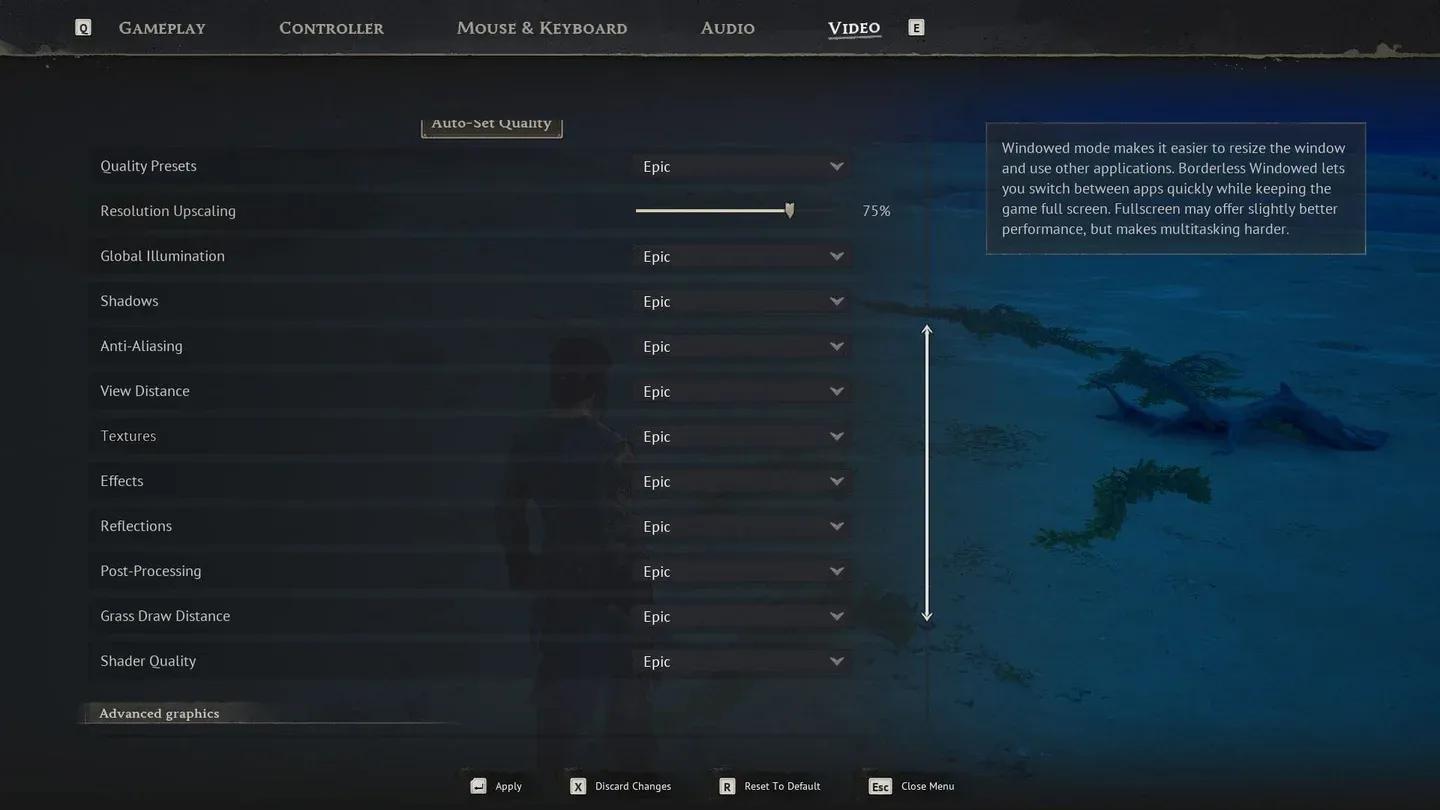
Windrose 圖形設定選單
進階設定
| 設定 | 建議值 |
|---|---|
| 動態模糊 | 關閉 |
| 鏡頭效果 | 關閉 |
| 塵埃效果 | 關閉 |
| FOV | 保持適中 (越高 FPS 越低) |
結語
這些設定在《Windrose》中提供了效能與視覺效果的絕佳平衡。大部分 FPS 的提升來自於降低反射和後處理等較吃效能的設定,而 DLSS 或 FSR 則負責處理影像品質。
對於仍在完善自己方法或尋找更多遊戲專用攻略的玩家,請瀏覽 GAMES.GG 的更多指南,以找到額外的優化和遊戲內容。