
Change Evolution by collecting matching map drops: Mecha improves weapons, while Mutation can randomly copy item effects. In Brotato Primal Dread, your chosen direction also changes the dinosaurs you fight. Weapon upgrades bring mechanical enemies with lasers and slowing oil; copied item bonuses bring mutants that spread damaging acid.
This guide covers Brotato version 1.2.0.0 with the Primal Dread DLC, released November 2, 2026. Evolution belongs to the paid DLC rather than the free Update 1.2. Further changes are planned, so check upgrade tooltips again after updates.
How do map item drops push Evolution in different directions?
Open the Evolution information during a run and check the signed value. Positive Evolution points toward Mecha, while negative Evolution points toward Mutation. Matching pickups move the stat toward the branch you want.
| Path | Pickup color | First threshold | What the threshold enables |
|---|---|---|---|
| Mecha | Blue | +3 Evolution | Mechanized weapons can appear in shops, and Mecha enemies can drop Mecha Parts |
| Mutation | Yellow-green | -3 Evolution | Mutant enemies begin dropping mutagens |
Collecting pickups for the opposite direction can delay your intended threshold. Watch the value rather than scooping up every unfamiliar drop and hoping it helps.
Reaching +3 does not automatically fill your supply of Mecha Parts. Likewise, reaching -3 does not put mutagens straight into your inventory. The threshold opens access to the relevant resources; you still need to collect them.
Which path fits your current build?
Choose Mecha when you already have weapons worth keeping. Its offered stat choices give you more control over how those weapons improve. Choose Mutation when useful item effects are doing much of the work and your build can tolerate random changes.
If you prefer casual games with more predictable upgrades, Mecha is easier to plan around. You choose an offered weapon modifier, while Mutation leaves the copied effect to chance.
Character restrictions can settle the decision before your equipment does. Droid can only evolve toward Mecha, while Variant is restricted to Mutation. Variant also triggers a mutation at the end of each wave, making item changes a recurring part of its runs.
How do you reinforce weapons with the Mecha path?
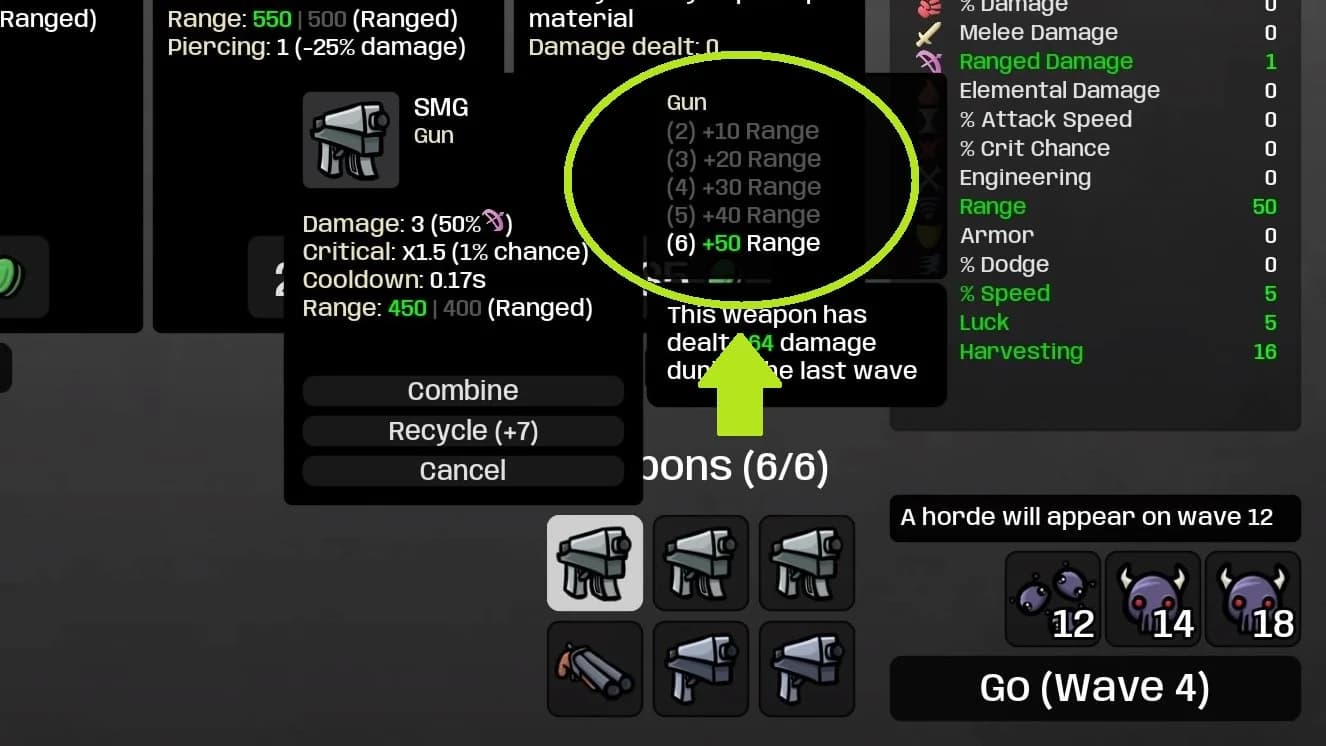
Collect Mecha Parts, then select an equipped weapon in the shop and use its Mechanize option. Mechanization adds modifiers to the weapon rather than simply increasing its rarity.
The process is straightforward:
- Choose a weapon that fits the setup you intend to keep.
- Check the Mecha Part cost displayed in the shop.
- Select the offered modifier that addresses your current weakness.
Possible bonuses include Attack Speed, Melee Damage, Crit Chance, Life Steal, Armor, and HP Regeneration. You can mechanize the same weapon repeatedly, but further upgrades become more expensive.
Choose a useful weapon modifier
Should you choose damage or defense?
An SMG II can offer +3 Speed or +1 Ranged Damage during mechanization. Ranged Damage supports the gun's attacks; Speed can be more useful when you are struggling to escape charging enemies or navigate slowing puddles.
For a Meat Tenderizer build, HP Regeneration deserves attention because the weapon scales with that stat. That makes an offered regeneration bonus relevant to both its damage scaling and your recovery.
Avoid spending Parts simply because the button is available. An upgrade on a weapon you are about to replace has less value than one on equipment that already fits your build.
What happens when you combine mechanized weapons?
Combining compatible mechanized weapons can preserve their invested Mecha Parts in the higher-tier weapon. A matching pair carrying 3 invested Parts and 1 invested Part can produce a weapon carrying 4 invested Parts.
That makes combining different from abandoning an unwanted weapon. Check the resulting weapon's modifiers and next mechanization cost before spending more Parts, especially after several upgrades.
How do you get more Mecha parts by dismantling weapons?
Enemy drops are one source of Mecha Parts. Dismantling mechanized weapons in the shop gives you another, including weapons that do not suit your current attack setup.
Treat a shop weapon as two separate offers: equipment you might keep and Parts you might recover. A mechanized Cestus II may be unsuitable for your current weapons but still provide a useful Part through dismantling.
Read the transaction carefully. For example, a Cestus II dismantle offer can trade 30 Materials for 1 Mecha Part. The useful question is whether that Part improves an equipped weapon enough to justify the Materials.
How does Mutation randomly copy your items?
Mutation can copy existing item effects, allowing their benefits to stack. Unlike Mecha's offered weapon modifiers, the result is random. You are giving up control over the exact upgrade in exchange for additional item-based scaling.
Reach -3 Evolution or lower so mutant enemies begin dropping mutagens. Mutation effects can copy benefits, transform items, or replace them with higher-rarity mutated versions.
A copied Harvesting effect can help your economy. Copied projectile effects or damage bonuses can strengthen an offensive setup. These are reasons to favor Mutation when you already own useful passives, rather than expecting every mutation to fix a weak build.
Why can a mutation make your build worse?
A higher-rarity replacement can still remove an effect your build needed. If an item was responsible for income, healing, or another important passive, changing it may leave a gap that extra stats do not replace.
After a mutation, inspect your item list before buying more support for the old setup. Check which effects survived and make your next purchase around what your build currently does.
What changes when enemies become Mecha dinosaurs?
Mecha Evolution brings mechanical dinosaurs with new attacks, including lasers and blue oil puddles that reduce your movement speed. The equipment bonuses come with a more demanding battlefield.
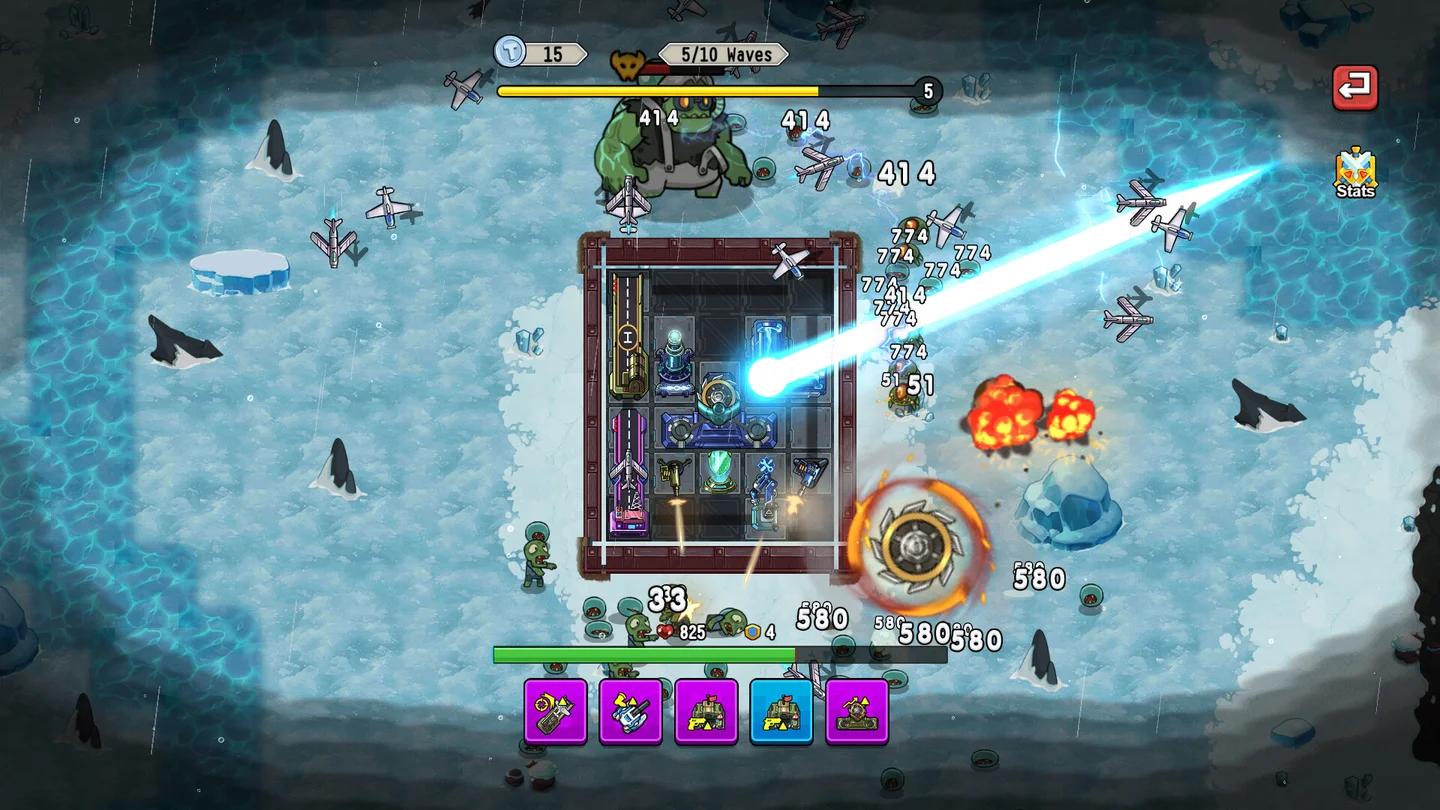
Laser attacks have visible warnings, giving you a chance to move out of their firing paths. Watch those warnings while keeping track of the oil around you. A route that looks open can become dangerous if crossing it slows your escape from another attack.
Watch the laser firing paths
For Mecha runs, prioritize movement routes that leave room to respond to the laser warnings. Oil matters because it makes that response slower, especially when charging dinosaurs are also closing in.
What hazards do Mutant dinosaurs create?
Mutant dinosaurs spread acid, which damages you on contact. They also introduce aggressive attacks, including fast charges and wider projectile spreads, so the danger is more than the puddles alone.
Keep enough room to maneuver around acid rather than allowing it to block your escape from a charge. During crowded waves, watch the ground as well as the enemies approaching you.
Plastic Boots are worth considering on either branch because they protect against ground hazards, including Mecha oil and Mutant acid. They are especially useful when puddles, rather than a lack of damage, are making your run difficult.
Common mistakes
- Confusing Evolution with upgrade currency. A +3 Evolution value unlocks Mecha opportunities, but it does not guarantee you have Parts available to spend.
- Collecting opposite-direction drops without checking the meter. Those pickups can delay the Mecha or Mutation threshold you wanted.
- Reinforcing temporary weapons too heavily. Repeated mechanization gets more expensive, so check that the weapon fits your intended setup.
- Assuming every mutated replacement helps. Higher rarity does not guarantee that the new effect supports your economy or survival.
Pro tips
Give your next Mecha upgrade a specific job
Before opening Mechanize, decide what needs fixing: damage, recovery, or movement. The SMG II's +3 Speed versus +1 Ranged Damage choice shows why the best modifier depends on the problem you are facing, not just the weapon's attack type.
Audit Mutation builds between waves
Variant's automatic end-of-wave mutation makes regular item checks particularly useful. If an important passive disappears, adjust your next purchase before spending Materials on an interaction that no longer exists.
Check your equipment before the final Jungle waves
The Jungle has 20 waves. Before the final waves, inspect your weapon modifiers, remaining Parts, and active item effects. Spend on a weakness you can identify instead of pursuing another Evolution upgrade simply because it is available.
Frequently asked questions
Do you need Primal Dread to use Evolution?
Yes. Evolution is part of the paid Primal Dread DLC, not the free Update 1.2.
Why do you have positive Evolution but no Mecha Parts?
Evolution and Mecha Parts are separate values. After reaching +3, collect Parts from mechanized enemies or recover them by dismantling mechanized weapons in the shop.
Is Mutation the same as the Mutation shop item?
No. The Primal Dread Evolution path is separate from the base-game item named Mutation. The Evolution path changes item effects and introduces mutant enemies.
For help planning another Primal Dread run, browse the Brotato strategy guide collection.