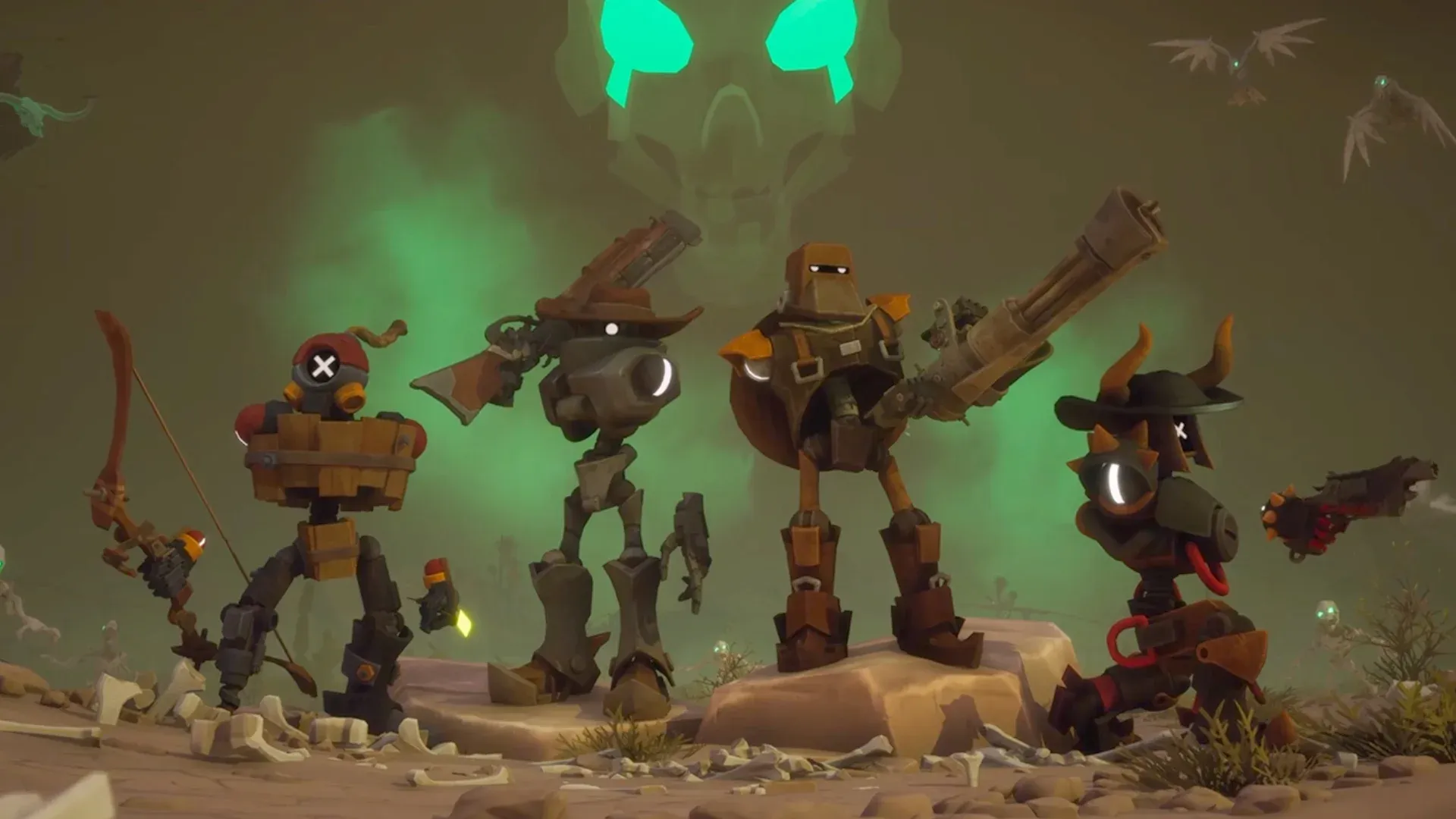


Far Far West launched on Steam Early Access on April 28, 2026, and it runs on more devices than you might expect. The game is a 1-to-4 player co-op shooter where robot cowboys take on bounty contracts in a supernatural Wild West, mixing six-shooters and elemental magic against undead hordes and screen-filling bosses. Whether you're running it on a gaming PC, a handheld like the ROG Ally, or streaming it to your phone, getting the settings right makes a real difference in how the game feels.
What kind of game is Far Far West?
Developed by Evil Raptor and published by Fireshine Games, Far Far West is an Action/Adventure co-op shooter currently in Early Access on Steam. You pick up bounty jobs from the Town Sheriff, ride out on robot horses through cursed deserts, haunted mines, and ghost towns, then fight through enemy waves and massive bosses before catching a train back to safety. Combat mixes six-shooters and rifles with elemental magic, so you're swapping between gunfire and fireballs mid-fight. The game supports both single-player and online co-op for up to 4 players.
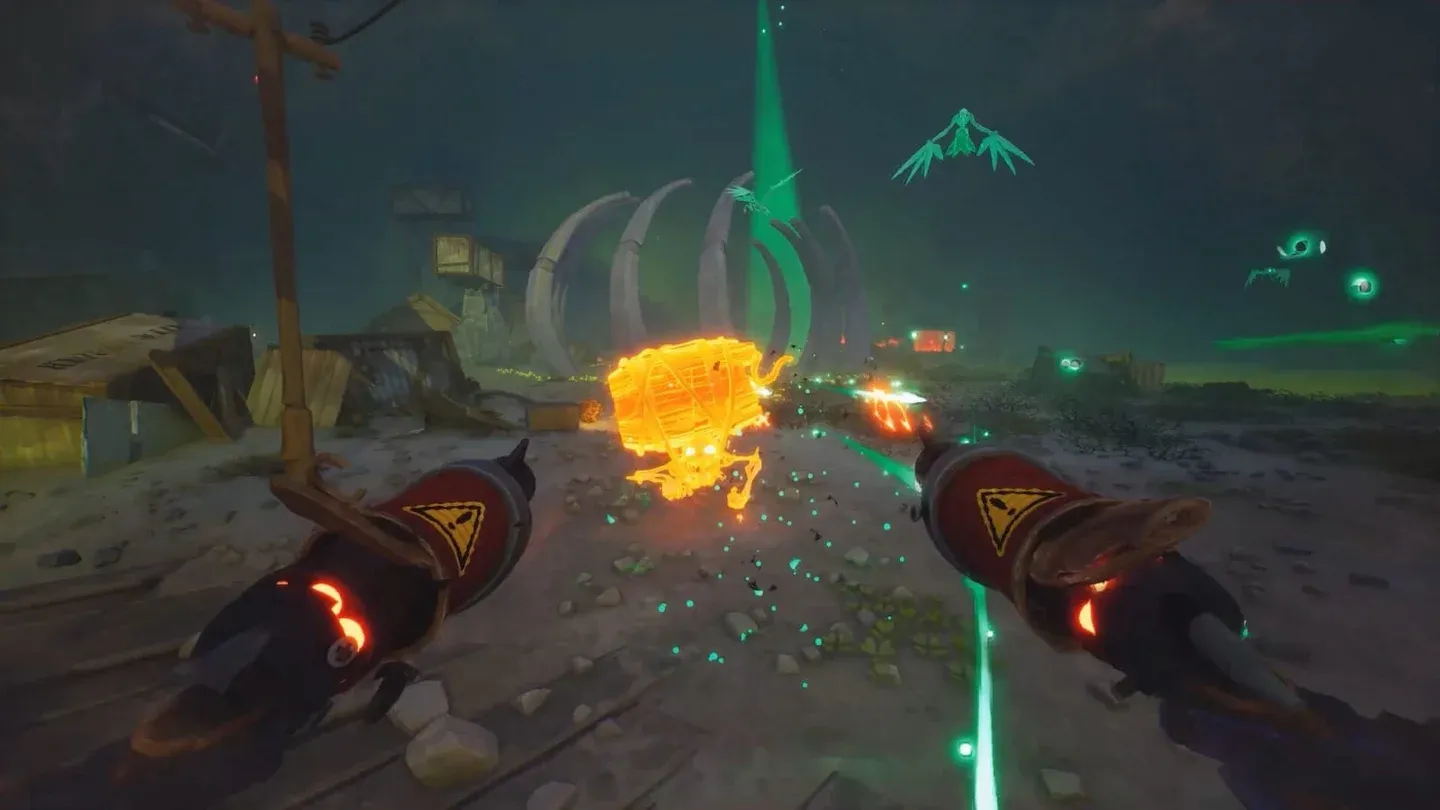
Bounty contract selection screen
Best settings for the ROG Ally and ROG Ally X
Far Far West holds steady on the ROG Ally at 1080p. After testing the game at launch, the performance breaks down like this:
- At 25W TDP, expect 50 to 60 FPS at 1080p
- Dial back to 18W TDP and you'll still get 40+ FPS at 1080p, which works fine for a co-op shooter where frame-perfect timing isn't make-or-break
To adjust TDP, open Armoury Crate, tap Settings, select Operating Mode, then switch to Manual Mode. From the Command Center, push the TDP slider to your target wattage. For VRAM, set it to 8GB or above through the ROG Ally VRAM settings.
Graphics settings: 25/30W profile (1080p)
These settings deliver stable performance at 25W or 30W on the ROG Ally at 1080p:
The 18W profile uses the exact same settings. The difference is in TDP, not in the graphics configuration itself.
Why AMD FSR on Performance?
AMD FSR set to Performance mode is doing a lot of work here. At 1080p on the ROG Ally's display, the upscaling artifacts are minimal, and the frame rate gains are significant enough to justify it. Frame Generation stays off because the ROG Ally's hardware doesn't benefit from it the way a desktop GPU would, and the added latency hurts a fast-paced shooter more than it helps.
How to play Far Far West on mobile (iOS and Android)
There is currently no native mobile version of Far Far West. The game has no official Android or iOS release date announced as of April 2026. The only way to play it on a phone or tablet right now is through remote desktop streaming.
The setup is straightforward: your PC runs the full game, and your mobile device becomes the screen and controller. StarDesk is a free remote gaming tool that supports iOS, Android, Mac, and Windows, with streaming up to 4K and 144 FPS on supported hardware and networks.
How to set it up in three steps
- Install Far Far West on your host PC and make sure Steam launches normally
- Download StarDesk on both your PC and your mobile device, then sign in to the same account on both
- Open StarDesk on your phone or tablet, connect to your PC, and launch Far Far West from the desktop remotely
Your phone doesn't store the game. Your PC handles all the processing, saves, and Steam updates. The phone just displays and controls.
What are the best mobile settings for Far Far West?
For phone play, start with these settings:
- Landscape mode
- Start at 1080p and 60 FPS streaming quality
- Drop resolution if your network is unstable
- Use a Bluetooth controller for combat-heavy sessions
- Keep action buttons (fire, aim, jump, reload, interact, spells) near your thumbs
For tablet play, bump streaming to 1080p or higher if your Wi-Fi is strong. The larger screen makes a genuine difference for spotting enemies, managing upgrades, and reading mission objectives. A controller paired via Bluetooth is still the recommended input method for co-op missions.
Key mapping for touch controls
If you prefer touch over a controller, StarDesk's Key Mapping editor lets you place custom buttons anywhere on screen. The most useful bindings for Far Far West are:
- W / A / S / D for movement
- Left mouse button for shooting
- Right mouse button for aiming or alternate fire
- R for reload
- E for interact
- Space for jump
- Shift for sprint or dash
- Number keys for spells and abilities
- Tab for mission or inventory panels
- Esc for menus
To access the editor: connect to your PC in StarDesk, tap Panel, enable Key Mapping, then tap KeysEdit. Check for an official preset under Switch Control Scheme → Official Plan before building your own layout from scratch.
Performance comparison: ROG Ally vs. mobile streaming
For more guides covering the latest releases and optimization tips, browse more guides at GAMES.GG to find setups for other titles in your library.