
The Jam Track Player is one of those Fortnite features that most players completely forget exists, until a weekly quest puts it front and center. If you're working through the Chapter 7 Season 2 Week 1 challenge list and scratching your head at this particular task, you're in the right place. This guide walks you through exactly what the Jam Track Player is, how to activate it, and why Epic Games keeps nudging players to use it.
What Is the Jam Track Player in Fortnite?
The Jam Track Player functions as a built-in jukebox inside Fortnite Battle Royale. Once activated, it plays music directly over the game's audio, letting you customize your in-match soundtrack with tracks you own. Beyond solo listening, the feature also supports group sessions where multiple players can pick up virtual instruments and jam along together.
It's a social and cosmetic feature at heart, not a competitive tool. In fact, using it during a serious match is arguably counterproductive since you need to hear footsteps, chest pings, and incoming storm warnings. Still, it's a fun novelty, and Epic clearly wants more players to discover it by tying it to a weekly quest.
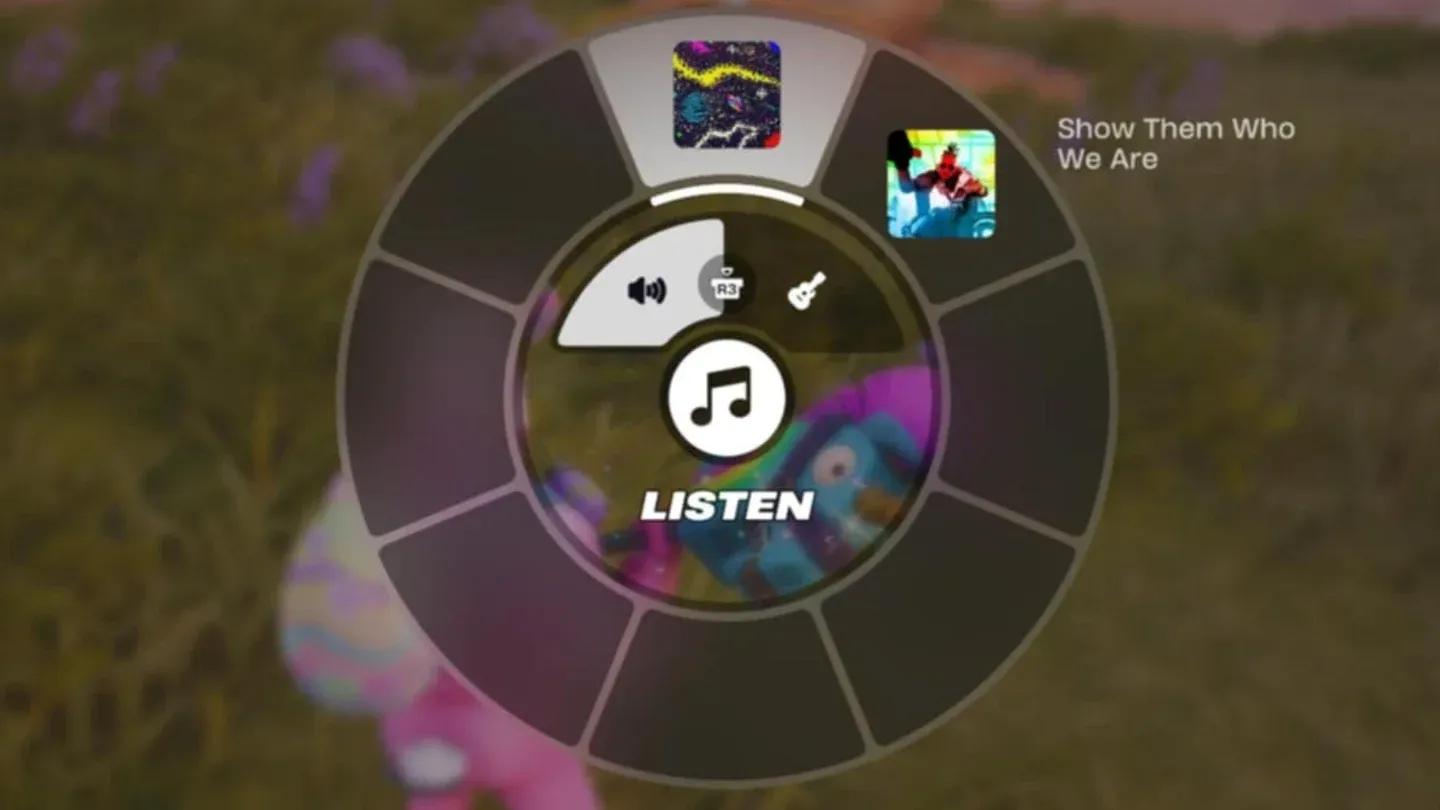
Jam Track Player menu overlay

How to Use the Jam Track Player in Fortnite
Completing the Use the Jam Track Player quest is genuinely one of the fastest tasks on the Week 1 list. Here's the exact process:
- Load into a standard game of Fortnite Battle Royale.
- Ride the Battle Bus and wait until you're able to jump out.
- Drop onto the map and land anywhere you feel comfortable.
- Hold down on the D-Pad (controller) or press B (default keyboard keybind) to open the in-game pop-up radial menu.
- Press R1 on PlayStation, RB on Xbox, or the equivalent button on your platform to scroll the menu tabs across to Jam Tracks.
- Highlight any Jam Track you own from the list.
- Release the menu button to begin playing the selected song automatically.
- A quest completion notification will appear on screen once the track starts, confirming you've finished the Use the Jam Track Player challenge.
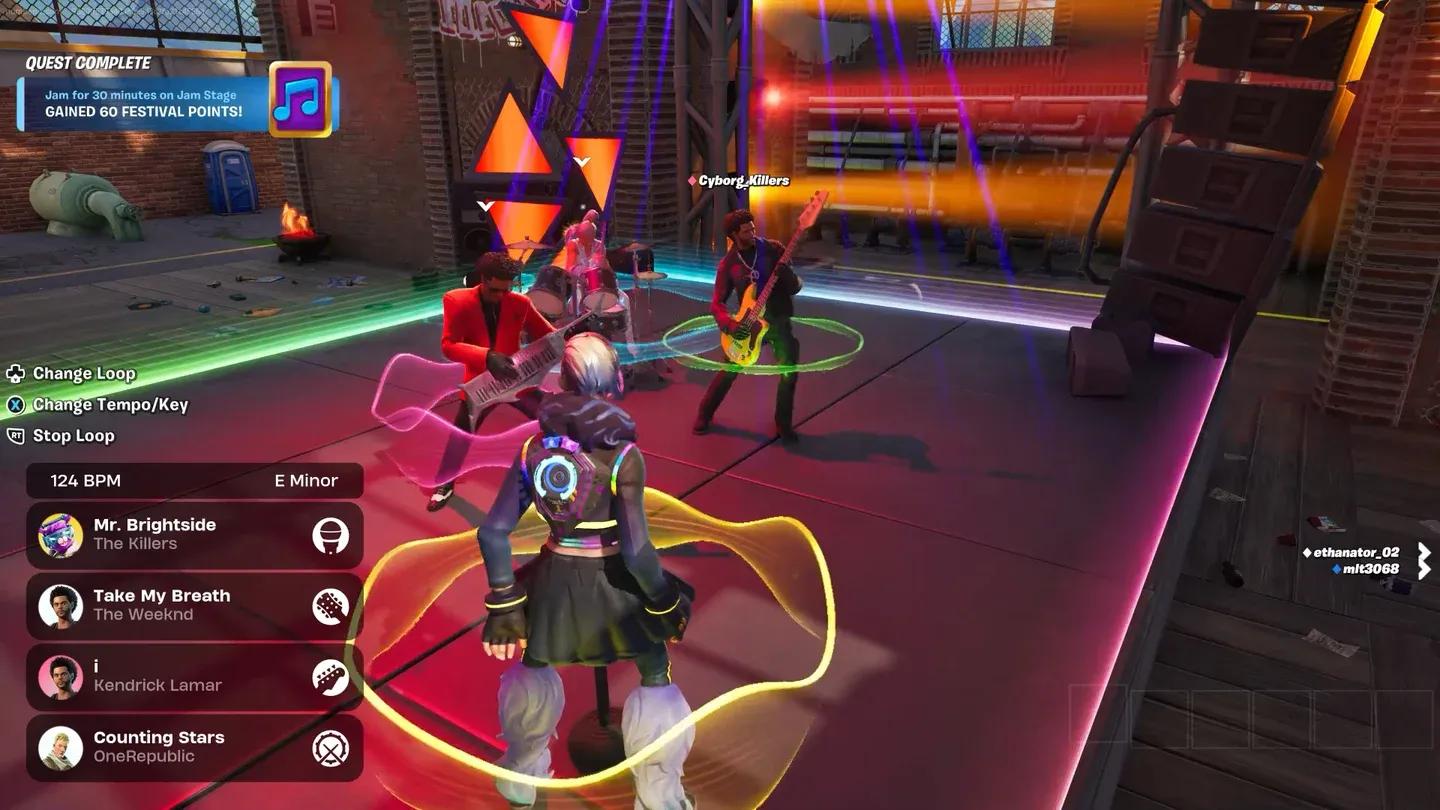
Multiplayer jam session in Fortnite
Is the Jam Track Player Worth Using Beyond the Quest?
Honestly, for competitive play, no. Audio awareness is critical in Battle Royale and muting the game's natural soundscape with music creates a real disadvantage. You won't hear enemy footsteps approaching, chest audio cues, or incoming vehicles.
That said, for casual sessions with friends, the feature adds a fun layer of personality. If you're playing a relaxed game and want to set a mood, firing up a track you enjoy is a harmless bit of fun. The multiplayer jam session element, where squadmates can join in with instruments, is genuinely entertaining in the right context.
For players who want to stay on top of every new challenge, tip, and Fortnite update as the season unfolds, browse the latest gaming guides to keep your quest completion rate high all season long.