
Send Money to Lorena asks you to pay $5,000 from your checking account using the phone, with no travel needed.
How to Complete Send Money to Lorena
To finish Send Money to Lorena in Grand Theft Auto 6, open the BuckMe app on your phone and send $5,000 from your checking account to Lorena. It is a Chapter 3 mission with a single objective, and you can complete it from anywhere.

How the Mission Starts
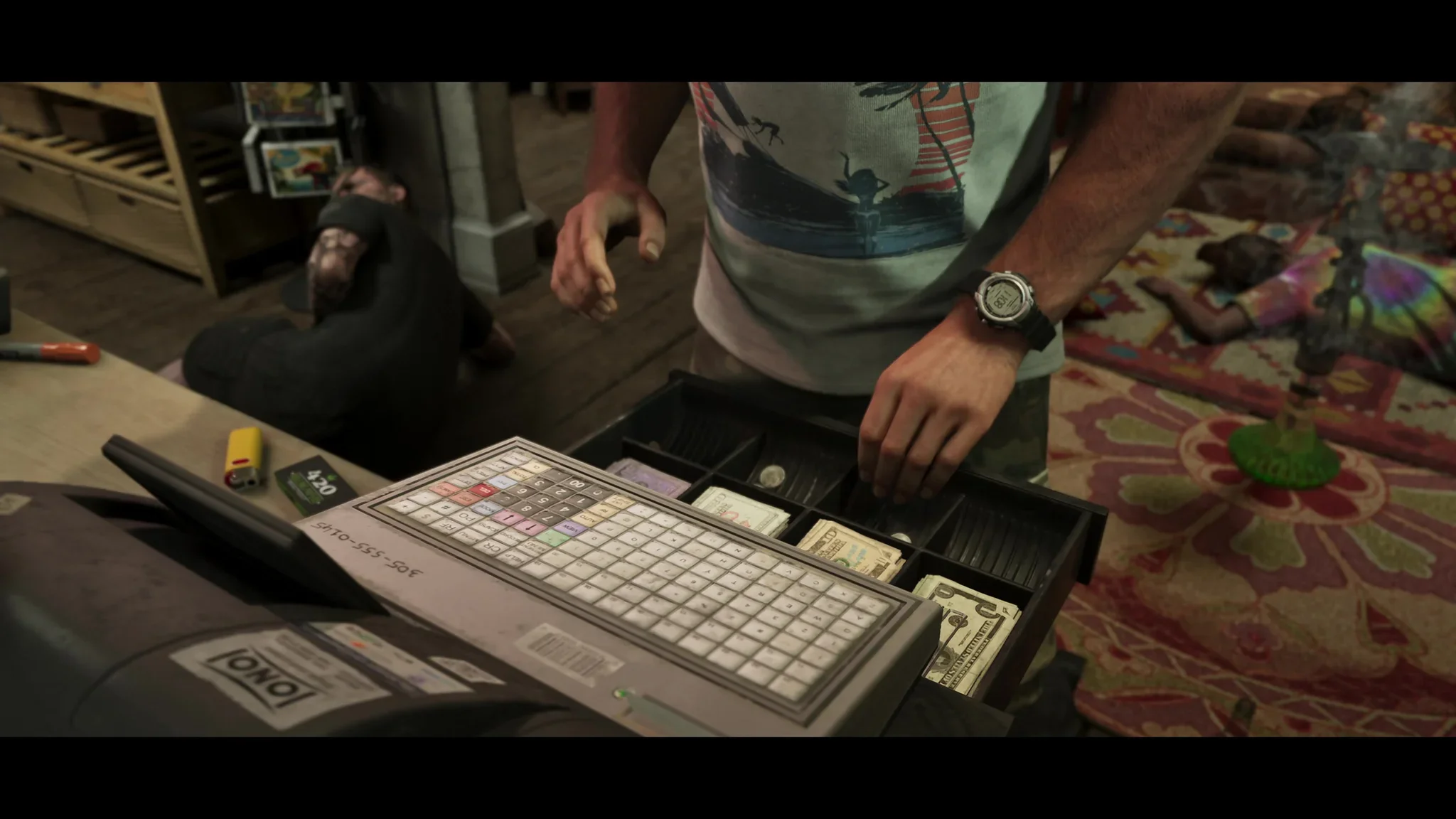
The mission appears in Chapter 3, after Mami Knows Best. There is no map marker and no place to drive to, so you do not need to travel.
Where to Track the Objective
If you want to track the mission, open the map and check the main objectives under the Story tab.
Send Money to Lorena Steps
- Open your phone. The payment is made through an app, not in person.
- Open BuckMe. This is the same banking app you set up in our BuckMe mission guide.
- Send $5,000 to Lorena. The money comes out of your checking account.
- Confirm the payment. The mission ends once the $5,000 goes through.
Reward and Cost
Send Money to Lorena has no reward. The only effect is that $5,000 leaves your checking account.
| Outcome | Details |
|---|---|
| Cost | $5,000 from your checking account |
| Reward | None |
New to the phone menus? Our phone guide explains the apps, and the missions list shows where this mission sits in the story.