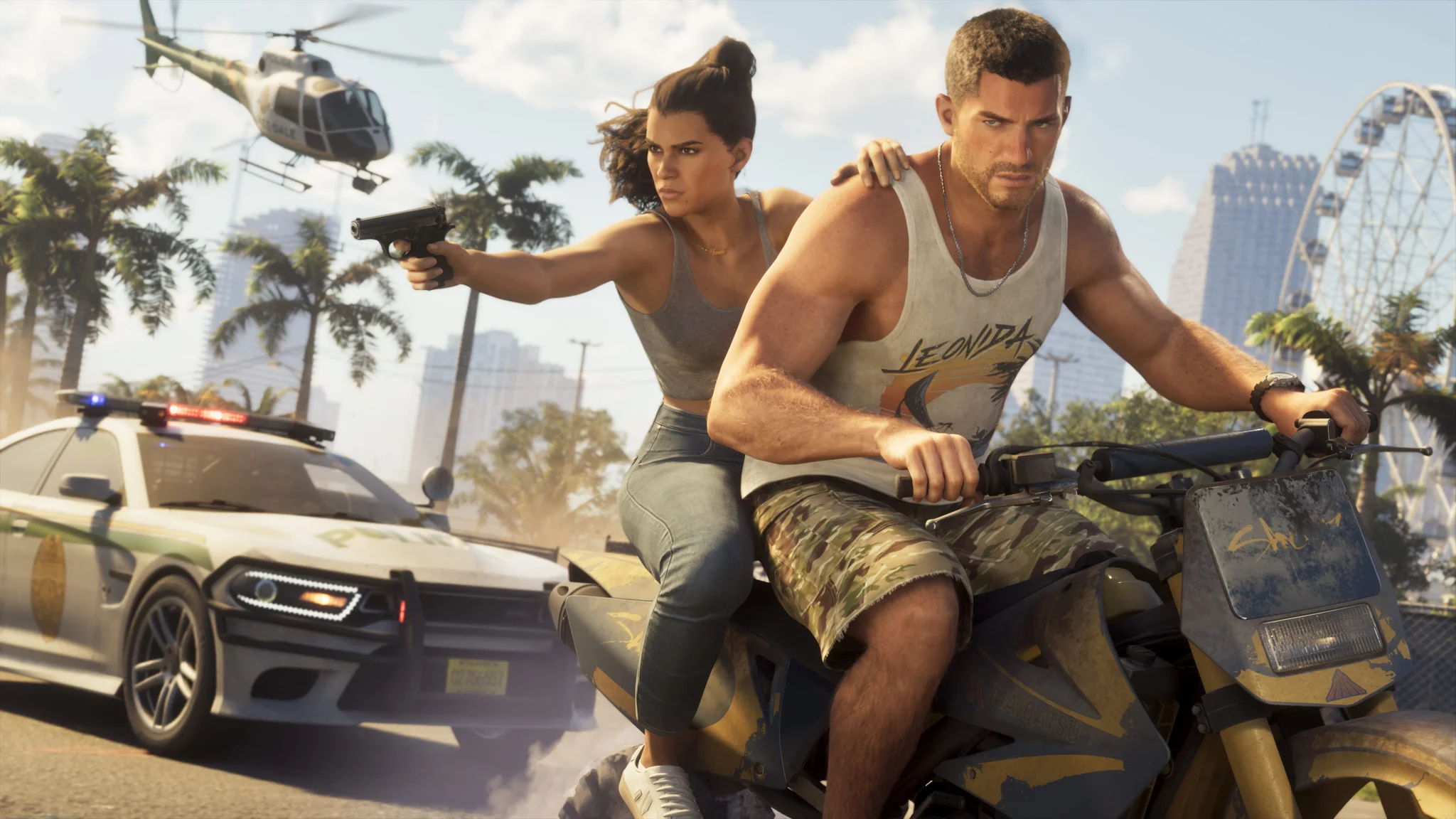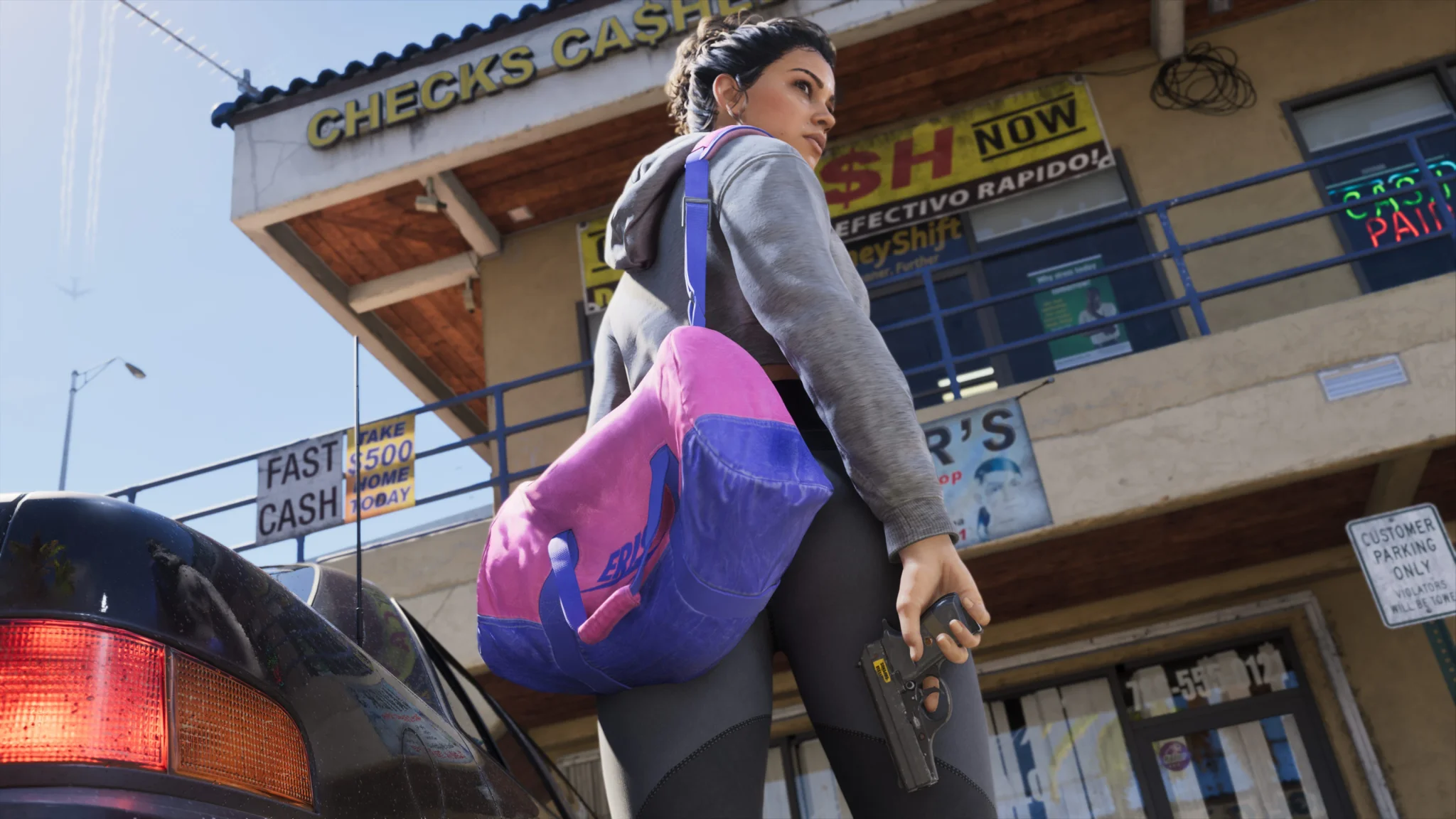

This GTA 6 launch day guide helps you prepare your console for the upcoming release. Follow this plan to complete the preload, clear necessary storage, and secure your controller early.
As of November 16, 2026, the game is not out yet, but you can download it ahead of release. Handle installation first, especially on a slower connection. Choosing an edition takes minutes; clearing storage and retrieving the game can take much longer. This checklist covers the release schedule, purchase options, console setup, and download problems to address before your first session.
When can you start playing?
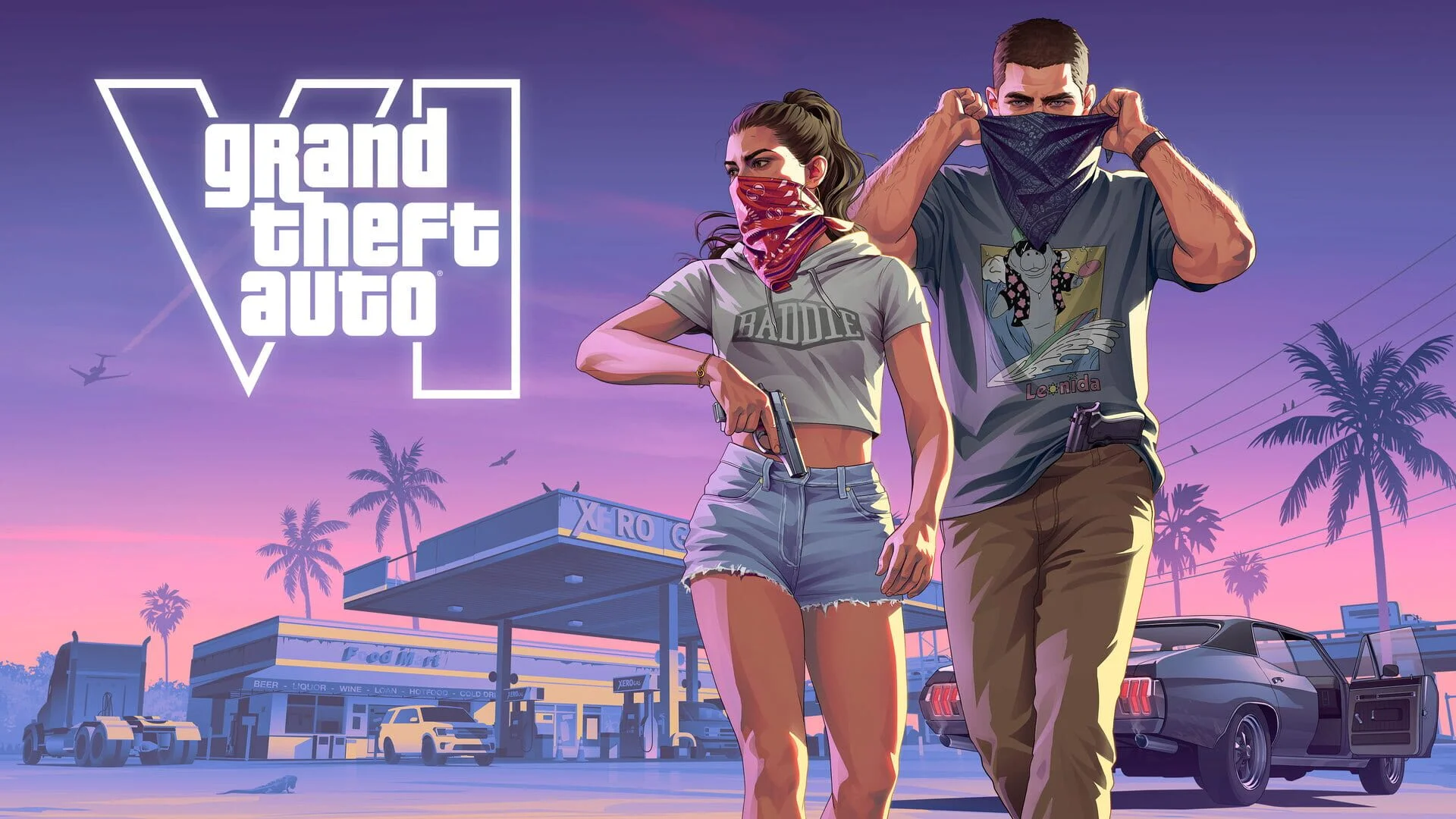
Grand Theft Auto 6 releases on November 19, 2026, at midnight local time on PlayStation 5 and Xbox Series X|S. PS5 Pro is supported too.
Rockstar Games has not announced a PC release date. For a native launch-day installation, you need one of the supported consoles.
The staggered Grand Theft Auto 6 launch times and New Zealand unlock follow the calendar around the world. New Zealand reaches release day first, but its opening hour is not a simultaneous worldwide start time. Use your region’s schedule when planning when to sit down and play.

Which edition should you buy?
Choose Standard Edition if you want the full game without paying for additional content. Ultimate Edition is an upgrade for its extras, not a requirement for playing on launch day.
| Edition | USD price | Included content |
|---|---|---|
| Standard Edition | $79.99 | The full game |
| Ultimate Edition | $99.99 | The full game plus extras, including vehicle mod shops, exclusive vehicles, and personalized weapon variants |
The upgrade costs $20. Buy it if you specifically want those additions; buying Standard keeps the cost down without removing the main game.
Both editions include the Vintage Vice City Pack and one month of GTA+ when preordered. Match your Grand Theft Auto 6 pre-order to the console you intend to use before completing checkout.
How much storage should you clear?
Rockstar Games lists a preload requirement of up to 212GB, depending on the device. Check the requirement displayed on your console before removing games, and allow room for the separate 1GB pre-release update too.
On PS5, open Settings > Storage to check available capacity. Use the free-space figure shown there, not the drive size printed on the console’s packaging: system files already occupy part of the drive.
How much of your drive could the preload use?
The comparison below uses approximate usable storage and the maximum preload requirement. Actual space used can differ by device.
| Console model | Approximate usable storage | Approximate share used at maximum preload size |
|---|---|---|
| Original 512GB Xbox Series S | 364GB | 58% |
| Original PS5 | 667GB | 32% |
| Xbox Series X | 802GB | 26% |
| 1TB PS5 Slim | 848GB | 25% |
| 2TB PS5 Pro | 1.89TB | 11% |
The original Xbox Series S needs the most attention because the maximum-size preload takes more than half its usable internal storage. Review installed games before starting the download, particularly anything you have finished and do not plan to revisit soon.
Should you expand storage or remove games?
Remove games you no longer need if you want to avoid buying hardware. If keeping your existing installations is the priority, PS5 supports compatible M.2 NVMe SSDs, while Xbox Series X|S supports dedicated Storage Expansion Cards that can run current-generation games directly.
Choose expansion hardware designed for your console. A drive’s advertised capacity alone does not establish whether it is the right option for running installed games.
How to set up the preload
Preloading is already available on both console families. Automatic downloading needs the correct settings and power state, so check the installation itself before assuming your console has handled it.
PlayStation 5 checklist
U.S. PS5 preloading opened at midnight local time on November 10. Follow these steps:
- Confirm that your pre-order completed successfully.
- Update the PS5 system software.
- Enable automatic downloads.
- Keep the console connected to the internet and either switched on or in Rest Mode.
Open Game Library to check whether the preload has started. A successful purchase and a running download are separate checks.
PlayStation 5 game collection
Xbox Series X|S checklist
Xbox preloading opened on November 9 at 7 p.m. ET (4 p.m. PT).
Enable automatic updates, then leave the console switched on or in Sleep mode for automatic preloading. Check its power settings before leaving it to download in the background.
Check download progress before leaving the console unattended for the night. Catching an installation error early leaves more time to resolve it before release.
How long should you allow for the download?
These estimates assume the maximum-size preload and a connection that continuously maintains the listed speed. They are theoretical download times, not promises of when installation will finish.
| Sustained connection speed | Approximate theoretical download time |
|---|---|
| 25 Mbps | 18 hours 51 minutes |
| 50 Mbps | 9 hours 25 minutes |
| 100 Mbps | 4 hours 43 minutes |
| 300 Mbps | 1 hour 34 minutes |
| 500 Mbps | 57 minutes |
| 1,000 Mbps | 28 minutes |
Wi-Fi performance, network congestion, server throughput, and other overhead can make the real download take longer. Your broadband plan’s advertised speed is not necessarily the speed your console will maintain.
On slower connections, start the preload now instead of leaving it until the evening before release. If other people need the connection during the day, schedule the bulk of the download overnight.
What to do if the preload stalls
Check the two basic requirements before restarting anything: the console needs a working internet connection and enough available storage.
- Check that the console is connected to the internet.
- Recheck available storage against the installation requirement.
- Restart the download if necessary after addressing either problem.
If the error continues, use the PlayStation or Xbox download and installation troubleshooting guidance for your console. Note any error message so you can follow the relevant troubleshooting steps.
Get your controller and first session ready
Check the analog sticks and shoulder buttons for drift or sticking before release. Keep a charging cable or spare battery pack nearby, especially if your controller’s current battery no longer lasts through a normal session.
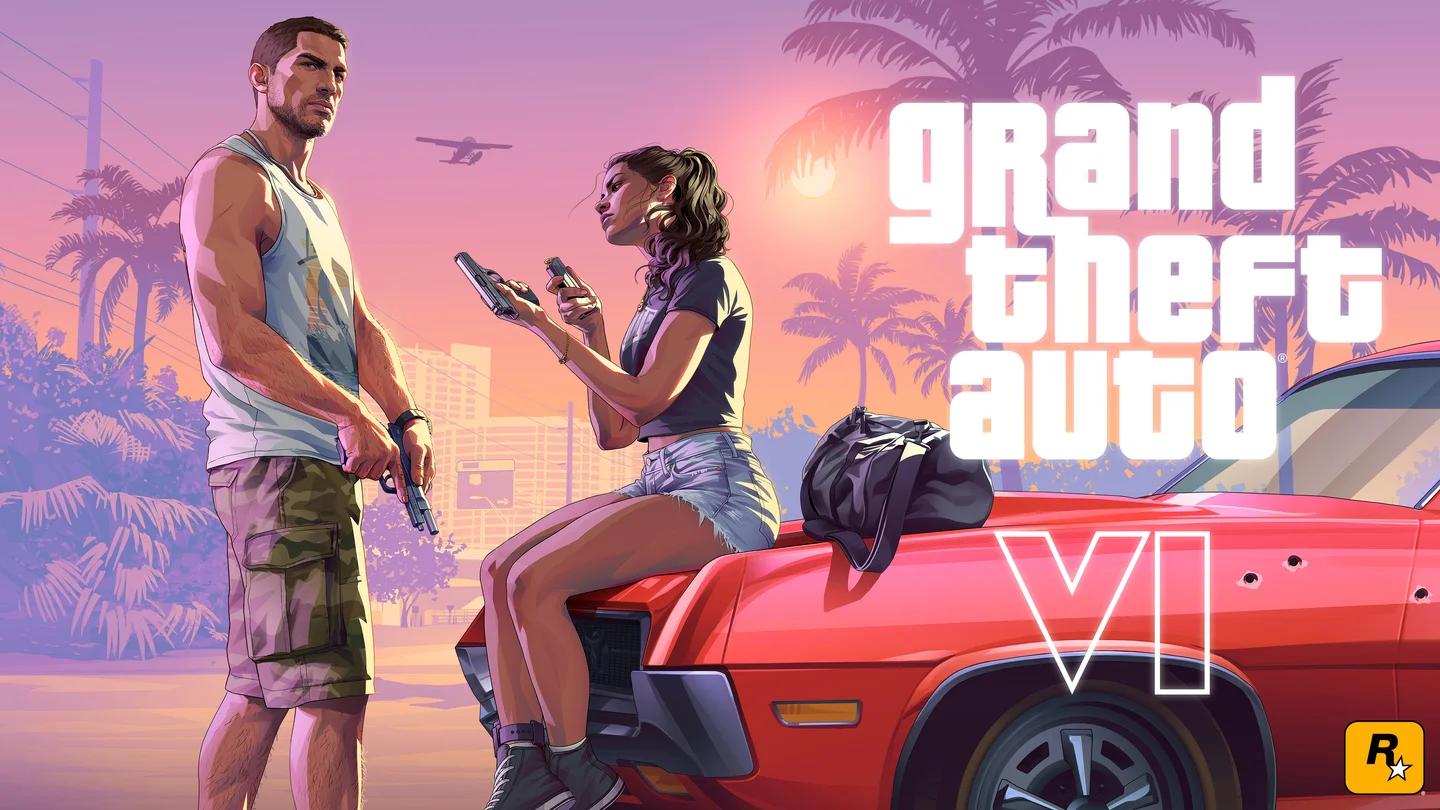
Grand Theft Auto 6’s revealed locations include Vice City, the setting for Jason and Lucia’s self-contained story. You do not need to finish Grand Theft Auto 5 before starting.
Plan for a solo story session: Grand Theft Auto 6 is a stand-alone single-player game, and GTA Online is a separate experience.