Yes, you can game share GTA 6 on PS5 and Xbox Series X|S, through Console Sharing and Offline Play on PS5 or a home Xbox, on one console per account. Everyone who signs in on that console can play your copy on their own profile, and you can still play it anywhere else by signing in as yourself. I’m pre-loading on a PS5 I bought for it, so the PlayStation rules are the ones that matter most to me.
Key takeaways
- On PS5, turn on Console Sharing and Offline Play, and anyone on that console can play your copy of GTA 6.
- On Xbox Series X|S, make the console your home Xbox to share GTA 6 with everyone who signs in on it.
- Boxed copies are a download code, not a disc, so they share the same way as a digital copy.

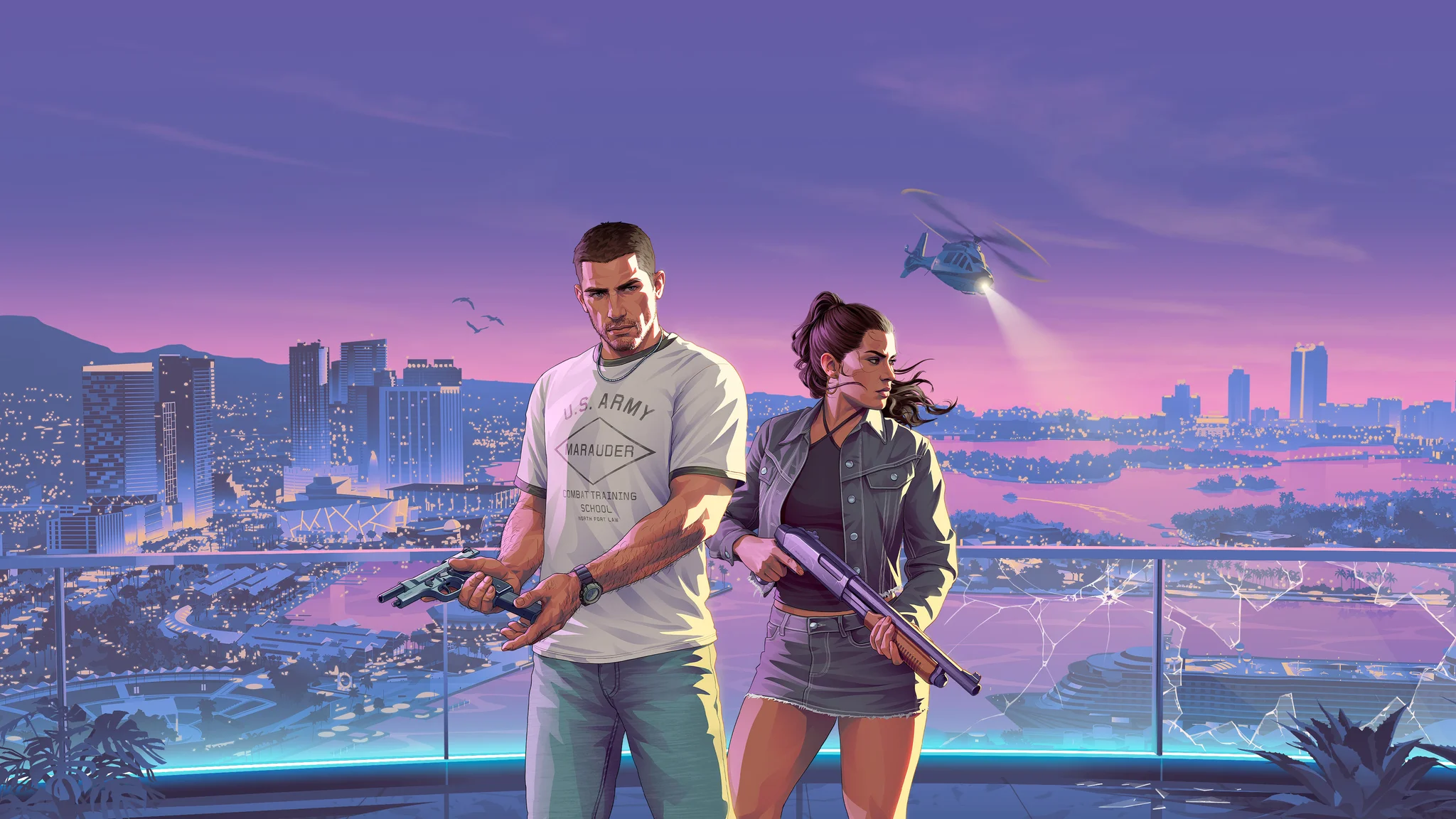
Can you game share GTA 6 on PS5?
Yes. GTA 6’s PlayStation Store listing says you can play it “on the main PS5 console associated with your account” through Console Sharing and Offline Play. You can also play it “on any other PS5 consoles when you login with your same account”.
That is the whole game share. On the PS5 where the setting is on, anyone can play your games on their own profile, even offline. On every other PS5, you sign in as yourself to play.
The catch is the number. Sony lets you turn the setting on for one PS5 at a time, and moving it to a new console means turning it off on the old one first. Sony’s FAQ on sharing PlayStation Plus with a friend on another console answers “No”. Your games and PS Plus benefits only go to the accounts on that one console.
How do you game share GTA 6 on PS5?
You turn on Console Sharing and Offline Play on the PS5 where other people will play, signed in as the account that bought GTA 6:
- Sign in with the account that owns GTA 6.
- Go to Settings, then Users and Accounts, then Other, then Console Sharing and Offline Play.
- Select Enable.
It’s switched on automatically on the first PS5 you signed in to PlayStation with, so on your own console you may not need to do anything.
GTA 6 is single-player, and its store page lists offline play, so a shared copy doesn’t lean on PS Plus the way online games do. Online multiplayer is the PS Plus benefit Sony shares on that console, and GTA 6 doesn’t have any at launch.
If you want it ready for launch, do it early. Digital pre-load opened on 10 November, and GTA 6 unlocks at midnight local time on 19 November. I would 100% pre-load, and I will be doing everything I can before the game comes out. Sorting out the sharing console before midnight is part of the same job.
Can you game share GTA 6 on Xbox?
Yes, through your home Xbox. Set a Series X or Series S as your home console in Settings, then Personalization, then My home Xbox. Under Microsoft’s sharing rules, the buyer can share access with anyone who signs in to that console, and the buyer doesn’t need to be signed in while they play.
Away from your home Xbox, you sign in to play. While you’re signed in and online on another console, everyone signed in there can use your library too. When you sign out, they lose it, and their game closes with a “Do you own this game or app?” message.
GTA 6 runs natively on Series X and Series S. On Xbox One, it’s Xbox Cloud Gaming only, from 1am ET on 19 November, and Xbox says GTA 6 “must be purchased separately”, so Game Pass doesn’t cover it.
Can you game share GTA 6 and play at the same time?
Yes. On PS5, you play on any other PS5 signed in as yourself, while people on the sharing console play on their own profiles. On Xbox, the home console doesn’t need you signed in, so you can play on a different Xbox at the same time.
Only the sharing console is promised offline play, though. Anywhere else, you’re playing on your sign-in, and Sony says a padlock icon next to a game can mean a licence or network problem.
Can you game share GTA 6 Ultimate Edition?
Yes. The PlayStation Store sells a Standard Edition at $79.99 and an Ultimate Edition at $99.99, plus a separate Ultimate Edition Upgrade add-on. The sharing line sits on that same listing.
On Xbox, Microsoft shares add-ons you buy once, like map packs and expansions, on your home console along with the game. Only consumables, like in-game currency, stay with the buyer’s account. The Ultimate Edition Upgrade is a one-off purchase, so it should follow the game, but neither Microsoft nor Rockstar spells that out for GTA 6.
The pre-order extras come with the buyer’s purchase too. A digital pre-order comes with one month of GTA+, which PlayStation says can only be claimed once per account. Both editions get the Vintage Vice City Pack if you buy by the end of 19 November. I went through the pre-order prices and PS5 costs last month if you’re still picking an edition.
Can you game share a physical copy of GTA 6?
Only the same way as a digital copy, because there’s no disc. Take-Two’s pre-order announcement says the physical version comes with “a download code inside the box”. So there’s no disc to lend a friend, and the code downloads the digital game to whichever account redeems it.
From there, it shares like any digital copy. If you’re buying a boxed copy as a gift for someone in another house, let them redeem the code on their own account.
Is game sharing GTA 6 with a friend allowed?
Within your own home, yes. Sharing with a friend in another house means signing in to your account on their console, and both platforms tell you to keep your login to yourself.
PlayStation’s terms say users should safeguard their sign-in ID and password and stop other people getting into their account on shared devices. Microsoft’s terms say “You cannot transfer your Microsoft account credentials to another user or entity,” and you’re responsible for everything that happens on your account.
The practical risk is getting your slot back. If a friend’s PS5 holds it and you fall out, the only remote fix is deactivating every console on your account. You can only do that once every six months.
Can you Share Play GTA 6 on PS5?
Share Play lets a friend play your game over the internet without owning it, but it isn’t game sharing. You need PlayStation Plus to host, and both of you need it to play together rather than just hand over control. A session ends one hour after your visitor joins.
Sony says Share Play may not be available for every account or game. A visitor younger than the game’s age rating on their PlayStation Store can’t join. A friend on PS4 can only watch your screen, because GTA 6 won’t run on PS4.
Can you play GTA 6 split screen?
No. GTA 6’s PlayStation Store page lists it as “1 player”, and Take-Two’s announcement says it “features a single-player experience”. There’s no split screen, co-op or online mode at launch.
That suits me, because I play most games solo. If two of you want to play GTA 6 in the same house, the shared console is the way to do it: one copy, a profile each, and taking turns.
FAQ
Do you need PS Plus to game share GTA 6? Not for the game itself. GTA 6 is single-player, and its PlayStation Store page lists offline play. PS Plus only comes in if you want to use Share Play.
Can you game share GTA 6 on Xbox One? GTA 6 doesn’t run natively on Xbox One. Xbox One players stream it through Xbox Cloud Gaming, and Xbox says the game must be purchased separately.
How many consoles can you game share GTA 6 on? One per platform. Your account gets one PS5 with Console Sharing and Offline Play and one home Xbox, plus any console you sign in to yourself.