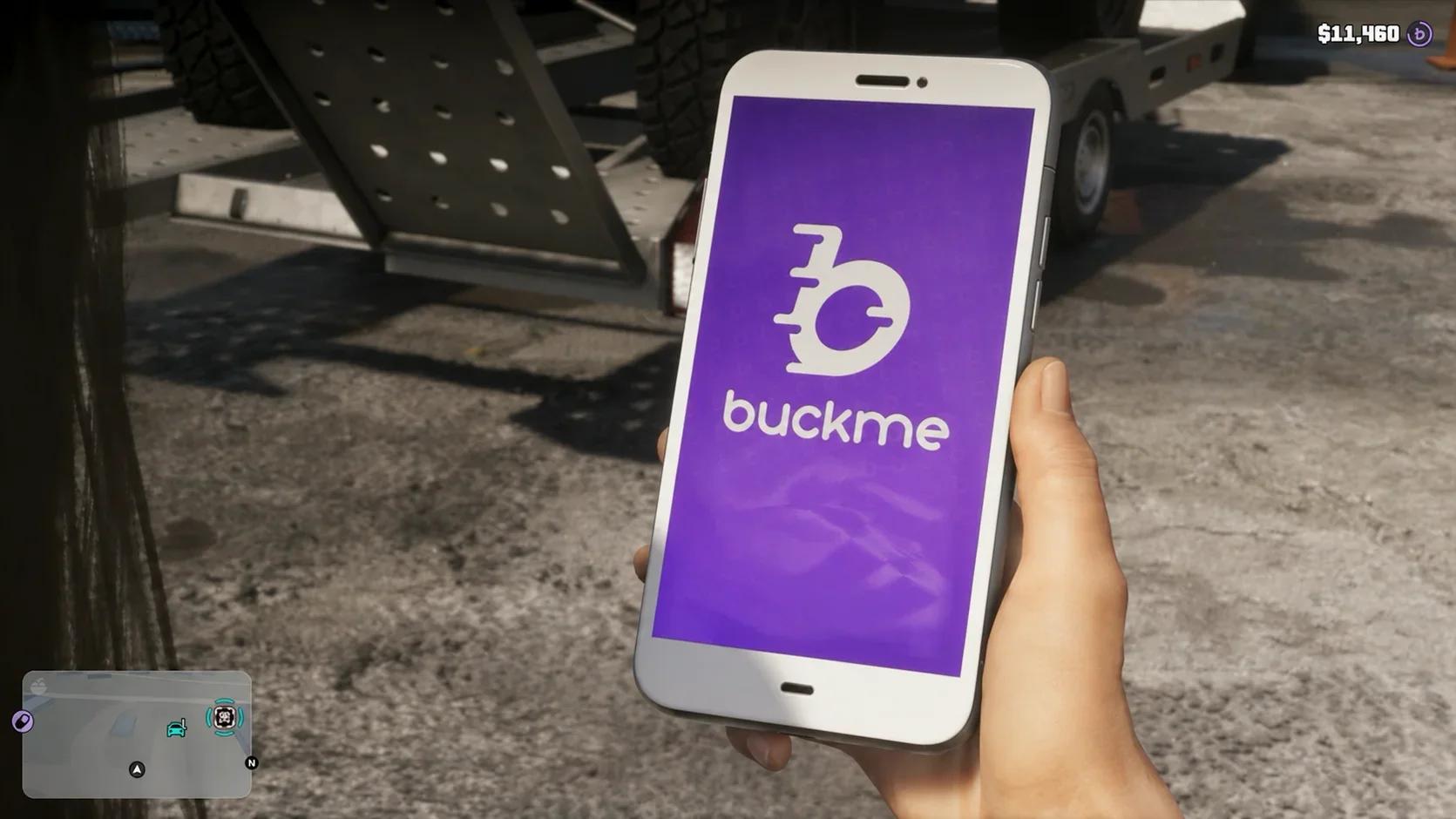

To find ATM locations in Grand Theft Auto 6, open the BuckMe phone app and select ATM Finder to mark the nearest ATM.
The phone method suits a quick banking stop. You can also select a machine yourself through the map’s Cash Deposits list or look for ATM icons while zoomed in.
Once you reach a machine, you can deposit money from your wallet into checking or withdraw cash. Family Savings transfers happen separately inside BuckMe.
Find the nearest ATM with BuckMe


Unlock the banking app
Opening a bank account in Grand Theft Auto 6 gives you access to BuckMe, the phone app that holds your checking account and ATM navigation tools.
Set a route from your phone
You can start the search while controlling your character. Use the phone controls to reach the finder:
- Press D-pad Up to open your phone.
- Highlight BuckMe and open it. On PlayStation, press X to select it.
- Scroll down to ATM Finder.
- Select it to mark the closest machine based on your current location.
- Follow the navigation route on foot or in a vehicle.
BuckMe’s ATM Finder selects the destination for you. You do not need to browse individual map markers when any nearby machine will do.
The finder uses your character’s position, so it is most useful when you are ready to make a banking stop. For a machine in a particular area, use the map selection method below.
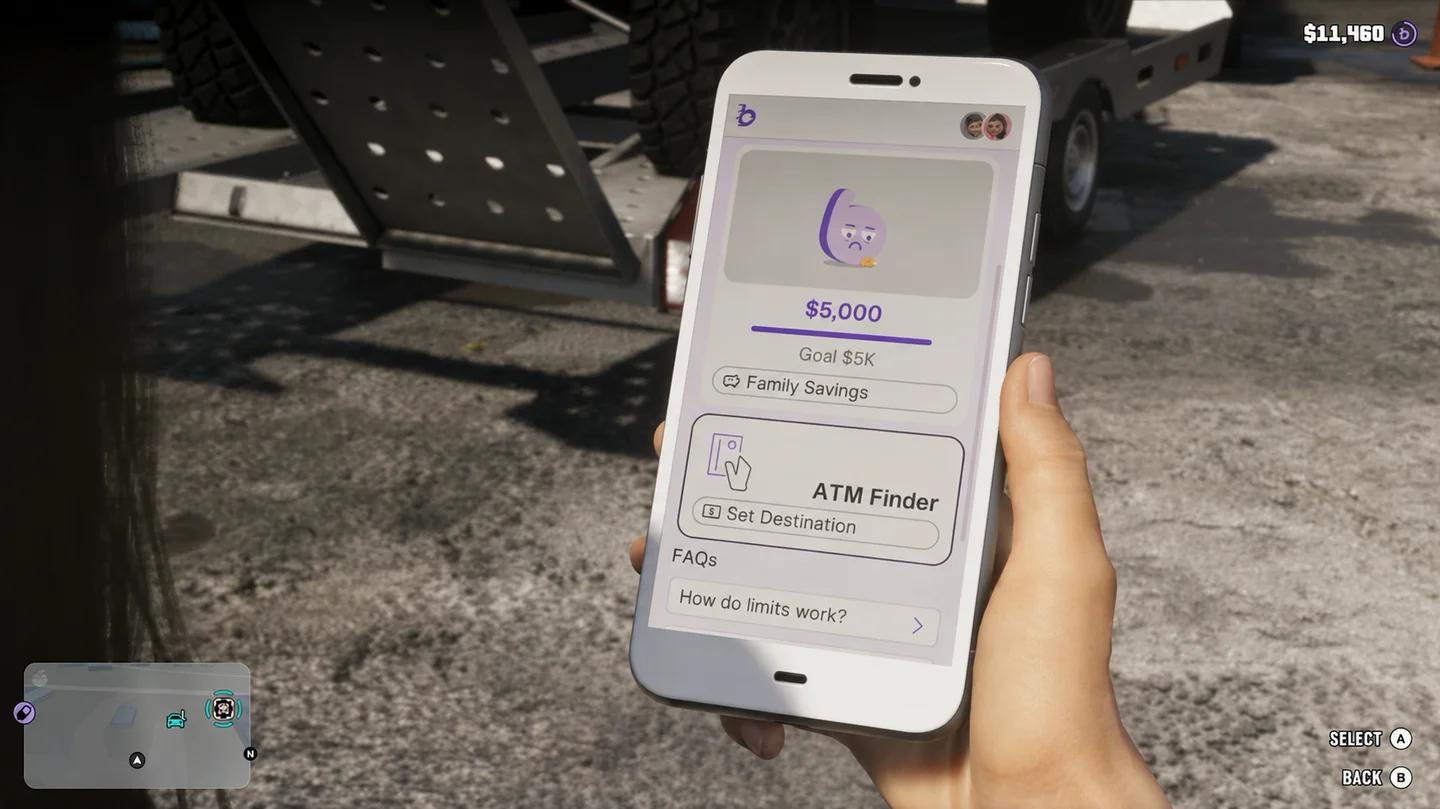
BuckMe’s ATM Finder option
Choose an ATM from the map
Open the Cash Deposits list
The map has a dedicated list for cash deposit locations. This lets you choose a destination manually instead of accepting the phone app’s nearest result.
- Open the map.
- Select Personal, the first category icon on the left.
- Press D-pad Right to open that category.
- Highlight Cash Deposits.
- Press D-pad Right again to browse the ATM entries.
- Select an entry, then press X on PlayStation or A on Xbox to set your navigation destination.
The Cash Deposits category groups the ATM entries together, keeping the search separate from vehicles, your house, and other personal map markers.
Recognize the ATM map icon
Zoom in on the map and look for a gray icon depicting a hand holding a card. ATMs are commonly found at convenience stores and gas stations.
You do not need to visit one of Grand Theft Auto 6’s bank buildings for a routine deposit or withdrawal. Look for the ATM symbol at nearby businesses when planning a stop along your route.
Use the method that matches the destination you need:
| Search method | What you select | Best use |
|---|---|---|
| BuckMe phone app | ATM Finder | Getting a route to the nearest machine |
| Map category | Personal, then Cash Deposits | Choosing an ATM yourself |
| Zoomed-in map | Gray hand-and-card icon | Finding a banking stop near another destination |
Deposit or withdraw cash at an ATM
Move wallet cash into checking
Interact with the machine to open its banking menu. The options include Deposit, Withdraw, Transactions, and Exit.
To deposit your cash:
- Choose Deposit.
- Select how much money you want to move from your wallet.
- Choose Confirm to complete the transfer.
A deposit reduces your carried cash and increases your BuckMe checking balance by the selected amount. The green money indicator represents cash on hand, while the purple indicator represents money in BuckMe.
Checking funds are useful for shopping because many more expensive purchases require payment through BuckMe. Carrying enough cash does not replace having the required money in that account.
Withdraw money when you need cash
Choose Withdraw at the ATM, select an amount, and confirm it. This moves money in the opposite direction, from checking into your wallet.
Choose deposit when you want carried money available through BuckMe. Choose withdraw when you need physical cash. Neither action moves money into Family Savings.
Looking for an ATM to steal?
Stealing an ATM with a tow truck in Grand Theft Auto 6 is a separate activity from using its banking menu. A waypoint to a cash deposit location should not be treated as a guarantee that the machine is a towable robbery target.
Transfer deposited money into Family Savings
Family Savings uses money from your checking account. After depositing any wallet cash you want to contribute, open BuckMe and select Family Savings.
To make the transfer:
- Select Buck Yourself.
- Choose the amount to send from checking.
- Confirm the transfer.
Your checking balance decreases, and Family Savings increases by the amount moved. Money already in checking can go straight through this phone menu; only cash still in your wallet needs the ATM deposit step first.