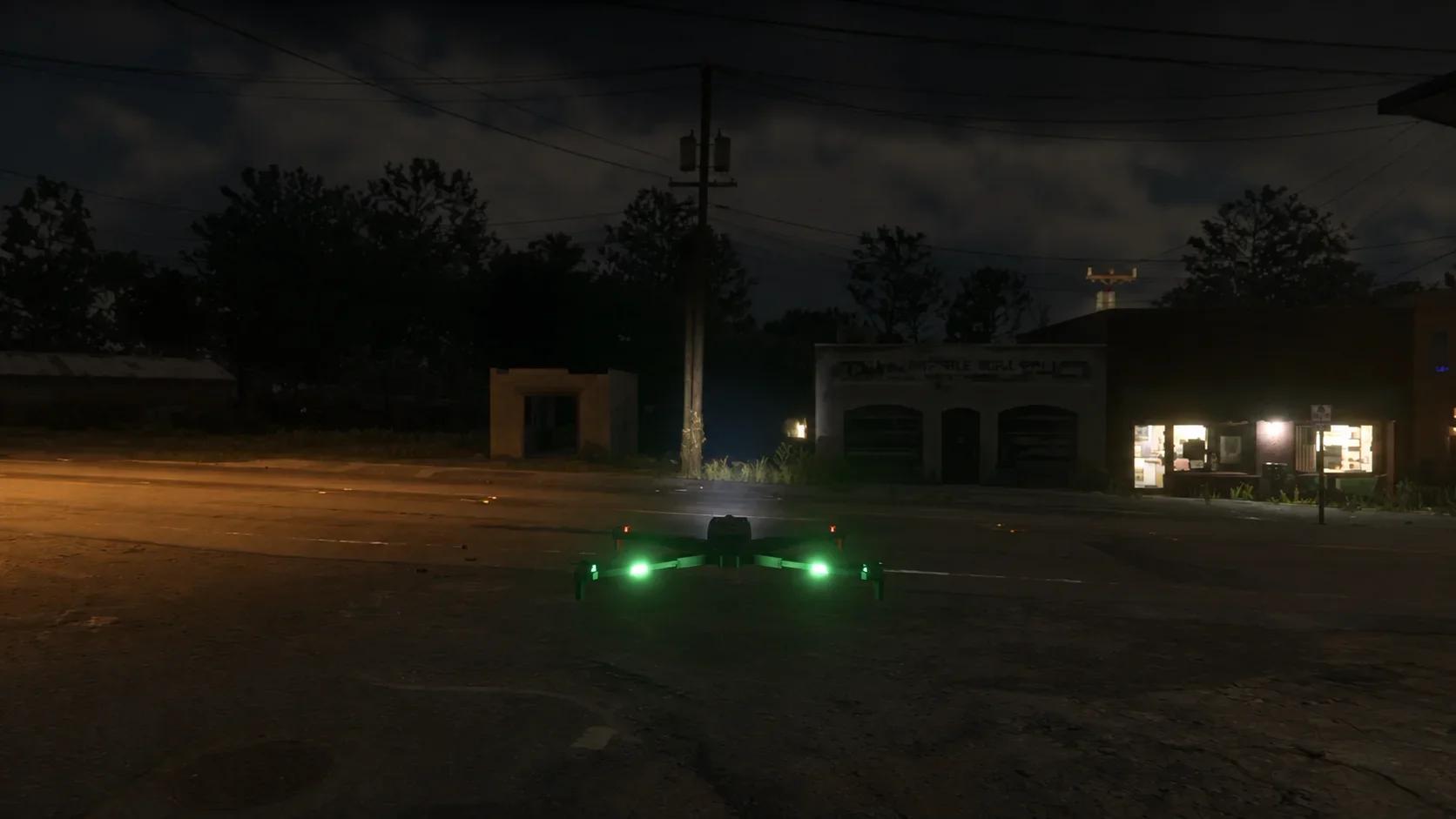

Win drone races in Grand Theft Auto 6 by lowering sensitivity, holding the left stick forward, and steering with the right stick. Clean movement matters more than lining up the middle of every checkpoint, especially through pipes, scaffolding, and narrow gaps.
Before chasing a difficult target, decide whether you want the cash reward or progress toward 100% completion. The final course at each location has a different completion requirement, so an over-par run is not always a wasted attempt.
Know which races require a par-time win
Top Fun Drones has 42 courses spread across 14 locations, with three courses at each venue. Only the first course is available when you arrive. The others display a lock until you meet the preceding course's target.
| Course at each location | Requirement for 100% completion | What a par-time win unlocks | Reward for beating par |
|---|---|---|---|
| First | Beat the par time | Second course | $750 |
| Second | Beat the par time | Third course | $1,500 |
| Third | Finish with any time | No further course | $3,000 |
Across the full activity, you need 28 par-time wins and a finish on each of the remaining 14 courses for the 100% checklist. Beating every third-course target is an optional cash objective, not an extra requirement for that checklist.

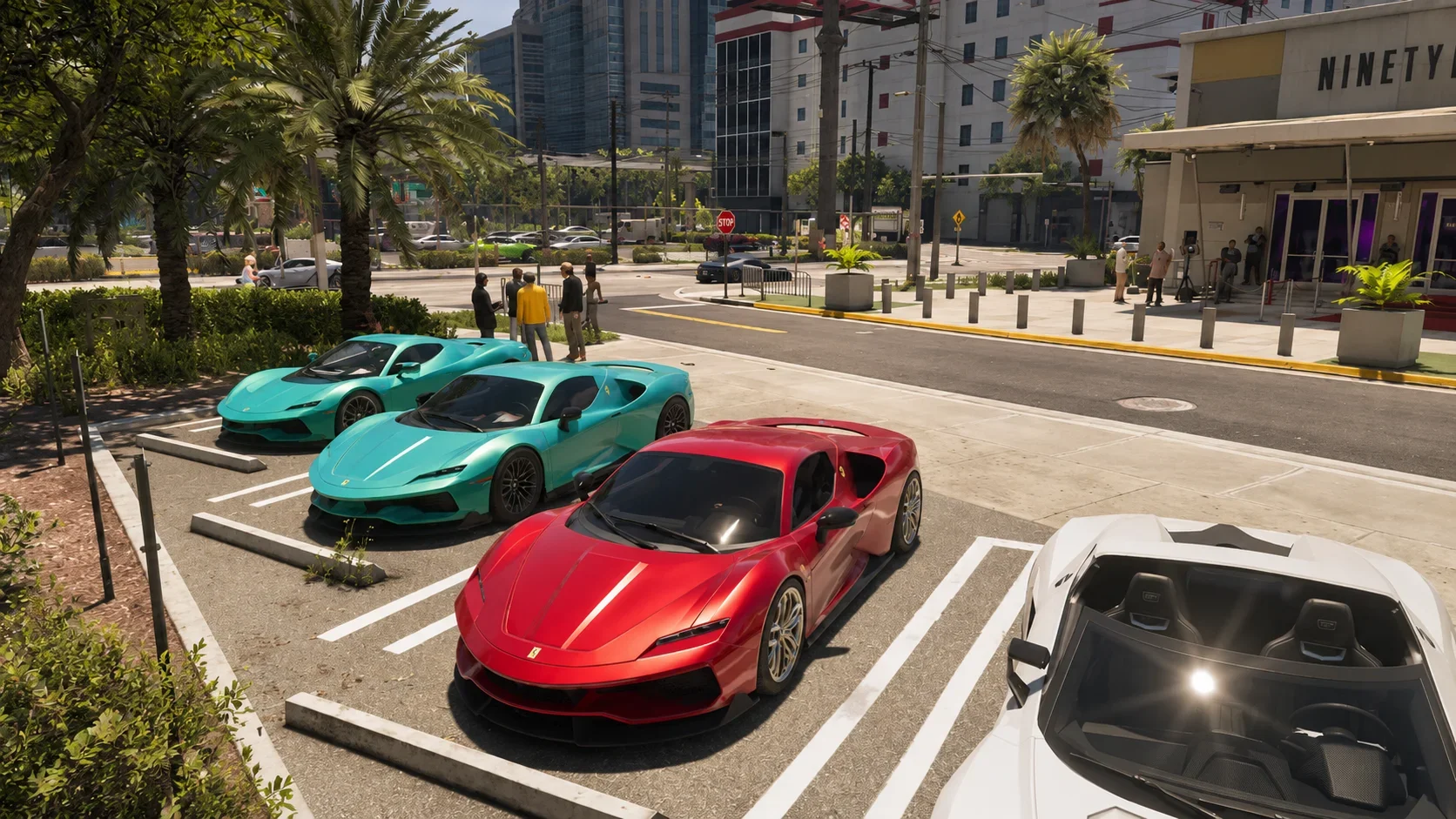
Budget for entry fees
Each location charges a $250 entry fee. Visiting all 14 venues costs $3,500 in entry fees across the activity, but you can use earlier winnings to fund later stops instead of saving the entire amount before starting.
Beating all three targets at one location pays $5,250 in listed race rewards. The largest individual payment comes from the final course, so that is the one to return to if you finished it slowly for completion and still want its par-time reward.
Set up your controller for precise movement
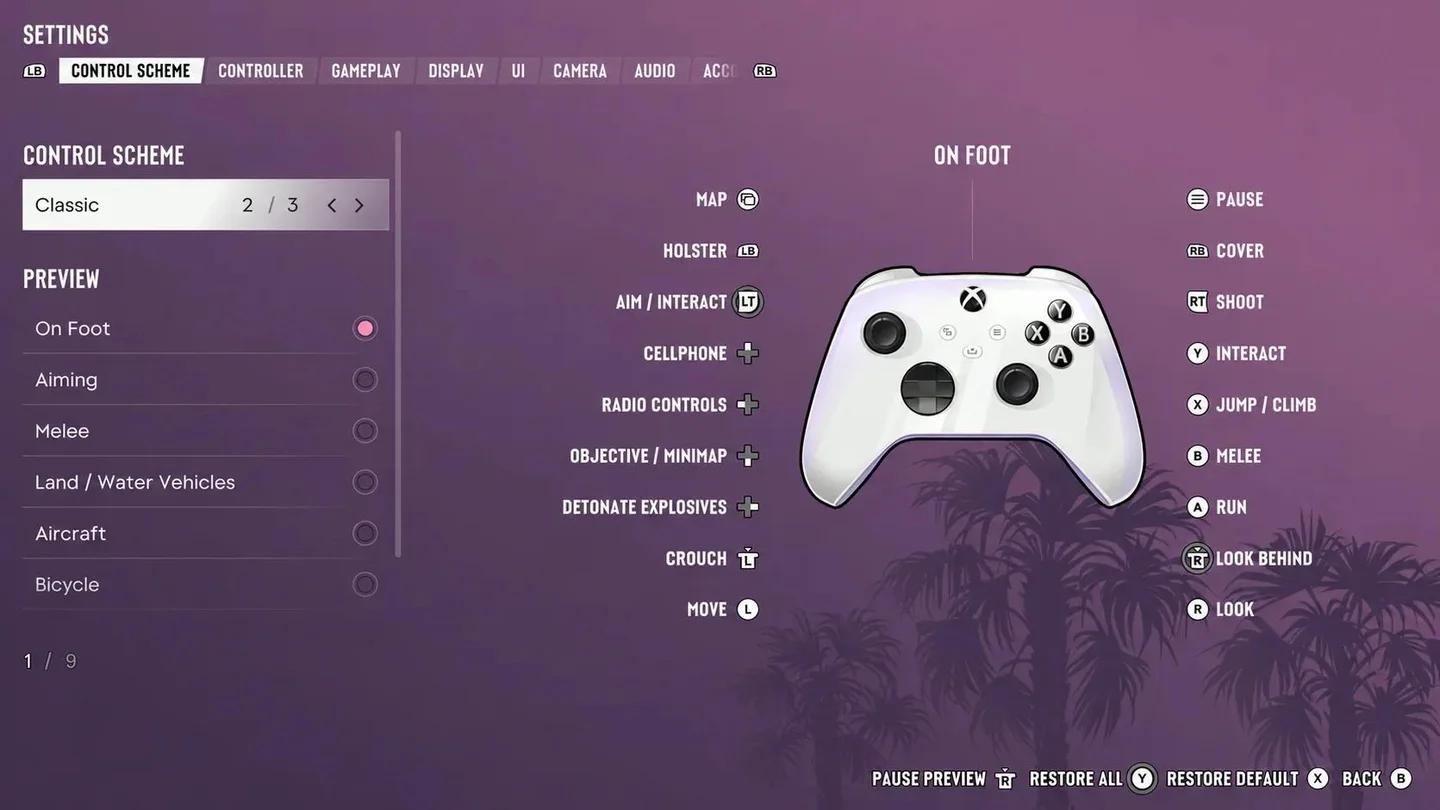
Lower both sensitivity settings
Start with horizontal and vertical sensitivity at 3. A value of 4 or below is the recommended range for keeping corrections manageable through tight obstacles. High sensitivity makes it easier to turn a small adjustment into an overshoot.
To change the settings:
- Open Options.
- Go to Settings, then Controller.
- Set Horizontal Look Sensitivity to 3.
- Set Vertical Look Sensitivity to 3.
Use those values as a starting point, not a reason to keep changing settings after every collision. Once the drone responds predictably, focus on the route and your stick movements. A missed gap can come from your approach angle even when sensitivity is comfortable.
Drone race controller settings
Choose a camera that helps you judge obstacles
Drone races support a first-person camera. Try it if looking directly along the drone's route makes steering easier, but account for the reduced peripheral view when passing obstacles on either side.
| Camera | Main advantage | Main consideration |
|---|---|---|
| External view | More surrounding space remains visible | Judge the drone's route from an outside viewpoint |
| First-person view | Looks directly along the flight path | Less peripheral vision makes side clearance harder to judge |
Choose the view in which you can judge narrow gaps most consistently. Neither perspective removes the need to line up an approach before reaching an obstacle.
Keep speed without making the drone unstable
Separate forward movement from steering
Hold the left stick straight forward to maintain maximum forward speed. Avoid pushing it diagonally when a checkpoint bends left or right. Lateral input on that stick can destabilize the drone and turn a simple corner into a recovery.
Use the right stick for left and right steering. Treat the two sticks as separate jobs:
- Left stick: Keep forward pressure steady.
- Right stick: Aim through the route and make directional corrections.
If the drone becomes difficult to control during corners, pay attention to whether your left thumb is drifting sideways as you turn. Correcting that habit is more useful than repeatedly making larger steering movements to compensate.
Use the clear part of each checkpoint
Checkpoint rings do not demand a perfectly centered pass. Flying near the edge can register, so use the part of the opening that gives you a clean route around nearby objects.
For a ring beside scaffolding, aim through the unobstructed portion instead of forcing the drone toward the middle. For a bend, choose a line that also leaves you pointing toward the next checkpoint. Avoid adding a sharp correction solely to make the current ring look centered on screen.
Keep those shortcuts controlled. The useful saving comes from removing unnecessary turns while still clearing the obstacle, not from brushing every wall along the course.
Decide when to recover and when to restart
A collision does not automatically end a competitive run. Judge the mistake by the time spent stopped or correcting your route. A light clip can be recoverable; getting caught against an obstacle is much more expensive.
Use the following as a practical guide for par-time attempts, not a guaranteed allowance on every course:
| Time lost to a mistake | Suggested response |
|---|---|
| About 1-2 seconds | Recover and continue if you can quickly regain your line |
| About 2-3 seconds | Continue if the rest of the run has been clean |
| More than 3 seconds | Restart when your objective is beating par |
To restart, hold on PlayStation or on Xbox. Use the hold input so you can return to another attempt without spending the rest of the course on a badly delayed run.
Use an early course to settle your handling
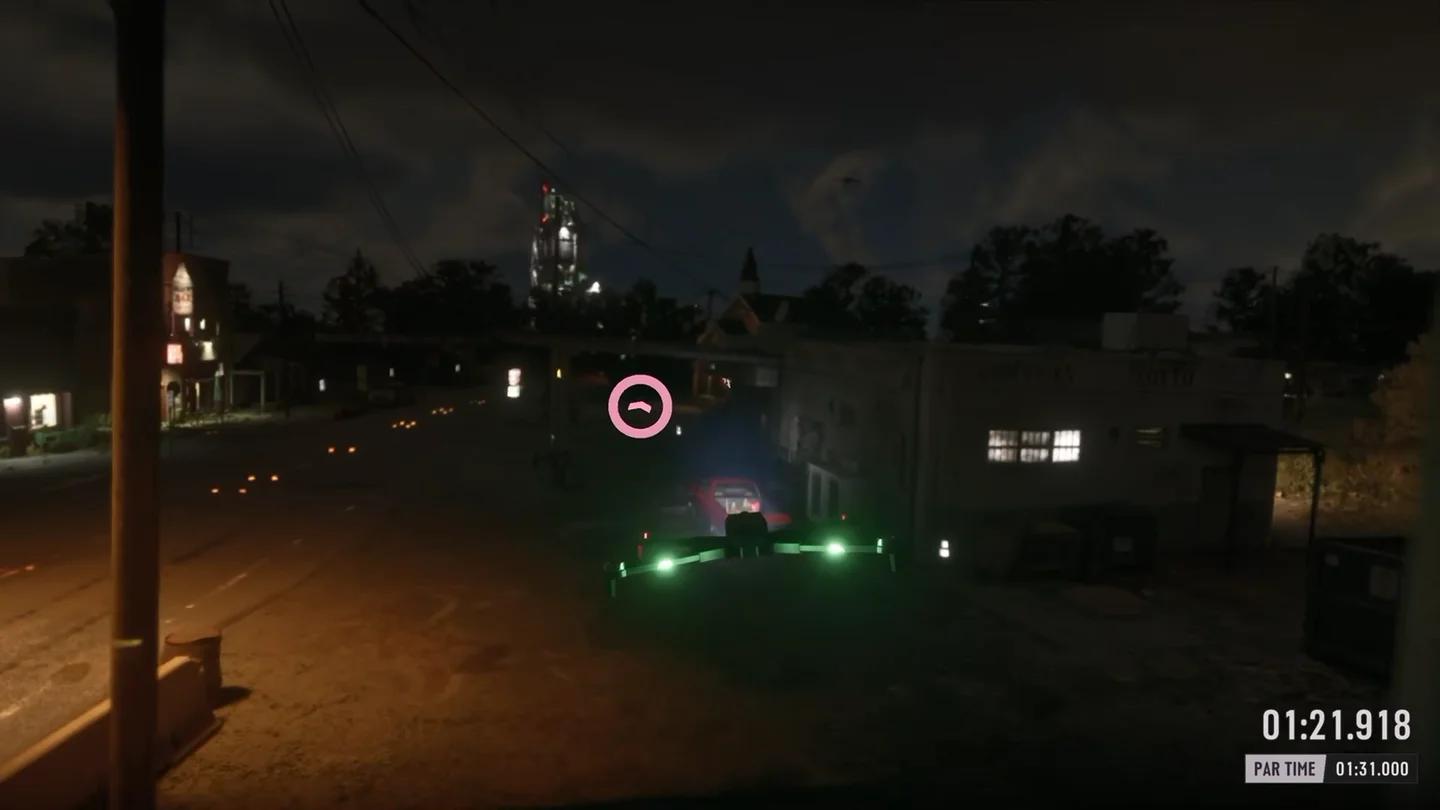
Deep Roots at Hamlet has a 1:31 par time and is the venue's opening course. Use it to practice maintaining straight forward pressure while making turns with the right stick before moving on to the Power Station routes.
A learning attempt can still be worth finishing after a mistake. Seeing the remaining checkpoints helps you prepare for the next run. Apply the restart threshold once you know the route and are making a focused attempt at its target time.
Deep Roots drone race in Hamlet
Find the next venue without unnecessary travel
Drone race locations appear as blue map icons when you get nearby. The Grand Theft Auto 6 Top Fun drone race locations guide covers the full set of venues when you are ready to move beyond your current area.
Use Map > Activities (the dumbbell icon) > Top Fun Drones to filter for the activity. Your in-game completion progress is under Progress > Activities > Top Fun Drones.
The phone's RydeMe app lets you fast-travel between race stops without driving the full distance. Group nearby venues together when you want to continue racing with the same controller setup.
The Grand Theft Auto 6 helicopter locations guide can help you arrange an aircraft for that island stop.
Complete the available courses at a venue before leaving if your goal is 100% completion. Save optional third-course par-time attempts for when you want their cash rewards, and move on once the required finish is recorded.