
Capybaras and turtles are among Loftia’s announced adoptable companions; your first animal rescue starts with Joanna’s missing dog in Hanging Gardens.
Start with that quest if you’re new to pets. It introduces animal clues, a food delivery, naming, and equipping your companion. The dog’s vegetables and clue count belong to that specific rescue, so don’t treat them as universal requirements for capybaras or turtles. Once you have adopted a pet, you can manage its appearance, interact with it, and bring it along while exploring.
How animal rescue and adoption work
Loftia’s pet system separates rescuing an animal from choosing its appearance. Adoption unlocks the companion. Clothing and accessories change how an animal looks after you have it.
Capybaras and turtles are part of the rescue-and-adopt feature, alongside other animal companions. Pets can accompany you during exploration, wear outfits, and build friendship through care.
Your first concrete objective is Joanna’s quest, Notes From the Fauna. It leads to a Small Dog, not a capybara or turtle. Complete that rescue to get your first traveling companion and a Basic Habitat recipe for your island.
Where to find adoption opportunities
Reach Hanging Gardens
Animal adoption does not begin immediately after character creation. Follow Loftia City’s opening story, unlock your Glider, and complete the travel objectives that take you to Hanging Gardens, the second district.
Continue the district investigation until Kassim gives you Field Research. This quest asks you to gather information by helping local residents.
Joanna is one of those residents. She cares for animals without permanent homes, and a foster dog disappeared shortly before the earthquakes.
Speak to Joanna
Talk to Joanna about the missing dog and agree to help. This starts Notes From the Fauna and sends you to investigate disturbed ground in Hanging Gardens.
You do not need to buy a pet house or construct a habitat to begin. The rescue starts through Joanna’s conversation, so prioritize the resident objective if you have reached the district but have not started adopting animals.
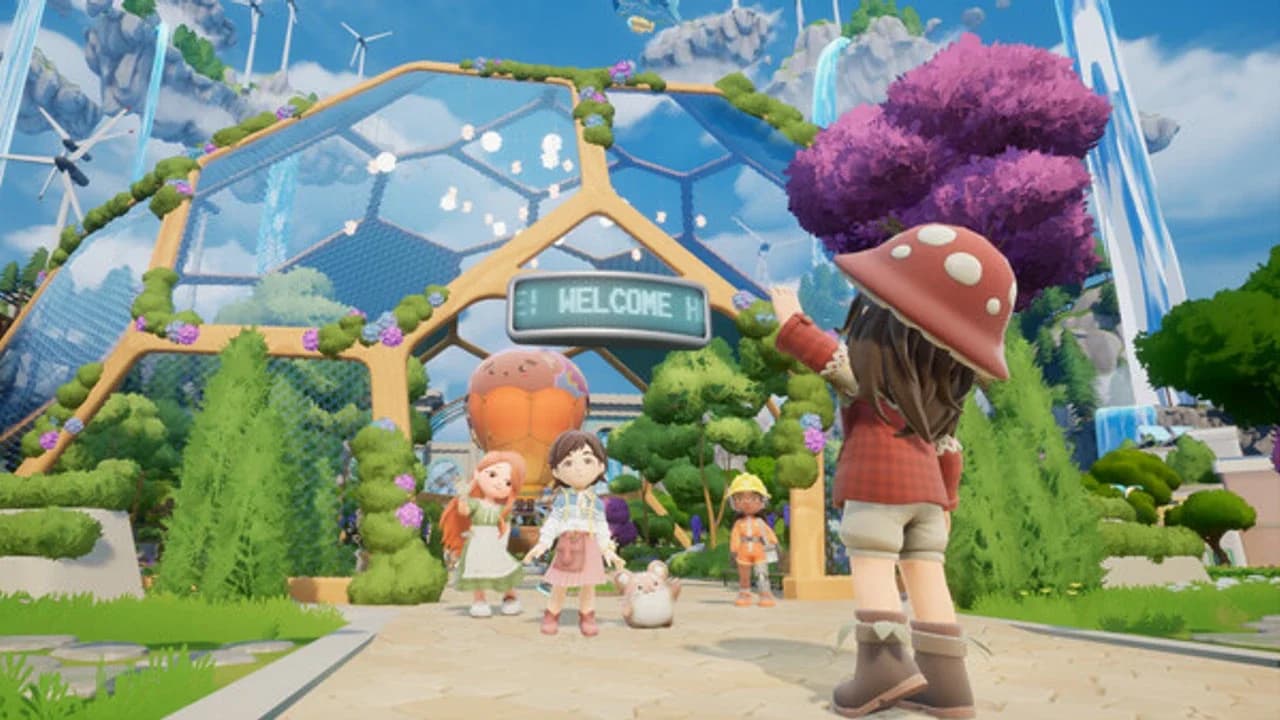
Begin Joanna’s animal rescue
How to rescue and adopt your first pet
Investigate five dog tracks
Search Hanging Gardens for small patches of disturbed dirt. Check path edges, nearby vegetation, and ground around mushrooms for the Dog Tracks interaction.
Each successful investigation increases the Dog Location (Piece) counter. Collect 5 Dog Location Pieces to reveal the missing animal’s hiding place. You can investigate the clues in any order.
Ordinary salvage pickups do not advance this objective. Check the counter after interacting with a patch to make sure you investigated a track instead of collecting a nearby resource.
If you’re struggling with a counter stuck at 3/5 or 4/5, revisit the area around your last successful clue. Look along the path edges for another interactive dirt patch. Once the counter reaches 5/5, move on to the rescue location.
Bring food to the Pet Bowl
The clues lead to a Pet Bowl near The Grove, among the trees in Hanging Gardens. The dog needs food before it will come out.
Prepare these crops for this rescue:
| Ingredient | Required quantity | Preparation |
|---|---|---|
| Lettuce | 4 | Grow and harvest Lettuce in Garden Beds |
| Carrots | 2 | Grow and harvest Carrots in Garden Beds |
Hazel’s Seed Shop in Loftia City sells both kinds of seeds. If you are short on either crop, return to your Neighborhood Island, plant the seeds, water the beds, and collect the harvest.
Carry the vegetables before starting the track search to avoid a separate farming trip when you reach the bowl. Interact with it, provide the requested food, and continue the adoption interaction.
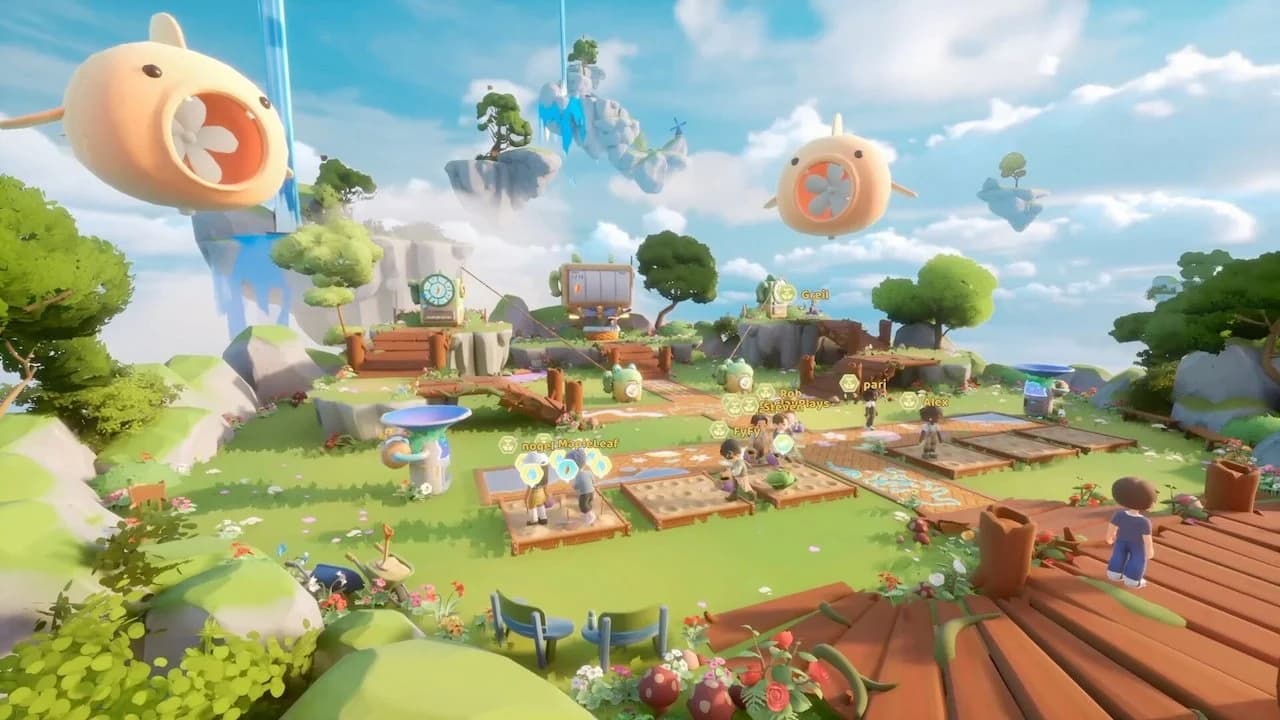
Bring both crops to the bowl
Name your companion and report back
The adoption interaction lets you name the dog. You can change its name later, so choosing one does not have to hold up the rescue.
The completed rescue report awards:
- Coastal Overalls.
- The Basic Habitat recipe.
- Progress toward Kassim’s Field Research investigation.
Joanna’s conversation also contributes information about animals sensing the tremors before the earthquakes. If Kassim’s investigation remains active afterward, continue helping the other residents on his list.
Bringing adopted animals to your island
Equip your first companion
The adoption sequence offers an option to equip the dog. If you skip that prompt, open Customization, select Pets, and choose Small Dog instead of the empty slot.
Naming and equipping are separate actions. If your rescued dog is not following you, check that selection before searching for another set of tracks or returning to the bowl.
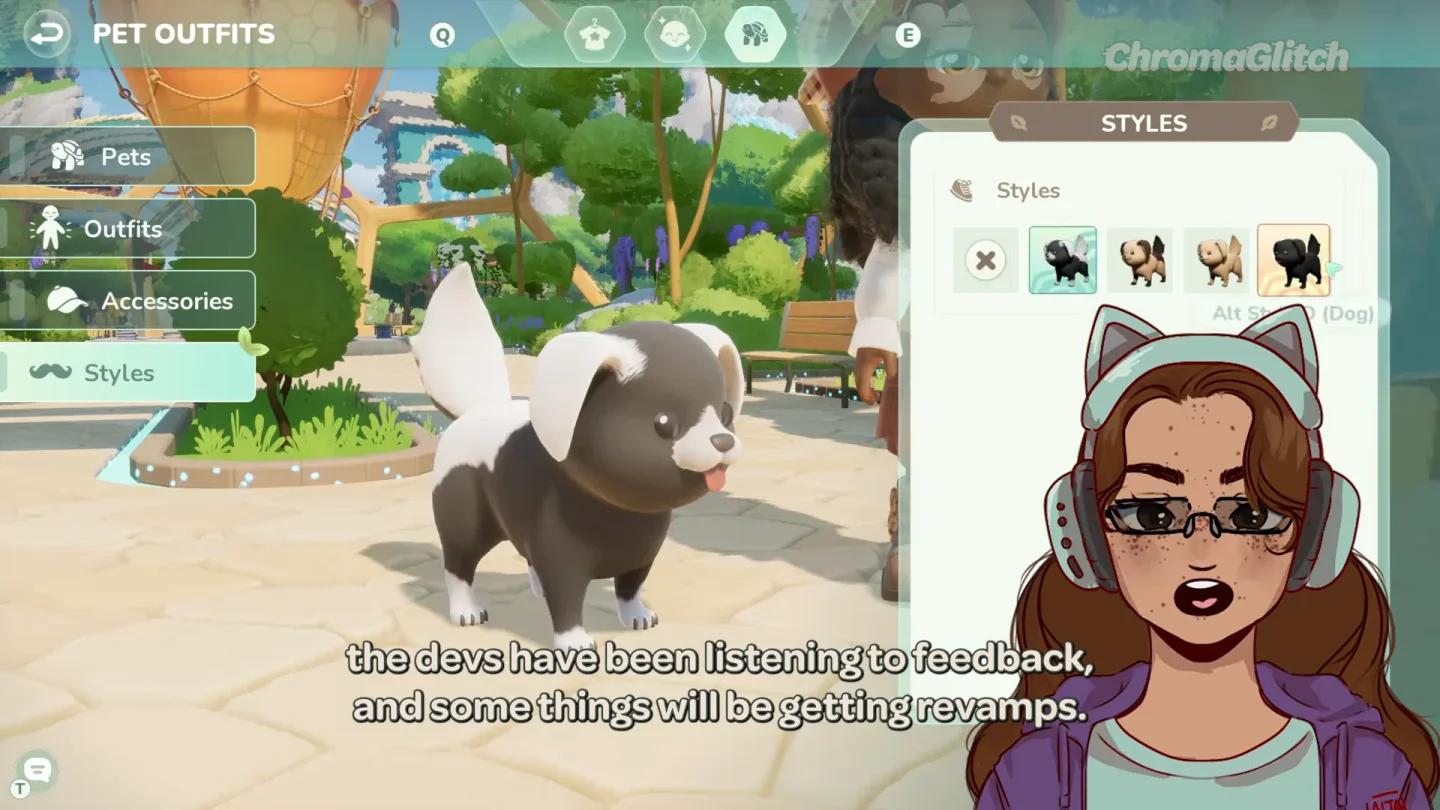
Select your traveling companion
Set up a habitat at home
The Basic Habitat recipe provides a way to give your pet a place on your island. It is a home setup option, not a prerequisite for using your first companion.
You can take the equipped dog exploring before arranging its space at home. Keep habitat building separate from the rescue itself when planning your next crafting tasks.
How to dress animals in outfits
Apply unlocked appearance options
Open Customization with your dog selected to view its styles, clothing, and accessories. The choices you can apply depend on what you have unlocked.
The Small Dog supports different looks and accessories such as headwear. Choose an option you own and apply it; changing its appearance later does not require repeating the adoption quest.
A shop cosmetic that says its corresponding pet is locked does not unlock that animal. Finish the animal’s rescue before trying to use its outfit.
Use pet interactions
On keyboard and mouse, open the Emote Wheel, then use the mouse scroll wheel to switch to the pet-emote selection. Choose an available interaction from that wheel.
You can pet your dog and use other unlocked reactions. These interactions give you something to do with your companion beyond selecting an outfit.
How to start another animal rescue
After Notes From the Fauna, Joanna introduces another missing animal through Fur Real?. This quest concerns a cat and requires 10 Cat Location Pieces.
The search method changes: collect clues while salvaging and foraging in Loftia City. Make sure Fur Real? is active before gathering specifically for those pieces.
Combine the search with your resource runs and city objectives. Your first dog can remain equipped while you work toward another adoption.