
Search games, articles, guides...CtrlK
Sign InGet Started
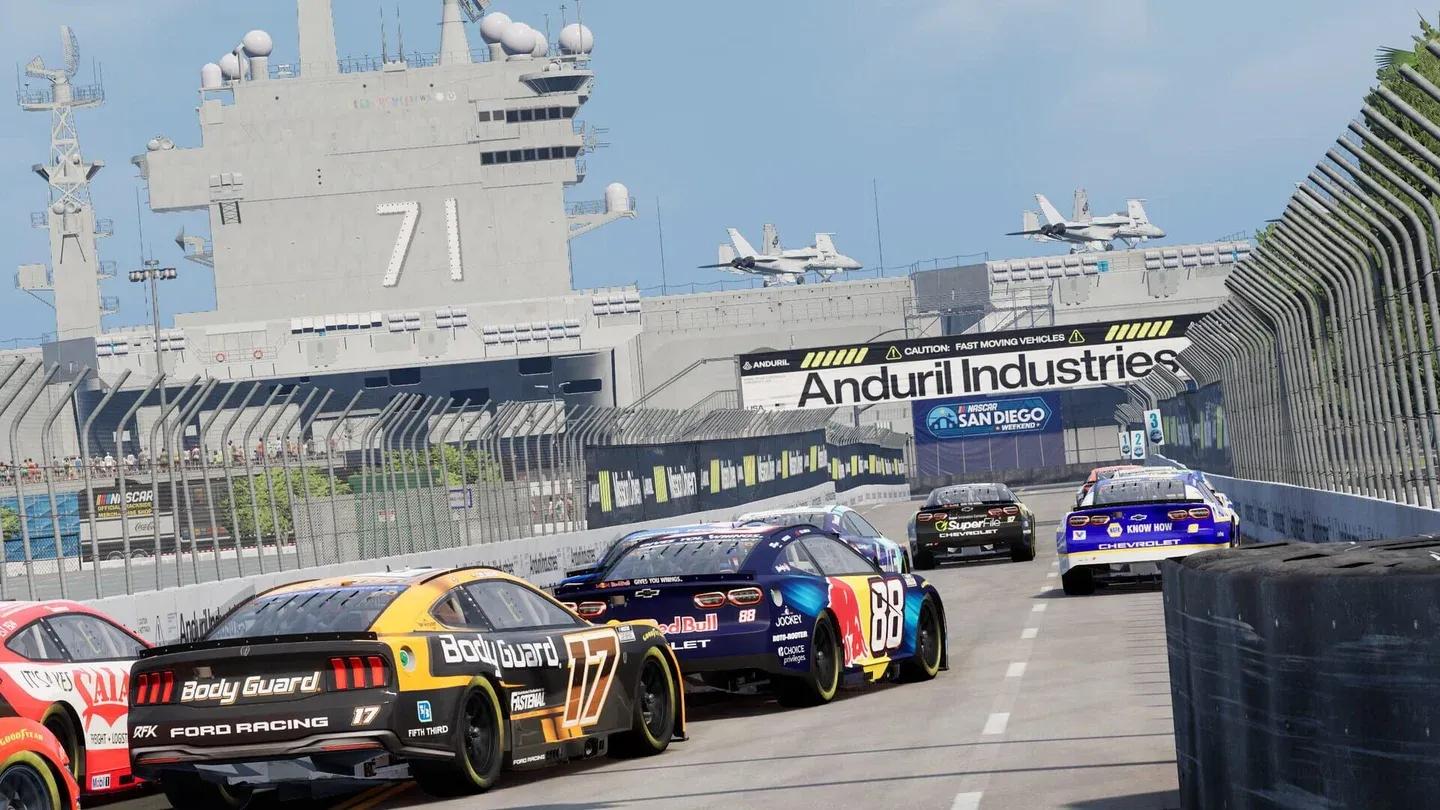
Learn oval racing basics, controller settings, draft mechanics, and which mode to start in NASCAR 26.

Written by Mostafa Salem
Head of Gaming Research
See more GAMES.GG guides on Google
Add us as a preferred source and our guides show up first in your results.
If oval racing ever seemed simple to you, NASCAR 26 will correct that impression the moment you try to pass someone at 190mph with three cars drafting behind you. The mechanics here are specific, the learning curve is real, and a few early decisions, starting with what you hold in your hands, will shape your entire first season. This guide covers controller setup, which assists actually help, how oval racing actually works, and the order to tackle game modes so you build skills instead of frustration.
This is the single most important choice before you turn a wheel, and the answer right now leans heavily in one direction. NASCAR 26 is noticeably better calibrated for a controller. That is not a knock on sim racers who own a wheel setup, it is just where the game's tuning currently sits. A significant portion of wheel users report the car pulling toward the wall on first attempts, which is a rough introduction to any racing game.
If you are committed to wheel play, rebuild your input settings from scratch before touching career mode. Rework force feedback, sensitivity, dead zones, and steering angle, then validate everything in a quick race on a short oval. Do not go straight into a season with unverified settings.
If you just want to race and enjoy the game, pick up the pad without any guilt about it. That is the configuration NASCAR 26 is built around right now.
The game gives you adjustable difficulty and a dedicated training mode. Here is how to approach the assist options without either making the game trivial or making it unplayable.
Keep braking assist on at first. Ovals punish late braking hard. Arrive at a banked corner too hot and you will slide straight into the outside wall. Until you have a feel for oval braking distances, the assist saves you from race-ending mistakes that teach you nothing useful.
Turn off steering assist as early as you can. This one actively prevents you from learning the correct line. It corrects inputs you should be feeling and understanding yourself, so it delays your development more than any other assist in the game.
The goal is to strip assists away one at a time as your confidence grows, not all at once on lap one.
Oval racing has a reputation for being repetitive. That reputation comes from people who have never had to manage a draft, hold a line under pressure, or nail a corner entry at speed. Three principles separate drivers who improve quickly from those who spin out every ten laps.
Not the way you brake on a road course. On most ovals, the correct technique is a progressive lift off the throttle, not a hard brake pedal. Stamping the brakes at the wrong moment unsettles the car exactly when you need it planted. The lift gives you speed management without the instability.
Corner entry, not corner exit. Coming in too low traps you behind the car ahead with nowhere to go. Coming in too high bleeds exit speed. The lap is built on entry, and that means the moment before the apex is where your focus should be, not the acceleration zone after it.
Fifty laps at a steady, controlled pace will always produce better results than ten fast laps followed by a spin and a wall repair. That applies in a single race, and it applies even more across a full championship where points matter.
The draft is the core mechanic that makes oval racing genuinely exciting, and it is the thing new players take longest to actually use well. Running directly behind another car makes you faster. On the big superspeedway ovals, that aerodynamic effect is strong enough to let you work through an entire pack without having a faster car outright.
Three things to keep in mind once you understand the basic concept:
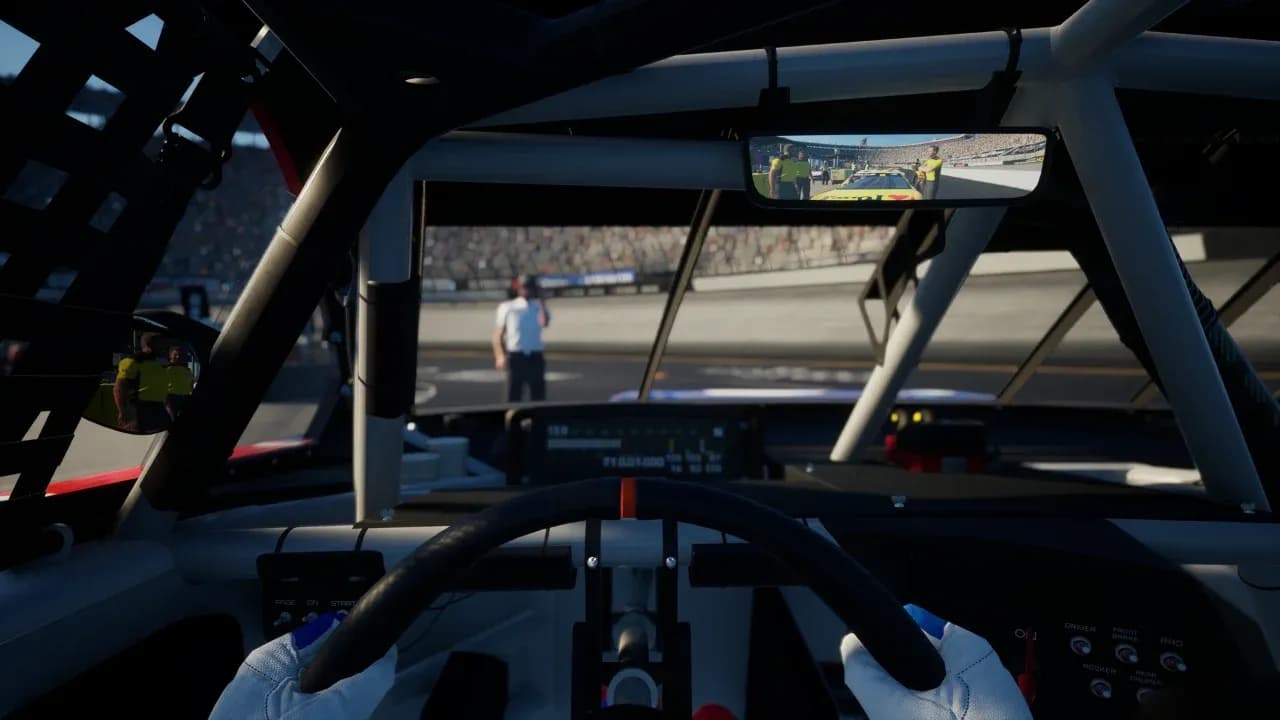
Draft pack on superspeedway
The game offers several modes, and the order you approach them in matters.
| Mode | When to use it | Why |
|---|---|---|
| Quick Race | First session | Learn any track without consequences |
| Peak Performance Training | After Quick Race | Targeted practice on specific weak points |
| Career | Once you can run 50 clean laps | Structured progression with real stakes |
| The Chase | After Career foundation | Title fight format where mistakes cost most |
Quick Race is where you start. Pick a track, run laps, and get a feel for the car without any championship pressure. Peak Performance training mode exists specifically to isolate and fix weak points, so use it before you start a career, not after you are already struggling in one. Career mode is the main experience, but only once you can run a reasonable distance without touching a wall. The Chase stages the title fight and is where a single mistake carries the most weight, so save it.
Two areas of the game are worth knowing about before you set expectations.
The damage model has drawn criticism from players who expected more realistic collision consequences. Crashes do not always tell the story you would expect from a sim-adjacent racing game. Do not rely on contact to communicate what happened in a race.
Setup management is also limited. You cannot load configuration files or rename setups beyond the circuit name, which makes sharing tuning setups between players awkward. Keep your own notes outside the game if you plan to experiment with car configuration.
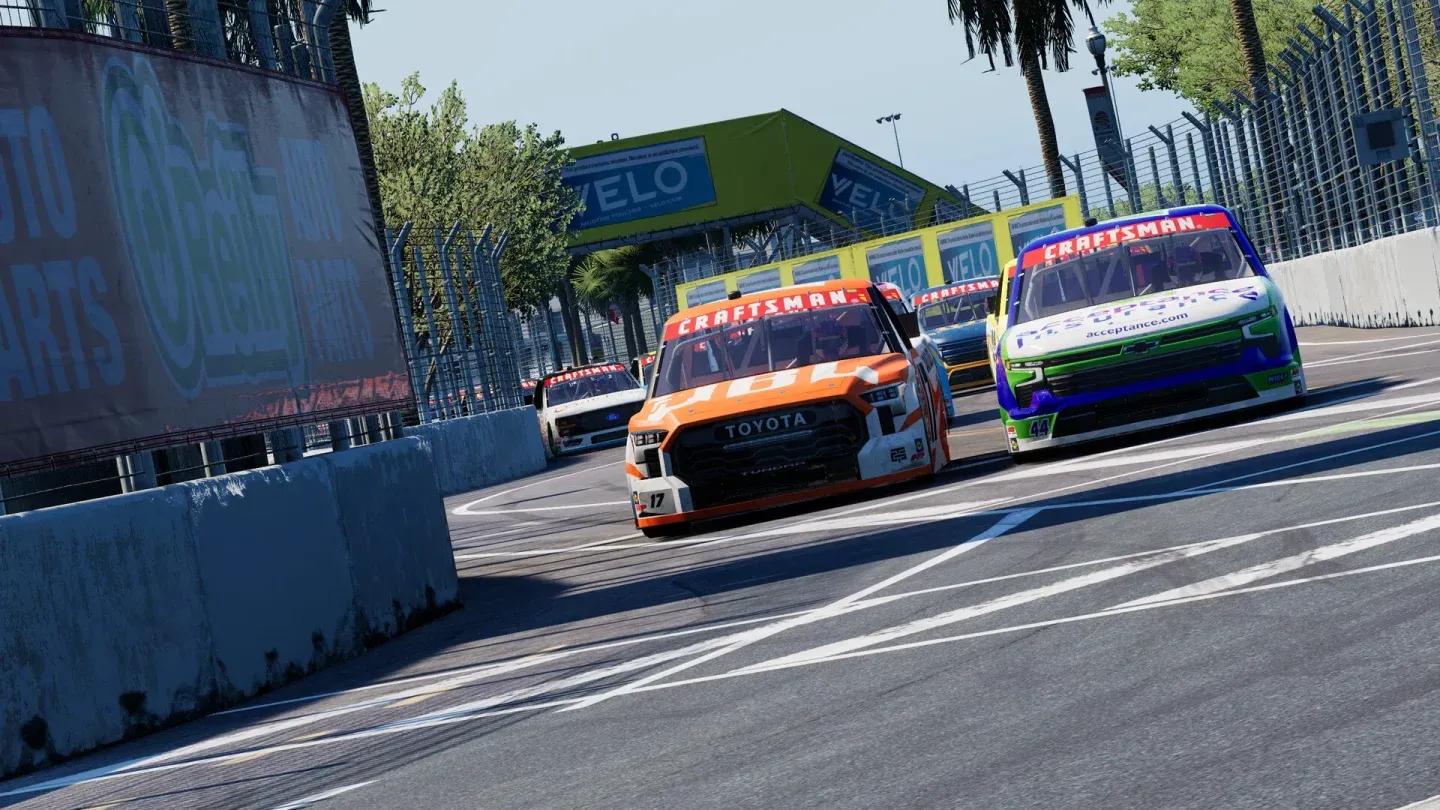
Garage setup screen overview
Before your first proper race, run through this:
For more guides covering every part of the game, the NASCAR 26 guides collection has you covered as you progress from your first oval to The Chase. NASCAR 26 sits in a small category of racing games that reward patience and track knowledge over raw reflexes, and that makes the learning process worth the time.