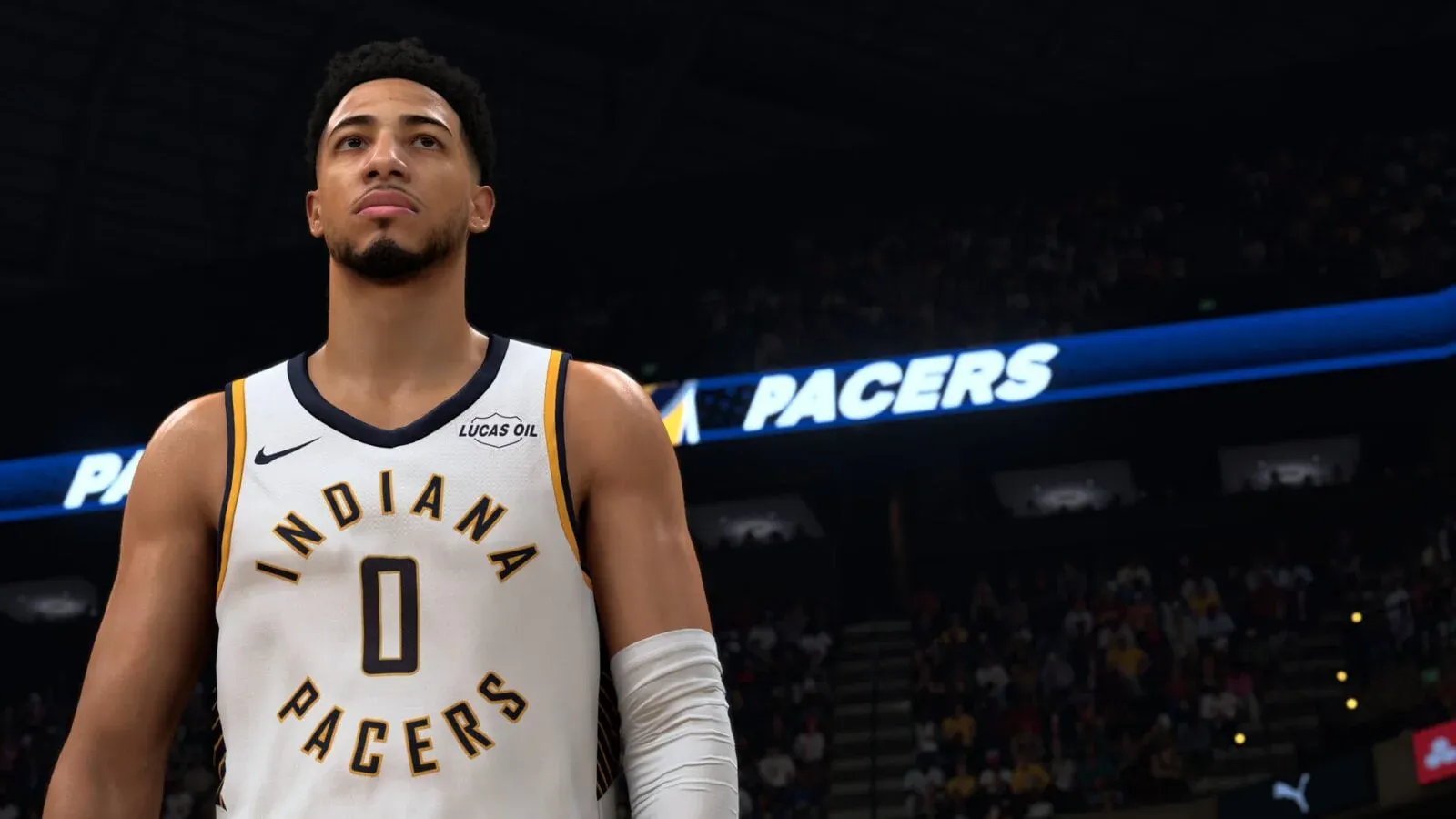
Scoring at the rim in NBA 2K27 is not just about dunking. The most dangerous offensive players mix floaters, acrobatic layups, and alley-oops to keep defenders guessing. Each finish has its own input, its own distance band, and its own badge stack — and confusing one for another is exactly why so many drives end in blocks or missed animations. Here is everything you need to know to make every finish count.
How do floaters work in NBA 2K27?
A floater (also called a runner or tear-drop) is a soft, high-arcing shot you release before reaching the rim. The purpose is simple: loft the ball over a help defender who has stepped up into the paint, instead of driving straight into a block. In 2K terms, it is a distinct shot type with its own animations and green-window math, separate from layups and jump shots.

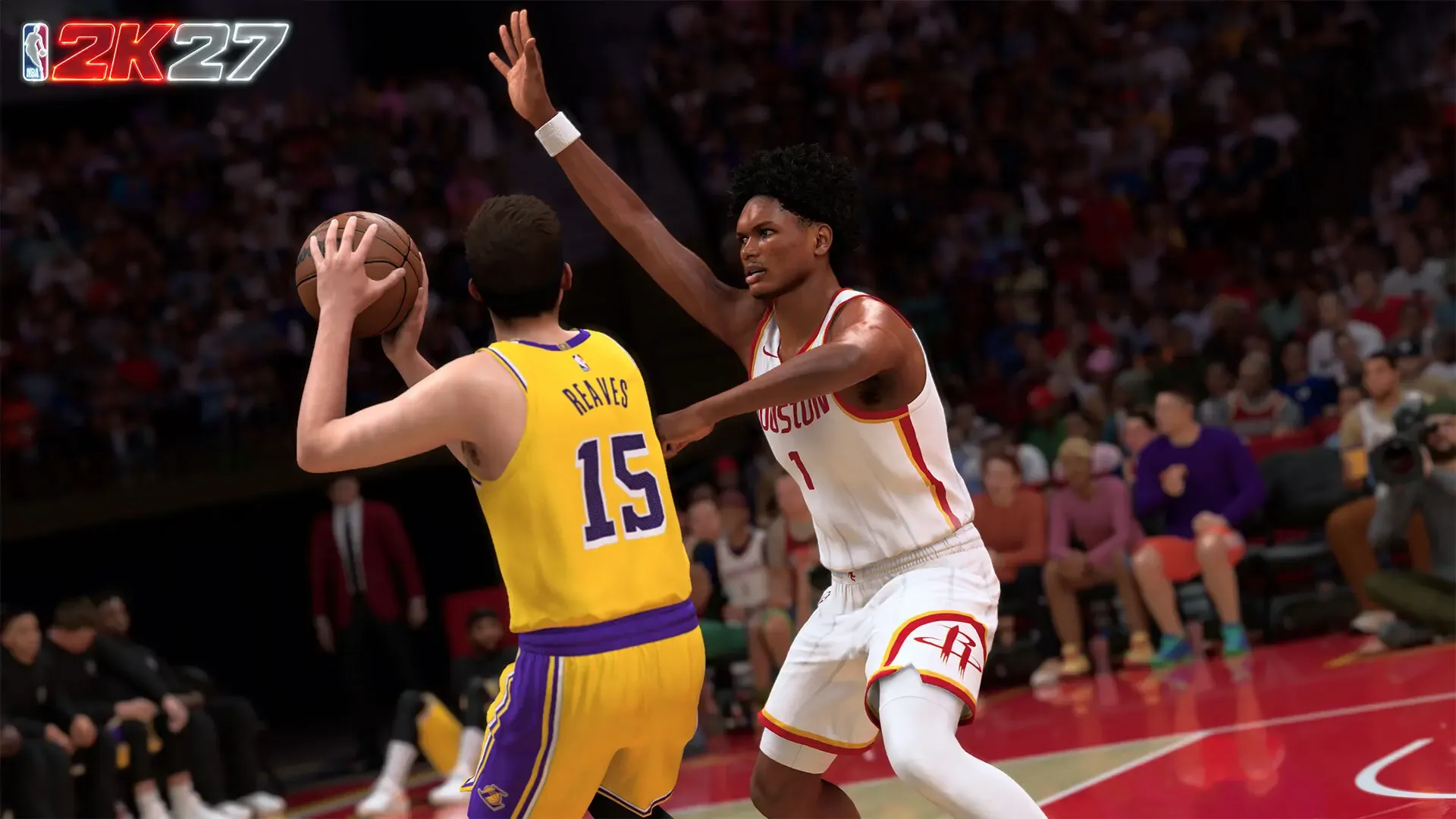
Floater release in the paint

Floater controls on PlayStation and Xbox
The floater lives on the Pro Stick (Right Stick). The sequence is:
- Drive toward the basket with Turbo (R2 / RT) to build momentum.
- Release Turbo as you enter the paint. Keeping it held biases the engine toward a layup or dunk gather instead.
- Press and hold the Right Stick as you plant to shoot. Most community guides describe holding it straight down; NBA2KLab's control table lists the runner/floater as holding it left or right. That difference comes down to camera-relative versus absolute stick settings. The reliable rule: hold the Pro Stick away from the rim and confirm the exact direction on the in-game Controls screen for your setup.
- Time your release to the shot animation, the same way you time a jump shot.
The distance band: why your floater keeps turning into a layup
The floater only fires inside a specific range. Community testing puts it at roughly 8 to 12 feet from the rim.
- Inside about 6 feet: the engine gives you a standard driving layup or dunk gather.
- Outside roughly 13 to 15 feet: you get a runner that reads as a midrange pull-up.
- In the 8 to 12 foot pocket: the floater animation fires.
The practical fix is to start your input just inside the free-throw line, as the help defender is still stepping up but before you crash into the restricted area. Pull it before the big jumps.
What badge and attributes do floaters use?
Float Game is the Finishing-pool badge built entirely for floaters. It increases your ability to finish them and has nothing to do with acrobatic layups (that is Layup Mixmaster, a separate badge). Do not equip one expecting the other to work.
On the attribute side, the community consensus is that the floater's green window keys off Close Shot and Driving Layup, not your dunk ratings. That is why a non-dunking build can still live off floaters. These are player-reported observations, not an officially published 2K specification, so treat exact thresholds as community-tested rather than confirmed.
| Attribute / Badge | Effect on Floaters |
|---|---|
| Float Game (Finishing badge) | Widens the green window on floater attempts |
| Close Shot | Primary attribute governing floater success |
| Driving Layup | Secondary attribute affecting the green window |
| Driving Dunk | No effect on floaters |
| Layup Mixmaster | Governs acrobatic layups only, not floaters |
Can you still do a standing floater?
Not reliably. In prior years you could force a floater from a dead stop, similar to forcing a standing dunk. In NBA 2K27, players on r/NBA2k report that standing floaters no longer trigger that way. The community read is that the animation only fires situationally now, essentially RNG, rather than on a consistent input. Visual Concepts has not published a patch note explicitly removing it, so treat this as observed behavior rather than an official change. Keep your feet moving into the paint to get the floater animation out consistently.
Did Update 2.0 affect floaters?
Update 2.0 focused on fixing ghost contests, where open shots were being read as contested. The floater input and distance band are unchanged. What did improve is the environment around the shot: because contest logic on open looks was cleaned up, a well-timed floater over a late-closing defender is rewarded more fairly than it was at launch.
Layup Mixmaster: the badge for acrobatic finishes
Layup Mixmaster covers euros, hops, spins, and scoops. These are the finishes you use to change your gather angle around a defender in the lane, not the soft lob you throw before you get there. Confusing it with Float Game is one of the most common badge-slot mistakes on finishing builds.

Layup Mixmaster badge screen
Layup Mixmaster badge requirements
Eligible height range: 5'9" through 7'0".
| Tier | Driving Layup Required | Finishing Badge Tokens |
|---|---|---|
| Bronze | 70 | 3 |
| Silver | 83 | 5 |
| Gold | 90 | 6 |
| Hall of Fame | 99 | 7 |
How to use acrobatic layups effectively
Drive without holding Turbo through the gather, then use the Right Stick for the intended layup type. The key is choosing the finish that moves you away from the defender rather than directly into the contest.
- Scoops: finish away from the defender on the opposite side.
- Euros and hops: change your gather around a defender stepping into the lane.
- Spins: use only when the spin path avoids help defense.
Time your release to the animation your equipped package produces. The timing rhythm changes depending on the finish type, so practice each one separately before mixing them in live games.
For builds where layup packages are a primary finishing tool, go Gold or Hall of Fame. If acrobatic finishes are only an occasional option, Bronze or Silver frees up badge tokens for other slots. Physical Finisher pairs well here for contact situations, while Float Game handles the pre-rim zone where Layup Mixmaster does not apply.
How do alley-oops work in NBA 2K27?
Alley-oops are the most explosive two points in the game when the setup is right. They also count toward the 250 successful oops required for the Finishing Build Specialization on slashing builds, so knowing how to throw and finish them efficiently matters beyond just highlights.

Alley-oop lob to a cutter
How to throw a teammate alley-oop
Double-tap the jump button while aiming at the teammate you want to target. The input is simple; the read is not. Before you throw:
- Watch the off-ball player and confirm they have a clear lane to the rim.
- Wait for a defender to fall out of position, whether after a screen, a backdoor cut, or a transition run.
- Avoid throwing into a crowded paint. Even a perfect pass can fail if a nearby defender disrupts the catch or bumps the receiver off their route.
Patience is the actual skill here. The lob is easy. Identifying the right moment is what separates clean oops from turnovers.
How to throw a self alley-oop
A self alley-oop tosses the ball off the backboard for your player to finish themselves. It works best in transition, on a fast break, or after you have left your defender behind.
Input: press the steal button and block button simultaneously. On Xbox, that is X + Y together.
Create separation first. Call for a screen, drive around it, and wait until your defender gets caught behind the screener. An open lane makes the self alley-oop safe; a contested one just turns it into a difficult contested finish.
How to time the alley-oop finish meter
Once the lob is in the air, a circular timing meter appears on screen. Here is what to watch:
- The button prompt in the center tells you which button to press.
- The green timing window marks the acceptable release area.
- A white arrow marks the ideal release point.
- A yellow indicator moves around the meter.
Press the displayed button as the yellow indicator reaches the white arrow. Hitting the white arrow gives you an excellent release and the best chance of finishing cleanly. Early or late presses outside the green window can fail the oop even when the pass itself was perfect.
The meter speed is not fixed. It changes based on catch location and distance from the basket. Watch the visual cue every time rather than relying on a memorized rhythm.
How to farm 250 alley-oops fast for Build Specialization
The 250 successful alley-oop requirement for Finishing Build Specialization is the one that trips up slashing builds the most. The fastest method uses Streak Kings as the mode and a simple screen-and-drive setup.
After gaining possession, call for a pick and bring your defender into the screen. Wait for the defender to get caught, slowed, or forced around the screener. The moment you have separation, turn the corner and attack the basket. If the lane is clear, throw a self alley-oop on the drive. Repeat the same setup each possession.
The mistake most players make is forcing the oop before the lane is actually open. A failed attempt does not count toward the 250, and a turnover resets your momentum. Be patient with the screen, confirm the separation, then go.
Pro tips for finishing at the rim
- Kill Turbo before you attempt a floater. It is the number-one reason floaters turn into blocked layups.
- Live in the 8 to 12 foot pocket for floaters. Too deep and you get a layup; too early and you get a midrange read.
- Equip Float Game and invest in Close Shot and Driving Layup for floaters. High Driving Dunk does nothing for that shot type.
- Use Layup Mixmaster to change your gather angle, not to throw soft shots over defenders. That is Float Game's job.
- Practice floater timing in the Gatorade Training Facility or 2KU. The release rhythm is its own thing and reps make it repeatable.
- For alley-oops, watch the meter every time. The indicator speed changes based on where you catch the lob.
For a broader look at what to build toward, the NBA 2K27 best builds for every position guide breaks down attribute targets and badge priorities across all roles. If you want to shore up the other side of the ball, the NBA 2K27 defense guide covers on-ball controls, shot contest mechanics, and the fastest way to grind Defense Specialization. For everything else, the full NBA 2K27 strategy guides collection has you covered.
Frequently asked questions
Why does my floater keep turning into a layup? You are either holding Turbo or driving too deep. Release Turbo before you enter the paint and start the floater input just inside the free-throw line, in the 8 to 12 foot range.
What is the difference between Float Game and Layup Mixmaster? Float Game covers floaters thrown before you reach the rim. Layup Mixmaster covers acrobatic finishes at the rim: euros, hops, spins, and scoops. They do not overlap.
How do I throw a self alley-oop on PlayStation? Press the steal and block buttons at the same time. Make sure you have a clear lane first; the self oop fails in traffic just like a teammate oop does.
Do failed alley-oops count toward the 250 Build Specialization requirement? No. Only successful completions count. Timing the finish meter correctly is not optional if you are grinding toward 250.
Which attributes matter most for floaters? Close Shot and Driving Layup govern the floater green window per community testing. Driving Dunk has no effect on floaters.